InkRoom · Visual & Batch Design Studio
AI Character Turnaround Generator
Create a front, side and back character sheet with a prompt and optional reference in InkRoom. Use it as a concept draft for comics, games or animation.
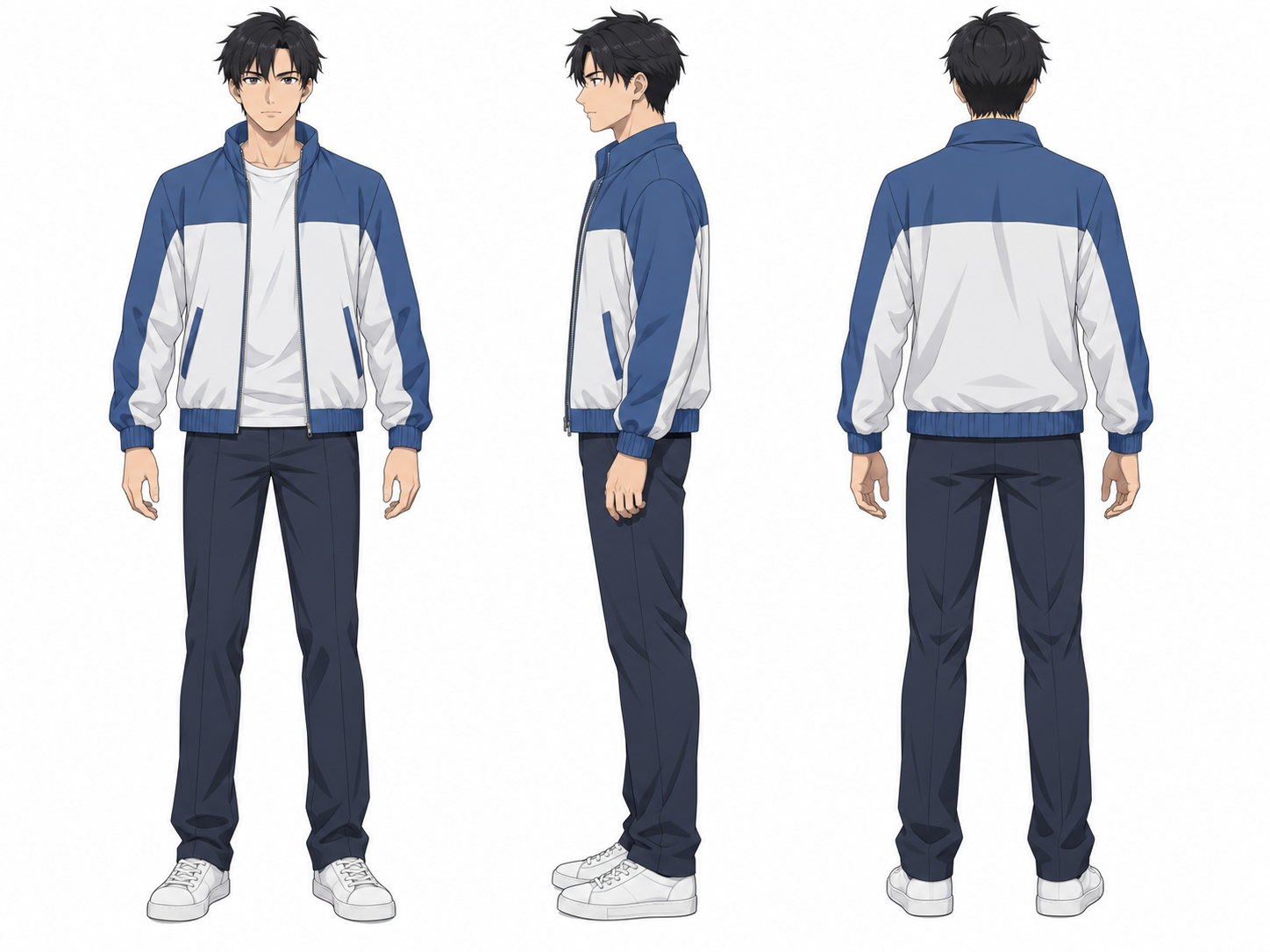
From reference to usable work
Open the sample prompt in the image workspace and edit the character, framing or views. Review the model and estimated credits before generating a design reference.
Read the full turnaround promptTurnaround inputs and checks
| Option | When to use it | Steps and checks |
|---|---|---|
| Character reference | Carry an existing design forward | Sign in to add a clear reference and describe the hairstyle, outfit and signature accessories to preserve. |
| View layout | Compare all three angles side by side | Ask for full-body views at a shared scale and ground line. Check height, soles and garment seams across the result. |
| Side-view revision | The side view comes out at an angle | Reuse the source reference, describe the strict profile and facing direction, then compare with the front and back. |
FAQ
Can I make a turnaround from text alone?
Yes. Start from the sample prompt. For an existing character, choose a reference-capable model and add the source image for appearance guidance.
Will all three views match exactly?
Back details, left and right accessories and garment construction can vary. Approve one baseline view and revise the mismatches against it.
Can I use the sheet for 3D modeling?
Use it as a concept reference for modeling. Re-align the views in a design tool where orthographic accuracy and exact dimensions matter.
Where do I see the cost before generating?
The image workspace shows estimated credits for the selected model, size and quantity before you submit.