InkRoom · Visual & Batch Design Studio
AI handheld product images: pose & scale
Handheld product images combine a person, a grip and believable product scale. Reference the actual item and review fingers, occlusion and labels before publishing.

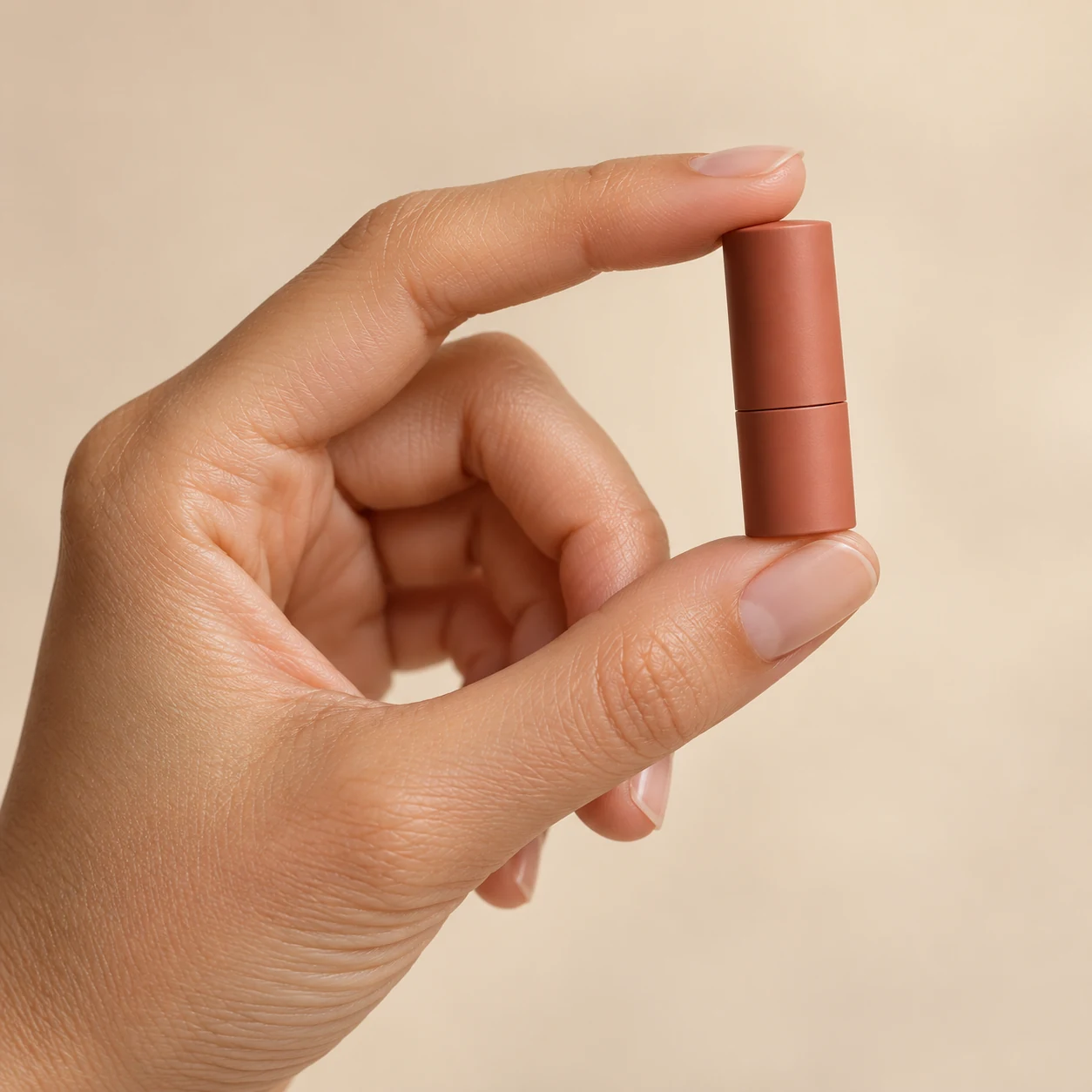
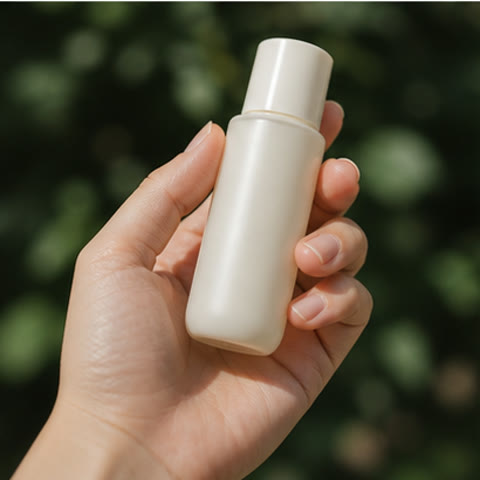
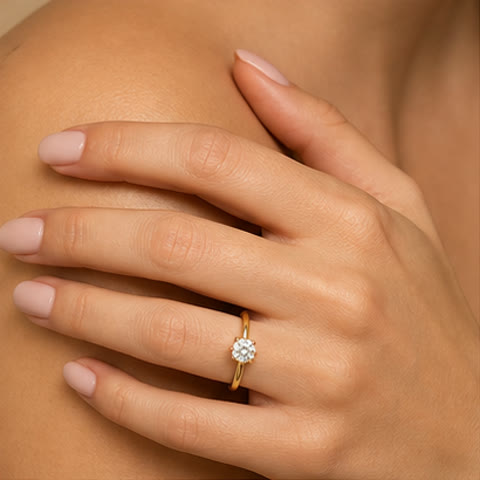
AI-created examples illustrating composition and review points.
How should I brief a handheld pose?
| Dimension | Brief | Review |
|---|---|---|
| Grip | Where the thumb and fingers contact the item | Joints, nails and finger count |
| Scale | Actual dimensions relative to the palm | Bottle, rim and palm proportions |
| Presentation | Label faces the camera without obstruction | Complete logo and sales information |
Start with these three scene recipes
Opening a template only prefills the prompt. Add the required references, review estimated credits and confirm before generating.
Skincare bottle close-up
Reference requirements: Front product photo, ideally with dimensions.
Show the reference skincare bottle held naturally from below with one hand and the thumb at its side. Face the full label toward the camera. Soft daylight, pale beige background, realistic palm-to-bottle scale. Preserve cap and packaging text.Coffee cup in use
Reference requirements: A photo clearly showing the cup and handle.
Create a table-side scene using the reference cup, with fingers naturally through its handle and the design facing outward. Add soft window shadows on the table. Preserve the handle and rim; add no branding.Small bag shoulder detail
Reference requirements: Full bag photo and hardware detail.
Style the reference bag with a simple top. The model lightly holds the strap with one hand while the other rests naturally. Show the complete bag, preserving hardware, stitching and strap length against a clean background.Pre-publication checklist
- Natural finger count and joint bends
- No intersections between hand and item
- Believable product scale
- Grip leaves the label readable
FAQ
How do I keep the label unobstructed?
Specify grip position, thumb direction and label orientation. Start from a clear front-label photo, and focus subsequent edits on the obstructing region.
Why does the product look oversized?
Provide real dimensions and palm-relative scale, such as a bottle height comparable to palm length, and reduce wide-angle perspective. Compare against a real reference.
How do I add a person to an approved product image?
Reuse the approved product image and describe clothing, framing and grip. Specify preservation of the outline, packaging and lighting direction.
Sources
Last reviewed: