InkRoom · Visual & Batch Design Studio
AI product posters with clear visual hierarchy
Plan the product, headline and call to action before styling a poster. Generate a visual base from accurate campaign details, then typeset prices, dates and terms.

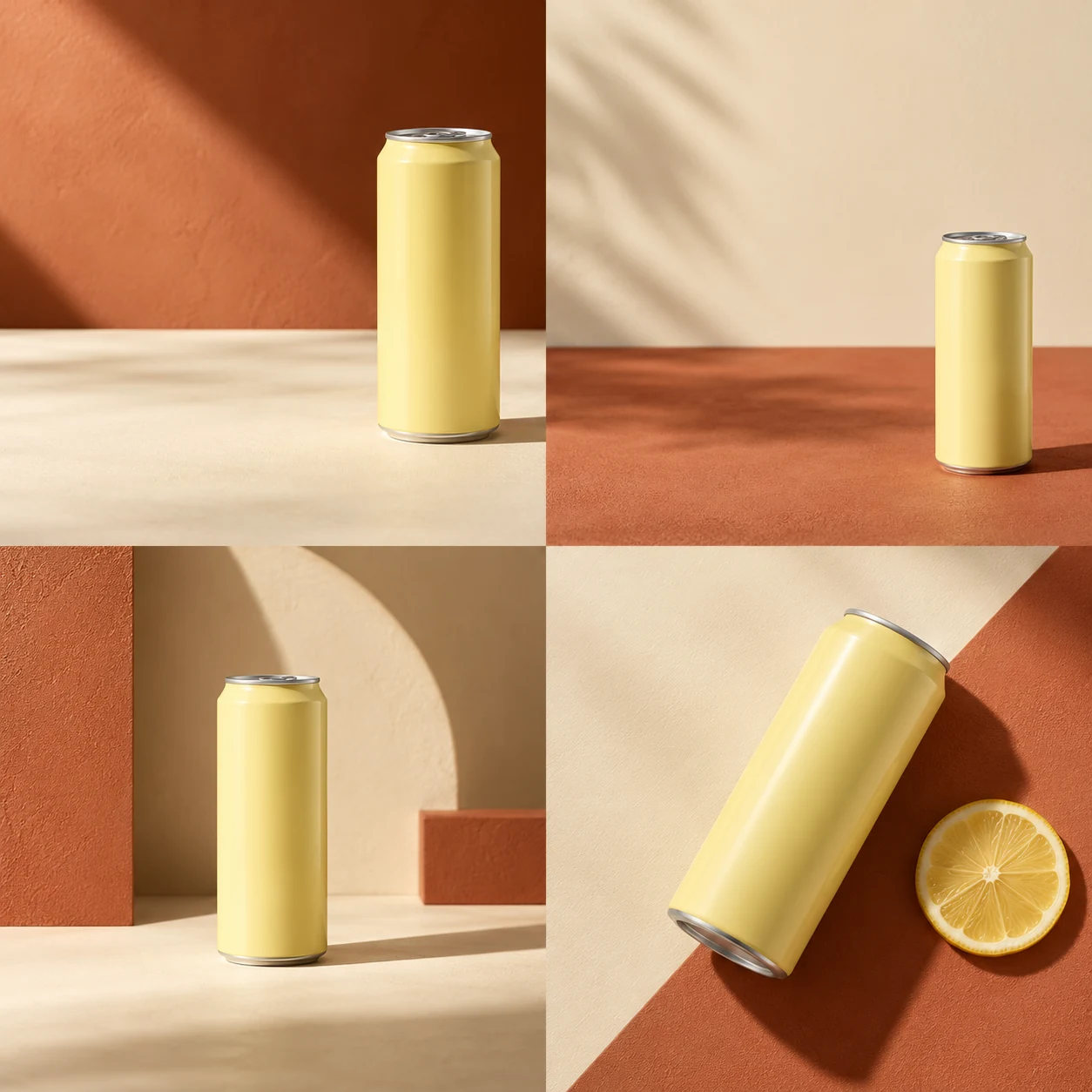
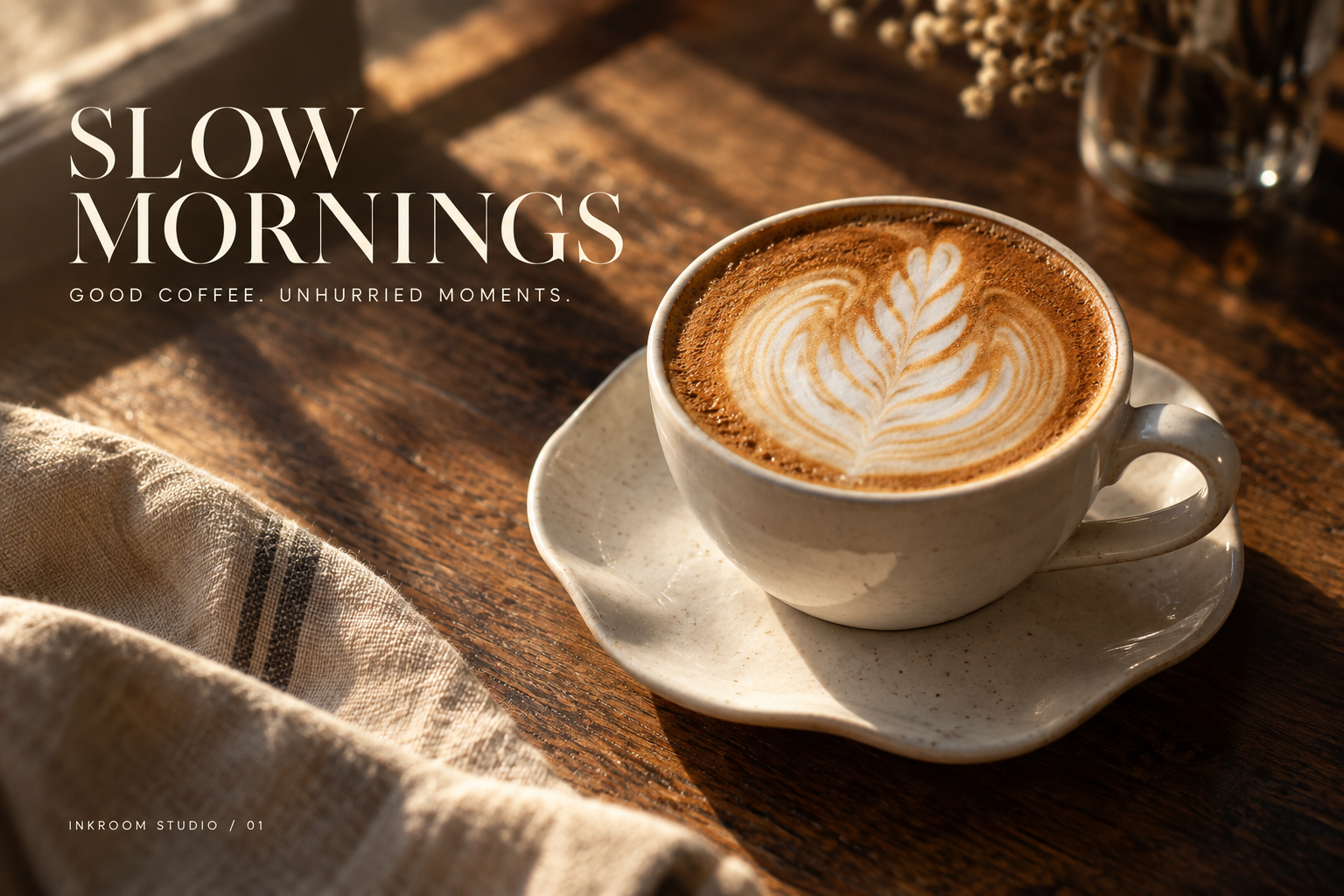

AI-created examples illustrating composition and review points.
Which poster elements should stand out?
| Hierarchy | Content | Production |
|---|---|---|
| First glance | Product and one theme | Strong focal point and layered background |
| Second glance | Campaign headline and real benefit | Short headline with high-contrast text space |
| Action | Date, price and QR placement | Typeset exact copy and a real QR code |
Start with these three scene recipes
Opening a template only prefills the prompt. Add the required references, review estimated credits and confirm before generating.
Coffee campaign poster
Reference requirements: Cup or coffee product photo.
Create a minimal coffee poster base with the reference cup at the lower right, soft morning light and a cream background. Leave a large headline area at the upper left, with realistic coffee texture. No text or QR codes.Skincare launch visual
Reference requirements: Accurate packaging photo and brand palette.
Create a fresh launch poster with the reference skincare bottle below center, a pale orange gradient and soft glass textures. Leave space above, preserve the label and add no efficacy or discount claims.Minimal apparel campaign
Reference requirements: Full garment photo and target aspect ratio.
Create a quiet luxury campaign base for the reference garment, with a natural standing pose, ivory background and soft side light. Highlight cut and fabric, leave headline space on the right, and preserve the garment and accessories.Pre-publication checklist
- Product and theme are clear at thumbnail size
- Price, dates and terms checked word for word
- Real QR code tested by scanning
- Text remains inside platform crop-safe areas
FAQ
How should I handle poster prices and dates?
Use generation for the visual base, leave text space, and enter approved prices, dates and terms in a layout tool.
Should the model generate a QR code?
Use an original QR file generated from the actual business link, place it in the final layout and test it by scanning.
How do I adapt a campaign to landscape and portrait?
Reuse product and palette references, recompose subject and headline space for each ratio, and inspect platform crops rather than stretching the image.
Sources
Last reviewed: