InkRoom · Visual & Batch Design Studio
AI commercial design drafts & editing handoff
Use InkRoom for commercial visual drafts and concept exploration. Approve composition and style, then move selected images into layout tools for typography, layers and print preparation.

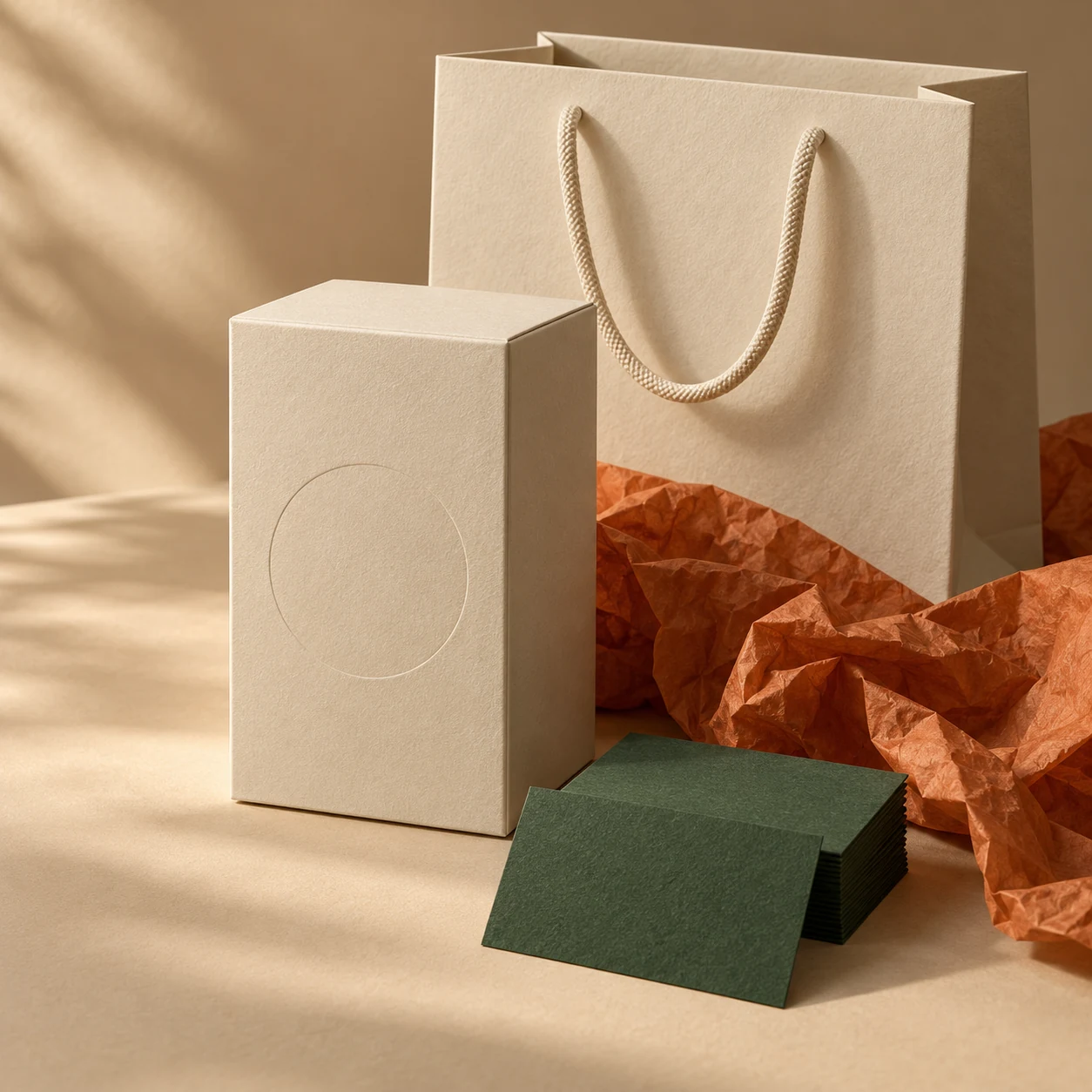
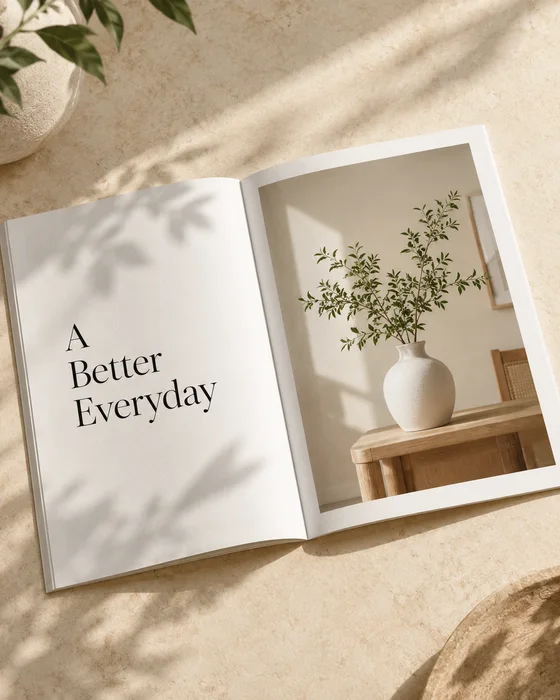

AI-created examples illustrating composition and review points.
How do I hand off a visual draft for print?
| Stage | Focus | Deliverable |
|---|---|---|
| Exploration | Composition, materials and palette | Comparable visual concepts |
| Layout | Exact copy, grid and brand typography | Photoshop / Illustrator layout files |
| Print preparation | Trim, bleed and printer color requirements | Final files exported to printer specifications |
Start with these three scene recipes
Opening a template only prefills the prompt. Add the required references, review estimated credits and confirm before generating.
Brochure cover concept
Reference requirements: Brand palette, style reference and cover dimensions.
Create a modern brochure cover concept with layered paper forms and tactile materials in warm white and pale orange. Leave space for a brand heading above and a caption below. No generated text, portrait cover composition.Product brochure spread
Reference requirements: Product photo and brochure folding sketch.
Create a landscape brochure visual with the reference product on the right and simple light-and-shadow negative space on the left. Preserve material, text and structure, keeping critical details away from the central fold.Brand mood direction
Reference requirements: Brand colors and material references.
Explore a quiet luxury brand direction with cream white, amber orange and fine stone textures. Use restrained light, clear hierarchy and generous space. Add no logos, text or invented products.Pre-publication checklist
- Brand owner has approved the visual direction
- Exact copy, logo and fonts placed in layout software
- Trim, bleed and safe areas checked
- CMYK, ICC and export follow printer requirements
FAQ
How do I deliver a layered PSD?
Import the selected image into Photoshop and organize background, product, text and branding layers in the layout file. InkRoom supplies the visual concept.
When should I convert to CMYK?
After concept approval, convert during prepress using the printer's ICC profile and paper conditions, then soft-proof or make a physical proof.
How do I keep brochure details away from folds?
Specify fold positions and leave them clear in the brief. Keep text, logos and critical product details inside safe areas, then inspect using actual fold dimensions.
Sources
Last reviewed: