InkRoom · Visual & Batch Design Studio
AI ecommerce image production guide
Turn product photos into listing, lifestyle and detail images. Approve a sample before scaling; use the API for volume or MCP for an accessible agent workflow.

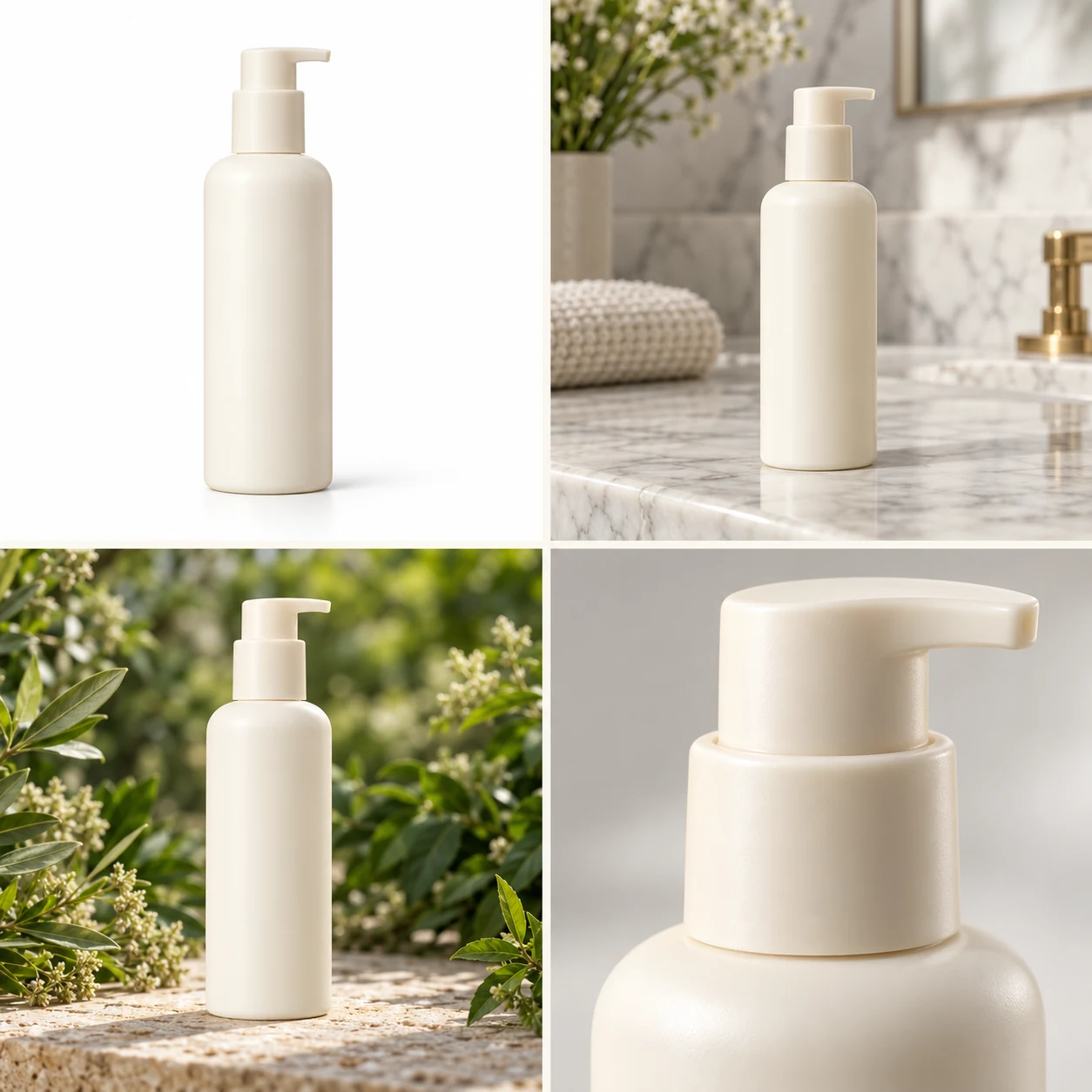
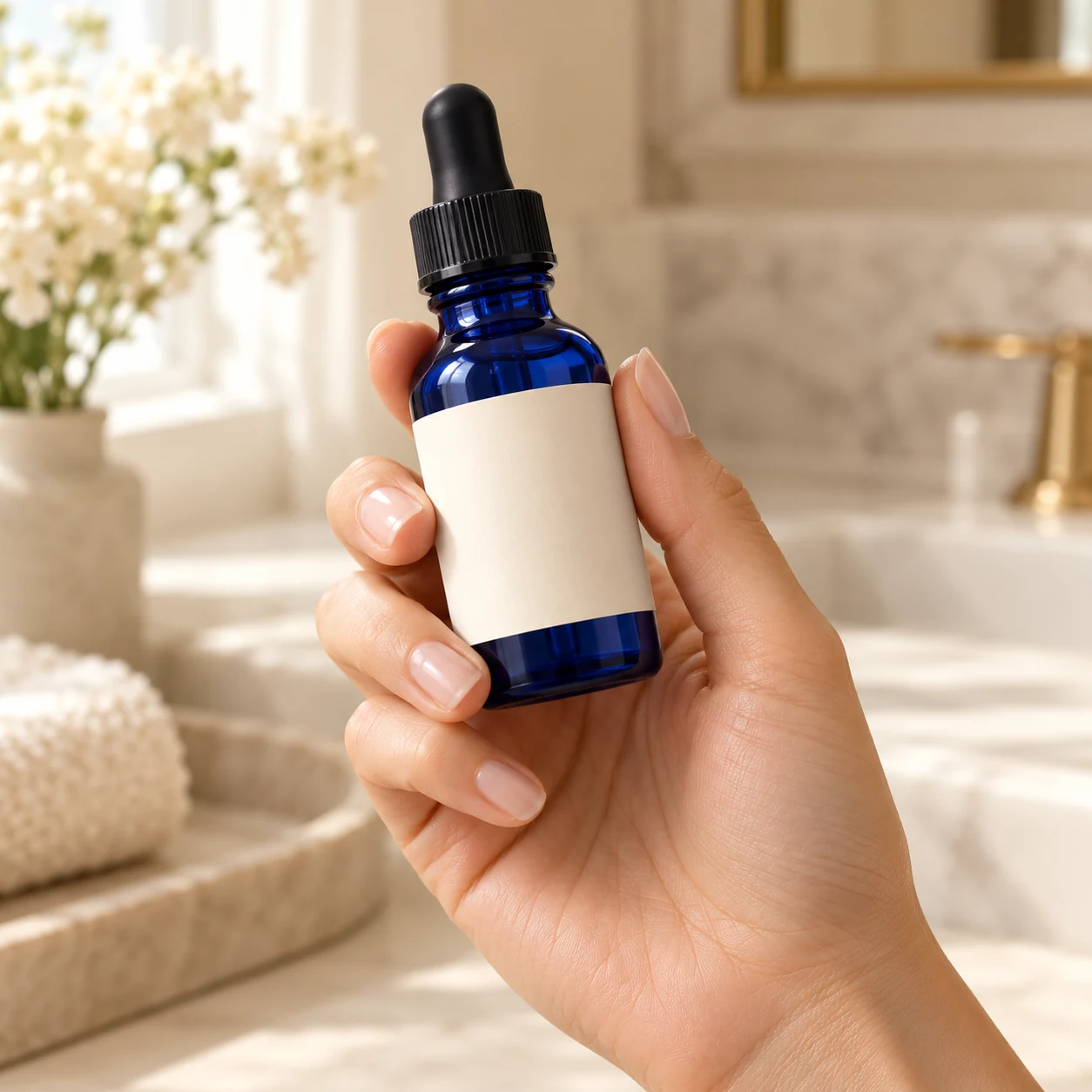
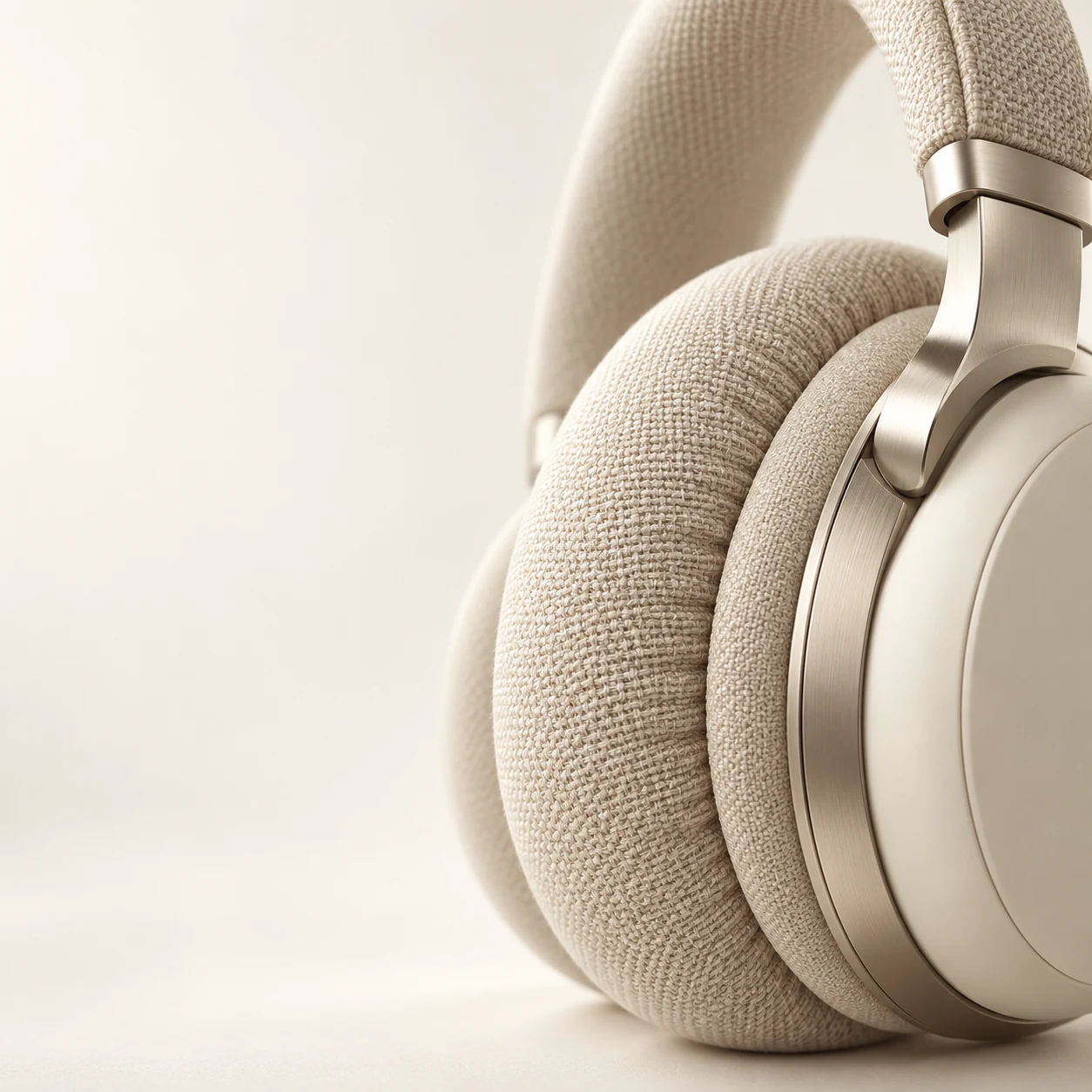
AI-created examples illustrating composition and review points.
How should listing, lifestyle and detail images work together?
| Placement | Purpose | Inputs | Review |
|---|---|---|---|
| Main image | Shape, variant and actual color | Full product photo | Recognizable as a thumbnail |
| Lifestyle | Use, setting and scale | Product and setting brief | Props do not imply included items |
| Detail image | One benefit per image | Verified facts and close-ups | Accurate text, units and materials |
Start with these three scene recipes
Opening a template only prefills the prompt. Add the required references, review estimated credits and confirm before generating.
Daylight listing image
Reference requirements: One clear, unobstructed product photo.
Use the uploaded product photo. Preserve the design, logo, packaging text and material. Three-quarter front view, soft window light, clean pale background, full product with even margins. Add no accessories or promotional text.Realistic use scene
Reference requirements: Product photo; optionally a target setting photo.
Place the reference product in a minimal modern home. Preserve relative size, appearance and label. Add natural contact shadows and a softly blurred background. Show realistic use without inventing a bundle or changing the packaging.Material close-up
Reference requirements: A full product photo and a material close-up.
Create a close-up of the reference product showing its real texture, stitching or surface finish. Preserve color and structure. Use soft side lighting and a restrained background, leaving space on the right for captions. Generate no specifications, certification badges or text.Pre-publication checklist
- Each image has a distinct listing role
- Variant, quantity, packaging and included items match
- Series use consistent aspect ratios and margins
- Subject and key detail remain clear on mobile
FAQ
How do I create a set for one product?
Prepare full-product and detail photos. Brief the main, lifestyle and detail images separately. Approve appearance and color in the first image, then reuse those references for the remaining placements.
What should different SKUs share?
Share background, lighting, viewpoint, aspect ratio and margins. Provide an accurate color or design reference for each SKU so shoppers can compare them.
Should I use the web, API or MCP for a catalog?
Use the web for daily creation and sample approval, the API for production integration, and MCP for an assistant-led workflow. Scale from an approved brief.
Sources
Last reviewed: