InkRoom · Visual & Batch Design Studio
AI white-background product photos
A white-background product image preserves the item while simplifying its background and margins. Target RGB 255,255,255, then inspect downloaded pixels, edges and product fill.

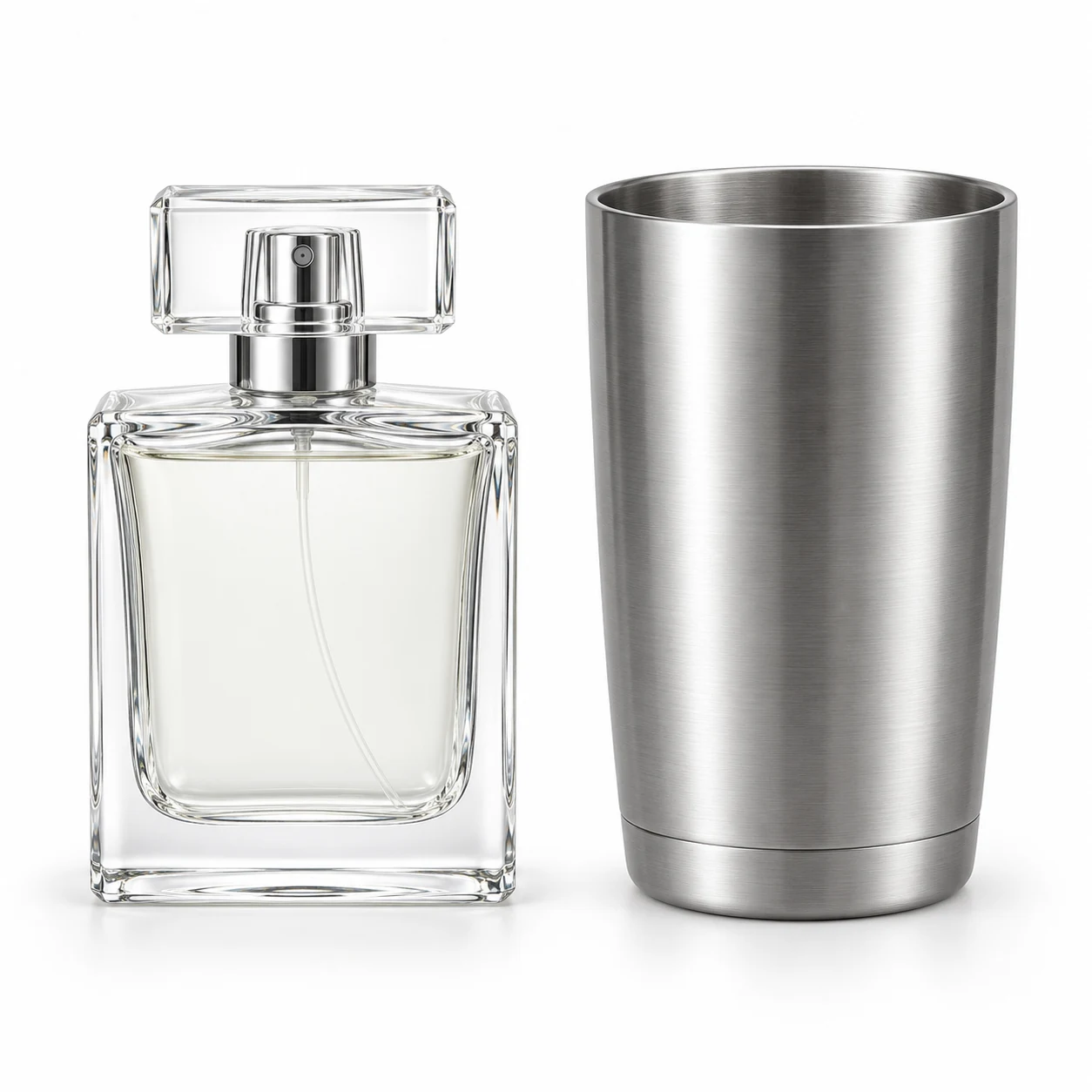
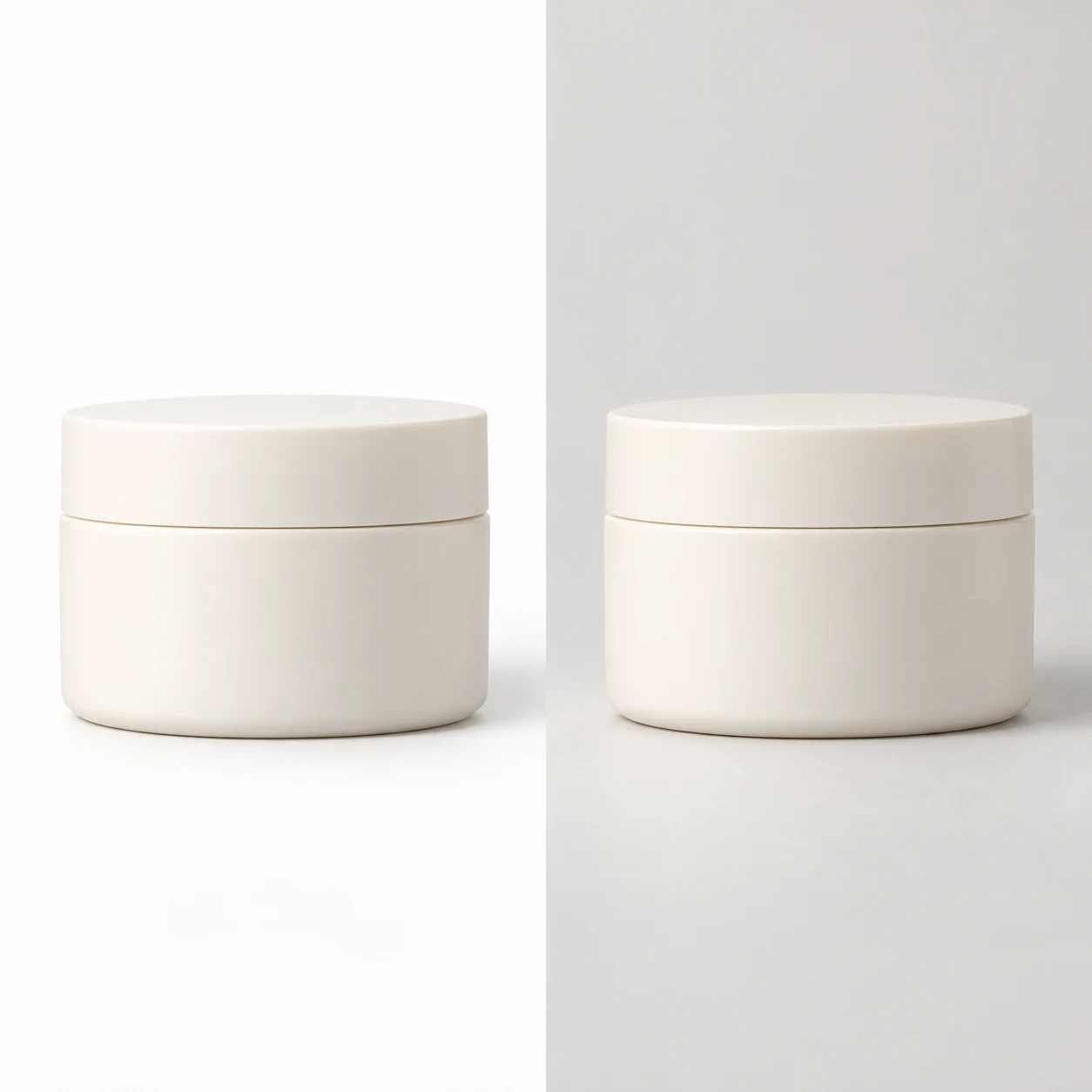
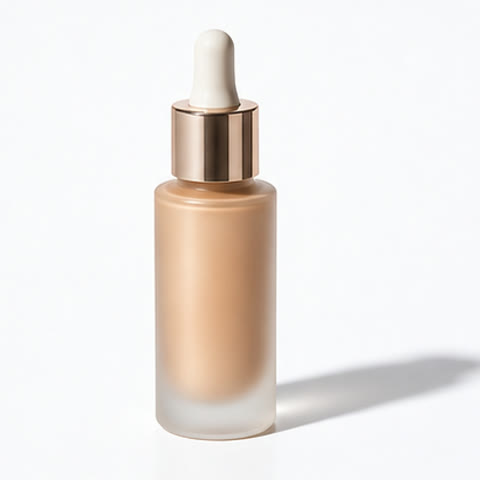
AI-created examples illustrating composition and review points.
Which white-background settings should I review?
| Parameter | Production target | Review method |
|---|---|---|
| Background | Pure white #FFFFFF | Sample corners and the area around the item |
| Product and margins | Show the entire product | Inspect base, handles and protruding parts |
| Edges | Clean edges without halos | Zoom into hair, openings and transparent areas |
Start with these three scene recipes
Opening a template only prefills the prompt. Add the required references, review estimated credits and confirm before generating.
Clean white listing
Reference requirements: A complete product photo with a distinguishable background.
Use only the reference product on a pure white RGB 255,255,255 background. Preserve its outline, label and color. Center the complete product with clean edges and even margins. Add no text, props, reflections or parts.Flat-lay garment on white
Reference requirements: A front flat-lay photo with complete garment edges.
Create a flat-lay product image of the reference garment. Preserve neckline, cuffs, buttons, texture and cut on an evenly lit pure white background. Show the full garment. Do not change its length or add jewelry or a model.White scene with contact shadow
Reference requirements: Product photo; confirm whether the placement allows shadows.
Create a storefront product image from the reference on a clean white background. Keep a subtle natural contact shadow beneath the item and preserve its material and packaging. Emphasize volume without decoration.Pre-publication checklist
- Background samples match the required white
- No clipped or stretched product
- No residue in necks, handles or openings
- Image matches the placement and category
FAQ
How do I fix a background that looks gray?
Sample the downloaded background. For exact white, select the background in an image editor, fill #FFFFFF, inspect contact edges and export. Use generation for the composition and post-processing for exact pixel values.
Should I remove every shadow?
Choose by placement. Strict main images prioritize a clean background; storefront presentation images may retain natural contact shadows. Do not reuse lifestyle styling without checking main-image requirements.
How do I keep white garments visible?
Use a reference with visible texture and tonal depth. Describe the garment outline and soft side lighting. Inspect cuffs, hem and neckline so material shading separates the garment from the background.
Sources
Last reviewed: