InkRoom · Visual & Batch Design Studio
2026 AI ecommerce photo tool comparison
Choose ecommerce image tools by task: cutouts, scene generation or SKU editing. Test appearance, batch delivery and integration using the same photos, then compare total cost.

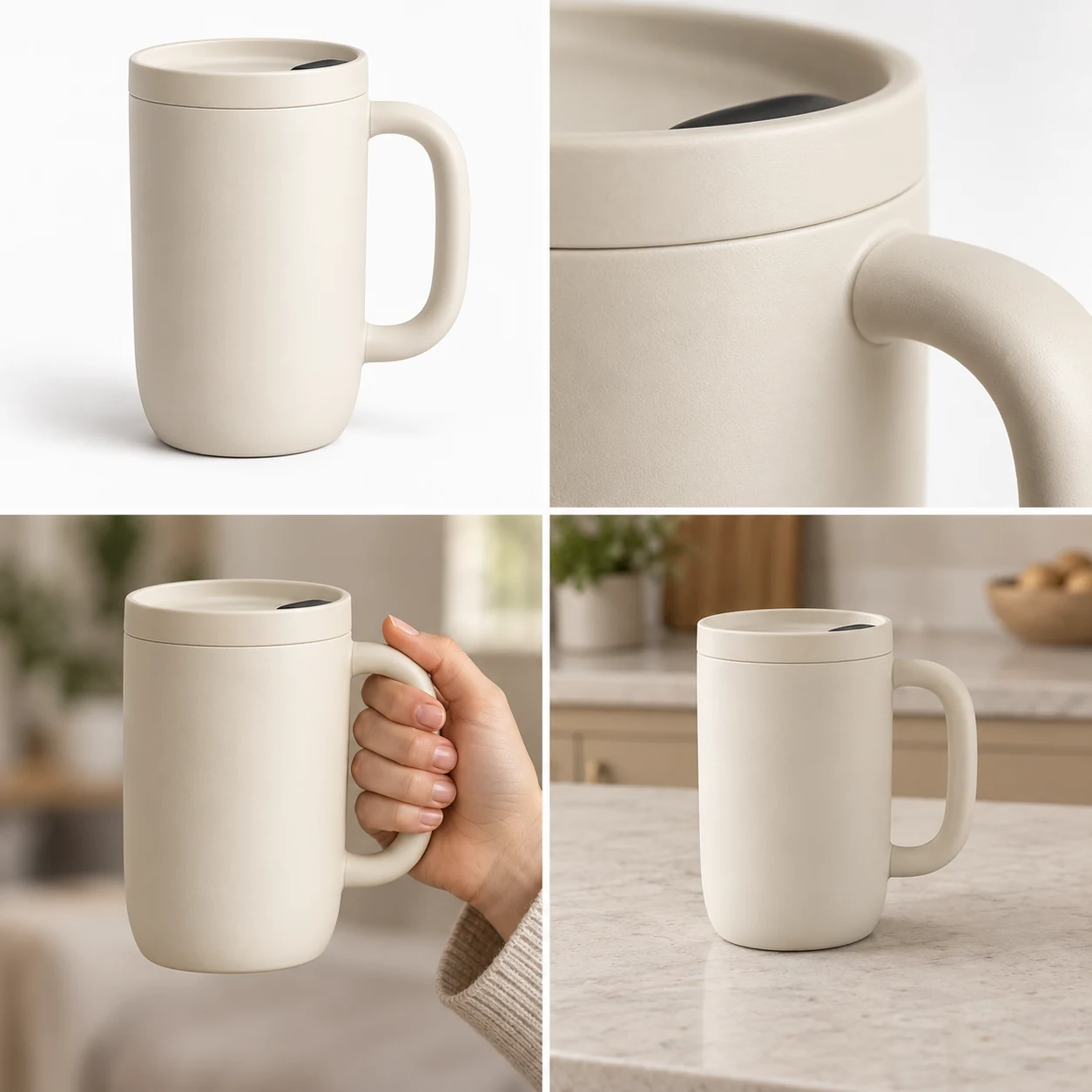
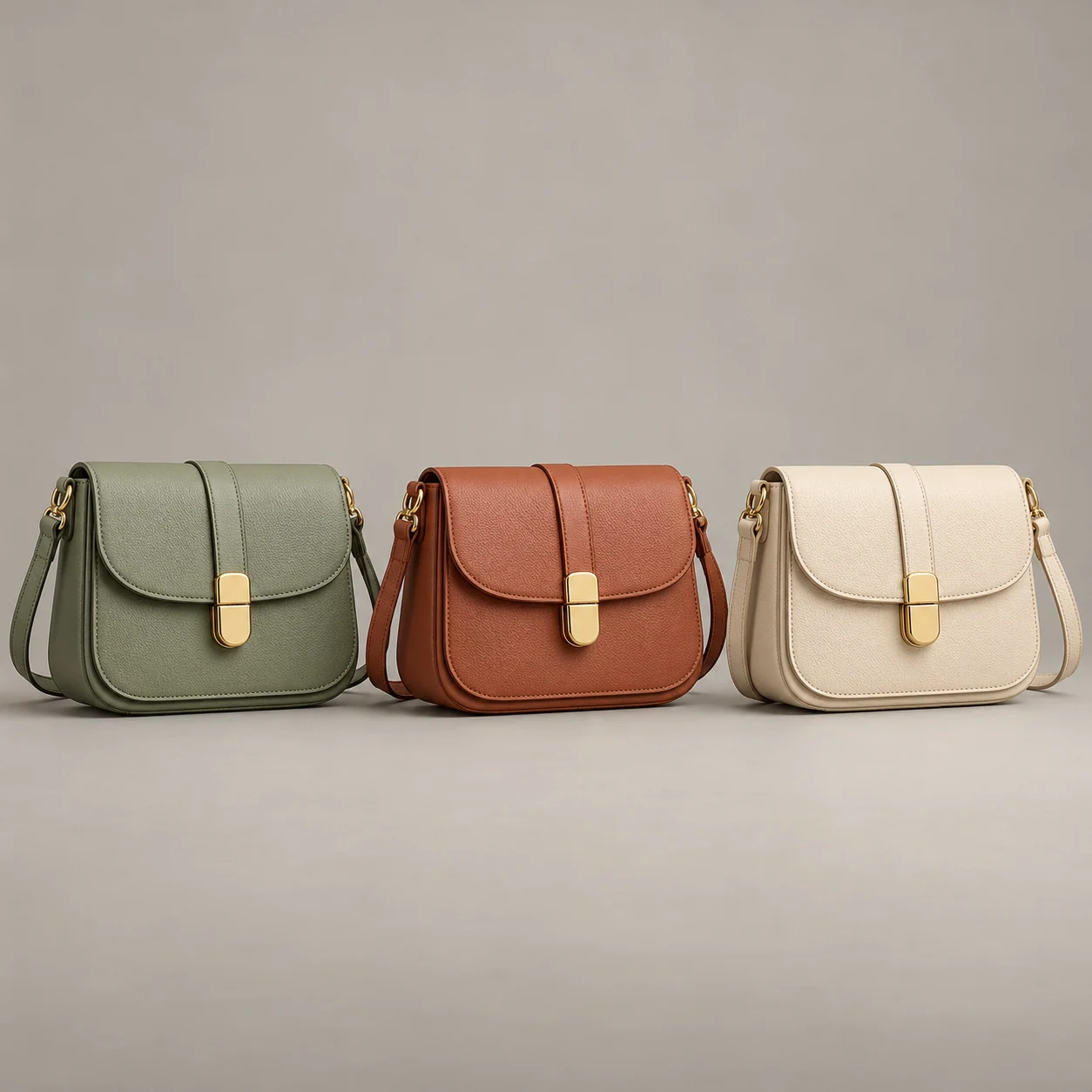
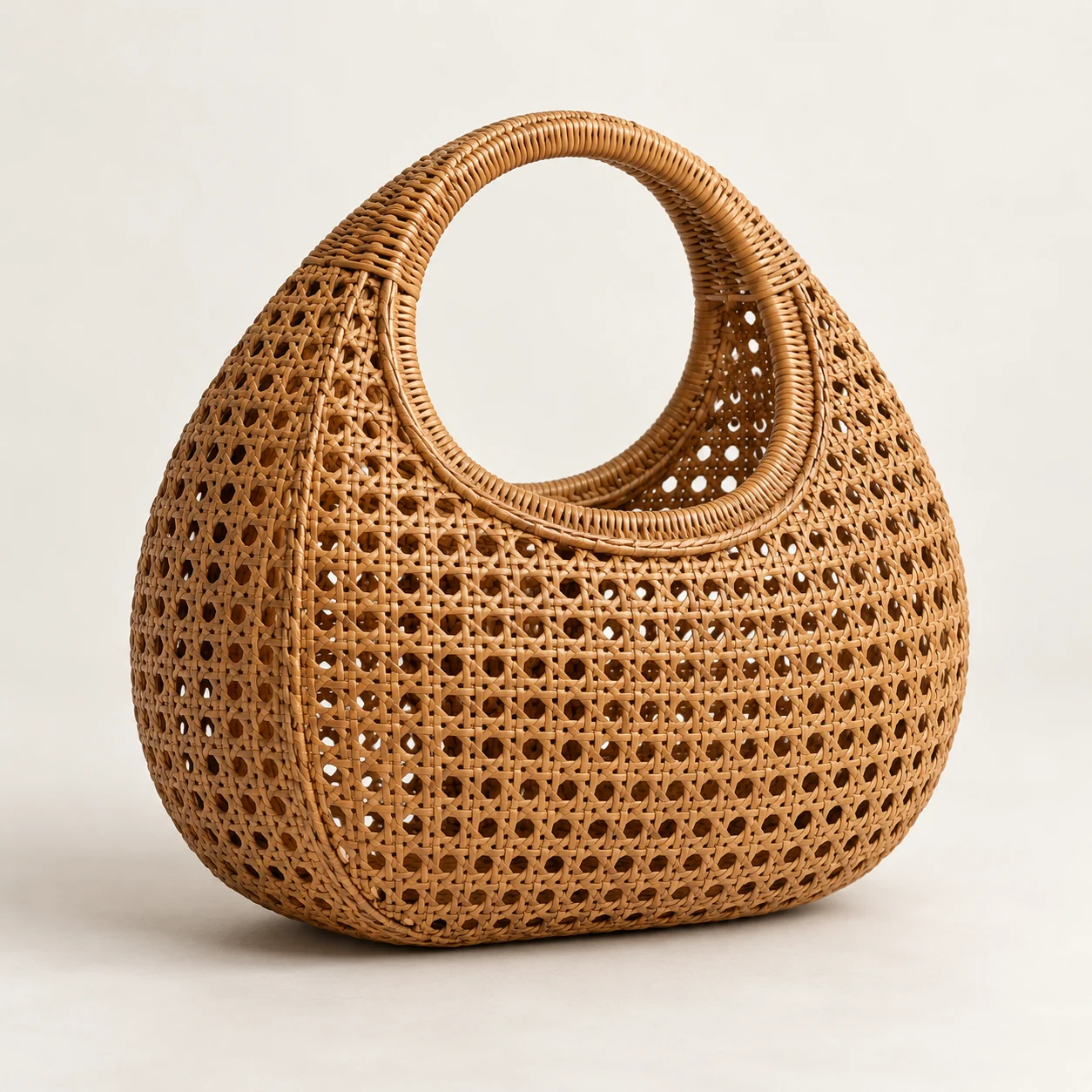
AI-created examples illustrating composition and review points.
How can I compare product-image tools fairly?
| Test dimension | Controls and measurement units | Decision criterion |
|---|---|---|
| Product retention | Same source, prompt and output brief; record passes/total for logo, silhouette and material | Review error types and acceptance rate, not only the best image |
| Batch and recovery | Same batch size; record successes, failures, retries and successful downloads | Check web/API/MCP support for your actual workflow |
| Cost per deliverable | (Initial generation + retry charges + labor minutes × rate per minute) / accepted images | Compare at the same quality bar and currency; record date and plan conditions |
Start with these three scene recipes
Opening a template only prefills the prompt. Add the required references, review estimated credits and confirm before generating.
Controlled white-background test
Reference requirements: Use the identical source file in every tool.
Using the same reference, create a pure white listing image. Preserve shape, logo, material and label, center the full product and use even light. Add no text, props or accessories.Controlled lifestyle test
Reference requirements: One fixed product photo without prior beautification.
Place the same reference product on a pale wooden table with soft window light and blurred green plants behind it. Preserve packaging and scale; change only the setting, not the item or label.Controlled material test
Reference requirements: A textured product photo containing text or a logo.
Create a close-up material view of the reference product, retaining texture, seams, reflections and actual color. Three-quarter front view, plain pale gray background, no invented details.Pre-publication checklist
- Same source file and brief across tools
- Record accepted and reworked images, not only the best
- Record plan, API and batch conditions separately
- Calculate cost and time per deliverable
FAQ
Why not compare only the best image?
A best image shows potential, while production also depends on acceptance, rework and delivery time. Record all outputs for a fixed product set.
How do I compare reference handling?
Use a photo with packaging text, texture and a distinct outline. Apply the same edit brief and compare logos, glyphs, shape and material rather than background appeal alone.
Which integration conditions matter for batches?
Check API, MCP, task status, original downloads and recovery. Approve samples on the web, then reuse approved briefs through integrations.
Sources
Last reviewed: