InkRoom · Visual & Batch Design Studio
AI background removal for products & portraits
Clean up product backgrounds by preserving silhouette and material, then reviewing edges and openings. Reference editing creates white-background versions; verify the actual alpha channel when transparent delivery is required.


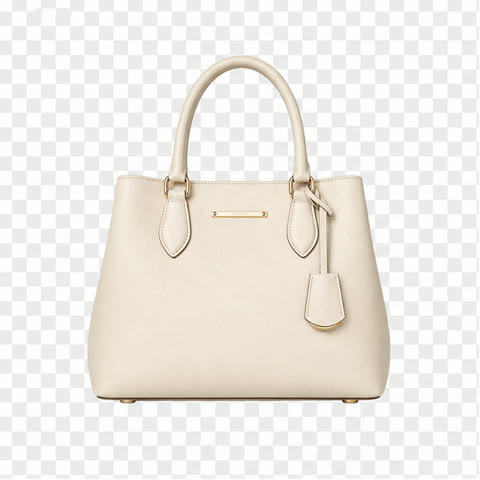
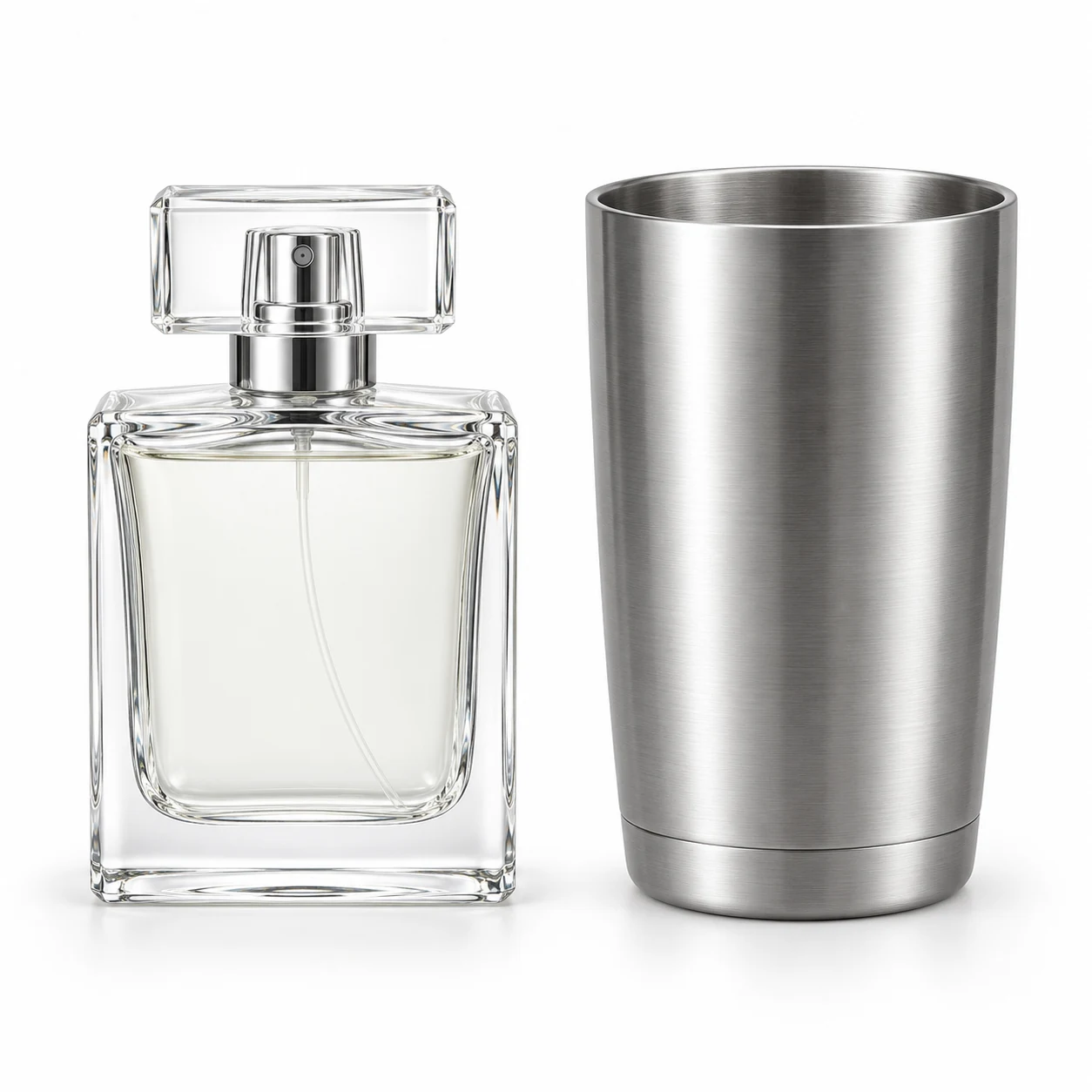
AI-created examples illustrating composition and review points.
How do white-background editing and transparent cutouts differ?
| Output | Image content | Review |
|---|---|---|
| White version | Subject and white background in one image | Background color, edges and appearance |
| Transparent file | Alpha channel separates the background | Check edges on dark and light backgrounds |
| Glass and hair | Fine transitions and translucency | Openings, reflections and hair continuity |
Start with these three scene recipes
Opening a template only prefills the prompt. Add the required references, review estimated credits and confirm before generating.
Product on white
Reference requirements: A sharply focused original product photo.
Preserve the reference product's complete shape, label and material. Replace the cluttered background with clean white, remove surrounding clutter and keep the base intact. Add no pedestal or new shadows.Fur edge cleanup
Reference requirements: High-resolution plush photo with in-focus edges.
Create a clean pale-background version of the reference plush item. Preserve fur direction, length and fine edges without turning them into a hard outline. Keep eyes, nose and stitching.Glass bottle cleanup
Reference requirements: Original photo with clear glass edges and liquid level.
Clean the setting behind the reference glass bottle using an even pale background. Preserve glass thickness, edge highlights and liquid depth. Keep the label clear and remove original background objects visible through the bottle.Pre-publication checklist
- No old background inside openings or handles
- No white halos, gray fringing or hard cut edges
- Translucent materials retain light and depth
- Transparent deliveries have a verified alpha channel
FAQ
Why is a white-background image not a transparent PNG?
White is a pixel color; transparency is defined by alpha. Inspect the file on a checkerboard or dark background and use masking and transparent export when needed.
How should I review hair and fur edges?
Zoom into strand continuity and compare on light and dark backgrounds. Look for halos, broken strands and excessive smoothing; refine with masks where needed.
What if the old background remains inside glass?
Include the transmitted area inside the bottle in the editing brief while preserving glass walls and reflections. Compare liquid level, label and rim with the original, then refine complex regions.
Sources
Last reviewed: