InkRoom · Visual & Batch Design Studio
AI product recoloring for SKU visual concepts
Create SKU color concepts from product references while preserving material, structure and lighting. Approve a sample before scaling, then compare final colors with physical swatches.

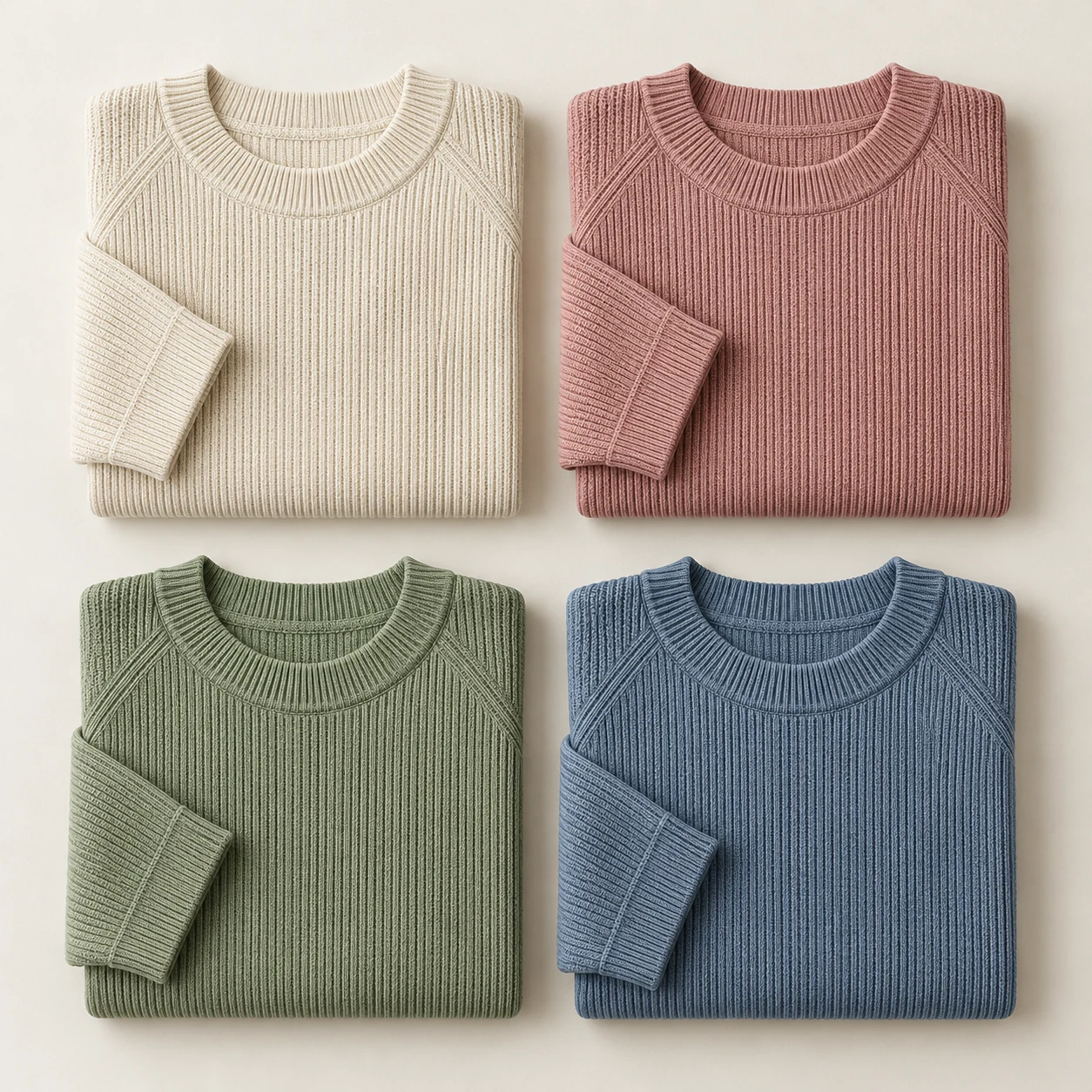
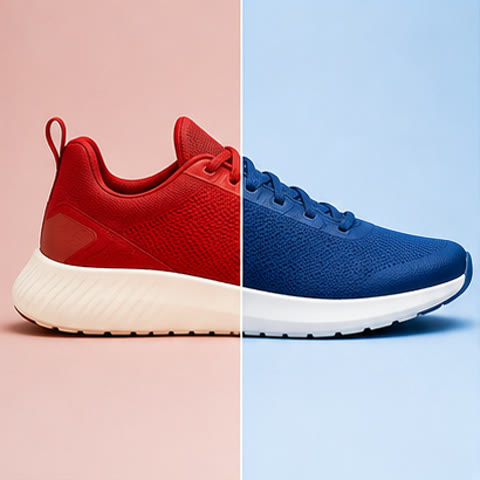
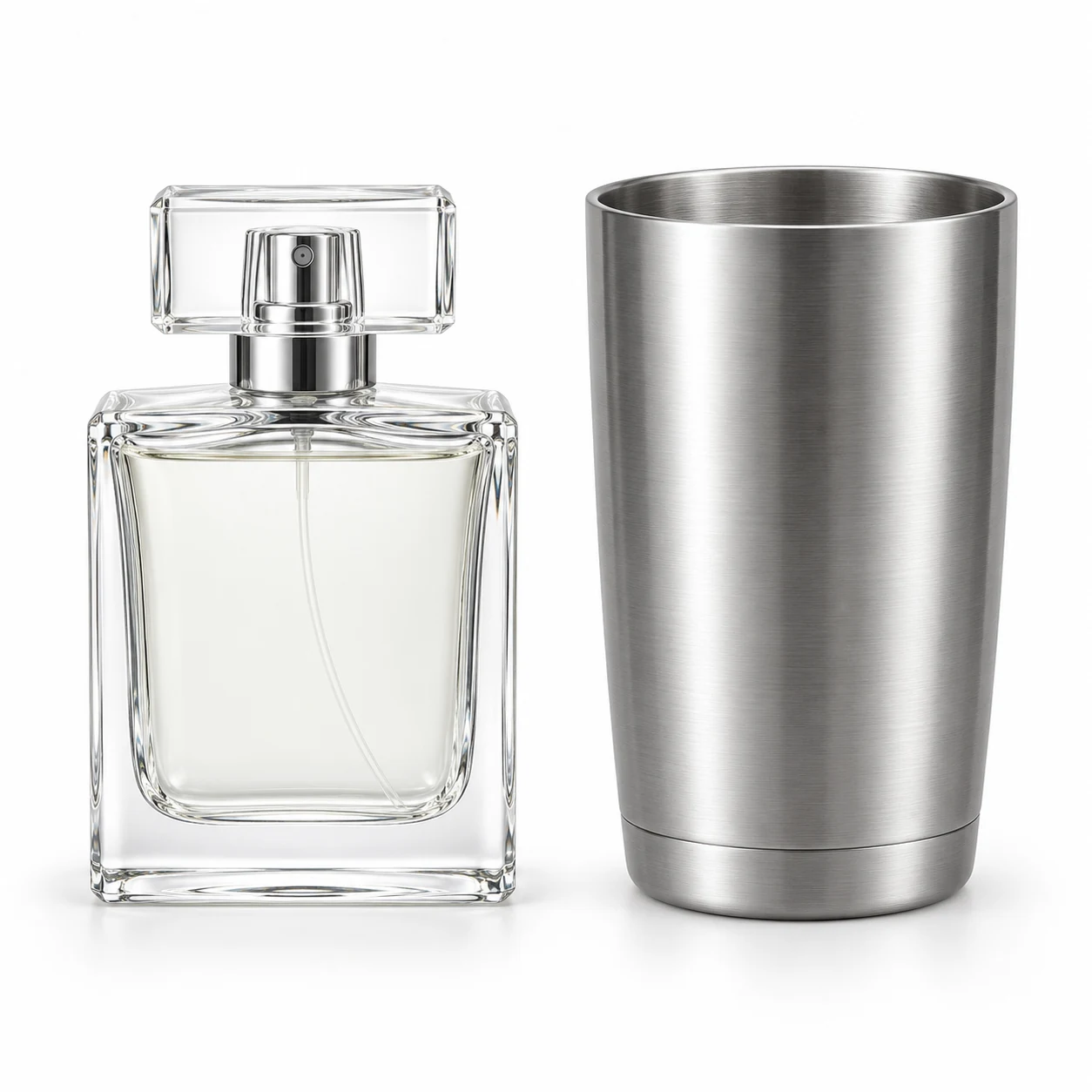
AI-created examples illustrating composition and review points.
How should I cost reshooting, manual Photoshop edits and reference recoloring?
| Method | Inputs and measurement | Color-accuracy limits | Best use |
|---|---|---|---|
| Reshoot | Photography quote + samples/shipping + retouching labor; record spend and minutes per SKU | Actual SKU with swatch and color management; lighting and displays still affect color | Sales images once real samples are available |
| Manual Photoshop recoloring | Selection, masking and retouching minutes × labor rate per minute, plus allocated software cost | Local control still requires swatches, calibrated displays and final review | Small sets and intricate-edge finishing |
| InkRoom reference recoloring | (Actual generation charges including retries + review minutes × labor rate per minute) / accepted images | Swatches guide generation; HEX or ΔE matching is not guaranteed; approve against real samples | Multi-SKU concepts and scaling from an approved sample |
Start with these three scene recipes
Opening a template only prefills the prompt. Add the required references, review estimated credits and confirm before generating.
Change garment color only
Reference requirements: Original garment photo and target fabric swatch.
Change only the reference top's fabric to mist blue. Preserve the person, pose, neckline, buttons, stitching, texture and background. Retain natural folds and lighting without adding patterns.Packaging palette exploration
Reference requirements: High-resolution front packaging photo and palette reference.
Change the reference packaging base color to warm beige. Preserve bottle shape, cap, logo, wording and layout. Keep material and highlight direction; add no slogans and retain readable label contrast.New colorway for a shoe
Reference requirements: Complete shoe view and leather sample.
Create a dark-brown leather colorway of the reference shoe. Preserve the sole, stitching, hardware and silhouette. Change only the leather region, retaining studio background and camera angle with consistent color across both shoes.Pre-publication checklist
- Only the requested region changes color
- Stitching, hardware and logo retain the original design
- Texture and highlights match the material
- Each color is checked against its swatch and SKU
FAQ
How do I preserve the person while recoloring clothes?
Use the same original image, specify the fabric region to change, and list the person, pose and background as elements to preserve. Review one result before expanding colors.
Can a HEX code replace a physical swatch?
HEX communicates a screen-color direction. For sales assets, also provide swatches and compare actual material, lighting and display conditions. Use physical samples and your delivery color workflow for final approval.
How do I keep the same composition across colors?
Reference the same original product photo for each color. Keep viewpoint, scale and margins in the brief and change only the target color. Name results by SKU for comparison.
Sources
Last reviewed: