InkRoom · Visual & Batch Design Studio
AI product detail images
Build detail images around real product benefits, with one message per visual. Prepare accurate copy, dimensions and close-ups before composing the layout.

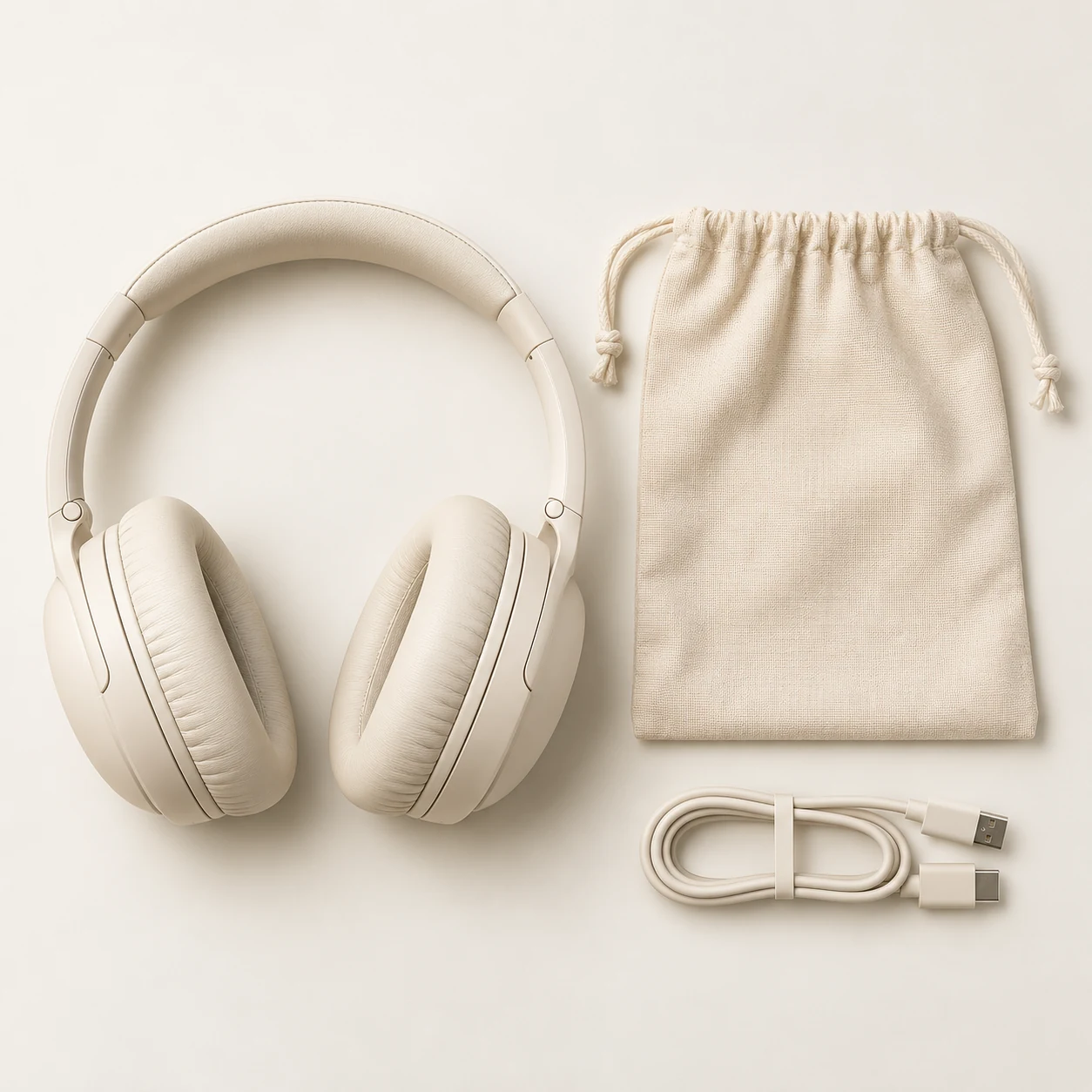

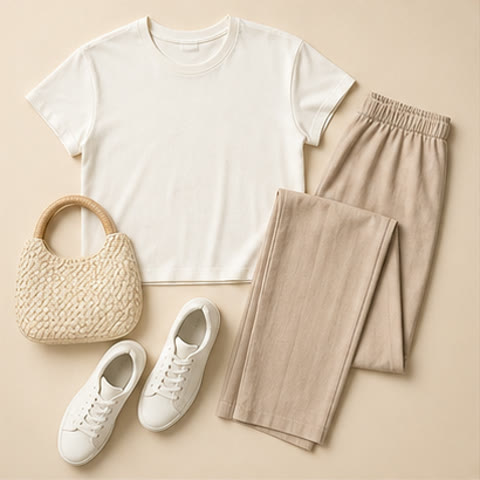
AI-created examples illustrating composition and review points.
What belongs in each detail-page placement?
| Placement | Inputs | Layout |
|---|---|---|
| Material close-up | Real texture and finish photos | Large close-up with one material statement |
| Dimensions | Measured dimensions and units | Plan product scale and annotation space |
| Usage steps | Correct sequence and handling | Consistent angle in a clear sequence |
Start with these three scene recipes
Opening a template only prefills the prompt. Add the required references, review estimated credits and confirm before generating.
Material benefit visual
Reference requirements: Overall product and actual material close-up.
Create a material detail image of the reference product with an enlarged crop showing real grain and stitching. Soft side lighting, space on the left for a short caption, no generated claims or certifications.Dimension annotation base
Reference requirements: Real front/side photos and measurements; add numbers in layout.
Show front and side views of the reference product side by side on pale gray, at a consistent scale. Leave space around them for dimensions. Add no numbers, rulers or arrows; preserve structure.Step-by-step usage visual
Reference requirements: Product structure and accurate usage instructions.
Show the first correct usage step of the reference product: opening its lid on a tidy table, with natural hand movement, a front-side camera angle and a minimal background. Invent no additional functions.Pre-publication checklist
- One real benefit per image
- Numbers and units come from measurements
- Mobile-readable text and clear information order
- No invented certifications, effects or accessories
FAQ
How should I add dimension labels?
Generate a clear base with annotation space, then add measured numbers and units in a layout tool.
How do I keep a long detail page consistent?
Set background, palette, title position and product scale first, then create one benefit at a time with the same original references.
Should I put every benefit into one prompt?
Split benefits across placements, each with its corresponding photo or facts. Establish a clear visual before adding accurate copy.
Sources
Last reviewed: