Gift-Box Reference Editing: How to Request a Single Overhead Image
Specify one output, one gift box and one undivided composition. Separate what must stay from what should change, then check perspective, ribbon connections and material texture.
·
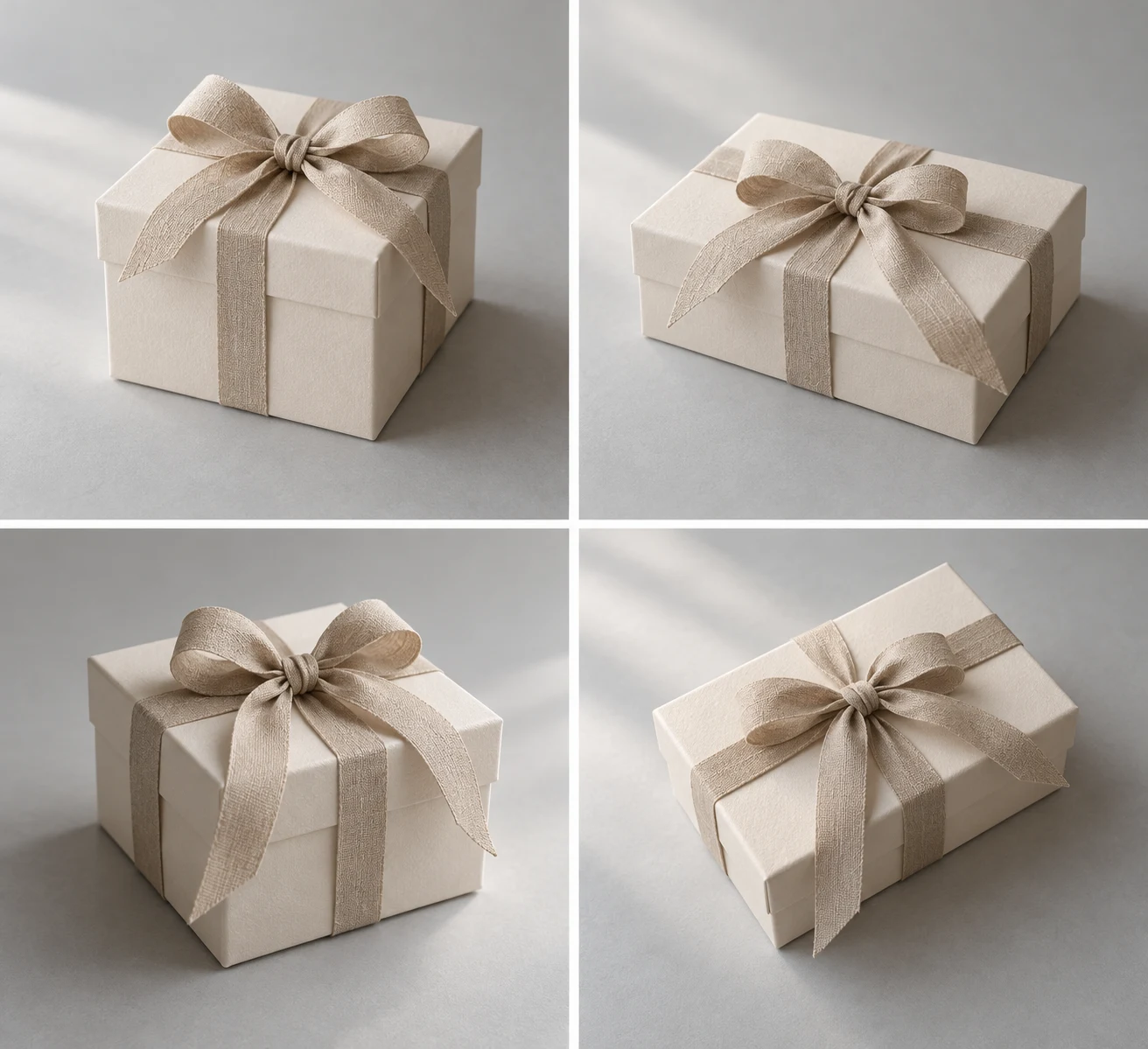
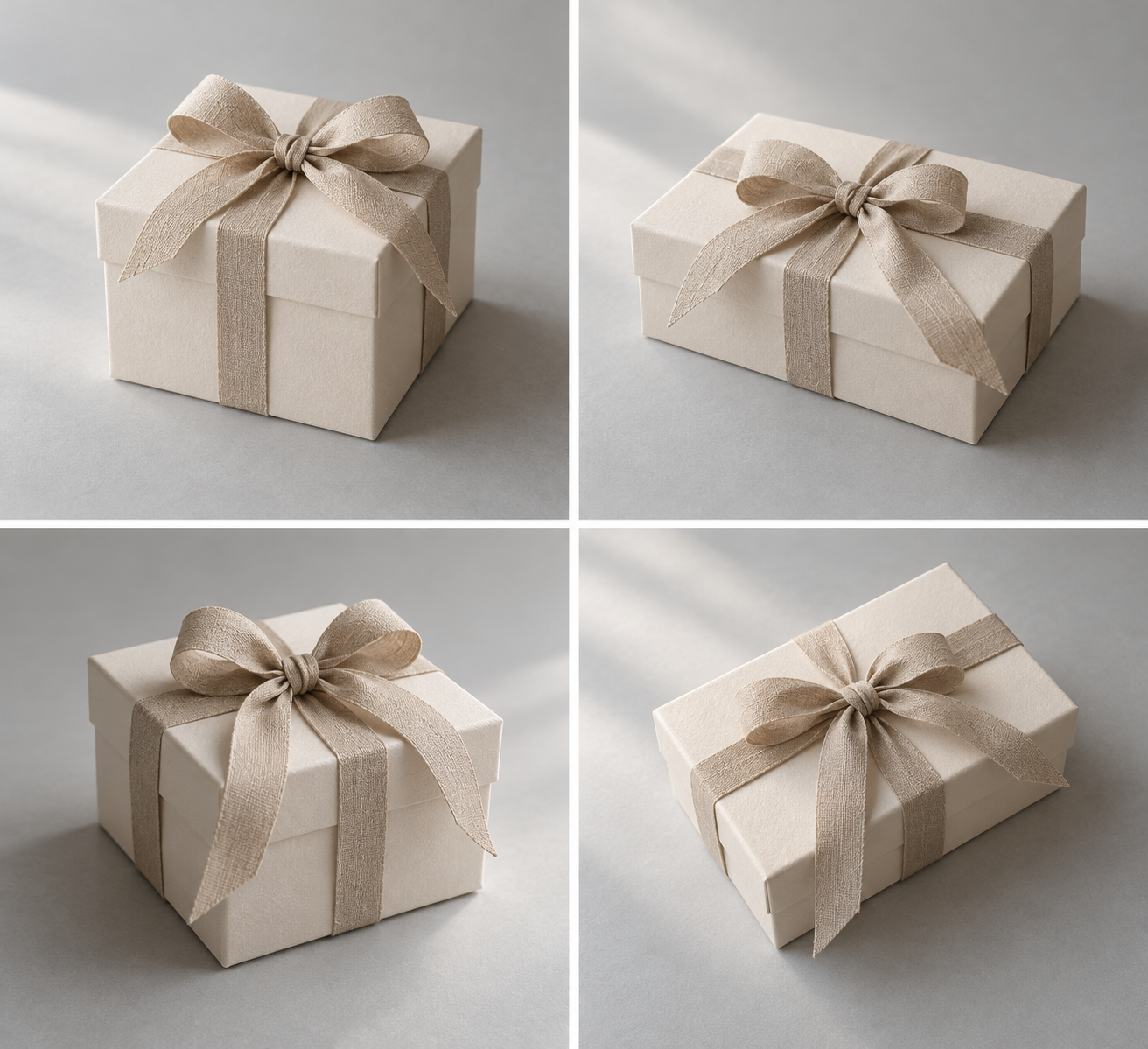
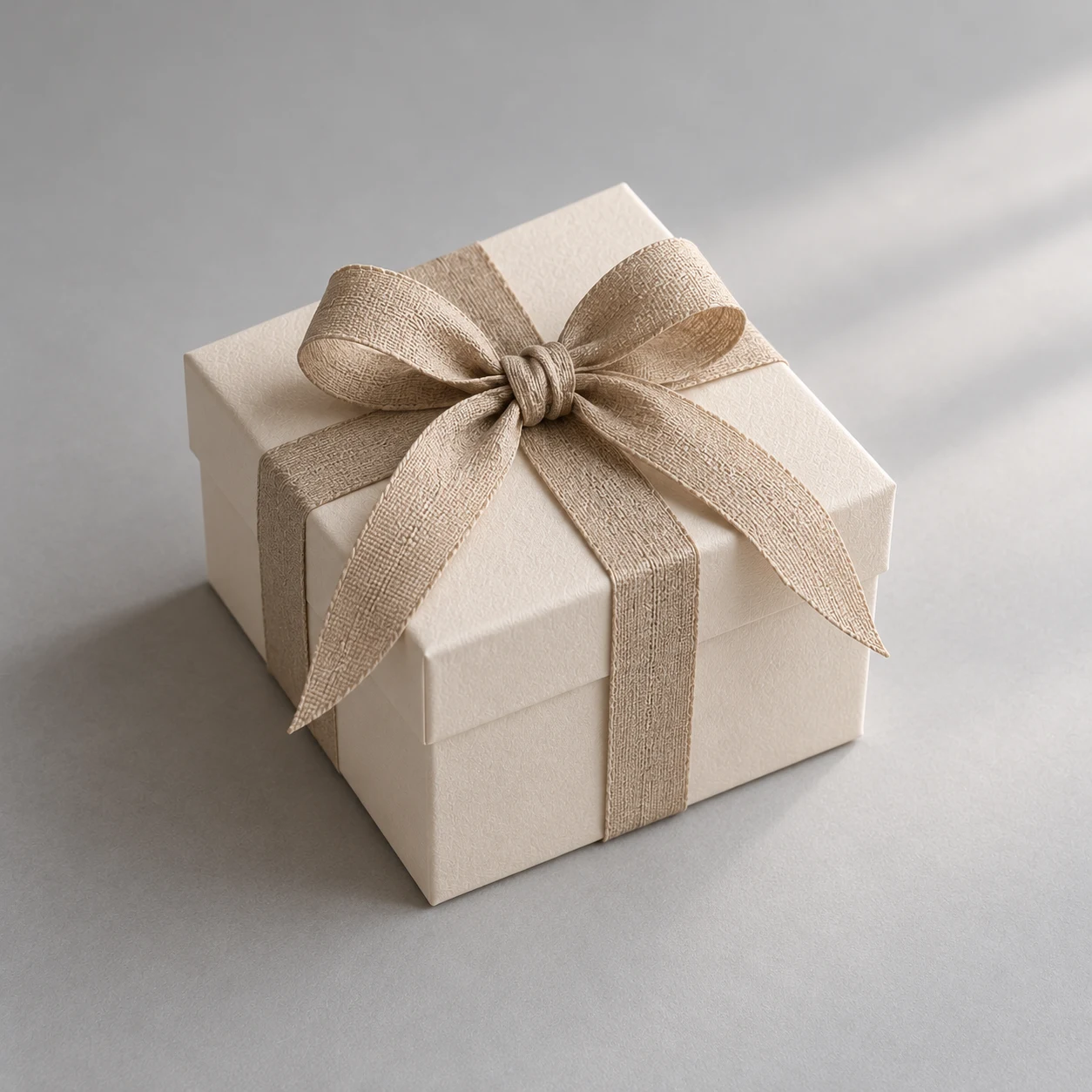
If you already have a clear gift-box image and want an overhead view, separate what should stay from what should change. Then state the layout explicitly: one complete box in one undivided image, with no collage or comparison panels. This makes the editing brief clearer; it does not guarantee faithful preservation. Compare the actual output with your source.
“One image” has three separate meanings
Asking for one image can describe the number of output files without ruling out multiple boxes or multiple views inside that file. Specify each dimension:
- Output count: one output, not several independent variations.
- Subject count: one gift box, with no additional boxes.
- Layout: one continuous overhead composition, not a four-panel grid, collage, before-and-after comparison or multi-view sheet.
If the interface offers an output-count setting, check it there too. The written brief should not be your only control.
Use your own clear source image, with the full box, box edges, ribbon connections and material texture visible. A page screenshot or four-view preview should not be treated as a verified single-image original. If that is all you have, obtain a suitable source image before editing.
Separate preservation from the camera change
Describe features that actually exist in your source. The example below assumes pale paper, a beige woven ribbon and an unbranded appearance. Replace those details if your box is different.
Keep the requested changes focused: an overhead view, soft side lighting and a simple background. If you want a directly overhead view, say “look straight down at the lid”; do not also request a three-quarter front view. Save material close-ups and alternative colorways for separate briefs rather than mixing them into this full-box composition.
A complete editing brief
> Edit the gift-box image I upload. Retain the pale paper box's material and basic appearance, the beige woven ribbon's color and connections, and the unbranded appearance shown in the source. Change the viewpoint to look straight down at the lid. Use soft side lighting and a simple neutral background. Show exactly one complete gift box with some space around it. Produce one output containing one continuous composition—not a four-panel grid, collage, before-and-after comparison or multi-view layout. Add no text, logos, watermarks, extra boxes or decorative objects.
Adapt the color and material descriptions to your actual source. “Retain the ribbon's connections” is a requirement to inspect, not a promise that the tool will preserve them.
When the source and brief are ready, submit them through the InkRoom image editor, which accepts existing images and editing instructions. Available models and parameters depend on the current interface configuration. Access to the editor does not guarantee subject fidelity, accurate text, unchanged structure or compliance with every layout constraint.
Turn the brief into checks—and limit the next revision
Check count and layout before fine detail. A four-panel result still fails this single-composition task even if one panel looks appealing.
| Requirement | What to inspect | Focus of the next revision |
|---|---|---|
| One box in one continuous image | Extra boxes, panel borders or additional viewpoints | Restate the count or layout constraint without adding a new scene |
| A directly overhead view | The relationship between lid and edges; plausible perspective | Identify the affected edge or corner and focus on viewpoint and box structure |
| Connected ribbon | Broken strips, changed crossings or extra ribbon tails | Name the location and request a correction there while asking to retain the rest |
| Distinct paper and fabric | Unnatural repetition, smeared texture or loss of material distinction | Address the affected material rather than also changing lighting, background and colors |
Instead of “fix the ribbon and make it nicer,” write a specific observation: “The ribbon breaks along the right side of the lid, with an extra floating tail. Correct that connection while keeping the composition and colors as close as possible to this version.” This is an example of revision wording, not a reported editing result. Other areas may still change, so inspect the entire result again afterward.
Keep the original input and each output, together with a note of the deviation. If an important structural detail remains uncertain, return to editing the source rather than treating a similar-looking generated detail as accurate preservation.
The illustrations are not proof of editing performance
The four-view gift-box collage illustrates how a multi-view layout differs from the requested single composition. The other gift-box asset serves only as a reference-editing illustration. Both are AI-generated illustrations—not product photographs, verified single-image originals or a verified before-and-after pair.
Judge success against your own source and actual output: first one composition and one box, then perspective, ribbon connections and material texture. A complete prompt is the start of that review, not evidence that the edit is finished.
Related articles and cases
- Product Photography Focus Stacking: When to Reshoot Instead of Using AI Sharpening
Capture overlapping focus coverage, align and blend real photographs, and use the source frames to decide whether a soft detail needs a mask adjustment or a reshoot.
- How to Choose a Product Photography Backdrop for a Small Space
Choose paper, fabric or boards by the area your camera actually sees—not just the size of the product. Compare maintenance and storage, plan a seamless sweep, and identify problems that need a lighting change or a reshoot.
- Product Image Alt Text: Examples for Main, Detail, and Lifestyle Photos
Write alt text around what each product image contributes. Compare original hypothetical examples for main photos, color variants, texture details, and lifestyle shots, then handle functional images, charts, and CMS entry correctly.
- How to Remove Glare from Glasses in Photos Without Changing the Eyes
Check whether the original eye detail is visible before choosing a reshoot, a local tonal adjustment, or careful retouching. Learn what to change on set and what to check before keeping an edit.