How to Remove Glare from Glasses in Photos Without Changing the Eyes
Check whether the original eye detail is visible before choosing a reshoot, a local tonal adjustment, or careful retouching. Learn what to change on set and what to check before keeping an edit.
·
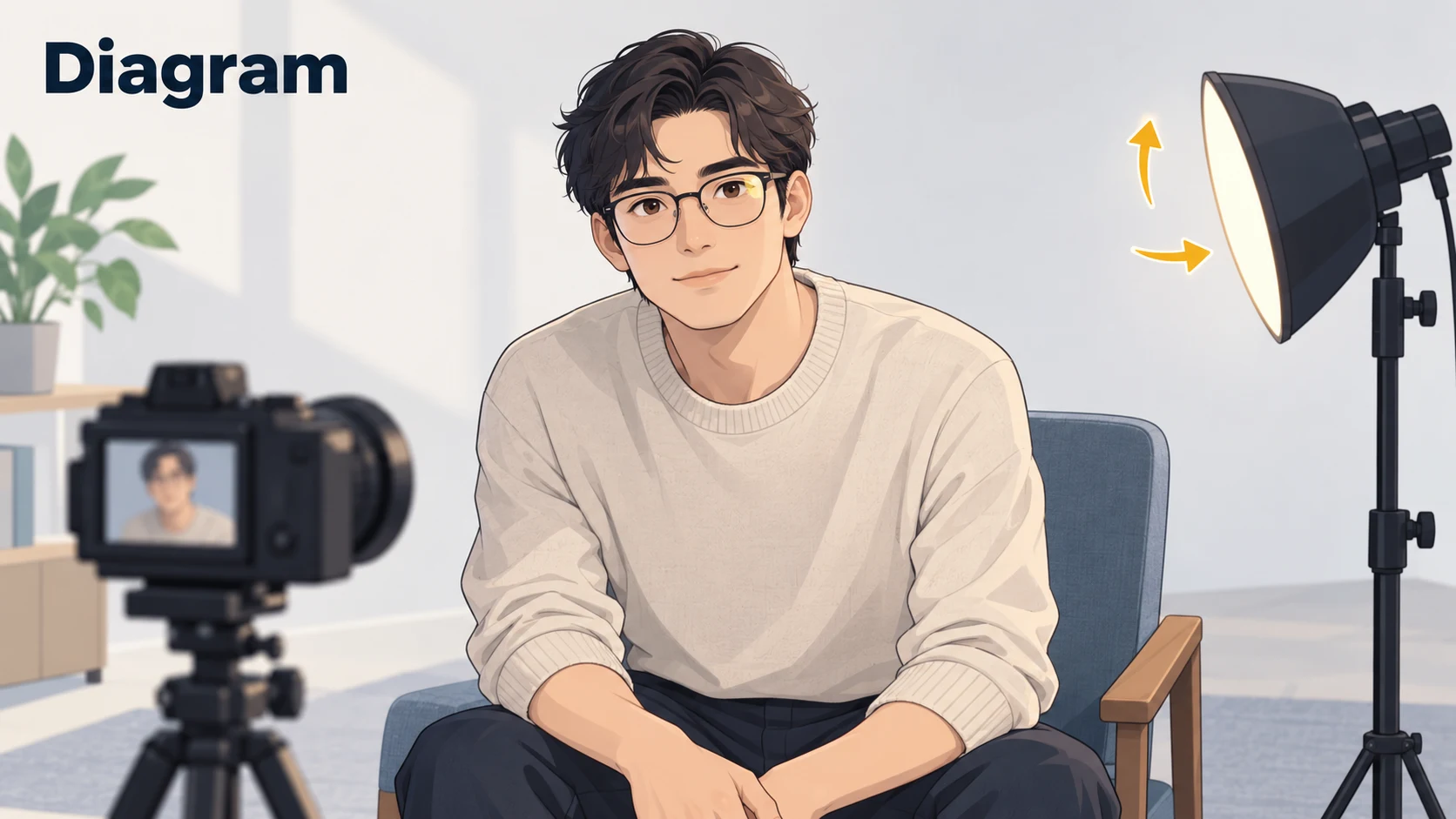
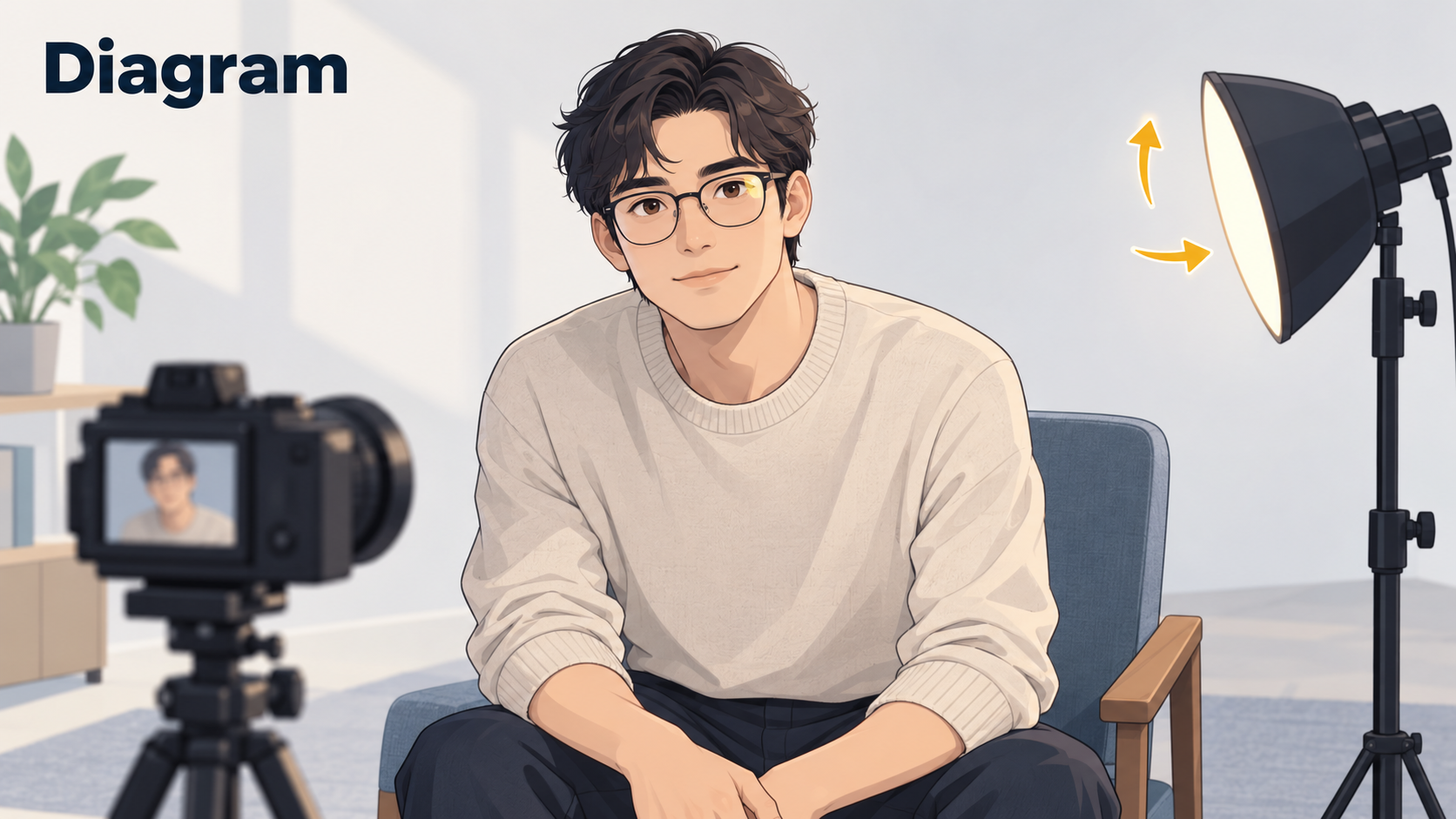
A great expression can come with an inconvenient reflection right across the glasses. The aim is not necessarily to make the lenses look reflection-free. It is to make the eyes readable without changing the person.
Zoom into the original first. Can you still distinguish the pupil, eyelid, and iris edge beneath the glare? That answer matters more than the name of the editing tool.
What does the reflection actually cover?
| What you can see in the original | A sensible approach | What not to expect |
|---|---|---|
| Glare beside the eye, with eye contours unobscured | Small patching or cloning adjustments, avoiding the eye and frame | A large copied skin patch that fits every boundary naturally |
| A bright lens with recognizable eye detail underneath | Try a local tonal adjustment before detailed retouching | Darkening alone to remove every color cast or reflected pattern |
| A white patch hiding the pupil or eyelid structure | Reshoot or choose another frame when possible | Reliable recovery of the actual hidden eye from this image alone |
If lowering the brightness only produces a gray patch, stop treating a darker patch as recovered detail. Generative editing may create a plausible eye, but plausibility does not establish what the person's eye actually looked like.
If you can reshoot, move the reflection first
Photographer Melissa Stottmann's glasses-glare guide discusses the relationship between the subject and the light, including small head turns and backlighting. Use that principle as a way to observe the reflection, rather than as a fixed pose to reproduce.
Keep the person comfortable and change one thing at a time:
- With a movable light, try shifting it sideways or higher while watching whether the reflection moves away from the pupil. Avoid moving the light, camera, and subject all at once.
- With a fixed window, ask for a slight turn, then adjust your camera position if needed. Watch the lenses as well as the lighting on the face.
- With light coming from behind or to the rear side, check that the face still has enough light. A bright surface in front of the person can still reflect in the glasses; backlighting is not a guarantee.
Take a test frame and enlarge it before continuing. Do not require the person to remove their glasses, remove the lenses, or hold an uncomfortable position. Glasses may be an important part of their everyday appearance.
If you only have the photo, keep the first edit small
Save the original and work on a copy. The following is a suggested workflow, not a report of a tool test.
When the eyes remain visible, try reducing the glare first. In an editor with masking or local adjustments, cover only the bright reflection and gently reduce local highlights or exposure. Watch whether the eyelid and pupil become easier to read. Soften the adjustment boundary where needed without spreading it across the frame. If the result turns gray, develops a color mismatch, or still hides the eye, back off rather than darkening the whole face.
For an image-and-description workflow, the InkRoom image editor accepts an existing image and editing instructions. Available models and parameters depend on the current interface. You might describe the location of the reflection and ask to preserve the original pupils, eyelids, and frame shape. Those are requests, not guarantees: this entry point is not evidence of a tested, dedicated glare-removal capability, and it cannot promise authentic recovery of fully obscured eye detail.
When the reflection sits beside the eye, consider manual retouching. Stottmann describes patching or cloning glare that is not directly over the eye. As a cautious working method, sample small nearby areas with similar tone and texture, staying clear of eyelid, frame, and nose boundaries. Copying the other eye is not a dependable shortcut: gaze, viewing angle, and appearance through each lens may differ.
If the edit requires inventing a pupil, lashes, or an eyelid, it has moved beyond reducing a reflection. For a photograph intended to record someone's appearance faithfully, keeping the original, selecting another frame, or reshooting is the safer choice.
Know when to stop
Compare the original and edited version at the same size, then view the result at its normal display size. Check:
- Eyes: Have pupil positions, eyelid lines, or gaze changed? Look for repeated lashes and smeared edges.
- Frames: Are the edges continuous, or have they become thin, bent, or disconnected near the bridge?
- Both eyes together: Is one unnaturally sharp, dark, or differently colored? Do not make the eyes identical just to create symmetry.
- Highlights: Small lens reflections that do not hide the eyes, and natural catchlights in the eyes themselves, do not all need to disappear.
Once the reflection stops distracting from the expression and the eyes and glasses still look natural, there may be nothing more to fix.
Related articles and cases
- Product Photography Focus Stacking: When to Reshoot Instead of Using AI Sharpening
Capture overlapping focus coverage, align and blend real photographs, and use the source frames to decide whether a soft detail needs a mask adjustment or a reshoot.
- How to Choose a Product Photography Backdrop for a Small Space
Choose paper, fabric or boards by the area your camera actually sees—not just the size of the product. Compare maintenance and storage, plan a seamless sweep, and identify problems that need a lighting change or a reshoot.
- Product Image Alt Text: Examples for Main, Detail, and Lifestyle Photos
Write alt text around what each product image contributes. Compare original hypothetical examples for main photos, color variants, texture details, and lifestyle shots, then handle functional images, charts, and CMS entry correctly.
- Flat Lay Clothing Photography: Show Shape, Outfits, and Fabric Clearly
A practical guide for small apparel teams: plan product, outfit, and detail shots, then handle garment preparation, overhead alignment, lighting, crop space, and background edits without misrepresenting what is for sale.