Flat Lay Clothing Photography: Show Shape, Outfits, and Fabric Clearly
A practical guide for small apparel teams: plan product, outfit, and detail shots, then handle garment preparation, overhead alignment, lighting, crop space, and background edits without misrepresenting what is for sale.
·
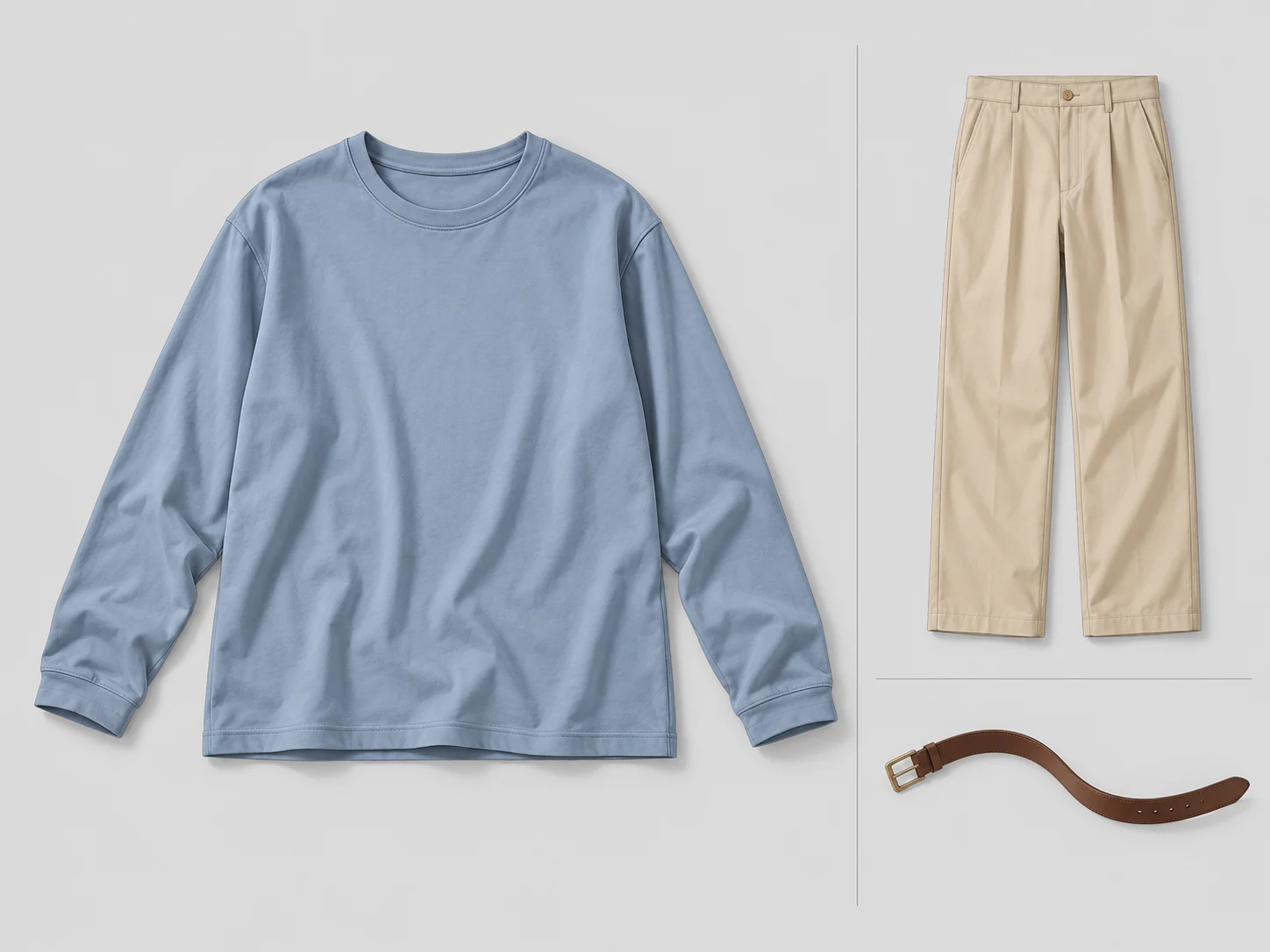
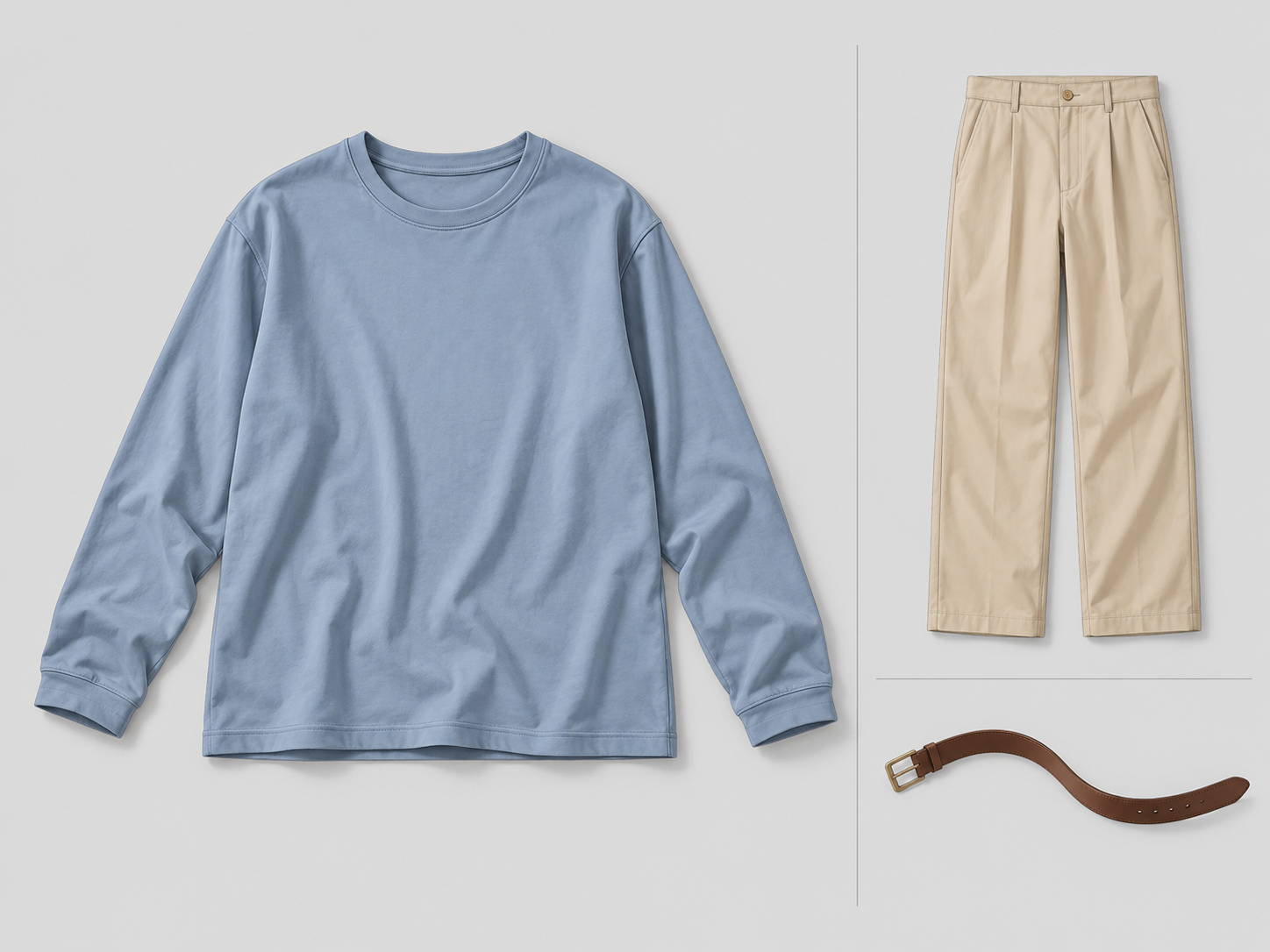
A neatly arranged shirt can still leave shoppers with the wrong impression. Tucked sleeves can disguise their length; a belt placed beside a dress can look like part of the purchase. Flat lay clothing photography should make the garment easier to understand—not quietly redesign it.
A flat lay photographs clothing on a horizontal surface from above. It is useful for showing outlines, colors, and relationships between items, but it cannot establish how a garment fits or drapes on a person. Add an appropriate worn view when that information matters.
Give each photograph a clear job
Rather than asking one arrangement to do everything, plan images around the information shoppers need. The following is a suggested approach for a small team.
| Image type | Information to make clear | Arrangement choice |
|---|---|---|
| Individual product | Full outline, sleeve length, hem, and fastening | Keep important parts visible and free of props |
| Outfit combination | How separate pieces coordinate | Allow some overlap, without implying that unlisted accessories are included |
| Detail | Fabric, stitching, buttons, or print | Move closer while retaining enough context to identify the area |
For a shirt sold alone, trousers and a belt may belong in an outfit photograph, with an adjacent note explaining that they are not included. Also provide an unobstructed shirt image. For a genuine set, show every included piece clearly enough that overlapping does not conceal the contents.
Prepare the garment without changing its shape
Follow the care label when steaming or ironing. Remove shipping creases, lint, and loose threads, but preserve intentional pleats, gathers, and folds. Do not press an unfamiliar fabric simply to speed up the shoot.
Lay the garment down naturally and work from the neckline and shoulders toward the hem. For a symmetrical design, compare shoulder points, cuffs, and hem positions. Do not force an asymmetrical design into symmetry or stretch knitwear to fill the frame.
If the garment does not fit your setup, expand the background or raise the camera before folding side seams underneath to create a narrower waist. A folded styling image should have a separate unfolded view when the fold hides the outline. Flat lay preparation is not ghost-mannequin reshaping, and the resulting silhouette is not evidence of on-body fit.
Align the overhead view before choosing the crop
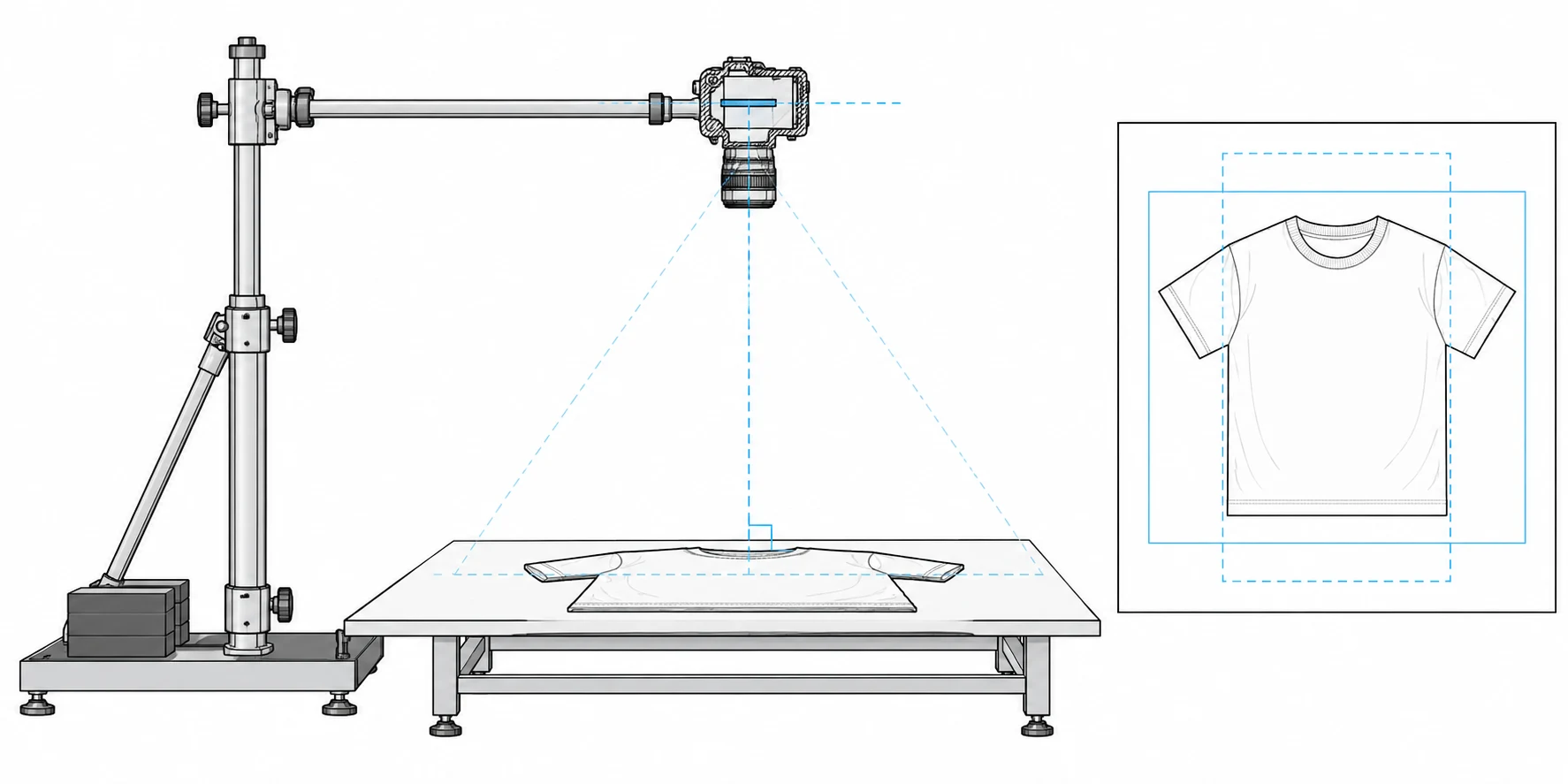
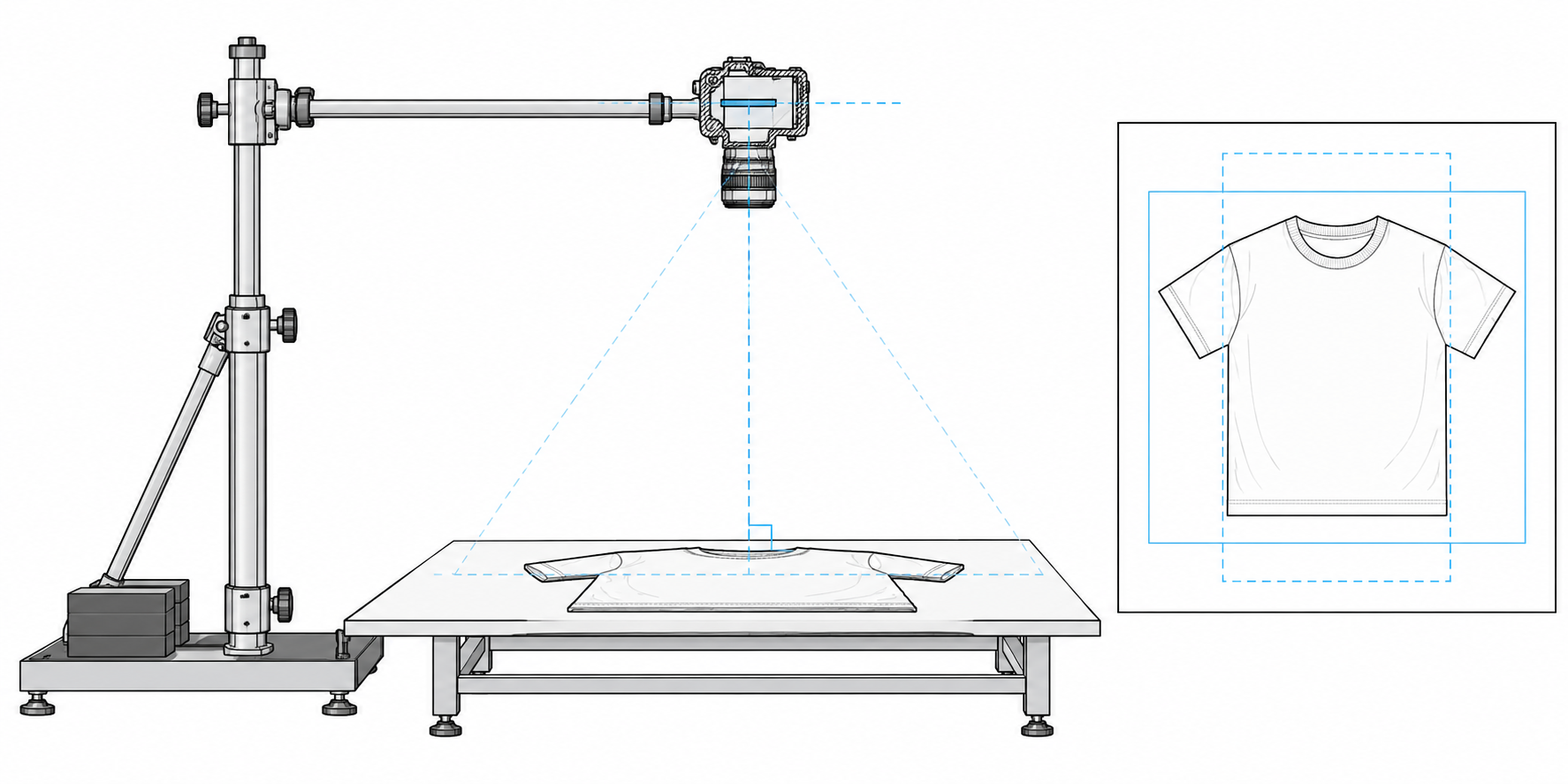
The camera’s image plane should be parallel to the surface holding the garment, with the lens aimed toward the composition’s center. Regular background edges can help reveal obvious converging lines. A grid or level is useful, but check the actual image rather than relying on the indicator alone.
The OCUS flat lay photography guide discusses overhead supports and lateral arms. Use support rated for your equipment and secured according to its instructions rather than balancing on a chair with a handheld camera. Never suspend unsecured equipment above people or the set.
Fit the longest sleeve, trouser leg, or skirt edge inside the frame first. If you need an extremely wide view to include everything, consider increasing the shooting distance and inspect the corners for stretching. Do not crop cuffs, fringe, or product shadows merely to make the garment fill more of the image.
There is no universal margin percentage for every publishing destination. Preview the intended crops. If you need square and portrait versions, keep essential garment edges within the area both crops retain. When the layouts conflict, shoot separate versions rather than forcing one photograph to serve both.
Judge lighting by what it reveals in the fabric
Start with soft, reasonably stable light from one side and try a white reflector on the darker side. If direct window light creates hard shadows, change position or use suitable diffusion. Keep heat-sensitive materials away from hot lights, and avoid mixing visibly different light colors.
Look at the neckline, underarm areas, and hem. White garments should retain visible folds; dark garments should retain fabric detail. Even lighting does not mean removing every shadow: gentle shadows can help explain construction and texture.
Take a test frame and enlarge the neckline, cuffs, and fabric. Adjust focus, exposure, and camera distance for your actual equipment instead of treating a particular aperture or shutter speed as a universal recipe. A timer can reduce handling movement once the camera is supported. Keep the camera position, background, and lighting consistent across a product group; the reference guide also emphasizes consistency across apparel image series.
For a texture detail, changing the light direction may help reveal the weave. Do not then use that differently lit detail as the sole reference for the whole garment’s color. A single photograph is especially limited for fabrics whose sheen or color changes with viewing angle.
Clean up the background without inventing product information
Save the original before adjusting background marks, overall tone, or composition. Inspect cuff openings, lace, fringe, and pale edges against the background so cleanup does not remove real parts. If a hem was cropped out or a print is blurred, reshooting is more reliable than inventing the missing detail.
If an existing photograph needs editing, the InkRoom image editor accepts an image and an edit description. Upload the flat lay and describe the intended background or composition change; available models and parameters depend on the current interface. The editor does not guarantee accurate preservation of the subject, text, structure, or extended areas. Compare the result with the original for sleeve length, hems, accessory count, texture, and lettering. A cleaner-looking image is not proof of product accuracy.
Keep a short capture record for each style so missing images are noticed while the set is still available:
- Style / color / size: ____; items included in the purchase: ____.
- Captured filenames: individual product ____; outfit, if needed ____; details ____.
- Styling items not included: ____; location of the explanatory note: ____.
- Reshoot needed: ____; reason: ____.
Match that record to the delivered files. A tidy composition is useful, but the real goal is a photograph that helps someone understand what the garment looks like and what they will receive.
Related articles and cases
- Product Photography Focus Stacking: When to Reshoot Instead of Using AI Sharpening
Capture overlapping focus coverage, align and blend real photographs, and use the source frames to decide whether a soft detail needs a mask adjustment or a reshoot.
- How to Choose a Product Photography Backdrop for a Small Space
Choose paper, fabric or boards by the area your camera actually sees—not just the size of the product. Compare maintenance and storage, plan a seamless sweep, and identify problems that need a lighting change or a reshoot.
- Product Image Alt Text: Examples for Main, Detail, and Lifestyle Photos
Write alt text around what each product image contributes. Compare original hypothetical examples for main photos, color variants, texture details, and lifestyle shots, then handle functional images, charts, and CMS entry correctly.
- How to Remove Glare from Glasses in Photos Without Changing the Eyes
Check whether the original eye detail is visible before choosing a reshoot, a local tonal adjustment, or careful retouching. Learn what to change on set and what to check before keeping an edit.