gpt image 2.6 gif: a product-loop brief and unresolved API details
Plan a small product animation and inspect its loop, identity, lettering, and dimensions. Official API routes and animation limits remain unverified in the supplied evidence, so this draft does not offer executable requests or unsupported parameter values.
·
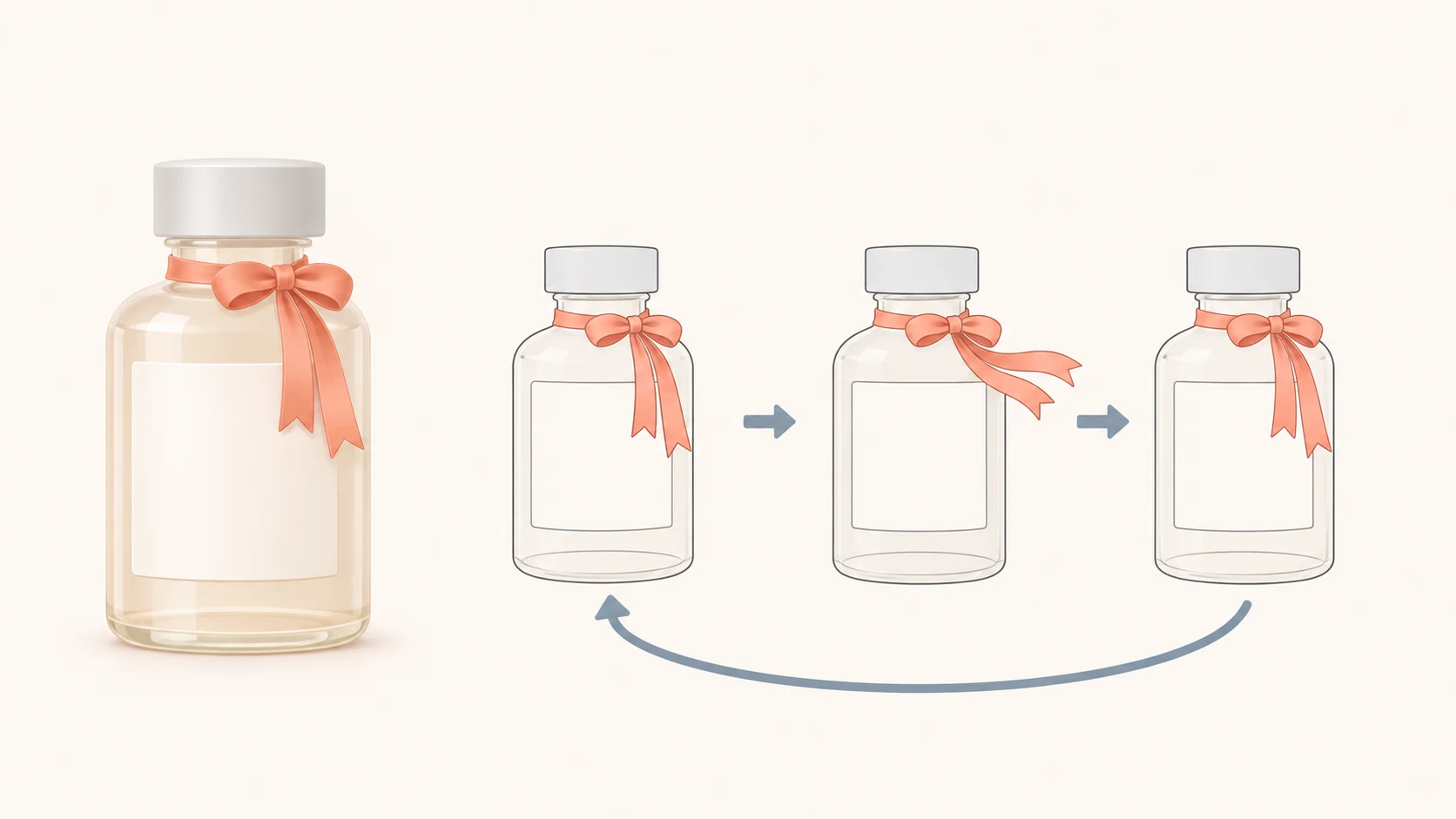
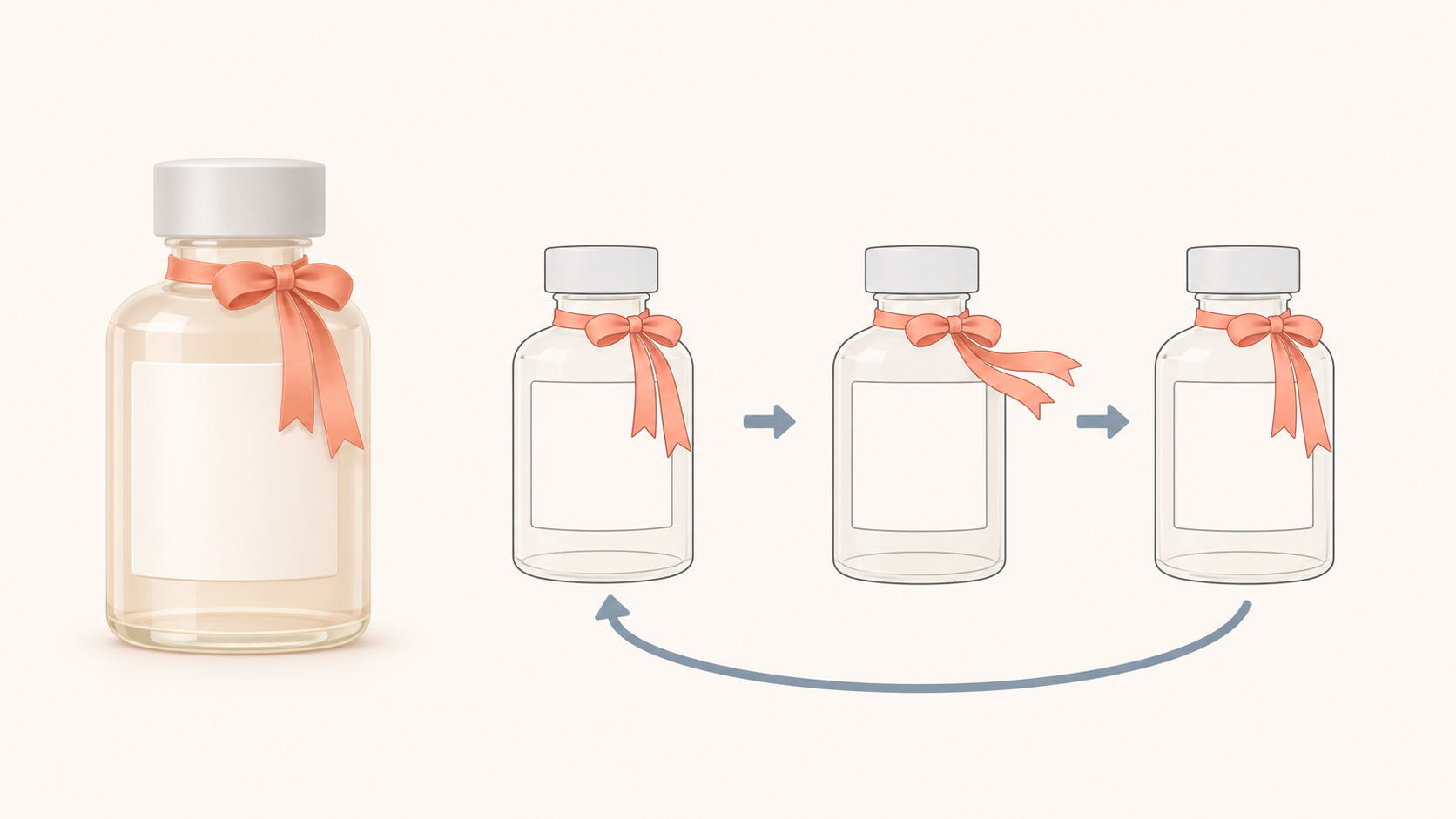
For someone searching gpt image 2.6 gif, the useful outcome is not simply a moving product. It is a product that remains recognizable throughout the motion: an unchanged bottle, stable packaging text, and a loop that does not jump at the seam.
The available evidence does not yet support a ready-to-run official API tutorial. The Sogni article describes GIF creation from text or reference images, but that is a third-party platform description—not confirmation of OpenAI’s current model identifiers, endpoints, or parameters. This draft therefore develops the creative brief and inspection method while leaving official integration blocked.
Choose what is allowed to move
For a labeled product, consider putting the motion outside the product itself. An unlettered decorative ribbon could sway and return while the bottle, label, and camera remain fixed. Compared with asking the entire bottle to rotate, this makes the boundary between permitted motion and required stability more explicit. It is a creative recommendation, not a demonstrated model capability.
A proposed brief could read:
> Use the supplied product still as the appearance reference. Keep the bottle’s position, silhouette, cap, label lettering, and background unchanged. Only the unlettered ribbon beside the bottle neck moves: it sways gently to the right, then returns along the same path. Lock the camera; do not zoom or rotate. Add no text or objects. Across the loop boundary, the ribbon’s position and direction of travel should connect naturally.
“Return to the starting position” is not the whole requirement. A ribbon moving quickly left at the end may still jerk when the opening frame sends it right. Describe the motion across the boundary as well as the return position, rather than relying on “seamless loop” alone.
Text-led and reference-led work need different preparation
Starting from text means defining the product’s appearance: shape, material, color, label area, and composition. If packaging text must be exact, including it in a prompt does not establish that the output meets the requirement. The rendered lettering still needs inspection.
Starting from a product image gives you an appearance baseline. Specify which region may change and which details must remain stable. Avoid simultaneously requesting an unchanged product and a large bottle rotation: a new viewing angle exposes surfaces that a single reference does not document.
These are input-planning distinctions, not verified API routes. The endpoint, reference-image upload mechanism, and availability of the required animated output must come from verified official documentation.
What still prevents API implementation
The assignment requires checking OpenAI’s image-generation guide and the specified model announcement. Neither page’s readable contents are present in the evidence pack. Receiving their URLs is not the same as checking them, and third-party settings cannot be relabeled as official limits.
| Integration question | Current evidence status | Required before implementation |
|---|---|---|
| Model identifier and GIF output | Not confirmed by official text | Official model identifier and supported output formats |
| Text-generation route | Unverified | Endpoint, request fields, and response documentation |
| Reference-image editing route | Unverified | Input mechanism, editing support, and restrictions |
| Frame count and frame duration | Official limits unknown | Parameter names, units, ranges, and combination rules |
| Dimensions and pixel budget | Official limits unknown | Rules relating per-frame dimensions to total frame count |
Providing request code now would be misleading: syntactically valid code could still contain an unsupported model or invented fields. This draft also makes no pricing, speed, or release-date claims without verified official evidence.
Inspect the whole motion, not just the endpoints
The following is a proposed inspection method, not a completed test.
Play several consecutive loops and look for jumps, pauses, or sudden speed changes at the boundary. Then inspect individual frames for changes in the bottle outline, cap, and label placement. Comparing only the first and last frames misses distortions in between.
Check packaging text separately. A clear opening frame does not establish that letter shapes and spacing remain stable throughout. For brand names and specification text that must be exact, “looks similar to the label” is not a sufficient acceptance standard.
Finally, inspect the delivered file rather than relying on a preview. Confirm that it contains animation, matches the intended canvas dimensions and duration, and behaves as required in the destination page or application. If pixel comparisons help locate changes, separate the intended moving region from the region that should remain static; otherwise, the ribbon’s expected movement will be counted as an identity error.
The creative brief and inspection plan can be prepared now. Official text-to-GIF and reference-image-to-GIF instructions, including frame, timing, and pixel-budget limits, remain blocked until the missing official evidence is available.
Related articles and cases
- AI Poster Generator: Turn an Event Brief into a Publishable Layout
Use a hypothetical event to plan the title, date, colors, dimensions, and text space—then separate visual generation from proofreading and layout for each placement.
- AI Makeup Generator: Try the Makeup, Not a Different Face
Preview lip color, eye makeup, and blush on your own photo without confusing a flattering face edit with a useful makeup idea. Includes natural and stage-makeup briefs plus practical checks against the original.
- AI Image Style Transfer: Change the Look, Keep the Details
Separate content references from style references, then handle color, brushwork, and composition as distinct choices. Use two editing rounds to check identity, product shape, text, and logos.
- AI Hairstyle Changer: Compare the Hair Without Changing the Person
Prepare a clear portrait, describe the cut precisely, and compare hairstyle candidates without overlooking changes to your face. Includes a proposed comparison table and checks for hairlines, ears, edges, and lighting—not a tool test or a haircut guarantee.