Food product photography: packaging, real portions and serving scenes
Plan food product photos around what shoppers need to know. Separate packaging facts from serving suggestions, choose angles for labels and texture, and keep optional AI editing away from unverified product information.
·
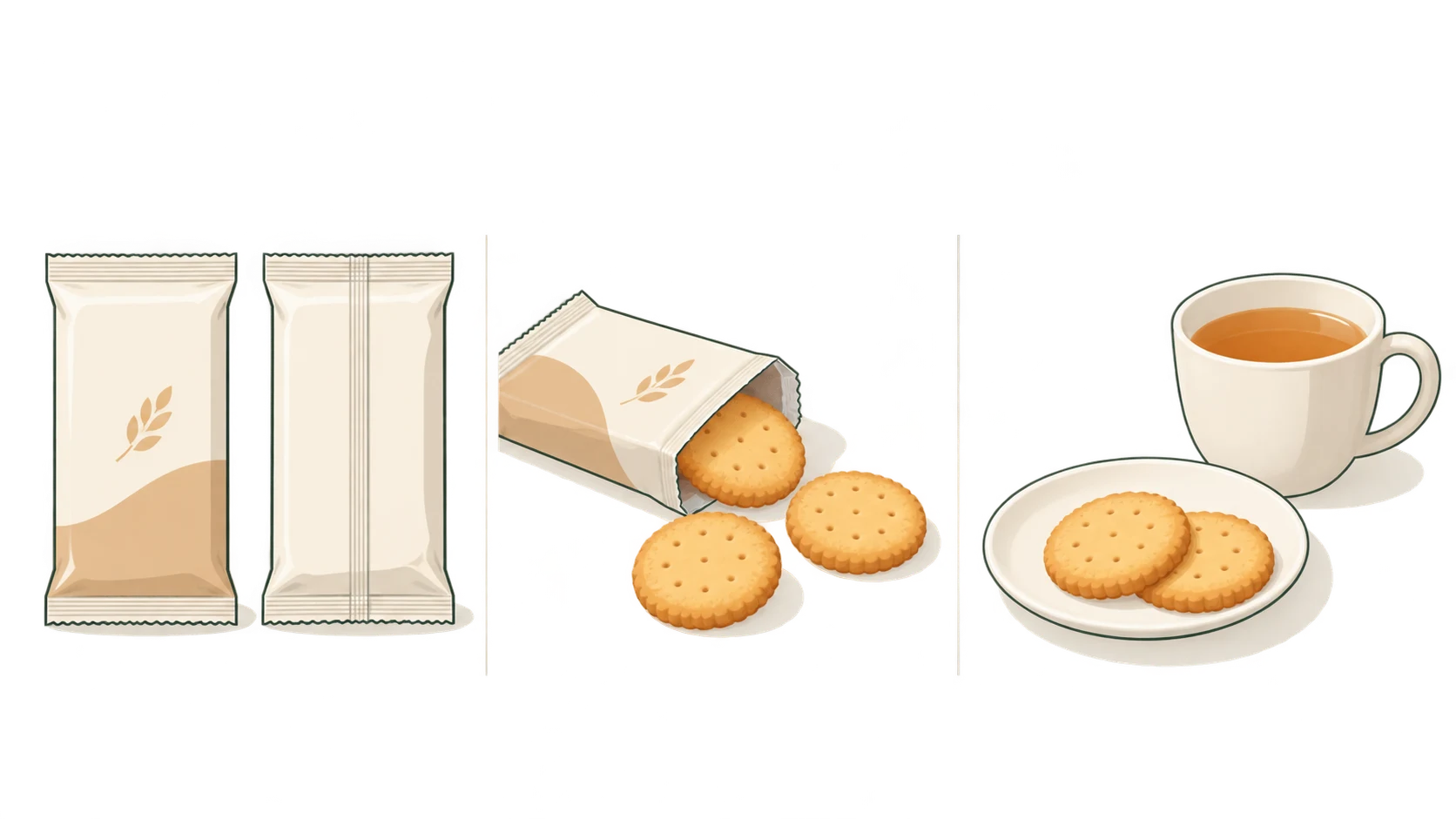
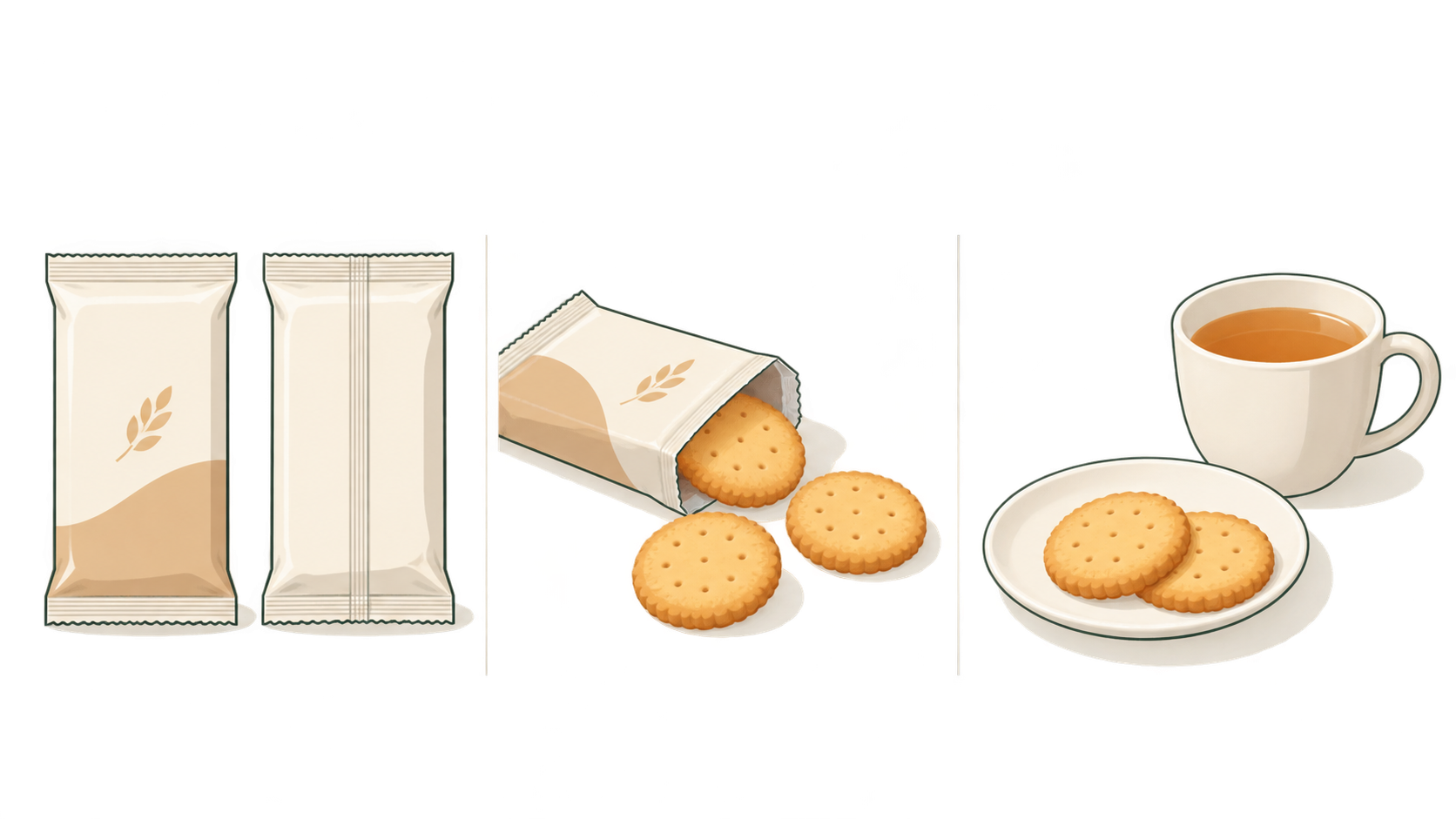
A bowl beside a food packet can suggest more than you intend. Does the packet fill that bowl? Are the fruit and sauce included? Food product photography needs to make the food appealing without leaving those questions to visual guesswork.
For small food brands and online sellers, a useful shoot starts by separating pictures that document the product from pictures that suggest how to serve it.
Give each image a specific job
Caspa’s food product photography guide identifies packaging, contents, texture and serving scenes as useful listing material. It also stresses that the product should look like what the customer receives. The planning matrix below builds on those basics; it is an editorial recommendation, not a universal marketplace requirement or a tested conversion formula.
| Shopper’s question | Useful image | What it cannot establish on its own |
|---|---|---|
| Which product am I buying? | Front packaging with a clear name and size | Ingredients or allergens printed on the back |
| What is actually inside? | The pack beside its actual contents, with the displayed amount explained | The weight or count of anything not shown |
| What does the texture look like? | An actual cut surface, broken edge or surface detail | Taste, a verified eating experience or shelf life |
| How could I serve it? | A serving suggestion made using the product | That props or extra ingredients are included |
One photograph can answer several questions. It should not imply evidence it does not contain: nuts beside a biscuit are neither an ingredient declaration nor proof of allergen safety.
Define the portion before styling it
Before arranging the contents, keep a straightforward, unedited record of the relevant pack and the food taken from it. Note whether the photograph shows the whole pack or only part of it. If the caption will state a weight or number of servings, measure it or use verified product information. Do not invent a quantity from the size of a bowl.
Net pack weight, the portion in the picture and a serving suggestion are different things. If you photograph some cereal with added yoghurt, describe it accordingly—for example, “Serving suggestion showing part of the pack; yoghurt added”—rather than implying that everything in the bowl comes in the packet.
Photograph the front and back separately when necessary. Keep the actual ingredient, allergen and nutrition wording readable. If a full-pack image becomes illegible at display size, add a closer label photograph or verified text information. Do not ask a generator to reconstruct missing letters. The reference guide also recommends readable back-of-pack information; check the destination marketplace separately for its current requirements.
Choose the camera position for the information
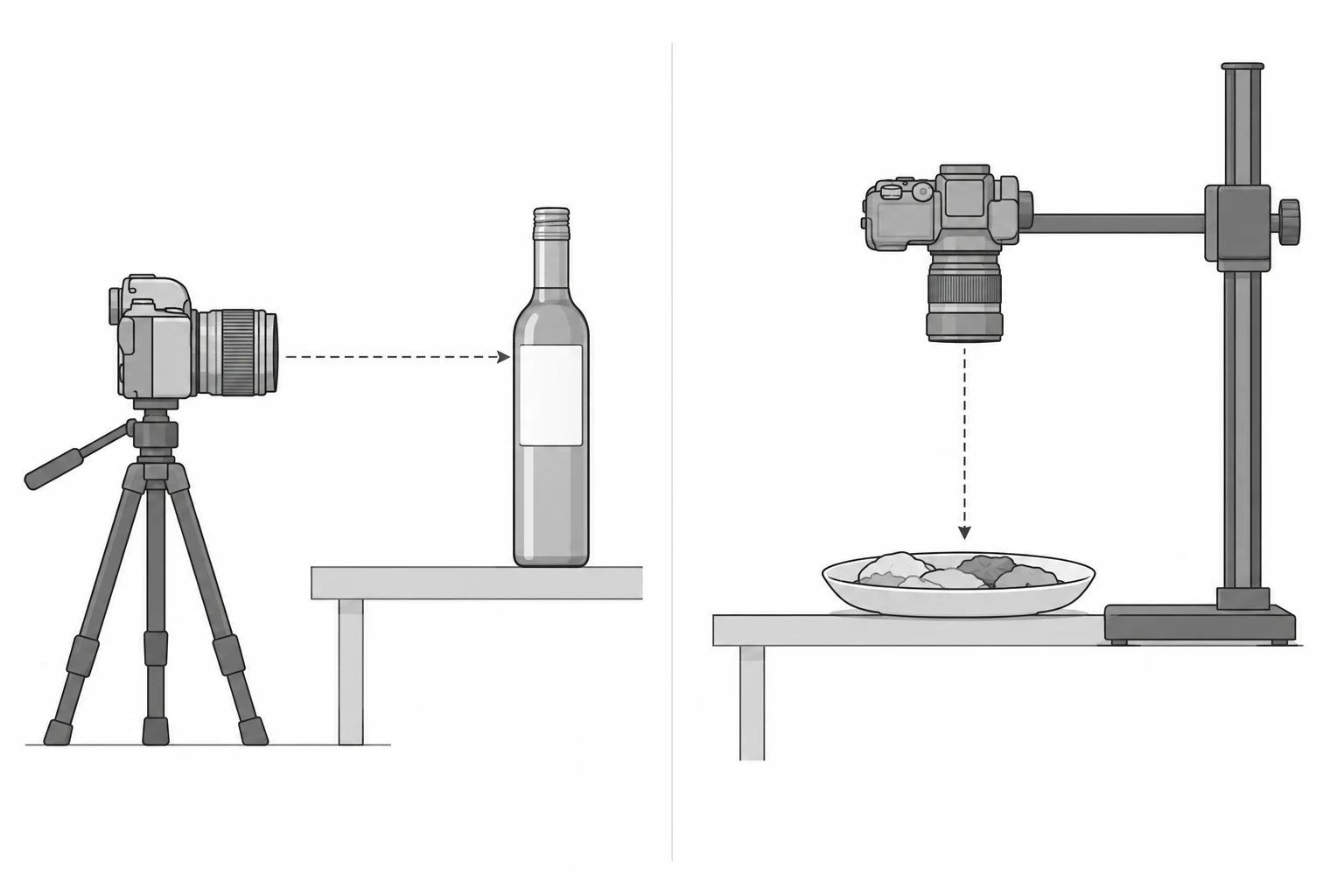
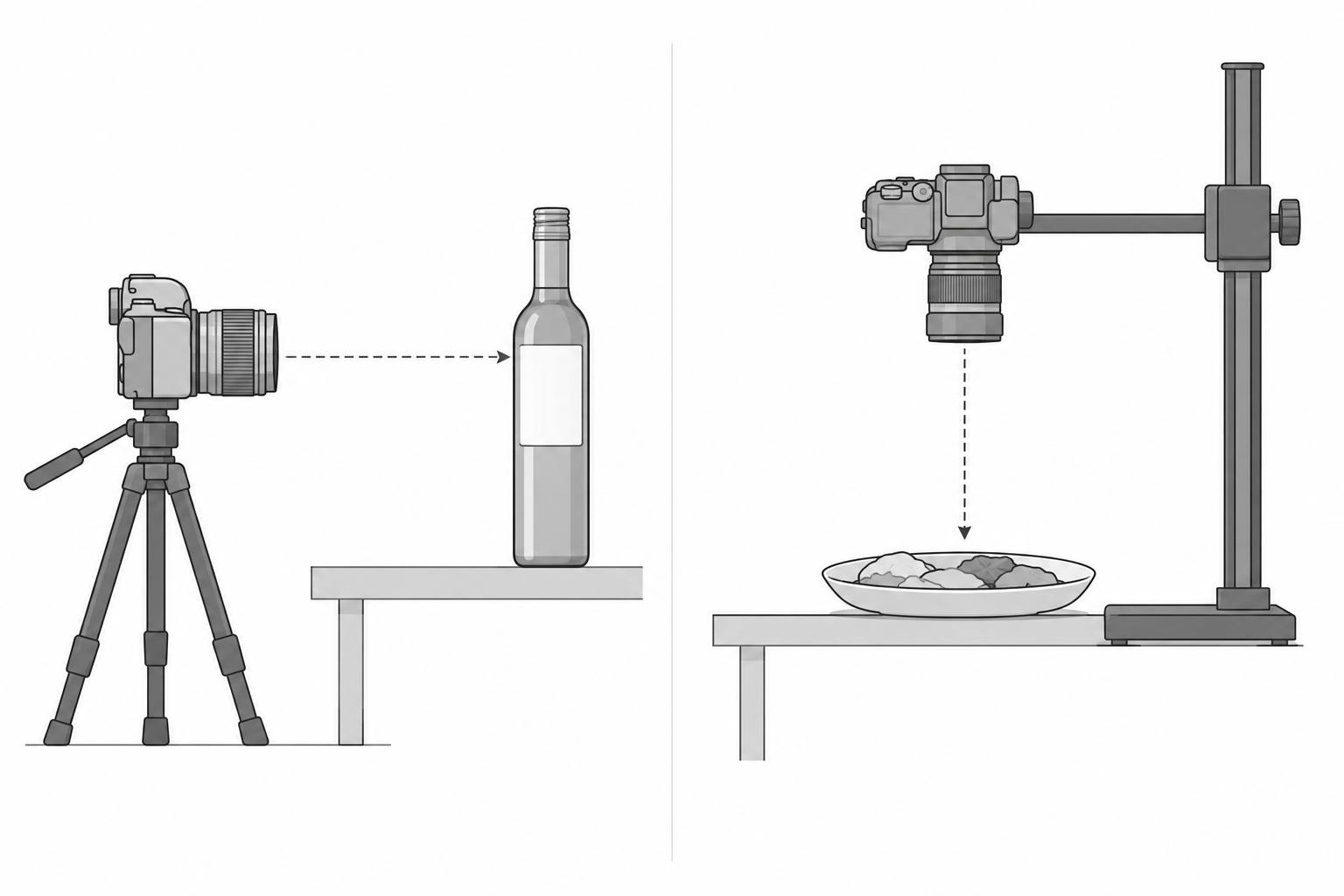
For tall bottles, standing pouches and jars, begin with the camera roughly level with the main label. Check the vertical edges and lettering before adding more tabletop to the frame. A steep downward view may reveal the setting while making the packaging harder to read.
Overhead views can suit flat foods, shallow dishes and arrangements where distribution matters. Try an oblique view when both thickness and the upper surface need to be visible.
Lighting has different jobs, too. For packaging, move distracting reflections away from the label. For texture, try soft light from the side to reveal a cut surface or raised detail. The reference guide’s lighting advice supports diffused window light or a large soft source with a white board to fill shadows as a basic setup.
Rather than copying a fixed settings recipe, enlarge a test frame and inspect the label, the front and rear edges of the food, and bright highlights. If lettering is unclear, investigate focus, reflections and angle before adding sharpening. With a phone, watch for portrait-mode blur that removes packaging edges or text.
For a range of flavours, mark the camera, pack and light positions to make the setup repeatable. Still verify each flavour’s name, colours and actual contents. Copying one package and recolouring it is not a substitute for documenting another SKU.
Let serving scenes add context—not product claims
Photograph the food without decorative additions first. This gives you a reference and makes it easier to identify what was added later.
Ingredient props need a factual basis. Even when a product contains a particular fruit, placing whole fruit around it does not establish how much it contains. If the formulation is unconfirmed, do not use an ingredient arrangement to imply it. Identify added milk, fruit or condiments in nearby copy where they might otherwise be mistaken for included contents.
Keep the food close to its actual eating condition. Do not use inedible styling substitutes to represent a ready-to-eat product. A texture close-up documents appearance, not taste: an image that looks crisp is not evidence of a verified eating experience.
Optional editing: explore backgrounds and layout
Consider background or composition editing after making an accurate product photograph. If you already have that photograph, the InkRoom image editor accepts an existing image and an edit description. Available models and parameters depend on the current interface. The entry does not guarantee unchanged packaging, text or portions.
Keep the task narrow: explore background treatment or space beside the product for a banner, rather than reconstructing a label or inventing food outside the frame. Compare any result against the original for packaging colour, product name and size, label wording, item count and displayed portion. Do not use an unverified result to communicate product facts.
Original photographs, physical labels and verified product records remain the evidence. A generated background cannot replace ingredient, allergen or nutrition information. Neither the shooting recommendations nor the editing tool has been tested for this article.
Related articles and cases
- Product Photography Focus Stacking: When to Reshoot Instead of Using AI Sharpening
Capture overlapping focus coverage, align and blend real photographs, and use the source frames to decide whether a soft detail needs a mask adjustment or a reshoot.
- How to Choose a Product Photography Backdrop for a Small Space
Choose paper, fabric or boards by the area your camera actually sees—not just the size of the product. Compare maintenance and storage, plan a seamless sweep, and identify problems that need a lighting change or a reshoot.
- Product Image Alt Text: Examples for Main, Detail, and Lifestyle Photos
Write alt text around what each product image contributes. Compare original hypothetical examples for main photos, color variants, texture details, and lifestyle shots, then handle functional images, charts, and CMS entry correctly.
- How to Remove Glare from Glasses in Photos Without Changing the Eyes
Check whether the original eye detail is visible before choosing a reshoot, a local tonal adjustment, or careful retouching. Learn what to change on set and what to check before keeping an edit.