FLUX vs Stable Diffusion: Versions, Licensing and a Test Plan
Separate FLUX.1 [dev] and [schnell] from Stable Diffusion 3.5 Large and Medium. Identify the official evidence still needed for licensing and deployment, then design a comparison without inventing benchmark results.
·
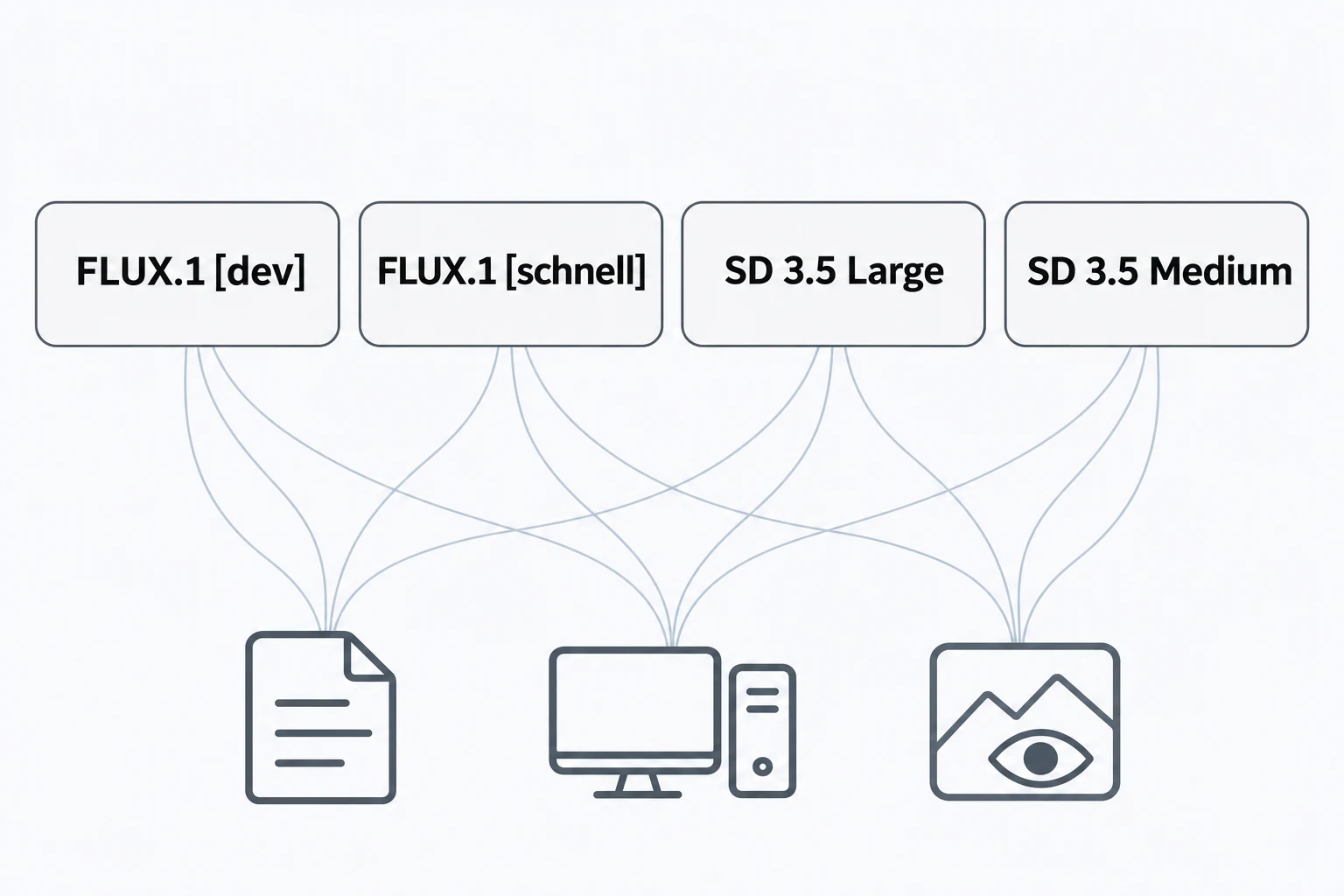
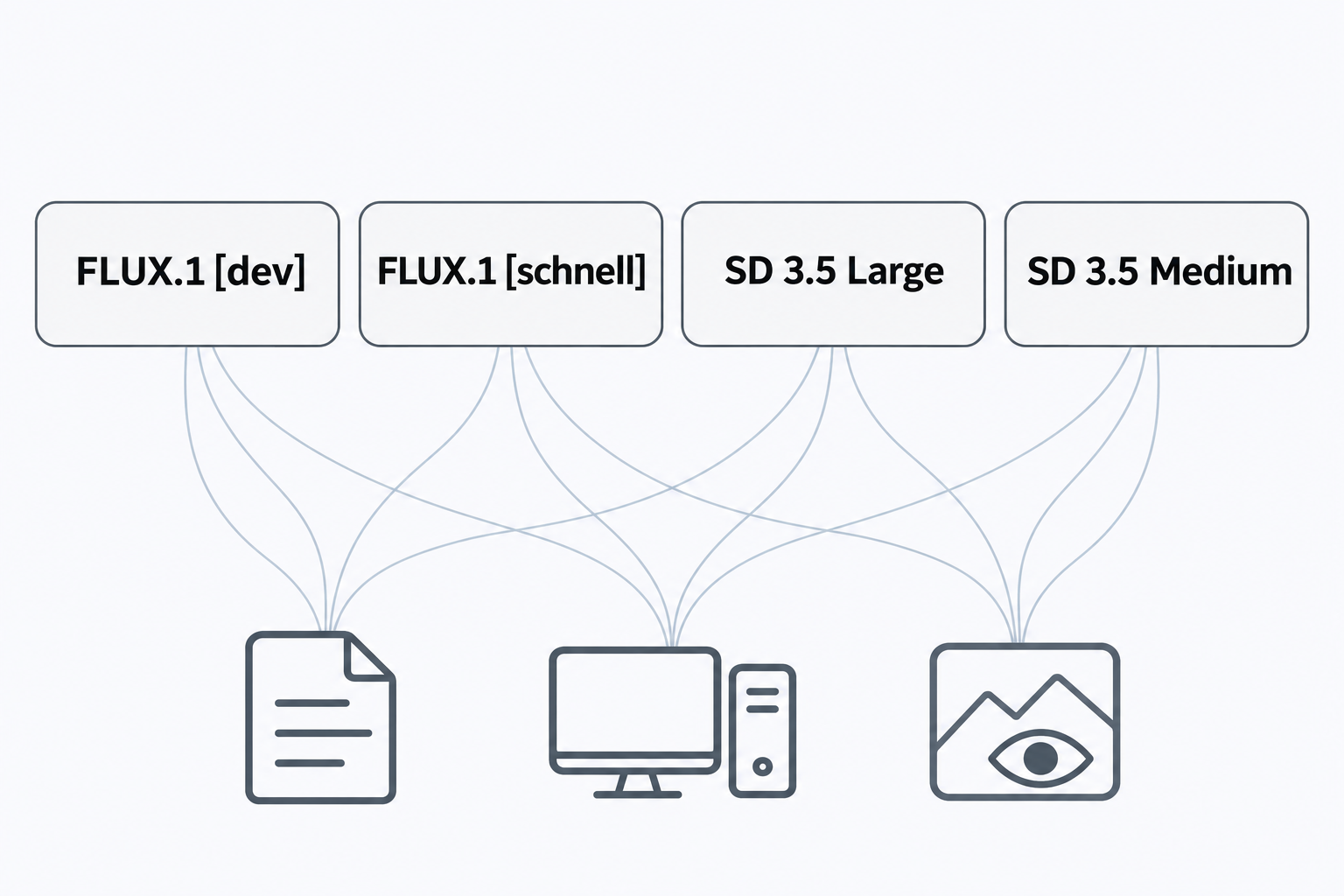
“Flux vs Stable Diffusion” sounds like a choice between two models. For a usable project decision, it needs to become a comparison of FLUX.1 [dev], FLUX.1 [schnell], Stable Diffusion 3.5 Large and Stable Diffusion 3.5 Medium. A license, configuration or editing component associated with one variant should not be attributed to the others.
No generation tests were performed for this article. The available material contains one readable third-party comparison, but not the official model cards and license texts needed to verify the requested facts. Commercial-use eligibility, deployment requirements and editing compatibility therefore remain unverified here. This is a bounded comparison draft and a proposed test design, not a benchmark or a deployment recommendation.
Keep the four variants separate
The available third-party comparison discusses quality, hardware, ecosystem and licensing. It also includes SDXL and does not fully cover SD 3.5 Medium. It is useful for identifying questions, but cannot replace official evidence for the four target variants.
| Variant | Licensing and commercial use | Local deployment | Editing workflow |
|---|---|---|---|
| FLUX.1 [dev] | Applicable terms and authorization need verification | Implementation, precision and hardware need verification | Exact components and compatibility need verification |
| FLUX.1 [schnell] | Verify separately from [dev] | Record its own configuration | Check its own workflow support |
| Stable Diffusion 3.5 Large | Applicable terms and commercial conditions need verification | Implementation, precision and hardware need verification | Exact components and compatibility need verification |
| Stable Diffusion 3.5 Medium | Verify separately from Large | Record its own configuration | Check its own workflow support |
“Unverified” does not mean prohibited or unsupported. It means the supplied evidence cannot settle the question. An official-license verification date is also unavailable; the date a reference was retrieved is not a substitute.
Licensing questions should follow the intended activity. Running a model, modifying or redistributing weights, and using generated outputs are distinct questions. Save the applicable text, model version, verification date and relevant conditions before making a project decision. A third-party commercial-use label is not enough for a legal conclusion.
An editing requirement can eliminate a candidate before image quality does
If the assignment involves an existing image, test that assignment rather than relying on text-to-image examples. A useful requirement might be: replace the background while preserving packaging text and the product outline. This is a proposed task, not evidence that any of the four variants supports it.
Compatibility belongs to a specific combination of model, editing or control component, and software version. A successful tutorial for one combination does not establish support for another. Without matching documentation, leave compatibility unresolved.
Deployment figures also need context: weight precision, quantization, memory offloading, output dimensions and implementation. No reproducible configuration is available here, so this article does not supply minimum VRAM or seconds-per-image figures.
Design a comparison that answers your actual task
The following procedure is proposed, not executed.
Write prompts from your deliverables. Use a fixed phrase if readable text matters, explicit object relationships if composition matters, and a separate test group with shared input images if editing matters. Do not mix editing results into a text-to-image score.
Use the same prompt text, target dimensions and predetermined numerical seed list across variants. The same seed number does not guarantee the same initial state or composition across different models. Keep every output, including failures, rather than choosing representative images after seeing the results.
Record each variant’s sampler, step count and guidance settings. Forcing identical step counts does not automatically create a fair comparison. If each variant uses a documented practical configuration, describe the exercise as a workflow comparison. For timing claims, separately disclose hardware, software, timing boundaries and repetitions.
For human evaluation, hide model identities and randomize presentation order. Define criteria before viewing results: exact transcription of requested text, correct spatial relationships, or suitability for the intended layout. Multiple independent reviewers can help reveal disagreement; retain that disagreement rather than reducing everything to “looks better.” Without outputs and scoring records, publish neither a win rate nor a ranking.
An optional manual trial after selection
For a prompt-based trial, you can inspect the currently configured models on InkRoom’s image-generation page. The entry supports prompt input and selection among configured models; availability, controls and fees depend on the current interface and account configuration.
Check for the exact variant and required settings first. If either is missing, do not use this entry as the execution environment for the reproducible comparison above. The existence of the page does not establish support for all four variants.
The defensible decision rule is to resolve licensing and workflow fit first, then evaluate your own tasks. Specific differences between these four variants still require official documents and recorded tests, not a family-level reputation.
Related articles and cases
- AI Wedding Invitation Generator: Layout, Names, Dates, and Print Delivery
Turn a wedding brief into an invitation visual without treating the generated image as a finished invitation. Plan text hierarchy, verify event details, and prepare digital and print versions separately.
- How to Choose an AI Image Editing API: Inputs, Masks, Async Results and Cost
Evaluate an image editing API against delivery requirements, not just sample images. A developer-focused method for checking input contracts, recovering uncertain requests, testing preservation and reconciling actual costs.
- AI Floor Plan Generator: From Layout Ideas to Measurement Review
Turn room requirements into a conceptual layout without mistaking an attractive image for a measured plan. Learn what to describe, how to compare arrangements, and what to check against original measurements.
- AI YouTube Thumbnail Generator: From Content Promise to Mobile Readability
Turn a video's actual content into thumbnail concepts, compare meaningful layout alternatives, and check text, contrast, and focus on a phone. An illustrative example shows the method without claiming tested results.