How to Choose an AI Image Editing API: Inputs, Masks, Async Results and Cost
Evaluate an image editing API against delivery requirements, not just sample images. A developer-focused method for checking input contracts, recovering uncertain requests, testing preservation and reconciling actual costs.
·
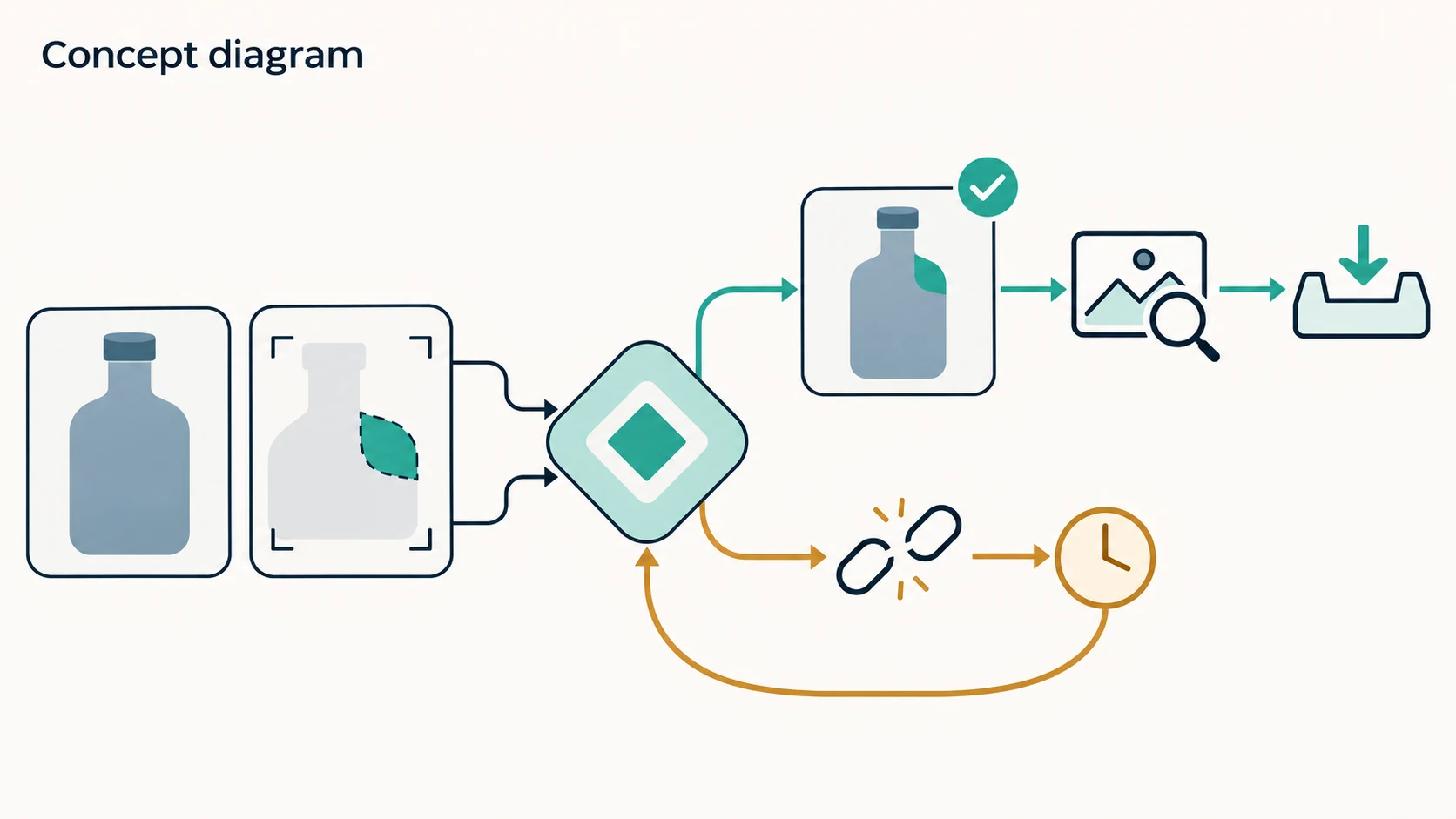
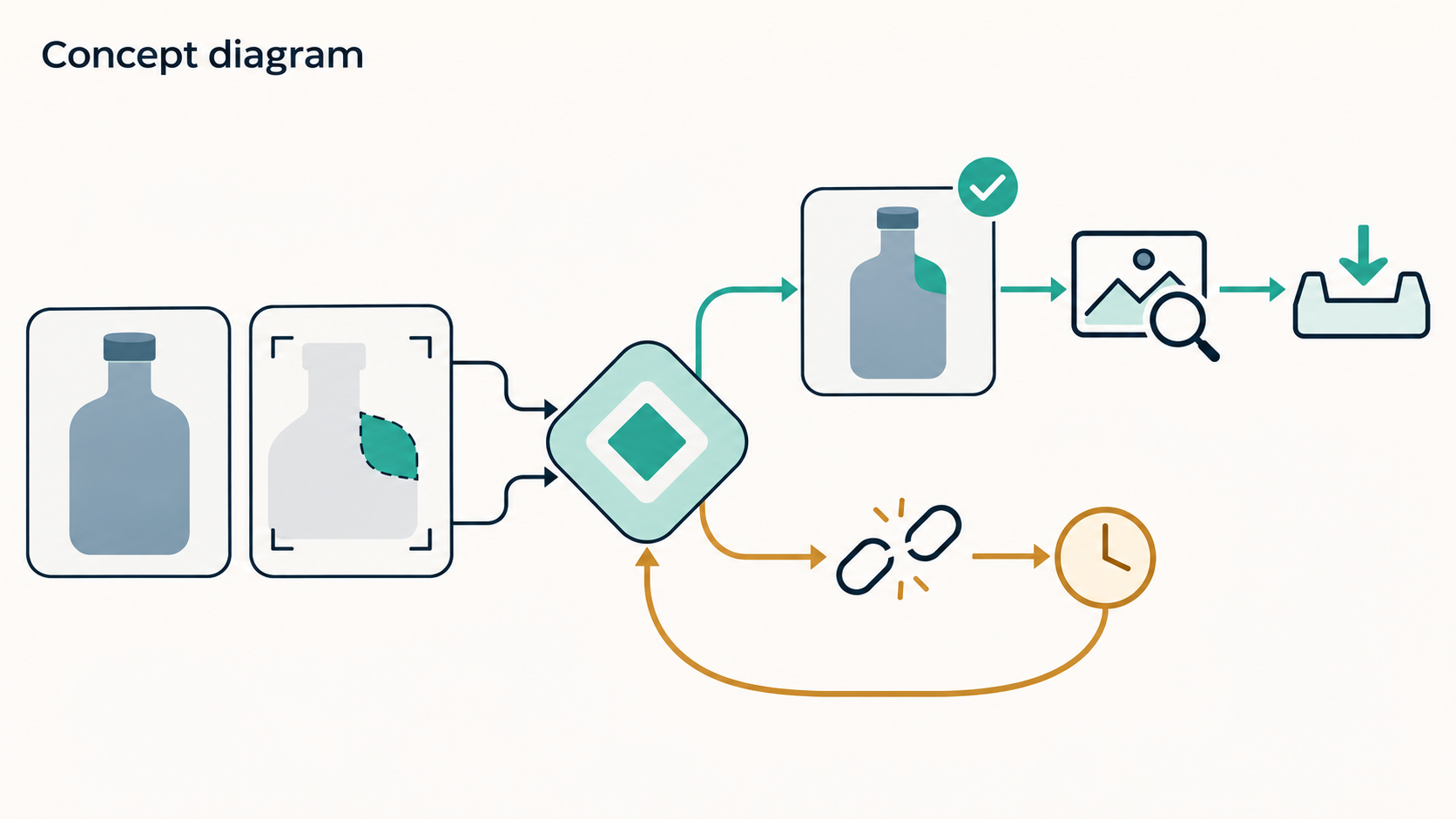
A successful response does not necessarily mean an edit is ready to deliver. The background may be right while the lettering on the package has changed. A missing response does not necessarily mean the server did no work, either.
When evaluating an AI image editing API, the useful question is not whose demo looks best. It is whether an integration can meet your delivery constraints—and recover when the outcome is uncertain.
The supplied research contains one readable third-party comparison, but not the current official documentation needed to verify provider fields, limits or prices. What follows is an evaluation method, not a tested provider ranking. Unverified features remain unverified.
Define what counts as a finished edit
Suppose your application needs to replace a product photo's background. That request has two distinct obligations: change the background and preserve the product. Accepting an image and a prompt establishes that a request can be submitted, not that its output can be delivered.
Before choosing an API, write a short editing agreement: what may change, which text and outlines must remain, the intended output dimensions, and who handles rejected results. If untouched regions must be pixel-identical, make that a separate hard requirement. Mask support alone is not evidence that it will be met.
The read comparison article raises control, failures and cost as selection questions. Rather than repeat its model recommendations, the method below turns those questions into evidence to collect from official documentation and acceptance tests.
Separate the API contract from your application's obligations
This is a proposed evaluation matrix, not a feature list for any provider. For each candidate, record the official page, model version and review date. Leave unsupported entries marked “unknown.”
| Area | Verify in current official documentation | Validate in your application |
|---|---|---|
| Images and instructions | Upload or URL input, formats, size limits, image count and instruction limits | Real assets pass validation; multiple images have unambiguous roles |
| Masks and local edits | Support for the selected model, selection semantics, matching dimensions and encoding | Acceptable boundaries and no prohibited changes outside the selection |
| Outputs | Image data, encoded data or a result URL; format and dimension options | Successful decoding, correct dimensions and durable storage |
| Async results | Job identifiers, status queries or callbacks, and result retention | Recovery after refreshes, restarts or duplicate notifications |
| Failures and retries | Error categories, rate limits and any documented idempotency contract | Avoiding another paid execution while the first outcome is unknown |
| Billing | Current model charges, input/output components and failed-request rules | Actual charges can be linked to jobs, attempts and acceptance decisions |
Receiving a result URL is not the same as storing the result. If the documentation specifies an expiry, downloading and saving the image belongs in your completion criteria—not in a later step triggered when the user returns.
After a timeout, recover before you regenerate
Consider an integration scenario: you submit an edit, but the connection drops before the response arrives. What you know is that your client did not receive the result. You do not yet know that the edit failed. Resubmitting may create another execution and another charge.
A useful application design separates the business job from execution attempts. The job represents the user's intended edit. Each submission has its own record of timing, any remote identifier received, and billing status. These are suggested application records, not claims about provider fields.
If official documentation provides recoverable job queries, check the existing job first. If it provides idempotency, implement its documented scope and lifetime. If neither is established, mark the attempt as having an unknown outcome and route it to reconciliation or an explicitly authorized rerun. Do not automatically replay an ambiguous paid request.
For callbacks, “supported” is only the start of the review. Check authentication, duplicate delivery, ordering guarantees and whether a missed notification can be recovered through a query. If your application requires a mechanism the provider does not establish, record a selection gap. A longer loading spinner does not close it.
Use a small acceptance test to decide whether to proceed
Before authorizing paid tests, fix a set of permitted source images, instructions and acceptance rules. Keep two questions separate: is the image acceptable, and can the application reliably retrieve it?
For image acceptance, compare the full image and enlarged critical regions. Check the requested change, then inspect protected text, outlines and colors. Pixel differences can help locate changes, but a difference alone is not a quality verdict; resizing and encoding also affect comparison. Regions requiring exact preservation need explicit criteria of their own.
For integration acceptance, cover a normal response and the failure cases your business actually needs: recovering after a disconnect, avoiding duplicate delivery from repeated notifications, and saving the result before marking the job complete. If status queries or callbacks have not been established, record the gap rather than a passing test.
Keep two cost measures distinct:
- API spend per accepted image: actual API charges across the same evaluation scope, including applicable failed and repeated attempts, divided by accepted images. With no accepted images, the measure is undefined.
- Total delivery cost: add actual storage, transfer, human review and repair costs. Those costs are project-specific; an advertised API price cannot fill them in.
A cheap call is not automatically a cheap delivery. Link charges to attempts and attempts to acceptance decisions before drawing a budget conclusion.
If you need programmatic access or system integration, the InkRoom image API introduction is an entry point for reviewing integration information. Verify whether current materials cover your required editing capabilities, input limits, result retrieval and billing. The existence of that page does not establish mask support, callbacks, idempotency or any particular editing endpoint. Do not make a final provider choice from this article before the official-documentation gaps are closed.
Related articles and cases
- AI Wedding Invitation Generator: Layout, Names, Dates, and Print Delivery
Turn a wedding brief into an invitation visual without treating the generated image as a finished invitation. Plan text hierarchy, verify event details, and prepare digital and print versions separately.
- AI Floor Plan Generator: From Layout Ideas to Measurement Review
Turn room requirements into a conceptual layout without mistaking an attractive image for a measured plan. Learn what to describe, how to compare arrangements, and what to check against original measurements.
- AI YouTube Thumbnail Generator: From Content Promise to Mobile Readability
Turn a video's actual content into thumbnail concepts, compare meaningful layout alternatives, and check text, contrast, and focus on a phone. An illustrative example shows the method without claiming tested results.
- AI Image Prompt Engineering: Describe the Goal, Layout, and Editing Constraints
Use a vase-banner example to turn purpose, subject, composition, style, and constraints into a readable prompt. For existing images, separate requested changes from details to preserve. These are writing examples, not tested image results.