AI Professional Headshot Generator: Keep the Portrait Recognizably You
Learn how to prepare selfie references, describe a professional setting, and compare generated headshots without overlooking identity changes. Includes guidance on glasses, skin texture, cropping, and identity-document restrictions.
·
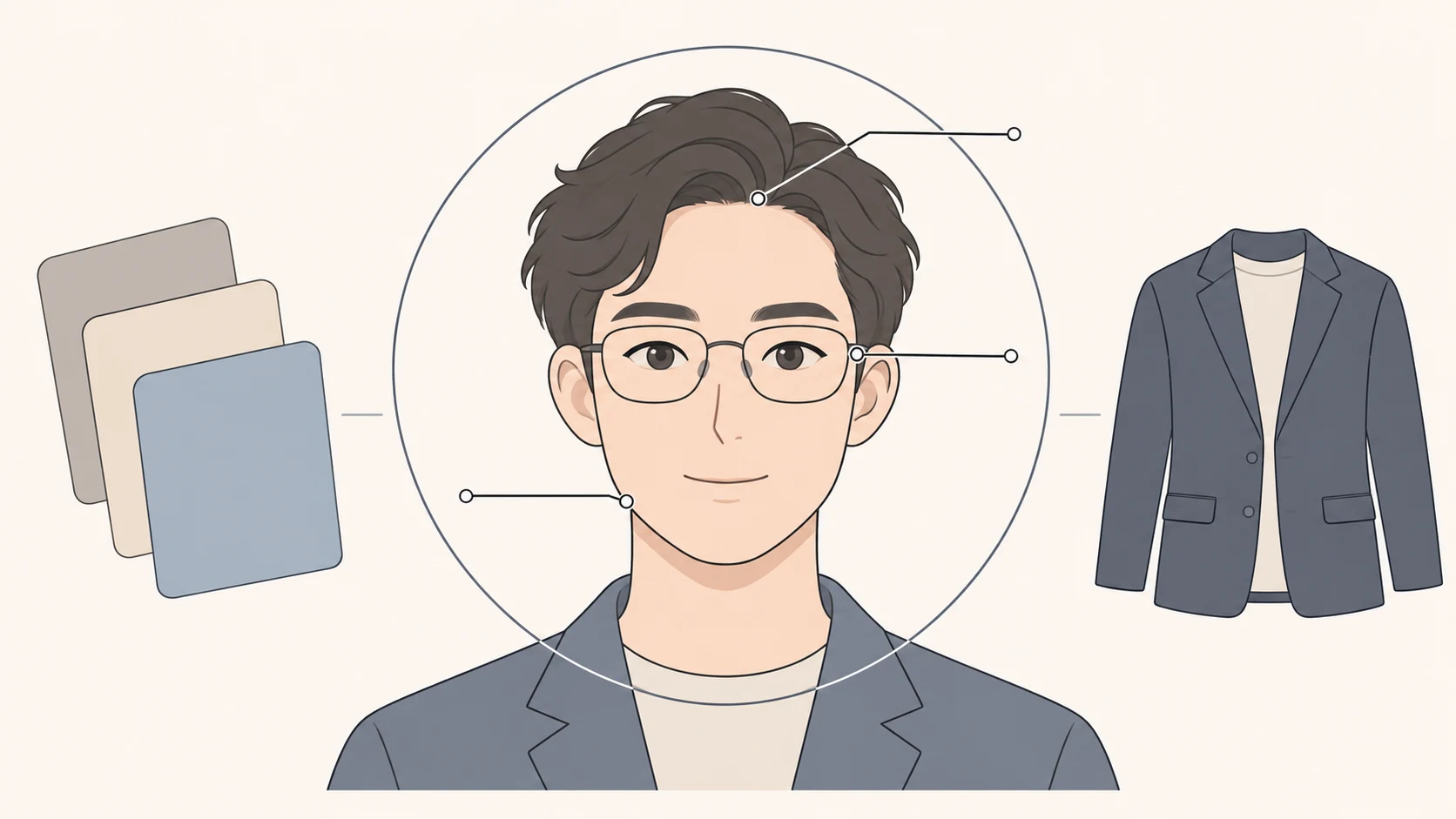
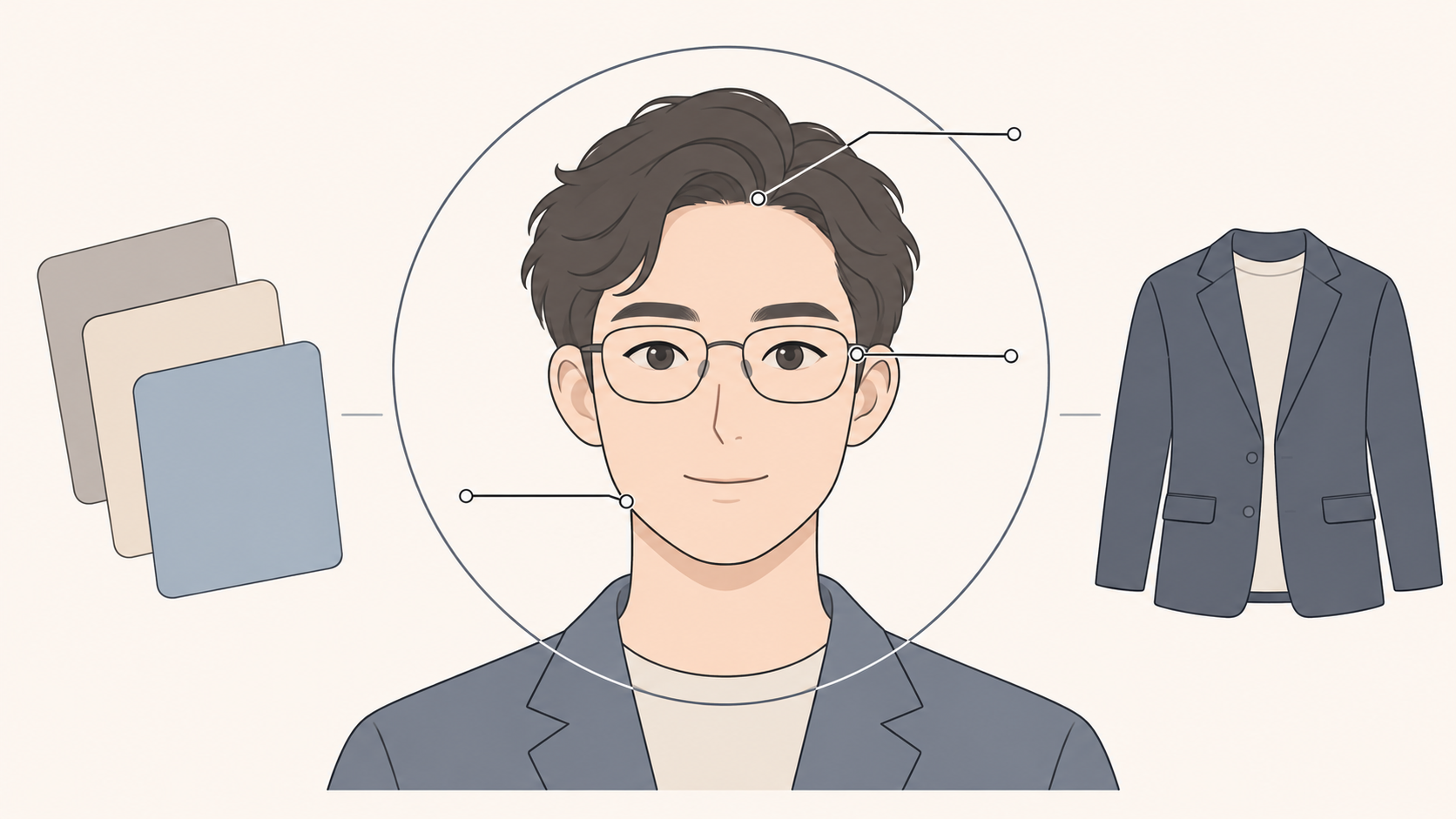
A professional headshot can change your setting and wardrobe without changing who you look like. When using an AI professional headshot generator, the strongest candidate is not necessarily the most polished one. It is the one a colleague or client can still recognize as you.
This guide covers candidate portraits for personal professional profiles and team pages—not identity-document photos. The methods below are editorial recommendations for creating and reviewing images, not test results or a guarantee of identity fidelity.
Separate styling choices from identity changes
Decide what the image may change before judging the results. Clothing, background, and composition can serve the professional setting. Facial proportions, glasses, and hairstyle need a closer comparison with recent photographs. A more flattering jawline or younger-looking face is not automatically a better professional portrait.
Use these distinctions when reviewing candidates. They are prompts for human judgment, not an automated scoring system.
| Area | What to compare | Suggested response |
|---|---|---|
| Face and features | Jaw contour, eye spacing, and nose shape against the reference | Reject a clear mismatch rather than disguising it with a better background |
| Glasses and hair | Frame shape, continuous temples, and the current hairline | Check beside a recent real photograph |
| Skin texture | Waxy smoothing, repeated patches, or unsupported changes in apparent age | Do not treat excessive retouching as professionalism |
| Background and collar edges | Cut-off hair, merged frame edges, or distorted collar boundaries | Consider editing only after the identity comparison passes |
These priorities also tell you what a useful reference photograph must show: recognizable current features, not just a flattering selfie angle.
Give the generator a clear reference and a specific setting
Choose recent, clear portraits with an unobstructed face. Avoid relying on strong beauty filters, heavy retouching, or pronounced color casts. If you normally wear glasses, use a photograph in which the frames and eyes are visible. If your chosen tool supports multiple references, keep your appearance consistent while varying the angle slightly; avoid mixing photographs from substantially different ages or hairstyles. Follow that tool’s input requirements rather than borrowing another service’s photo count.
Describe the intended setting as well. “Professional” leaves many choices unresolved. A team-page portrait and a personal portfolio may call for different clothes, backgrounds, and crops.
Here is a sample brief to adapt, not a promise of results:
> Use the supplied recent portrait as an appearance reference for a shoulders-up headshot on a company team page. Preserve recognizable facial shape, glasses, hairline, and age-related features. Use a dark business-casual jacket, a simple neutral background, soft lighting, and natural skin texture. Leave room above the head and around the shoulders for cropping. Do not add text, logos, or identity badges.
If you choose InkRoom, the image generation entry lets you enter a prompt and select from currently configured models. Check the current interface and account configuration for reference-input availability, parameters, and fees. The entry itself is not a guarantee of identity consistency or evidence of a validated specialist headshot service.
Before uploading selfies, read the chosen service’s current retention, deletion, and usage terms. Another provider’s privacy promises do not establish how your selected service handles photographs.
Compare the person before comparing the outfit
When you have several candidates, place each beside the same recent real photograph and view the faces at a similar size. Make the first pass about resemblance alone. Compare expression, clothing, and background only after that. This helps keep attractive lighting or a well-rendered jacket from distracting you from a different-looking face.
Different problems call for different decisions. A candidate with the right outfit but the wrong facial structure is a poor starting point for background cleanup. A recognizable face with insufficient space above the head may be worth considering for layout adjustment. If none of the candidates resembles you, revisit the references and brief rather than choosing the least inaccurate result.
For a selected candidate that needs background or composition work, consult the existing-image editing entry and check whether the current interface offers the operation you need. This is not a promise of a particular editing feature or a way to guarantee identity repair. After any adjustment, compare facial shape, glasses, hair, skin texture, and background edges again.
Review the portrait where it will actually appear
A convincing large image may not work as a small avatar. Preview the target page’s actual crop, especially if a circular mask could cut into the hair, glasses, or chin. Check that the person remains recognizable at display size. Obtain dimensions, file formats, and file-size limits from the destination platform’s current requirements rather than assuming one export fits every website.
A profile portrait is not an identity credential. Dr. Headshot’s page explicitly warns against using its AI headshots for identity documents or identity verification. That is a provider-specific warning, not a survey of government requirements. For passports, visas, or verification workflows, consult the receiving authority and do not assume an AI-generated portrait is acceptable. Also check applicable disclosure and platform rules before publishing.
If no candidate both resembles you and fits the intended placement, keep a real photograph or arrange a new one instead of publishing a polished stranger.
Related articles and cases
- AI clothes changer: check the person and the garment separately
A convincing outfit edit can still misrepresent the garment. Use a person photo and garment reference to review two outfits, record specific differences, and separate visual concepts from evidence of real fit.
- AI Flat Lay Generator: Create Apparel Layouts You Can Check
Turn clothing references into a brief for an overhead flat lay without treating invented details as product facts. Learn what to specify, what to compare, and when a real product photograph is still necessary.
- AI Image Upscaler: How to Tell Whether Enlarged Details Are Usable
A 2x or 4x enlargement adds pixels, not proof of accurate detail. Start with the required dimensions, then check text, logos, faces, and product textures against what you can actually verify.
- AI Ghost Mannequin Generator: Keep the Garment, Change the Presentation
Use garment reference photos to define what an AI edit should preserve, identify hidden areas that need evidence, and separate a visual concept from an accurate product image.