AI Product in Hand Generator: Keep the Grip and Packaging Consistent
Create a handheld scene from product references without confusing a plausible image with verified product evidence. Learn what to specify and how to review fingers, contact shadows, scale, occlusion, and packaging text.
·
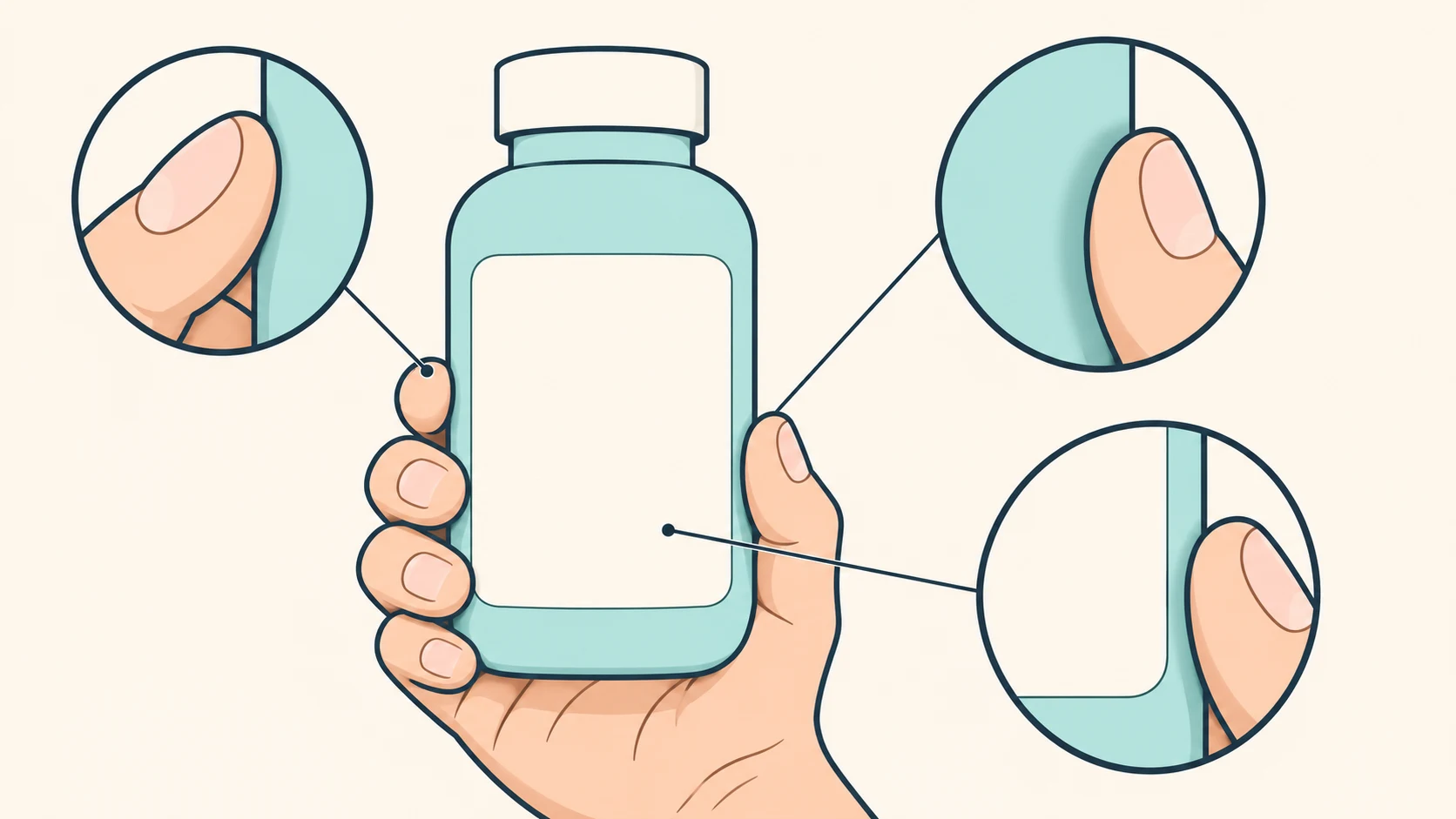
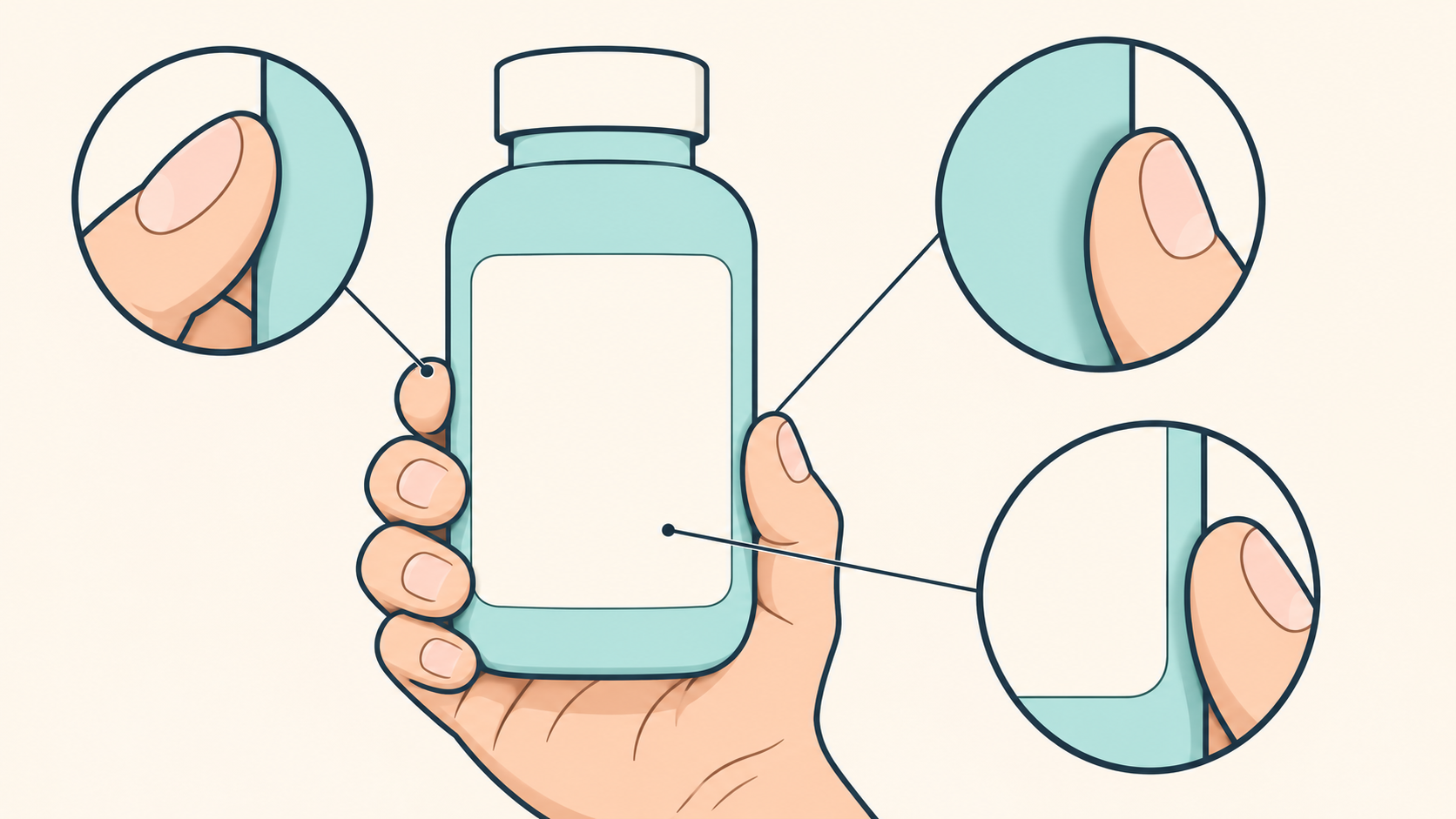
A hand holding a product can establish a use context immediately. But a convincing hand does not guarantee an accurate product. A bottle may become wider, a finger may hide the capacity label, or familiar-looking lettering may replace the actual packaging text.
If you are looking for an ai product in hand generator, aim for a scene you can inspect against a reference—not an image that supposedly proves what the product is like in real life.
Krea’s handheld product page lists a person photo and a product image as inputs and recommends clear photos with good lighting. That describes its workflow, not a universal input requirement or a guarantee of accuracy. The approach below is editorial guidance, not a tested performance claim.
Decide what the hand needs to communicate
Showing the front label is different from demonstrating use. The first generally needs packaging facing the camera. The second may involve pressing, opening, or another action that a generic holding pose cannot establish.
Check that your references clearly show the silhouette, front packaging, cap or opening, and essential text. If the planned view exposes a side that the reference does not show, obtain a real side view. Otherwise, do not present invented side details as the actual design.
Replace “holding naturally” with inspectable relationships: which face points toward the camera, where the thumb and fingers touch, what must remain visible, and whether the layout needs space for copy.
For example, this is a proposed brief, not a generated result:
> Create a handheld concept scene for the reference product. Face the front packaging toward the camera. One hand grips the lower portion without covering the front brand or capacity marking. Retain the reference silhouette, cap shape, and label layout. Use a simple background with room for copy on the right. Do not add packaging text.
These are requirements, not guarantees of faithful text or geometry. Once the references and brief are ready, the InkRoom image generation entry lets you enter a prompt and choose a configured model. Reference-input options, available settings, and fees depend on the current interface and account configuration.
Inspect the contact, not just the finger count
Fewer than five visible fingers is not automatically an error: the product or other fingers may hide them. Trace the visible contours and check whether they belong to plausible fingers, joints, and occlusions.
| Area | Relationship to inspect | What it does not establish |
|---|---|---|
| Fingertips, joints, product edges | Intersections, duplication, fused shapes, implausible bends | A plausible pose is not a verified real-world grip |
| Hand–product contact | Shadows consistent with light direction, contact, and material; unexplained gaps | A shadow does not verify support or weight |
| Product relative to the palm | Unexplained size or aspect-ratio changes across a set | A generated hand is not a calibrated scale reference |
| Label and occlusion boundaries | Visibility and exact correspondence of letters, numbers, and units | Text-like shapes are not necessarily correct text |
Not every contact needs a dark shadow. Soft lighting and pale or transparent materials may make shadows subtle. Look for consistency across lighting and occlusion rather than requiring a black line under every finger.
Compare the packaging with the reference separately. Brand, model, capacity, units, and required notices need more than a quick resemblance check. If these cannot be confirmed, do not use the sample for an exact packaging presentation.
Revise the constraint that caused the mismatch
If the issue is background or copy space, continuing with the existing image may be appropriate. The InkRoom image editing entry is an optional next step for that task; available operations depend on the interface. It is not a verified specialist fix for hands or packaging text.
If the bottle shape changes, the cap is wrong, or fingers cover essential information, revisit the product reference and grip description. Adding “more realistic” does not identify the mismatch. As a troubleshooting suggestion, change one main requirement at a time and retain the reference and brief used for each version. This helps comparison; it does not guarantee a successful correction.
Finally, separate scene design from evidence. A handheld concept can explore composition and communicate a use context. Actual dimensions, capacity, material, and real-use behavior require corresponding factual documentation or photography. Adding dimensions to a prompt does not make the output a calibrated scale image. Where size or material must be accurate, keep verified specifications and real product images available, and identify the generated scene as illustrative.
Related articles and cases
- ai image eraser: What to Check After the Object Is Gone
Removing a distraction is only part of the edit. Define what must stay unchanged, then compare the repair with the original for repeated textures, misplaced shadows, merged edges, and altered text.
- AI Image Prompt Generator: Turn a Vague Idea into a Testable Brief
Define the image’s job and essential details before adding style keywords. Use a reusable brief, compare short and structured prompt examples, and revise one variable at a time without mistaking a clearer prompt for proven image quality.
- AI Image Generator for Social Media: From Visual Brief to Format Review
Separate the image you want to generate from the information that must stay exact. Build a base image, add approved copy, and review each placement as its own design.
- AI Product Recoloring: Separate Color Previews from Listing Approval
Build color concepts from an original product photo, define what may change, and verify each result against the real SKU before naming, approving, or publishing a variant.