AI Meme Generator: Build the Joke, Then Check the Text and Context
A fictional workplace example shows how to define the audience and comic contrast, choose a template or original image, and review captions, crops, context, and permissions without inventing performance results.
·
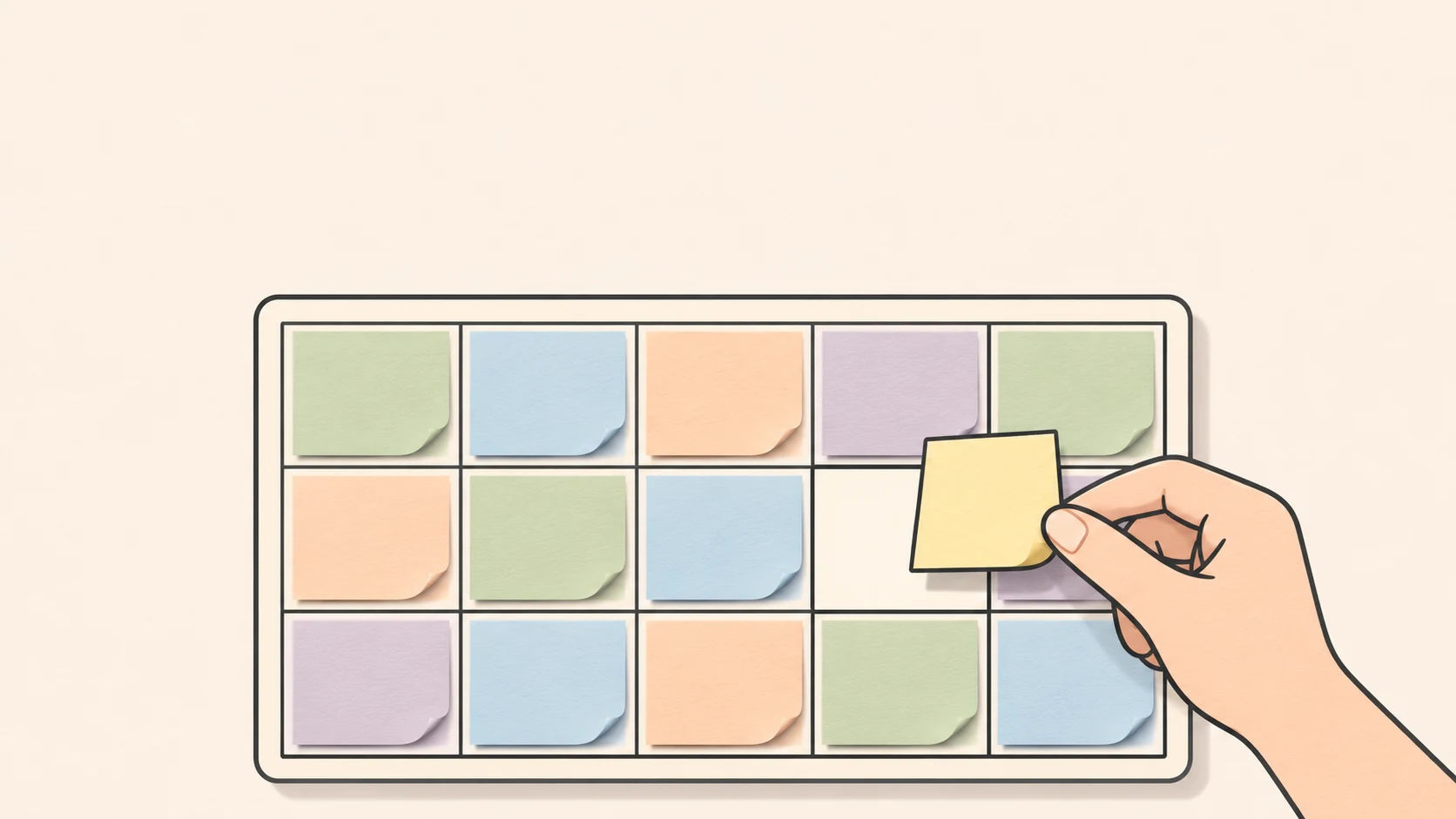
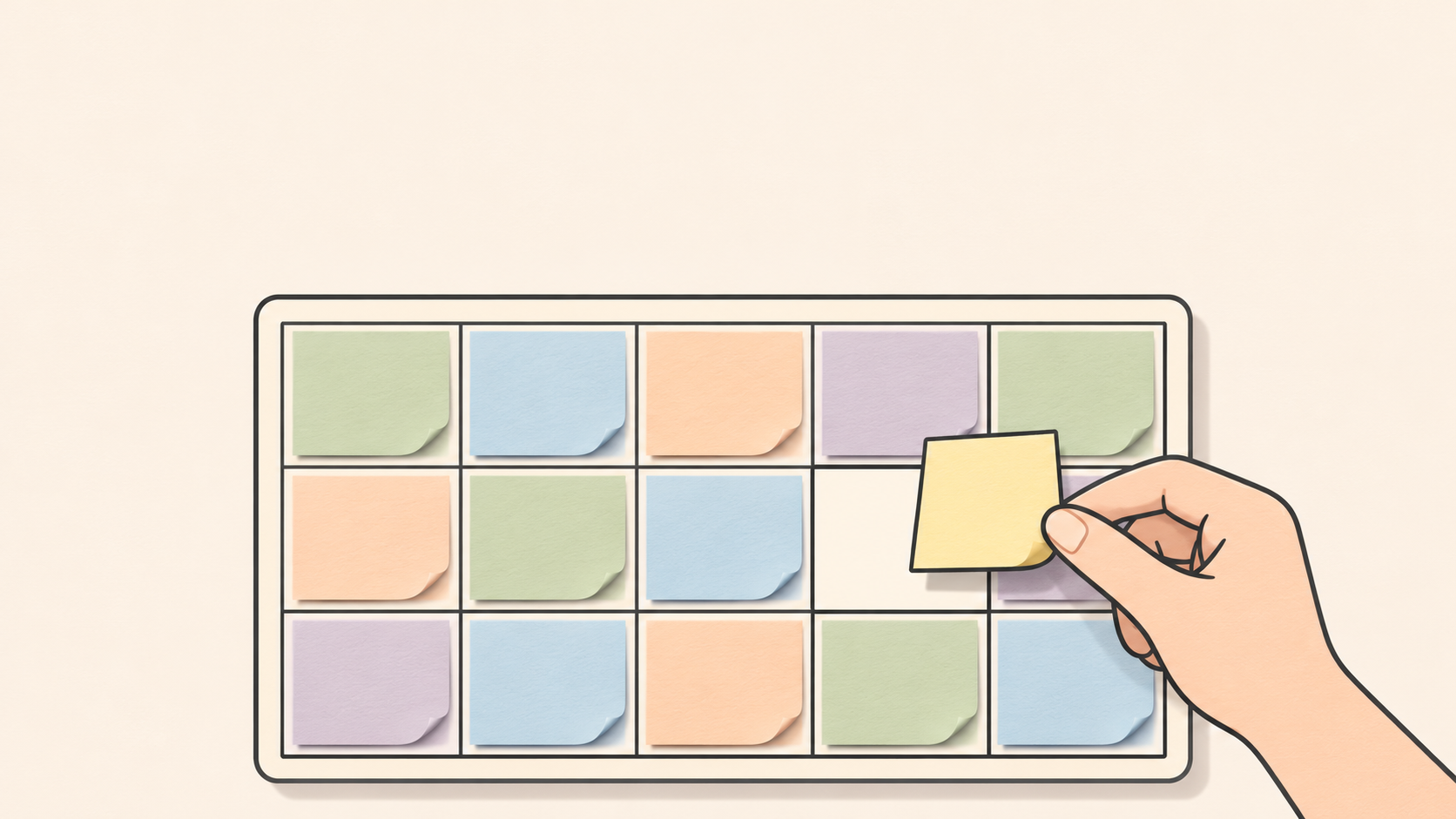
A meme does not need a complicated image. It needs a situation the audience recognizes and a contrast they can grasp. When looking for an ai meme generator, first identify what is missing: the joke, an image that carries it, or a tool for placing the words.
Those are different jobs. Supermeme’s meme maker page says users can write captions in its editor without AI generation; it points elsewhere for AI-suggested templates and captions. A meme-making tool is not necessarily a joke-writing system.
The workplace example below is fictional and illustrative, not a customer case or a tested campaign.
Find the moment the audience will recognize
Imagine making a meme for colleagues whose calendars are crowded with meetings. “Work is exhausting” is broad. A more specific contradiction is scheduling another meeting to discuss how to have fewer meetings.
Define the audience as people familiar with meeting-heavy schedules. The setup is their wish for uninterrupted work time. The reversal is that the proposed solution consumes the last available slot.
An illustrative caption is: “To cut down on meetings / we scheduled another meeting.” This is an invented line, not an employee quote. The target is a process, not a colleague’s identity or competence.
The image need not repeat the sentence. An abstract calendar filled with colored blocks, with a hand about to cover its last empty space, can carry the visual idea. Avoid real company names, actual calendar screenshots, and recognizable colleagues so the fictional scene is not mistaken for a report about a real workplace.
Choose an image that makes the situation easier to understand
A familiar template can work when its expression or action already fits the contrast and its source and usage conditions can be checked. If the audience needs an explanation of the template before understanding the joke, a more direct image may be a better choice.
For an original image, describe visible elements rather than asking only for “a funny meme”: a crowded abstract calendar, one empty slot, a hand holding the final sticky note, and space above for a caption. Consider adding the finished wording separately so revisions remain straightforward. That is a production suggestion, not a test result about any model’s text rendering.
Once the visual description is ready, InkRoom’s image generation page provides an entry point for entering a prompt and selecting a configured model. Availability, parameters, and fees depend on the current interface and account configuration. This does not establish a template library, separate caption layers, or automatic joke review.
If you already have an image, decide whether the picture itself needs changing. For a specific composition or background adjustment, consult InkRoom’s image editing entry and check the operations actually available in the interface. Do not assume it can select and rewrite words already embedded in an image.
Keep the visual punchline visible
In this example, the last empty calendar slot matters. Covering it with readable text can still ruin the joke.
Supermeme’s guidance says to keep words away from the part of the picture carrying the joke and check readability at the size intended for sharing. Here, separate the caption from that final slot. If the words become too small, remove redundant explanation before shrinking them further.
Keep the caption text and whatever editable project format your chosen tool supports. Supermeme specifically states that its downloaded PNG combines image and text, and uploading it again does not recover separate caption layers. That is a documented limitation of that workflow, not evidence that every tool saves projects the same way.
A new crop needs another reading
Preview each intended placement using the destination’s current publishing requirements. In a portrait crop, are both the hand and the empty slot still visible? At thumbnail size, can someone read the setup before the reversal? If not, reposition the image and wording instead of forcing the crop.
For a human review, show the image to someone who did not help create it, without an introduction, and ask what they think it means. If they need the backstory, revise the setup or caption. This is a suggested review method, not a measured effectiveness claim.
Before publication, check where the image came from, whether people or brands are identifiable, and whether viewers could mistake the scene for a real company announcement. Do not publish a particular asset while its permission or usage conditions remain unresolved. Label fictional or illustrative imagery when confusion is plausible. The intended joke is about a frustrating process—not an accusation against a person.
Related articles and cases
- AI Map Generator: From Worldbuilding Notes to a Usable Fantasy Map Draft
A fantasy map needs more than convincing mountains and rivers. Use a fictional river-crossing scenario to turn worldbuilding notes into visual constraints, then check names, routes, distances, and what players should see.
- AI Diagram Generator: From Source Notes to Verifiable Structure
Turn source material into nodes, relationships, and traceable references before generating a diagram. A clearly fictional example shows how to preserve unknowns, review branches, and choose an editable handoff or an API workflow.
- AI Tattoo Design Generator: Turn an Idea Into an Artist Brief
Use AI to make your tattoo idea easier to discuss, not to declare it ready to tattoo. A hypothetical brief shows how to describe placement, size, and line preferences, then review the concept with a professional tattoo artist.
- AI Pixel Art Generator: From Style References to a Consistent Grid
A retro-looking image is not automatically a usable sprite. Define the intended use, logical grid, and limited palette, then explore silhouettes and check scaling, transparency, and frame consistency before delivery.