AI Jewelry Design Generator: From Ring Concepts to Manufacturability Review
Turn ring ideas into concepts you can meaningfully compare, without mistaking a convincing image for engineering evidence. Learn what to record, what different views can reveal, and what to ask a jewelry professional to verify.
·
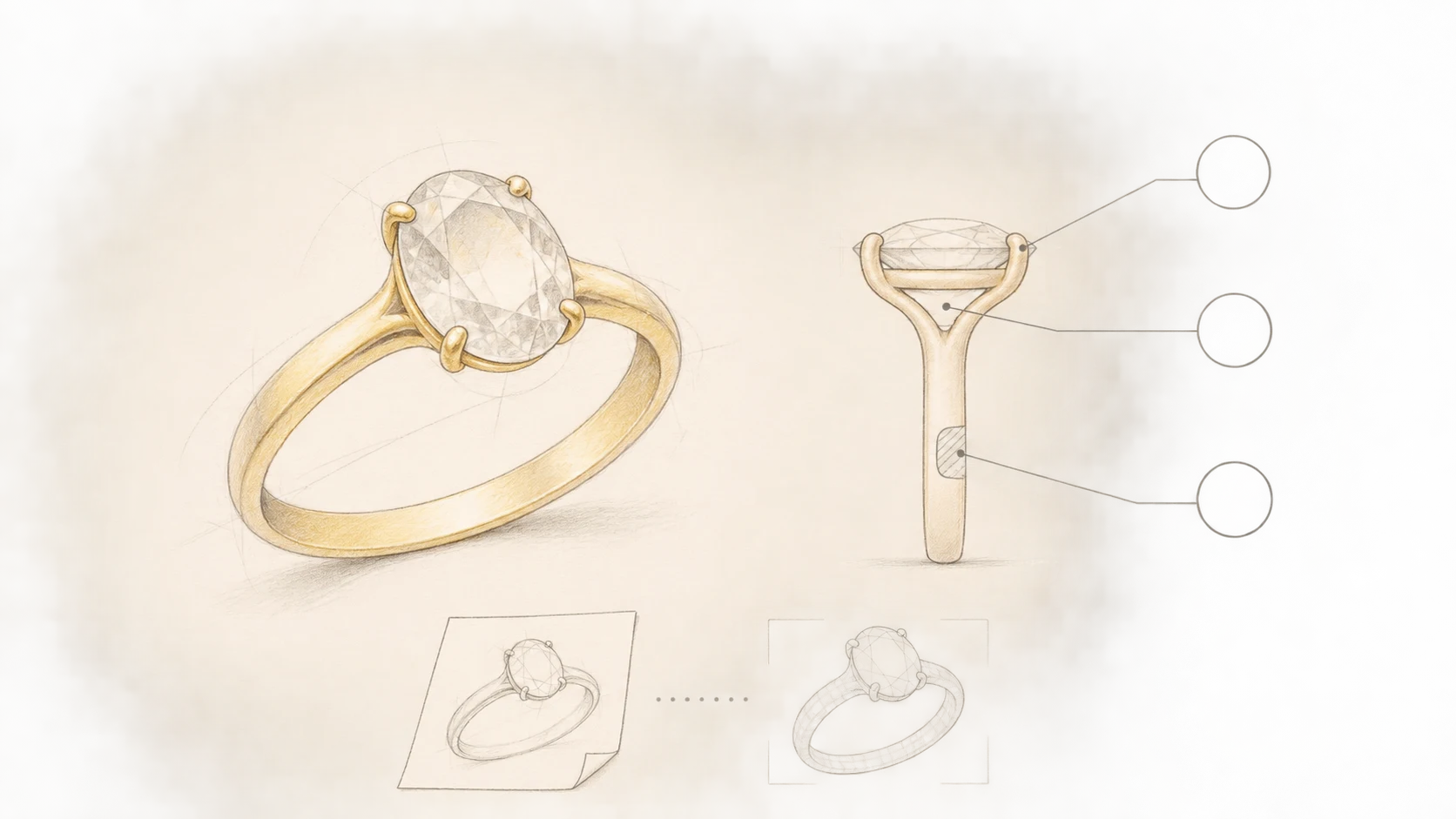
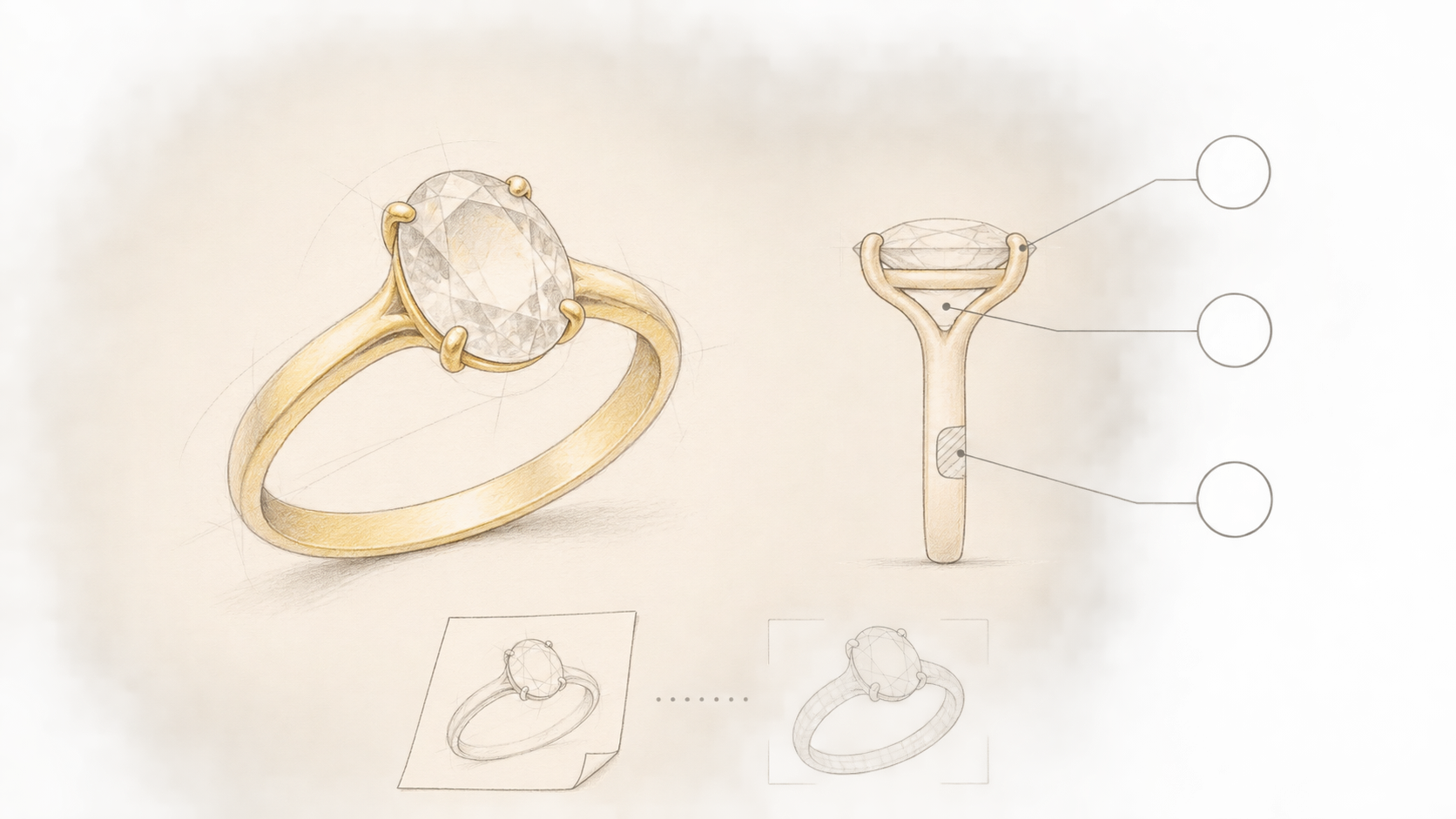
The same gemstone can look quite different in an open, sculptural setting or a restrained, compact one. An AI jewelry design generator can make those preferences easier to discuss. What it cannot establish through a convincing picture is whether the prongs, metal sections, or fit will work in a finished ring.
Jenova’s jewelry design guide likewise describes concepts as visual starting points, not CAD files. For someone commissioning a ring, a useful goal is therefore not a supposedly production-ready image. It is a clear visual direction accompanied by the questions a professional still needs to resolve.
The ring-setting example below is a suggested communication method, not a real commission, a generation test, or a validated manufacturing case.
Separate wearing requirements from image requirements
Start with the wearer, gemstone shape, intended metal, budget range, and wearing context. These belong in the design brief, but they do not all belong in the image prompt.
A hypothetical brief might describe an everyday ring with an oval center stone, a yellow-metal appearance, a simple band, and occasional stacking with another ring. The client supplies the budget. Unselected materials and unknown stone dimensions remain explicitly undecided.
“Yellow-metal appearance” is a visual instruction, not confirmation of an alloy. Similarly, a budget is a constraint for a later quotation, not something the image can demonstrate compliance with. A preference for less snagging or comfortable stacking is a requirement to investigate—not a property already achieved by the concept.
If a stone already exists, record its measured or supplier-provided length, width, and depth, with the source of those measurements. If it has not been selected, write “stone dimensions pending.” Do not turn apparent image proportions into millimeter specifications.
Make the differences between concepts explainable
For comparison, try keeping the gemstone shape, metal appearance, background, and viewing angle fixed while changing one main feature, such as the setting’s visual silhouette. This is a suggested way to reduce distractions, not a guarantee that a model will preserve every other detail.
Decide what you are comparing before generating: a more open side profile, for example, versus a more enclosed outline. If the outputs also change the apparent stone size, band width, and camera angle, you cannot confidently attribute your preference to the setting alone. Note those differences before choosing a favorite.
Once the visual requirements are organized, you can enter them in InkRoom’s image-generation interface and select a currently configured model to create concepts for discussion. Availability, parameters, and fees depend on the current interface and account configuration. Use this for visual exploration, not CAD output or verification of dimensions, cost, or manufacturability.
Give each retained direction an identifier and a short note about both its appeal and its uncertainty: “Prefer the open side appearance; support beneath the center stone remains unresolved.” That is more useful to a designer than “make it luxurious.”
Use front, side, and underside views to raise questions
A front view can support a conversation about the overall outline. A side view can raise questions about setting height and stacking space. A rear or underside view can identify areas where the band connections and support need explanation. None independently completes an engineering review.
The following is a suggested division of questions, not a manufacturing standard:
| View | What the image can help discuss | What still needs professional verification |
|---|---|---|
| Front | Stone orientation, visible prong arrangement, band proportions | Actual setting dimensions, stone fit, and retention method |
| Side | Profile, apparent projection, relationship to a neighboring ring | Actual height, clearance, and contact or interference with another ring |
| Rear or underside | How support and connections are depicted | Real connections, critical section dimensions, and construction method |
| On-hand illustration | Aesthetic preference and approximate visual scale | Ring size, weight, contact, comfort, and snagging behavior |
Do not treat separately generated views as projections of one shared 3D model. If a prong disappears between views or the underside introduces an incompatible connection, label the concept “inconsistent views; structure undefined.” Choosing the prettiest view does not resolve the contradiction.
A slender-looking band also does not prove sufficient metal thickness. An apparently close fit in an on-hand illustration does not verify comfort.
Hand over the preference and the unresolved questions
Keep each retained direction with its own rationale rather than combining every attractive detail into an unexplained hybrid.
A handoff note might read:
> Direction A: retain the oval stone orientation and simple band appearance. The open side is an aesthetic preference, not an approved support structure. Please review the setting, prong positions, band sections, and stacking clearance against the actual stone dimensions and intended ring size. Alloy, final finish, and quotation remain pending.
Attach the original wearing requirements, budget range, and available stone information. Distinguish essential visual intentions from adjustable details and unverified facts, so the professional knows which changes require another conversation.
A jewelry designer and craftsperson can then review CAD, structure, dimensions, materials, and cost. When a revised design arrives, discuss why it changed. If supporting the stone requires a different prong arrangement, does the preferred silhouette survive? If the quotation exceeds the budget, should materials, decoration, or the overall direction change? The provider must confirm the actual quotation and production arrangements.
The value of the AI concept is not that it removes professional judgment. It makes preferences specific enough to discuss while keeping the unknowns visible.
Related articles and cases
- AI Website Hero Image Generator: From Brand Brief to Responsive Crops
Turn a brand brief into a useful hero image, then check what survives on desktop and mobile. Includes a prompt example, a reproducible crop calculation, and practical checks for readability, loading, and truthful product representation.
- AI Sketch to Render: Keep Architectural Intent in the Picture
Turn an architectural sketch into a useful concept rendering by separating design constraints from visual choices. Learn how to prepare inputs, compare directions, review geometric drift, and define the limits of image and API handoffs.
- AI Garden Design Generator: Explore Layouts, Then Check Growing Conditions
Turn a yard photo into a clearer design brief, explore layout separately from seasonal color, and check promising ideas against site measurements and local plant information.
- AI Furniture Design Generator: From Style Sketches to Dimension and Material Checks
Use a hypothetical entryway storage bench to explore furniture concepts, identify contradictions between views, and separate visual decisions from dimensions, materials, and construction that need independent validation.