AI Image Licensing for Ecommerce: Permissions and Product Accuracy
Separate output terms, third-party asset licenses, input permissions, and product accuracy. Use an image-level record tied to the SKU without treating tool access as permission to publish.
·
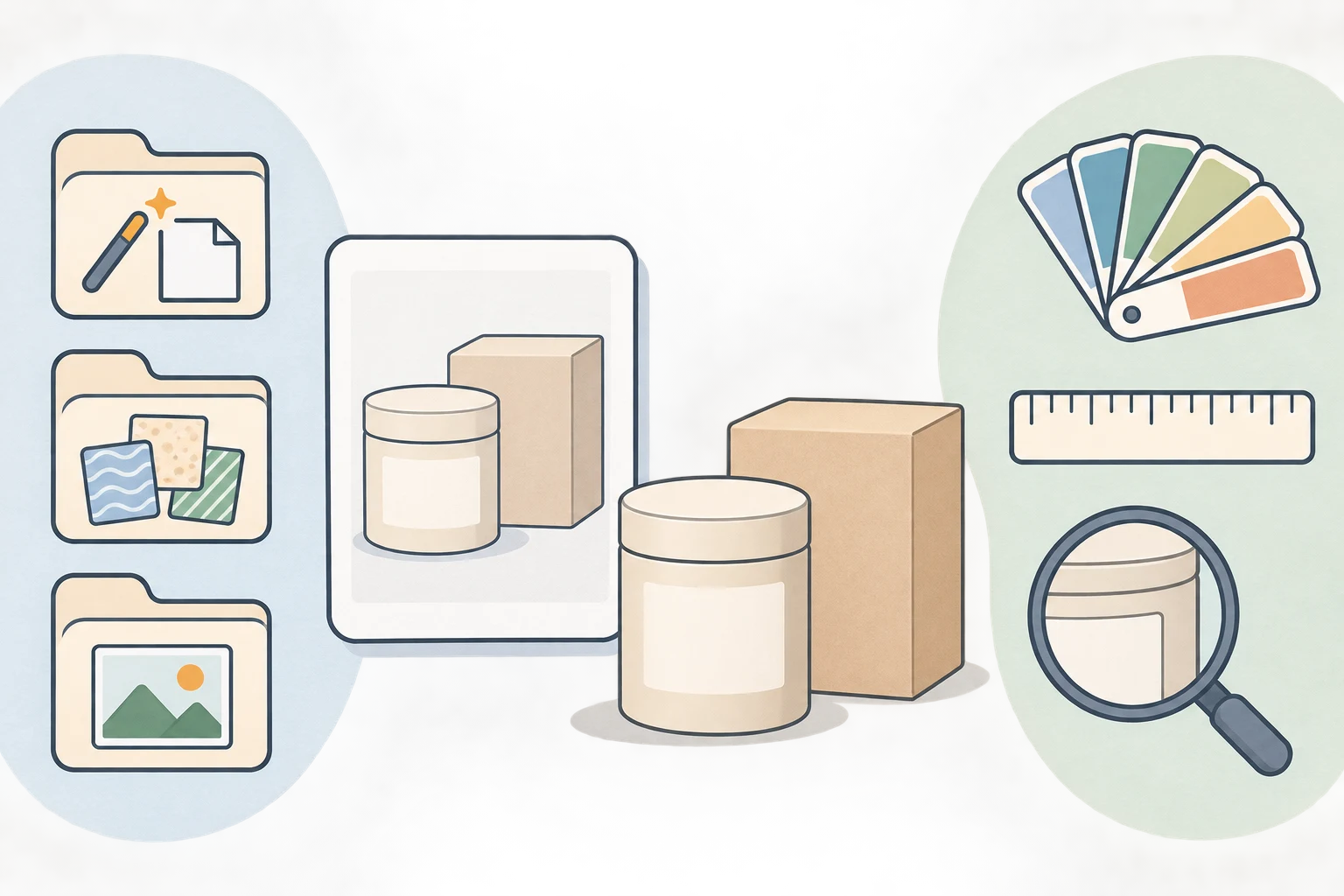
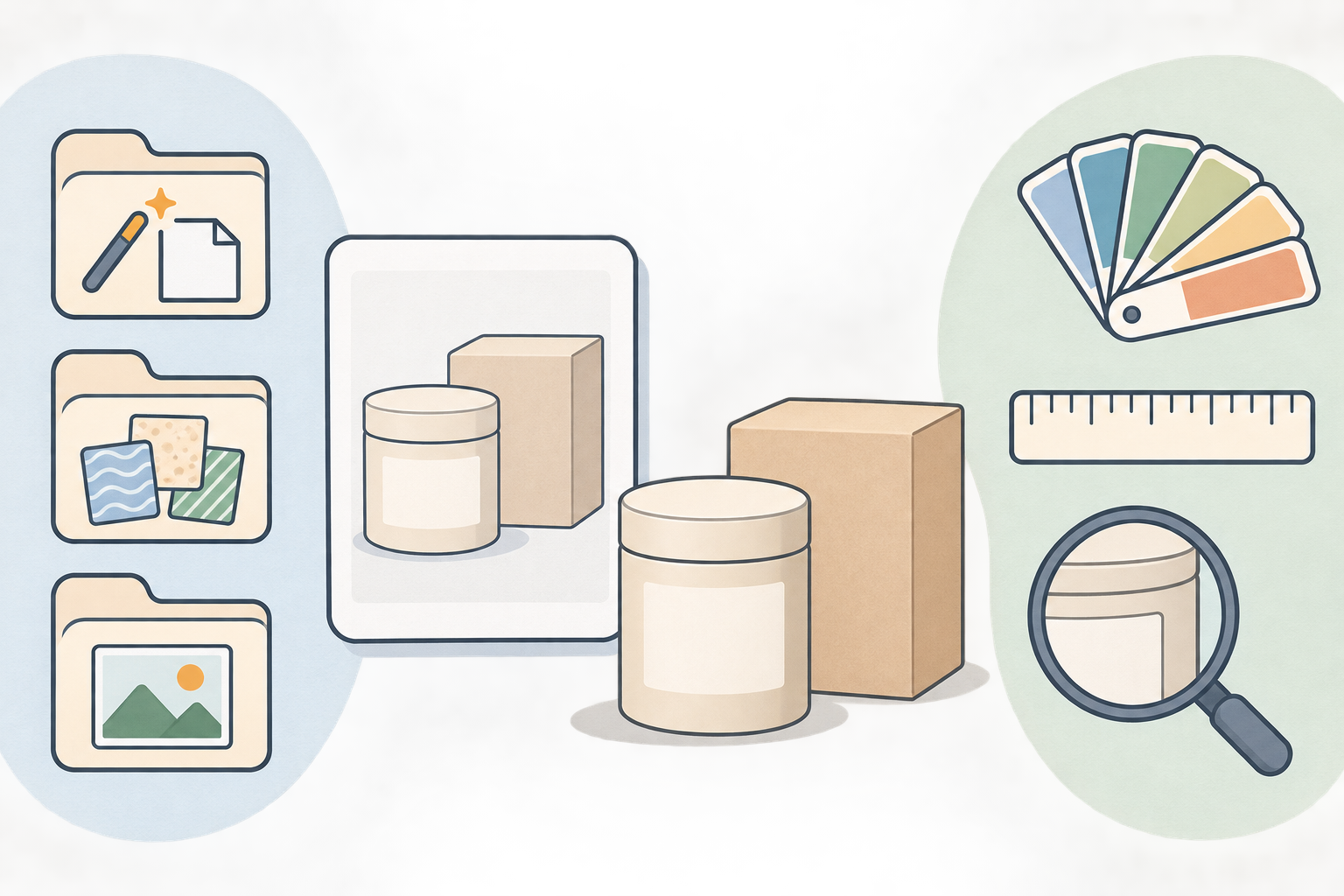
A product image can look ready for a listing while its permissions remain unresolved. An image with documented permissions can still show the wrong product. AI image licensing for ecommerce needs to address both questions without treating one as proof of the other.
This is a working review method, not a completed licensing assessment. The specified Canva and OpenAI terms have not been read for this draft, and their actual access dates are unknown. No current commercial-use conditions or merchant test results are established here.
One set of tool terms does not settle every permission
Start with one proposed image and its SKU. Record each permission separately. The questions below are research prompts, not summaries of any provider's terms.
| What to review | What needs checking | Suggested supporting record |
|---|---|---|
| Generation service output terms | Which service, account plan, and terms version apply? Does the intended listing or advertising use meet the relevant conditions? | Official URL, actual access date, applicable version, relevant text |
| Third-party asset licenses | Do licenses for stock photos, fonts, textures, or design elements cover the intended use and processing? | Asset source, license text, purchase or permission record |
| Input image permissions | Who holds the relevant rights in the photo or reference image? Is uploading it to this service and processing it as intended authorized? | Original file, photography agreement or written permission, permitted uses |
Owning the product does not, by itself, resolve permission to use its photographs. For example, receiving a supplier's image is not enough to establish permission to upload it to a generation service or use it in an advertisement. Check the scope of the authorization rather than assuming it from possession of the file.
The pending official verification targets are Canva AI Product Terms and OpenAI Terms of Use. These links identify pages to review; they are not evidence that their contents have been checked. Record the actual access date when reviewing them, and follow any references to other applicable terms. Do not substitute the retrieval date of a secondary article.
Keep contractual permission, copyright protection, third-party rights, and sales-channel requirements as separate questions. Permission under a service contract should not be treated as proof that every other question is settled. Take disputed ownership or licensing issues to a qualified professional with the relevant records.
Check the image against what the buyer receives
The reference guide recommends comparing the final image with the physical product before publication. That review action is useful here; its unverified regulatory claims, statistics, and fixed retention period are not adopted.
Review the final export alongside the correct SKU's physical reference photos and specifications—not just the generated preview.
| Check | Compare with the product | Suggested response to a mismatch |
|---|---|---|
| Color | Product, accessories, and packaging colors | Recheck against the physical item and capture references; screen appearance alone is insufficient |
| Specifications | Quantity, components, ports, and dimensional relationships | Hold the image until the exact variant is confirmed and corrected |
| Packaging | Box design, bundle contents, and included accessories | Remove or accurately reframe items that are not supplied |
| Labels | Name, capacity, model, warnings, and other markings | Check character by character; unreadable text is unresolved, not approved |
| Presentation | Implied extras, functions, or scale | Correct the misleading implication rather than relying on an “AI-generated” note |
For example, a stand shown in a scene may appear to be part of the bundle even if it is not supplied. This is an editorial example, not an observed merchant case. Check the target marketplace's current channel and category rules separately; no specific marketplace requirements have been verified here.
Keep the review attached to the version
As a suggested recordkeeping method, link the SKU to input files, permission records, terms-review notes, prompts, available model information, editable files, and the final export. Add the reviewer, review date, and unresolved issues. Mark unavailable information as unavailable rather than reconstructing it.
This helps prevent a new package design or replacement image from inheriting an old approval. Set retention according to actual business needs and applicable requirements; this draft establishes no universal minimum. Documentation is not a compliance certification.
After checking the applicable terms and asset permissions, creators who need a new image can use InkRoom's image generation entry to enter a prompt and choose a configured model. Availability, parameters, and fees depend on the current interface and account configuration. This is not a licensing lookup or compliance review tool. Compare the output with the physical product and retain your own files and review records.
Related articles and cases
- AI Concept Art Generator: From Exploration to a Clear Visual Direction
Turn a visual brief into comparable concept drafts, choose a direction for specific reasons, and document revisions. A fictional coastal signal station shows how to explore designs without mistaking concept images for production-ready game assets.
- AI Architectural Rendering Generator: Sketch Inputs and Render Review
Use a hypothetical building sketch to separate design constraints from visual choices, then review viewpoint, materials, proportions, structural relationships, and multiple views against the original design files.
- AI Character Turnaround Generator: Align and Review Front, Side, and Back Views
Turn one character reference into a reviewable set of views by separating confirmed design from invented details, checking proportions and anatomical sides, and documenting what the back view cannot establish.
- AI Product Catalog Generator: Consistent Images, SKU-by-SKU Review
Keep product facts, visual rules, and catalog placement separate. This workflow explains how to test difficult images, map API outputs to SKUs, and document exceptions without treating successful generation as approval.