AI Product Catalog Generator: Consistent Images, SKU-by-SKU Review
Keep product facts, visual rules, and catalog placement separate. This workflow explains how to test difficult images, map API outputs to SKUs, and document exceptions without treating successful generation as approval.
·
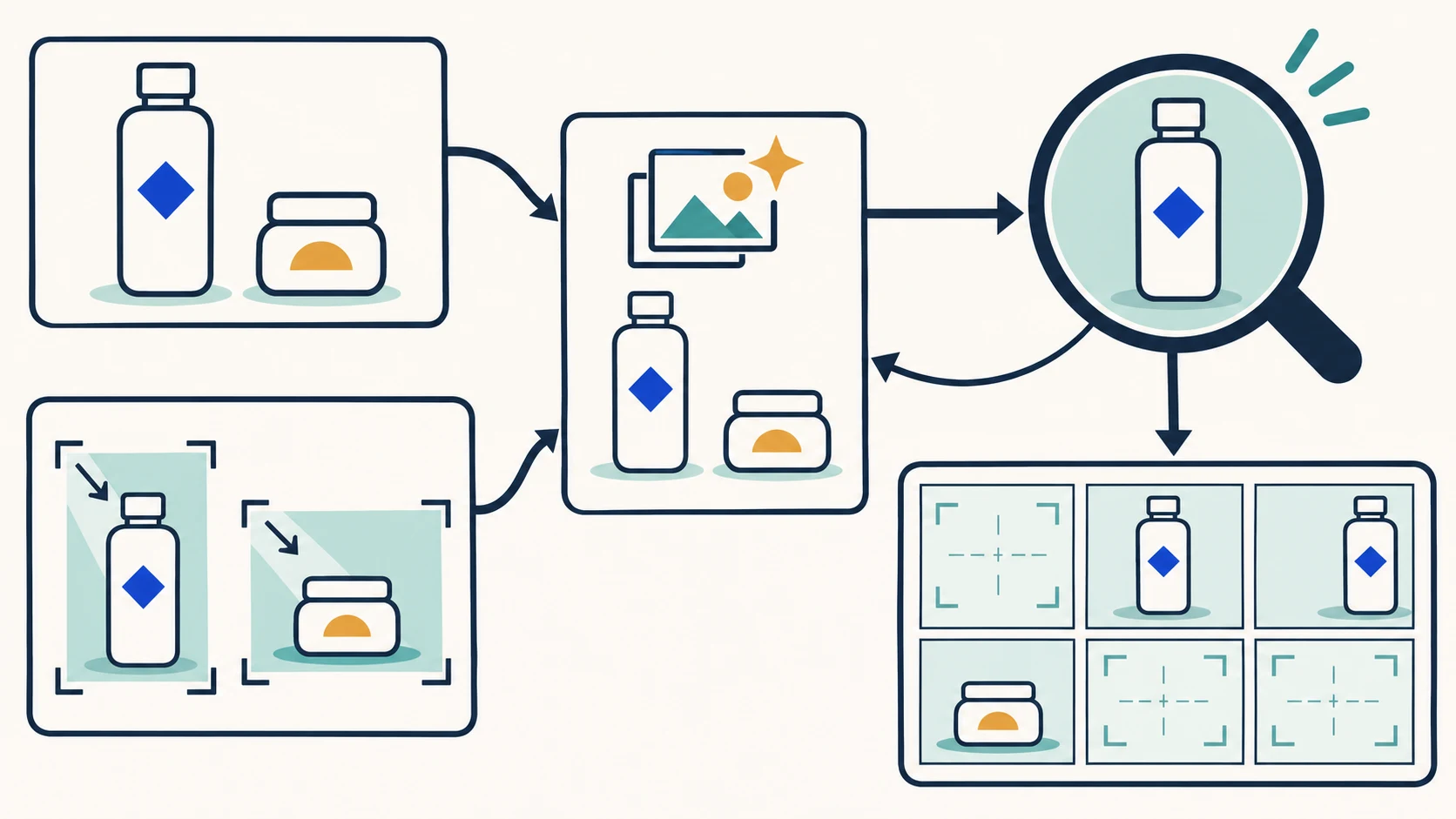
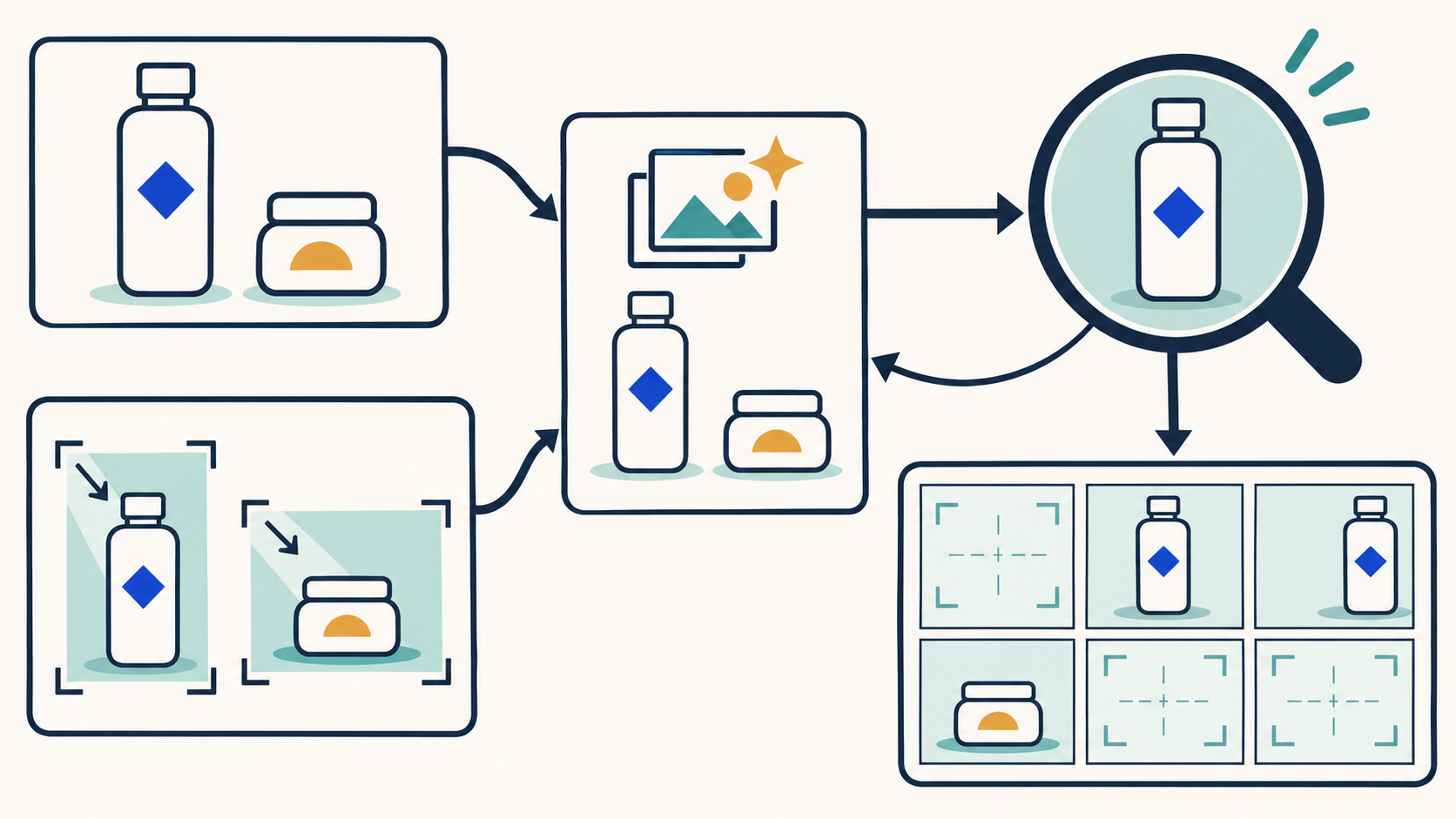
A matching background can make a catalog look finished before it is correct. A bottle may have the wrong color, a multipack may show the wrong quantity, or an accurate image may be assigned to the wrong variant.
When evaluating an AI product catalog generator, ask two separate questions: do the images belong together visually, and does each image still represent the product being sold? The workflow below is a recommended operating method—not a tool benchmark or a claim that an API supplies these controls automatically.
Keep product facts outside the style decision
Separate three kinds of information, even if your team stores them in one worksheet.
| Layer | Suggested records | What it establishes |
|---|---|---|
| Product facts | SKU, specification, actual color, pack quantity, label content, source-image version | Whether the output represents the right product |
| Product-family style | Background, light direction, crop, subject size, margins, reference version | Whether related images look coherent |
| Catalog placement | Variant, primary or secondary image, display order, image version to replace | Whether the right image appears in the right place |
Use confirmed product records and source photographs as the factual baseline. If they disagree, resolve the discrepancy with the product owner. Do not ask a model to guess a missing specification or reconstruct unknown label text.
Rewarx's reference article recommends defining style at the product-family level. That is a useful starting point, but a visual family need not match a store category. Tall bottles and short jars may need different framing even when both are skincare products. Standardize the presentation rule, not every silhouette's exact dimensions in the frame.
Keep an approved style reference separately from each SKU's source image. One describes the presentation; the other identifies the merchandise. Colors, labels, and accessories in the style reference should not become substitute product facts.
Test the images most likely to expose a problem
Before expanding production, select real source images with relevant difficulties: small packaging text, reflective surfaces, faint product edges, or a bundle whose quantity could be misrepresented. Choose risks present in your inventory rather than inventing extra test products.
Start with a limited change, such as background and framing, and compare the output with the original. Record the exact location of any changed color, packaging structure, or label. “Looks wrong” is not enough information for someone else to repair it.
A localized background defect may be suitable for repair. A changed quantity, specification, or unreadable product label should hold the output for verification. If the source does not show the necessary detail, obtain a reliable image rather than asking the model to invent it.
Design the SKU mapping before the API call
Teams that need programmatic access or business-system integration can consult the InkRoom image API entry point and confirm the current supported scope. This is an integration entry point, not evidence that a particular source-image editing operation, callback mechanism, or product-verification feature is available.
On your side of the integration, retain the SKU, source version, style version, image role, internal task identifier, output location, and review state. These are proposed application records, not documented provider parameter names.
A primary image and a lifestyle image for the same SKU should have separate task records. A remake using a changed source should have a new version. Do not assign images solely by their position in a returned list: retries and manual replacements can break that association. Use identifiers actually supplied by the service, or a call-to-task mapping maintained by your application.
Keep generation status separate from review status. A successful generation means an output exists; it does not mean the image belongs in the catalog. Unapproved outputs stay pending, and rejected versions remain traceable without entering the approved publishing set.
Review the product individually, then inspect the catalog together
First compare each output with its SKU's source and confirmed records: color, packaging shape, item count, label, and specification. Then compare related images for framing, background, and lighting. Finally inspect the intended catalog sequence for variant assignment, primary-image placement, and missing entries.
These checks are not interchangeable. Consistent styling cannot compensate for incorrect packaging, and an accurate image cannot compensate for the wrong variant assignment. Also distinguish objects visible in a scene from units actually included in the sale.
Use an exception log that another reviewer can follow. The conditions below are suggested review rules, not defects observed in a test.
| Exception condition | Evidence to retain | Recommended action |
|---|---|---|
| Color conflicts with confirmed records | SKU, source and output versions, affected area | Hold the output and verify before revision |
| Label or specification is unreadable | Label location and the record to check against | Use a reliable source or obtain another photograph; do not guess text |
| Correct image, wrong variant or position | Task identifier, intended variant, current placement | Repair the mapping rather than regenerate |
| Background or framing violates family rules | Style version and location of the deviation | Repair without changing product facts |
Retain originals, replaced outputs, revision reasons, and review records. When a new SKU arrives, reuse the approved visual rules—not the previous batch's approval. Every new product still needs its own factual review.
Related articles and cases
- ai vectorizer: How to Check Paths and Text After PNG-to-SVG Conversion
An SVG download is not proof of an editable vector asset. Learn what to inspect inside the file, how to check contours and text, and what changes when the result is headed for a large screen, print, or an icon.
- AI Image to 3D Model: How to Verify You Received a Mesh
Separate attractive previews from editable geometry, then assess the delivered asset in your target software. Includes suggested validation practices and API handoff records, not vendor performance claims.
- AI Menu Design Generator: Review Images, Names, and Prices Separately
A polished menu draft is not a verified menu. Use one approved dish record to review food images, names, prices, and dietary information, then check the mobile and printed versions separately.
- AI App Icon Generator: From Concepts to Delivery Checks
Turn an app idea into icon candidates, compare them at small sizes, and keep visual design separate from platform asset preparation. This guide offers a working method, not unverified store specifications.