AI Image Generator for Ecommerce: A Workflow for Product, Lifestyle, and Marketing Images
Decide what each image must prove before choosing generation or editing. Separate real product evidence from creative concepts, review every deliverable, and compare costs using usable images rather than generation counts.
·
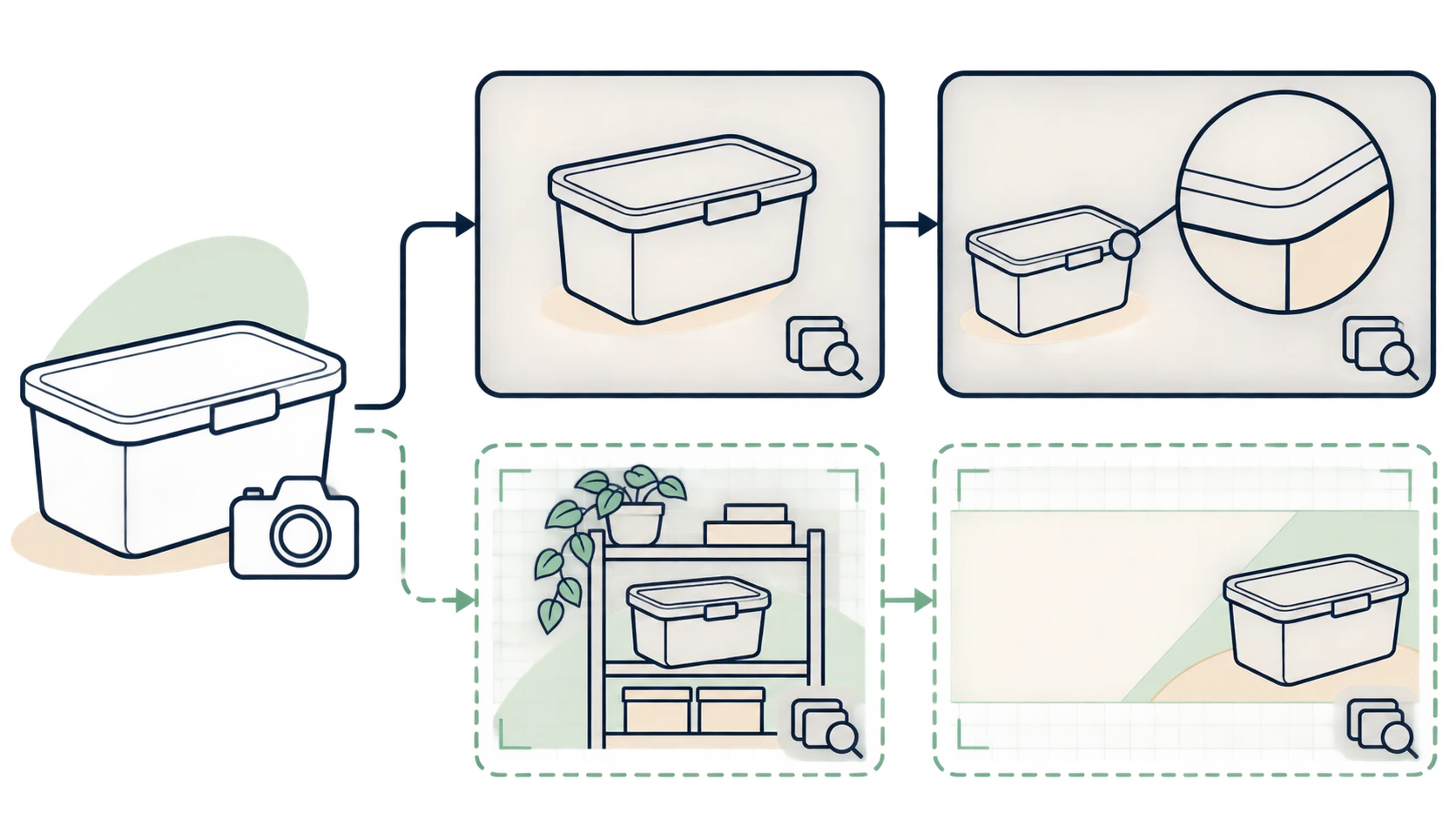
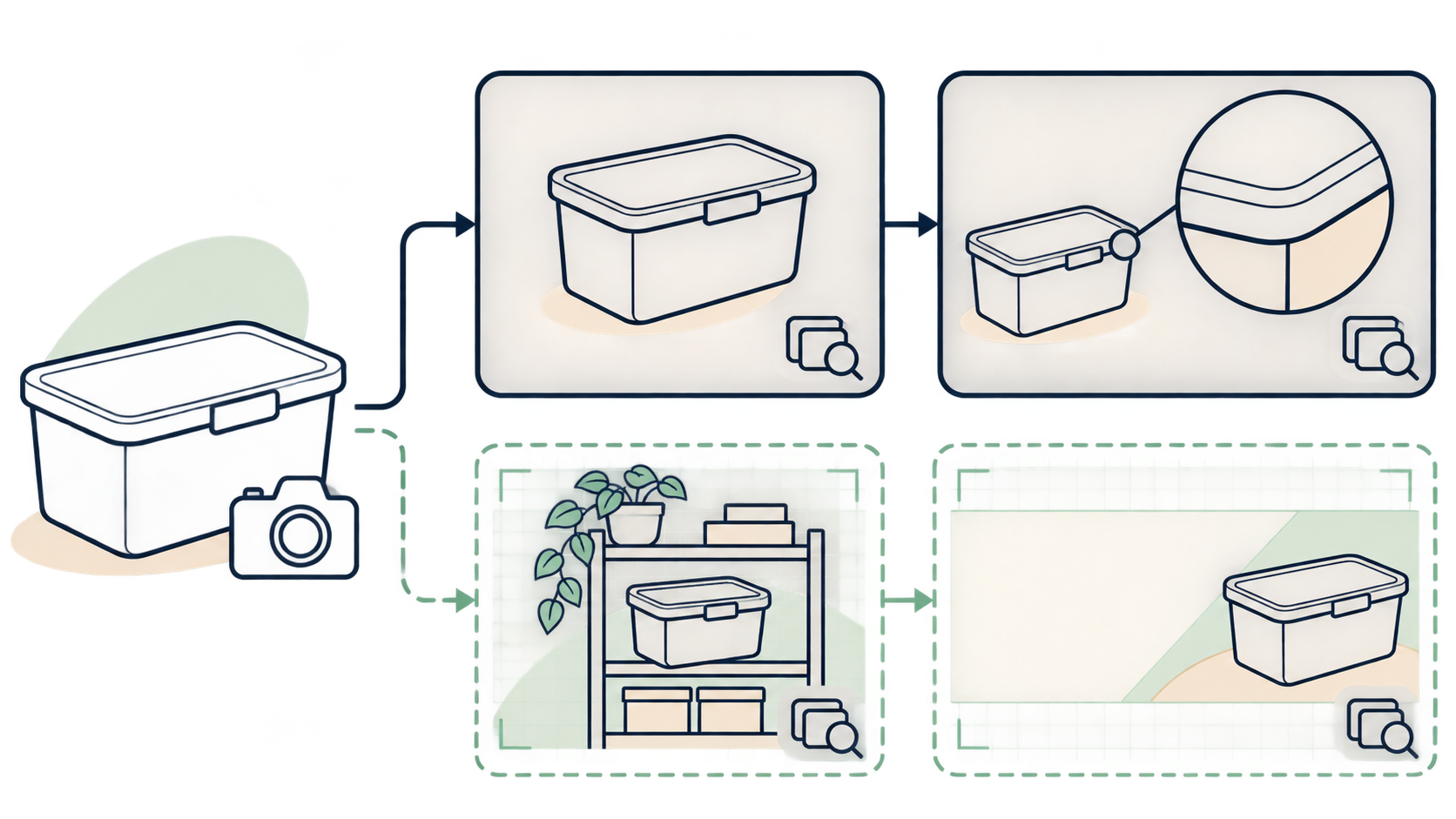
An image that works in a creative review may not belong in a product listing. When choosing an AI image generator for ecommerce, start with a buyer’s question: which details in this picture will people expect to receive?
Color, construction, packaging, and included accessories need support from real product information. AI can help create a setting; it cannot establish that a product actually exists in the form shown. Shopify’s ecommerce image guide likewise advises checking generated images against the real product.
Let the image’s purpose set the boundaries
The following is a suggested production split, not a universal marketplace upload policy.
| Image purpose | Real references to prepare | Room for creative work | What generation cannot establish |
|---|---|---|---|
| Product listing, including white-background images | Clear photos of the version sold, packaging, and included accessories | Background treatment, spacing, and composition options | An unsold color, accessory, or variant |
| Product detail display | Photos of the relevant angles, exact label text, actual dimensions | Information placement and explanatory layout | Unseen ports, internal construction, or functionality |
| Lifestyle concept | A description may be enough for internal exploration; public images of a specific product need real photos and specifications | Setting, lighting, and prop placement | Fit, load capacity, waterproofing, or actual performance |
| Marketing creative | Product references when a specific item appears; separately approved offer copy | Visual theme, atmosphere, and space for text | Bundle contents, offer conditions, or promised gifts |
A white background does not make a picture factual. A lifestyle setting does not reduce the need for product accuracy. Whenever a specific item is shown for sale, check it against the same underlying product records. An AI-generated label does not make an incorrect variant acceptable.
Start with the original when the task is an edit
If you need a different background, more space, or a banner composition, begin with the existing product photo—not a description of a similar item.
Choose a source image that shows the important details. If the lid, connector, or back label is missing, an additional photograph is a better factual reference than an invented view. Limit the request to the intended change: for example, adjust the background and surrounding space without inventing product details. That instruction expresses a requirement, not a fidelity guarantee.
For this task, InkRoom’s image editor accepts an existing image and an editing description. Available models, parameters, and operations depend on the current interface. The entry point does not guarantee unchanged subjects, structures, dimensions, or text. Compare each result with the original and product records.
For new concepts, describe the placement before the scene
Not every concept needs a convincingly rendered product. If the team is still choosing a background, you can explore a setting without asking the model to reconstruct the item.
Consider a hypothetical brief for a storage-box homepage banner before the product angle has been approved:
> Create a background concept for a home-organization banner. Leave an area on the left for a product and space on the right for a headline. Use soft side lighting. Do not generate a product, brand, price, dimensions, or promotional text.
This is an illustrative creative brief, not a tested prompt or a guarantee of compliance. When the product is added, use real references. If the scene suggests the box fits inside a particular cabinet, confirm that relationship with actual measurements rather than visual plausibility.
To create a new image from a description, InkRoom’s image-generation entry lets you enter a prompt and select a configured model. Availability, parameters, and fees depend on the current interface and account configuration; image quality is not guaranteed. Changes to an existing product photo belong in the editing branch instead.
For prices, dates, and other exact wording, consider adding approved text during layout rather than treating generated lettering as final copy.
Review the image where it will actually appear
A thumbnail can hide a changed product. Inspect the full output, then check the intended display size and crop.
For appearance, compare the silhouette, component count, color, and material. Reflections and shadows should not conceal structural differences. For packaging text, compare characters against the approved label, especially capacity, specifications, and model numbers. If the source is unreadable, consult the label file or take another photo; do not infer the original wording from a generated result.
Check proportion in two ways: whether the product’s own parts have changed, and whether nearby people, furniture, or props imply the wrong size. Use confirmed measurements when communicating dimensions. Perspective is not measurement evidence.
Then check the placement itself. Can shoppers recognize the product in a listing thumbnail? Does the banner crop remove essential information? Is there enough room for approved copy? Verify pixel dimensions, formats, backgrounds, and AI-content requirements against the destination’s current rules rather than applying one specification everywhere. Commercial use also requires checking the applicable tool and asset terms.
Correct or reject any result that changes the version being sold, even if the overall composition is attractive. Keep unresolved images in an internal-concept folder, separate from publishable files.
Compare cost per usable deliverable
Give each candidate tool the same assignment: the same product references, intended placement, and delivery requirements. Record the actual quote or charge, asset expenses, production and review time, revision count, and usable deliverables.
A suggested accounting method is:
Cost per usable image = (actual tool fees + asset costs + labor valued consistently) ÷ usable image count.
Revision counts explain where costs came from; do not add them again if their fees and time are already included. If no image is usable, record the failed task’s expenditure and reason instead of calculating a nonexistent unit cost. If separate placements count as separate deliverables, use that convention for every option.
This measures what it took to complete the assignment, not how many images appeared on screen. Only images that pass product-fact and placement review belong in the denominator.
Related articles and cases
- AI Ad Creative Generator: Make Room for the Product and the Message
Plan an ad background around real copy, keep product and offer details accurate, and adapt the composition rather than simply resizing the finished image.
- AI Product Image Editor: Change the Scene, Not the SKU
Define what may change in an existing product photo, write a bounded editing prompt, and verify the result against SKU records and physical references. Judge efficiency by approved images and review time—not generation volume.
- AI Product Background Generator: From Real Photos to Usable Scenes
A better background is only useful if the product still represents what you sell. Choose between white-background and lifestyle images, describe the edit, and compare product details before using the result.
- Hand Model Product Photography: Natural Grips, Credible Contact
Plan small-product shots around visible details, believable support and useful scale cues. Learn what to check in a real photograph or an AI composition sketch without treating either a hand or a generated image as measurement evidence.