AI Ad Creative Generator: Make Room for the Product and the Message
Plan an ad background around real copy, keep product and offer details accurate, and adapt the composition rather than simply resizing the finished image.
·
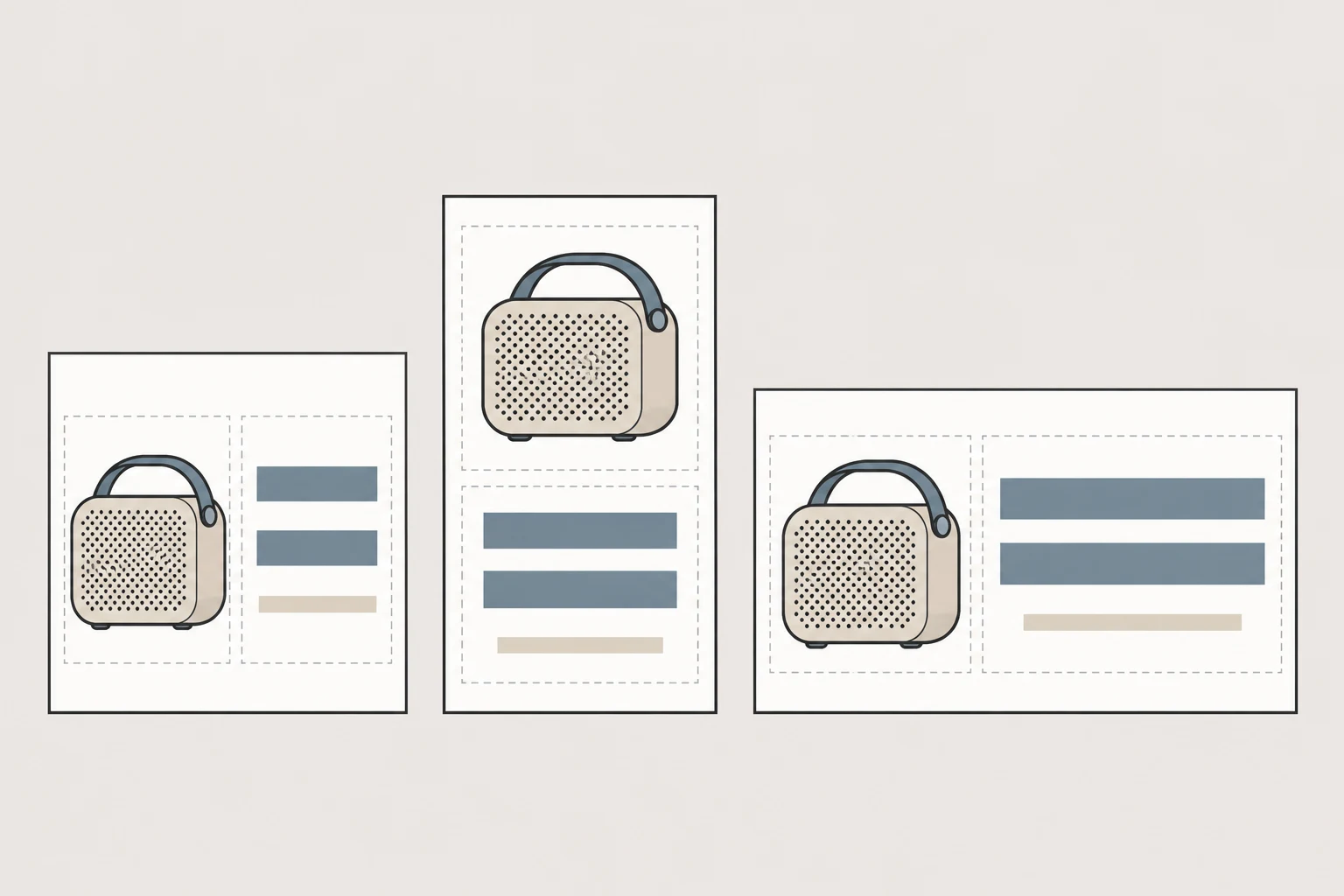
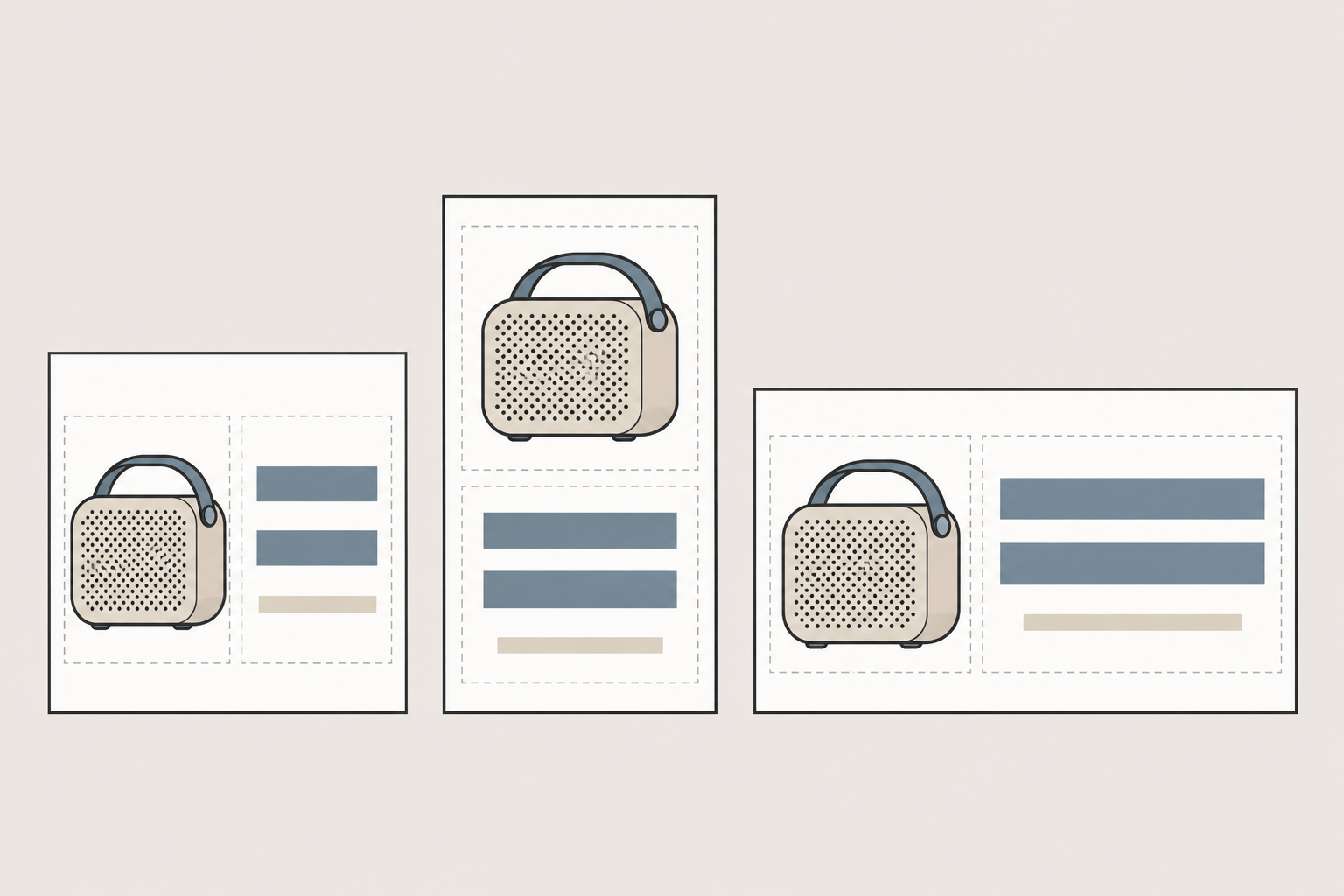
A striking product image can still make a poor ad layout. The product fills the frame, the headline covers the packaging, and the price disappears into a busy background. When using an AI ad creative generator for static ads, start with a spatial question: where will the product, the message, and the background go—and which elements must come from verified assets?
This guide is for individual creators and small teams making visuals manually. It does not describe an automated advertising system or report campaign results.
Separate visual exploration from information that must be right
Recraft’s ad generator page identifies product photos and scene examples as reference material. That is a useful preparation cue: collect more than a mood image. Document what the product looks like and which features must remain accurate. The page’s marketing claims about speed, brand matching, and performance are not test evidence for this guide.
Treat lighting, scenery, props, and atmosphere as creative choices. Treat product shape, packaging text, prices, offer dates, conditions, logos, and QR codes as information to verify against approved originals. If a generated product differs from the real item, do not publish it as an accurate product depiction. An alternative is to build a background and combine it with a genuine product asset in a separate layout tool.
Copy space needs more definition than “an empty corner.” It must accommodate the actual headline, price hierarchy, and required offer details. Reflections and background texture can interfere with reading even when nothing directly overlaps the text. Make a rough layout with the real copy before generating the background.
Describe the composition, not an invented promotion
Here is an illustrative brief for a portable-speaker ad. It is a proposed creative description, not a tested prompt or a reported result:
> Static product-ad background. Reserve the right side for a portable speaker. Keep a continuous, low-detail area on the left with even tonal values for a two-line headline and one supporting line added later. Simple indoor tabletop, soft side lighting, background guided by approved brand colors. Avoid distracting props and busy textures. Do not generate prices, dates, promotional text, logos, QR codes, or buttons. Check any product depiction against genuine product assets; if accuracy cannot be achieved, create a background for compositing the real product instead.
The useful instructions concern placement, visual quietness, and excluded content. Naming a brand color is a creative direction, not proof that the output meets a color specification.
To create a new background from a description, enter your prompt in InkRoom’s image generation entry and select a currently configured model. Availability, parameters, and fees depend on the current interface and account configuration; this does not guarantee product fidelity or a particular visual result.
Add approved copy and brand assets in a separately chosen layout tool. Use a genuine QR code, verify its destination, and scan it from the final export. A generated code-like pattern is not a usable substitute. Likewise, a button drawn into an image does not create a working link; configure the destination separately in the advertising setup.
Adapt the hierarchy, not just the dimensions
A horizontal composition does not automatically survive a vertical crop. The following are layout suggestions, not official platform specifications. Confirm the current dimensions and safe areas for the actual placement.
| Canvas shape | Relationship to plan | What to inspect |
|---|---|---|
| Square | Side-by-side or stacked product and copy zones | Whether the headline crowds identifying product features |
| Vertical | A readable sequence of headline, product, and supporting information | Whether interface overlays obscure the top or bottom |
| Horizontal | A clear connection between separated product and copy zones | Small text and product cropping within the shallow height |
If an existing background needs a different setting or a wider composition, submit the image and an editing description through InkRoom’s image editor. Available models and parameters depend on the interface. Do not assume seamless expansion, unchanged product details, or accurate text. Recheck the whole image against the original assets, not only the edited area.
Inspect each export in its intended placement preview and at a size close to actual display. Confirm readable copy, recognizable products, undistorted logos, and a QR destination that works. To compare advertising performance, define the audience, delivery conditions, and evaluation metric before testing. A more polished image alone does not establish a conversion lift.
Related articles and cases
- AI Image Generator for Ecommerce: A Workflow for Product, Lifestyle, and Marketing Images
Decide what each image must prove before choosing generation or editing. Separate real product evidence from creative concepts, review every deliverable, and compare costs using usable images rather than generation counts.
- AI Product Image Editor: Change the Scene, Not the SKU
Define what may change in an existing product photo, write a bounded editing prompt, and verify the result against SKU records and physical references. Judge efficiency by approved images and review time—not generation volume.
- AI Product Background Generator: From Real Photos to Usable Scenes
A better background is only useful if the product still represents what you sell. Choose between white-background and lifestyle images, describe the edit, and compare product details before using the result.
- Hand Model Product Photography: Natural Grips, Credible Contact
Plan small-product shots around visible details, believable support and useful scale cues. Learn what to check in a real photograph or an AI composition sketch without treating either a hand or a generated image as measurement evidence.