AI Food Image Generator: Keep Menu Images True to the Dish
Build a generation brief from the food you actually serve, separate plating concepts from fixed dish facts, and review ingredients, portions and presentation before a menu image goes live.
·
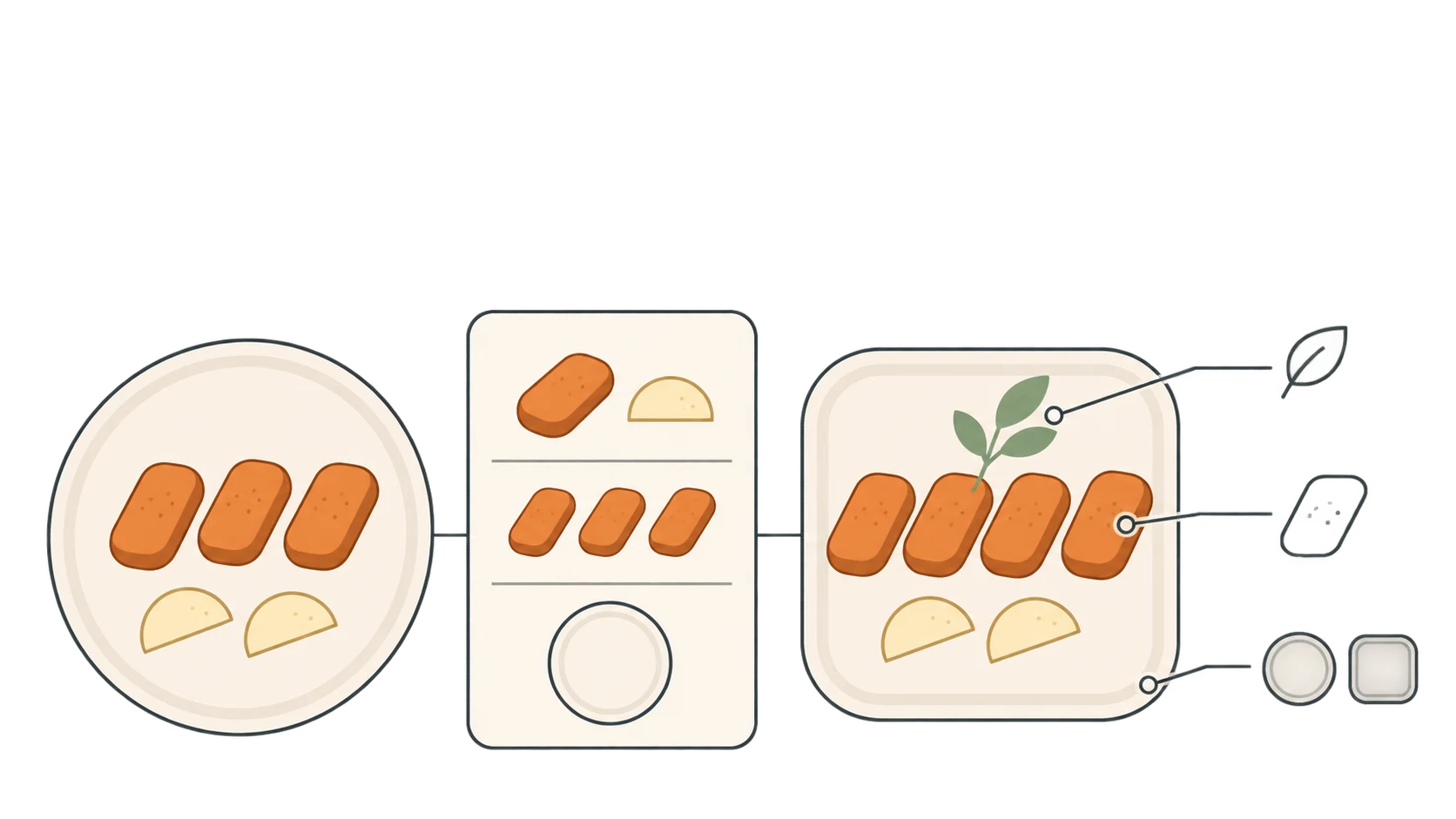
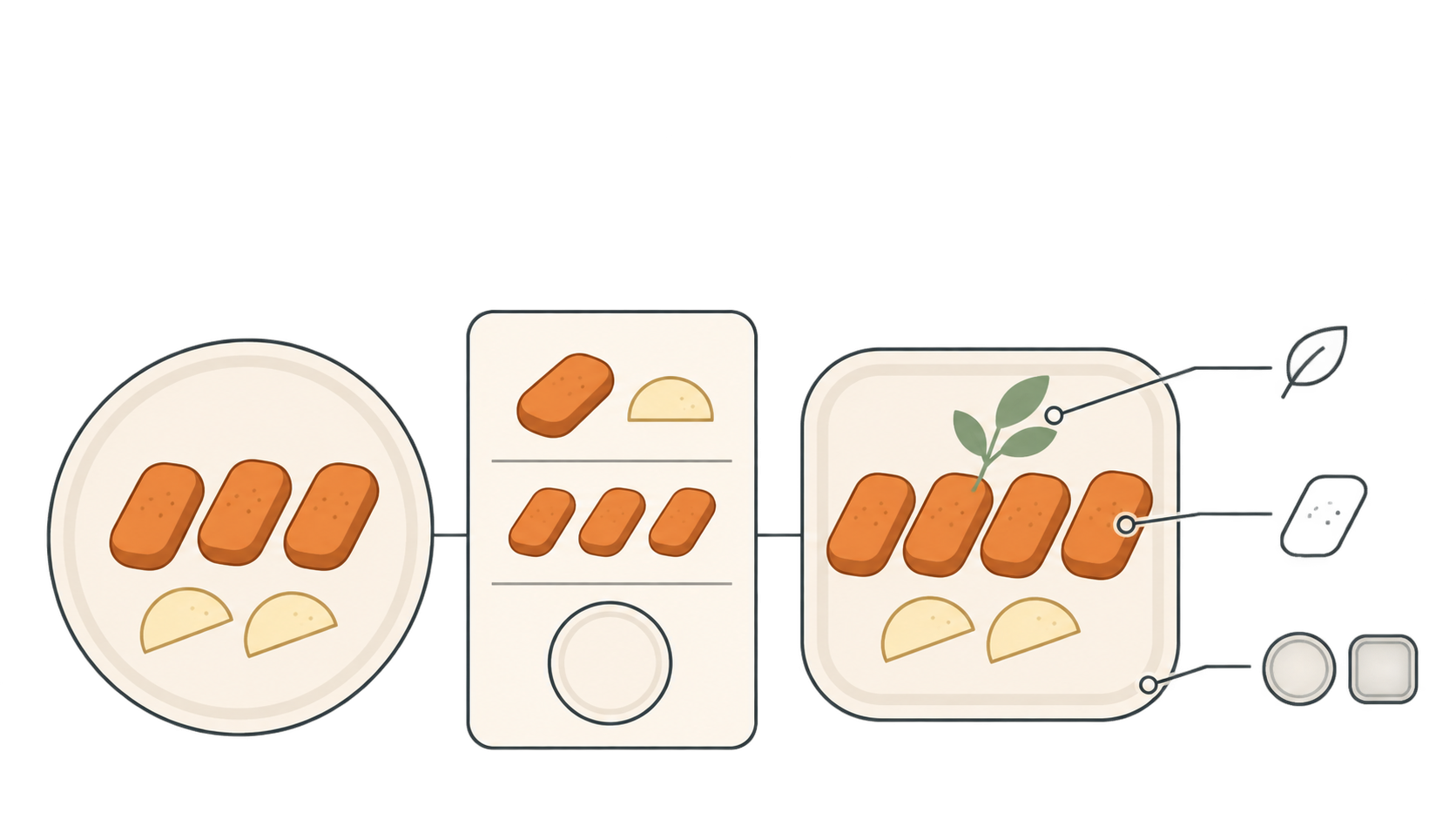
A food image can have beautiful lighting and still be wrong for a menu. An extra swirl of cream, a missing side or a smaller plate can change what a guest expects to receive. For restaurant teams using an AI food image generator, the useful result is not simply an appetizing picture. It is a picture that does not misrepresent the dish.
Generated images can help explore plating when they are clearly identified as concepts. A candidate for a live menu needs a real dish to check against. IAMenu’s food-image guidance makes a relevant distinction: real photography remains the best documentary representation of a dish, while generation is not proof of the recipe or the plate a guest will receive.
Decide what the image is not allowed to change
Separate kitchen-approved serving facts from visual choices that are still open for discussion. The facts should constrain the image—not be rewritten to fit an attractive result.
| Detail | Confirm it against | Constraint for the brief |
|---|---|---|
| Ingredients, sauce and garnish | Current recipe and kitchen confirmation | No unserved additions; optional extras must not appear included |
| Portion | Serving standard and the corresponding actual dish | Specify counts, size and sides rather than “generous” |
| Plate and arrangement | Current tableware and plating | Describe the plate shape, food placement and sauce position |
| Color and texture | The current dish or a current photograph | Match the preparation and appearance rather than exaggerating them |
| Framing and background | Intended image placement | Explore angles and negative space without hiding important ingredients or portions |
A weight in a prompt is an instruction, not evidence that the generated portion has that weight. If the kitchen distinguishes raw and cooked weights, preserve that distinction in the brief rather than turning a preparation measurement into a claim about the served portion.
Existing dish photos are useful as verification material. Note which recipe version, portion and plate each one shows. A photo of an old recipe, another location’s serving or a large portion is not automatically a reference for the current standard dish. This approach does not depend on a generator supporting reference-image uploads: the brief can be written from verified information.
Give the generator constraints, not just a dish name
A dish name leaves many details open to invention. Put fixed facts first and visual direction second. The following is a suggested fill-in format, not a real recipe or a tested prompt:
> Purpose: [internal plating concept / menu candidate awaiting review]. Dish: [name]. Actual ingredients: [ingredients, sauce and garnish]. Standard serving: [count, size, sides and necessary qualifications]. Tableware: [actual plate shape and dimensions, if known]. Arrangement: [describe the current serving]. Image direction: [angle, background and negative space]. Do not include: [unserved ingredients, extra sides, packaging or decorations]. Clearly show: [details that affect an ordering decision].
For a plating exploration, identify which arrangements may change. Keep those concepts separate from candidates intended to represent an existing menu item. If a portion or ingredient is not confirmed, ask the kitchen; do not let a generated detail fill the gap.
Once the brief is ready, you can enter it in InkRoom’s image generation tool and select a configured model from the current interface. Availability, settings and fees depend on the interface and account configuration. This creates a visual candidate for review; it does not establish recipe accuracy, menu integration or automatic publication.
Review the ordering information before the aesthetics
A practical approach is for someone familiar with current kitchen service to review the image alongside the content editor, using the same dish record. Check whether the picture changes the guest’s understanding before judging its lighting and composition.
Look for both added and missing ingredients. Invented nut crumbs, cream, cheese or garnish are not merely styling choices. Missing sauce or sides can also alter expectations. For allergens, an image can reveal potentially misleading details, but it cannot establish that a dish is free from an ingredient. Allergen wording must come from the confirmed recipe and the restaurant’s relevant handling information—not visual inference.
Check the portion together with the plate. The same amount of food looks different on different plate sizes. Compare countable items, the balance of mains and sides, and whether a crop conceals the serving. If the image cannot support a reliable comparison, “it looks about right” is not sufficient approval.
Match color and arrangement to the current preparation. Check whether the image suggests a different degree of doneness, changes the sauce color or mixes components that are served separately. This is an appearance check, not a way to establish food safety or actual doneness.
When something is wrong, revise the brief using confirmed facts and review the new result. Approval of one image does not transfer to its replacement. If important ingredients, portions or appearance remain inaccurate, use a current photograph of the actual dish instead.
Check the menu placement, not only the image
An acceptable image can still be attached to the wrong option. Review it in the actual menu preview beside the dish name, portion selector and add-ons. A standard-portion photo should not imply a large serving; paid extras should not look included; set-menu sides should not appear to accompany an à la carte item automatically.
Keep a record of the dish version, image version, reviewer and decision so that recipe, plate or portion changes can trigger another review. Identify concept imagery visibly beside its placement. If guests could still reasonably mistake it for the food being served, a label does not fix the mismatch: use a real photograph or leave that image out.
Related articles and cases
- AI Pose Changer: Check Identity and Clothing After a Pose Edit
A convincing new pose is only part of the job. Describe the movement precisely, distinguish clothing details from changing folds, and compare hands, joints, and newly exposed areas with the original.
- AI Professional Headshot Generator: Keep the Portrait Recognizably You
Learn how to prepare selfie references, describe a professional setting, and compare generated headshots without overlooking identity changes. Includes guidance on glasses, skin texture, cropping, and identity-document restrictions.
- AI clothes changer: check the person and the garment separately
A convincing outfit edit can still misrepresent the garment. Use a person photo and garment reference to review two outfits, record specific differences, and separate visual concepts from evidence of real fit.
- AI Flat Lay Generator: Create Apparel Layouts You Can Check
Turn clothing references into a brief for an overhead flat lay without treating invented details as product facts. Learn what to specify, what to compare, and when a real product photograph is still necessary.