Midjourney V8.2 vs GPT Image 2.6: Compare the Workflow
Compare documented versions, editing paths and delivery needs, then design a task-level review without inventing a quality or cost winner.
·
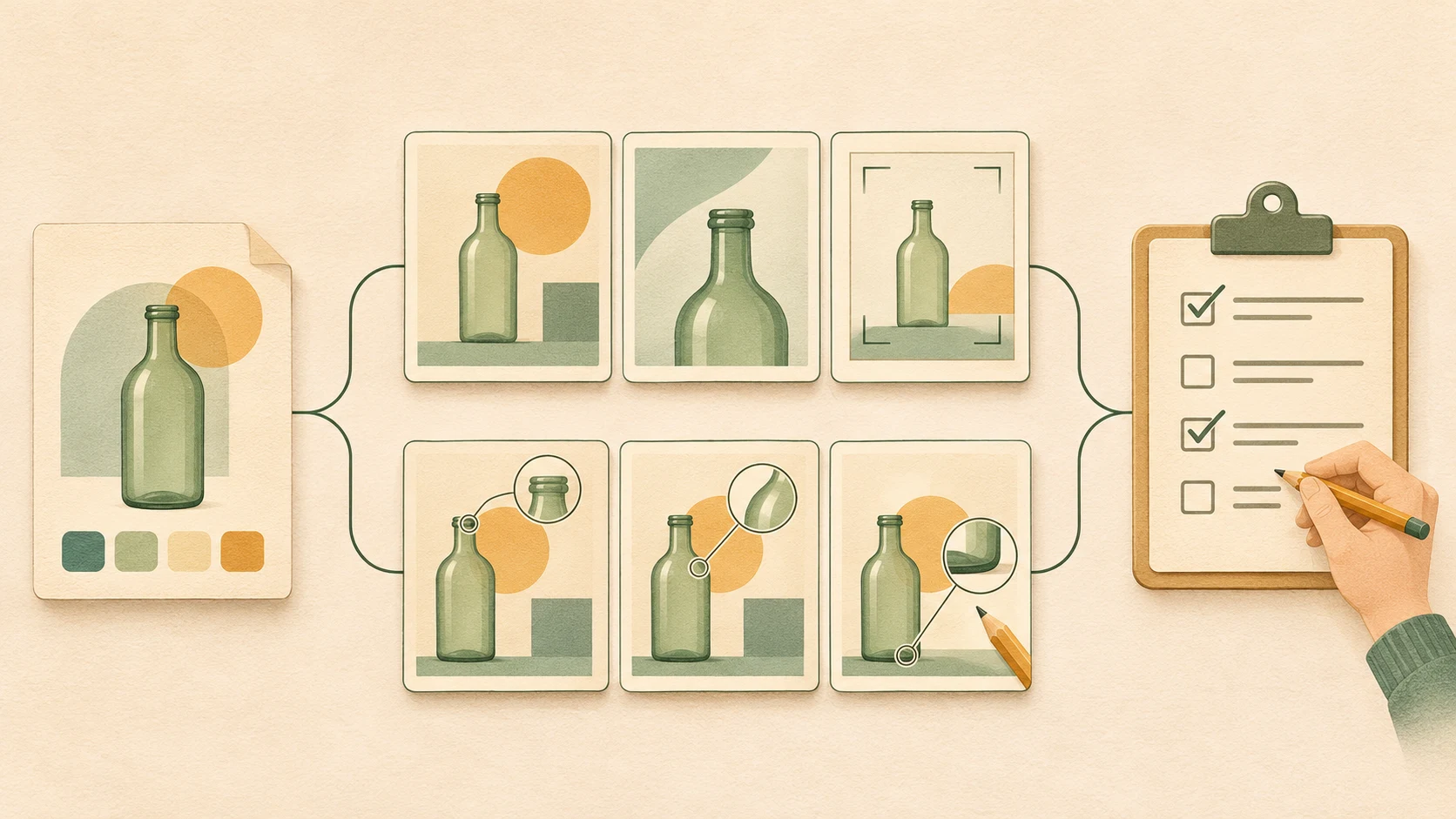
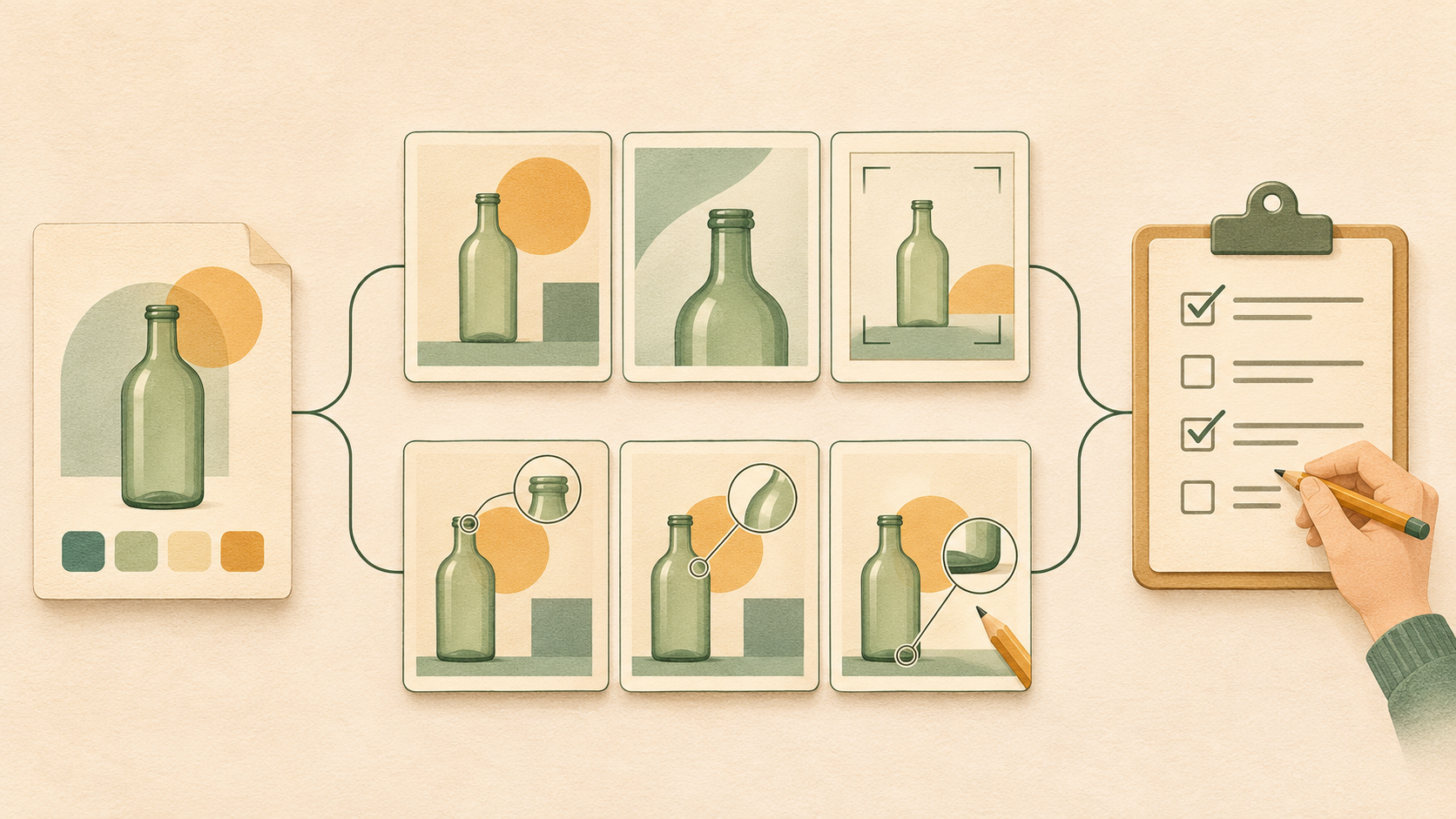
Choose between Midjourney V8.2 and GPT Image 2.6 by the control your task needs, rather than an unconditional image-quality ranking. Web-based exploration, successive edits and programmatic integration are different workflows. Suitability for one does not establish lower cost or faster work in another.
Sources were checked on 29 November 2026. The Midjourney version page says V8.2 became the default on 24 July 2026 and introduces its Edit Model. OpenAI’s 4 November announcement introduces GPT Image 2.6 Flare and Sunburst. Their fast-iteration and detailed-work positioning is vendor guidance, not a comparison performed for this article.
Split one brief into distinct tasks
Imagine three poster directions for a fictional plant-based drink: a quiet tabletop still life, a graphic color-block composition and an outdoor scene. Fix the bottle shape, permitted palette, required elements and intended use. Review composition exploration, editing an existing image and delivering the final asset as separate tasks.
An unexecuted brief could specify an unbranded green glass bottle on a pale counter, space on the left for typography added later, and no logos, health claims or promotional prices. Explore only background and light in the first round. This is not a tested prompt or a guarantee. For a real product, use authorized references and inspect the delivered appearance.
What the official sources establish
| Dimension | Midjourney V8.2 | GPT Image 2.6 |
|---|---|---|
| Version identification | Select through settings or the version parameter | Check the specific Flare or Sunburst identifier |
| Editing path | Current version documentation describes Edit Model | Model pages describe generation and editing from text and image inputs |
| Integration decision | A version page alone does not establish a particular API integration | Official API model pages exist; account access still needs checking |
| Asset delivery | Check actual exports in the chosen tool | Check the selected interface’s format and editing restrictions |
The Flare and Sunburst model pages describe their positioning and inputs and outputs. Similar names on a third-party service do not establish identical versions, limits or prices. An item not established by the reviewed sources needs further checking, not an assumption that the other product cannot do it.
Separate aesthetic preference from task failure
First inspect requirements: bottle count, shape, edges, reserved text space and unwanted writing. Then assess composition, color and atmosphere. Record “I dislike the palette” separately from “the product shape changed” so that you know whether to revise the brief or reconsider the tool.
For successive editing, create a separate task such as changing only the background while preserving the bottle. Retain the original, instructions and each iteration. Do not compare a fresh generation from one service with a localized edit from another as though they were the same task. Specify a shared aspect ratio, comparable delivery targets and a fixed candidate count; disclose any conditions that cannot be matched.
Reconcile cost against usable delivery
Web subscriptions, compute time, credits and API tokens are different billing units. Check the applicable plan, actual specification, failure handling and usage rights. Without task-level charges, dividing a subscription price into an assumed per-image figure produces a misleading comparison.
A future test can record actual spending, submissions, deliveries, accepted assets and revision rounds. No such test was run here, so this article names no quality, speed or cost winner. Use the comparison to select candidates, then validate them on your own task. It also makes no claim that InkRoom provides every capability of these external products.
Related articles and cases
- Batch AI Image Generation: From an Approved Sample to SKUs and Scenes
Turn an approved sample into explicit requirements, expand only the combinations you need, and separate job completion from image acceptance. Add an asynchronous API workflow only when programmatic scaling is actually needed.
- AI Image-to-Video Workflow: First Frame, Motion and Review
Plan bounded motion from a clear first frame, then review subject continuity, the timeline, loops and delivery requirements.
- GPT Image 2.6 SVG: API Boundaries and Asset Review
Understand GPT Image 2.6 SVG API boundaries, separate provider parameters, and review vector files for display, editing and delivery.
- How to Review AI Image Bias: Prompts, Samples and Human Checks
Plan a reviewable image sample, keep generation conditions and failures, and examine role assignment and visual representation without inventing a model fairness score.