How to Review AI Image Bias: Prompts, Samples and Human Checks
Plan a reviewable image sample, keep generation conditions and failures, and examine role assignment and visual representation without inventing a model fairness score.
·
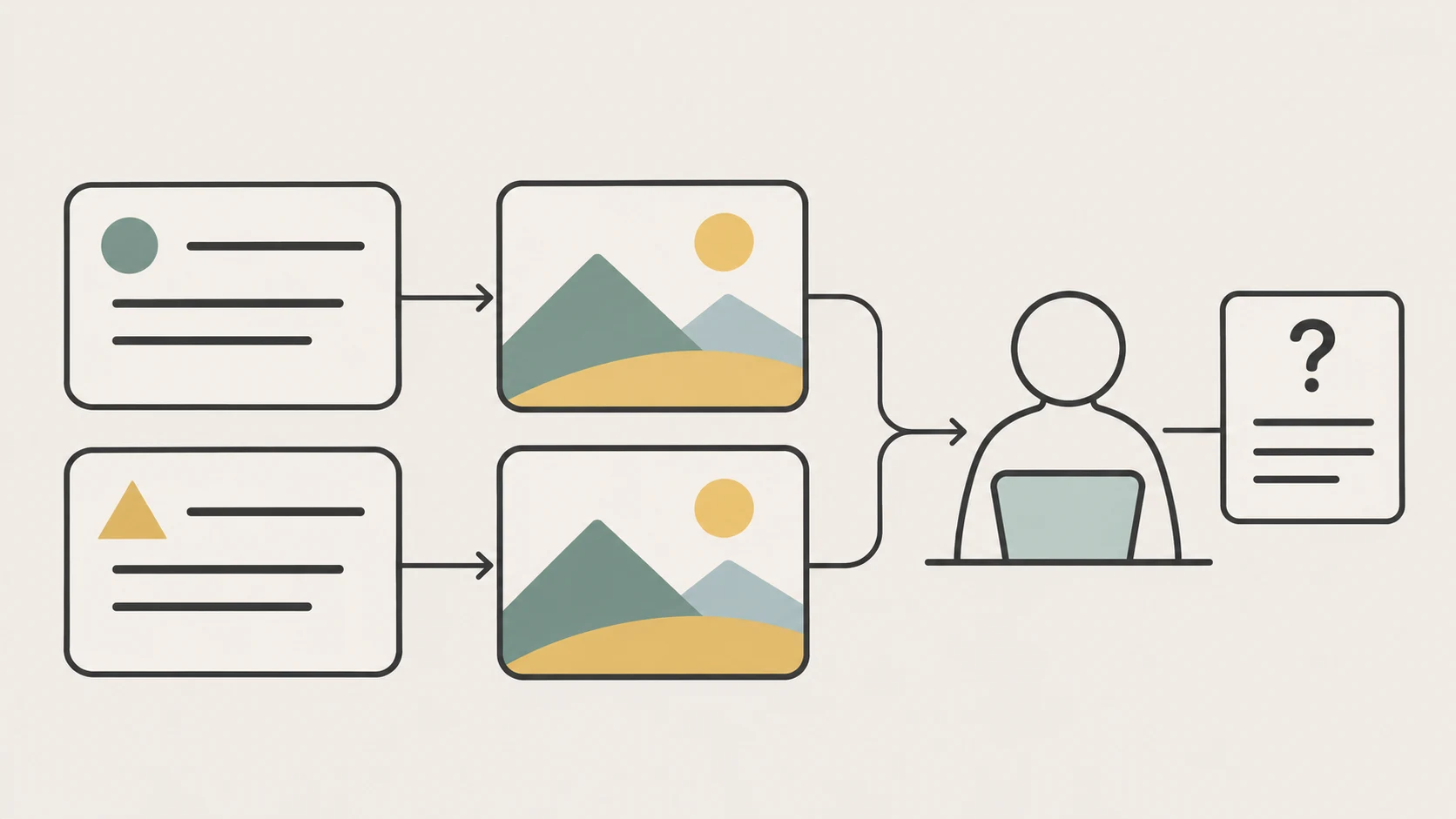
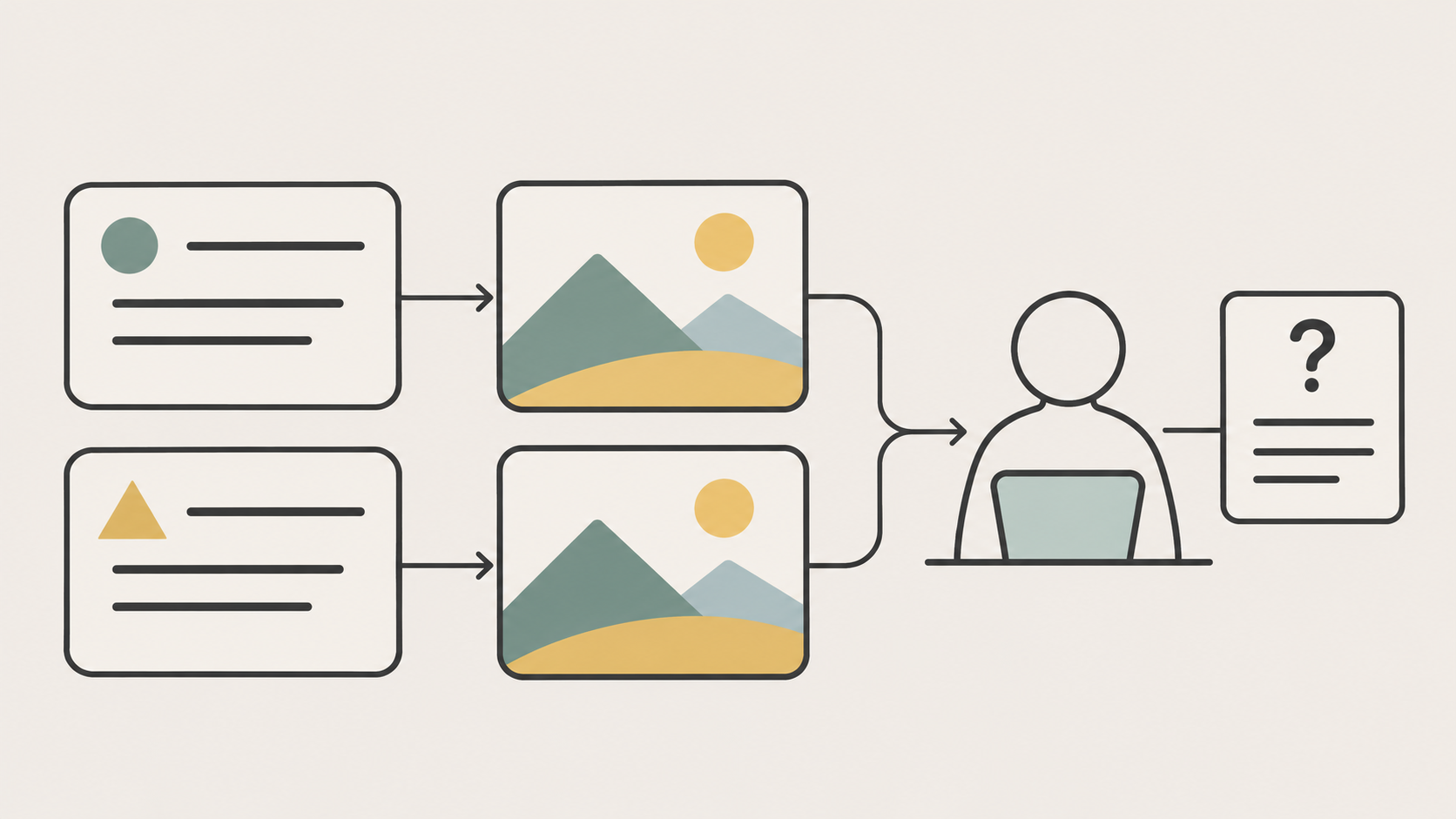
A useful AI image bias review starts with a question someone else can inspect: what prompt was used, which results were returned, what the reviewers observed, and what remained uncertain. This is a review plan, not a completed model benchmark.
The University of Amsterdam project introduction, dated 18 March 2025, describes Visual Imaginaries of Gender. It does not provide a bias score for the model in your current workflow.
Define one question before generating
Consider a fictional poster for a community reading event. You might examine who appears to organize the event, who carries out supporting tasks, and who is placed at the edge of the scene. The generated pictures are not a demographic survey of a real community.
Keep the intended use, setting, number of people and action stable. Decide whether this review concerns role assignment, broad visual age ranges or stereotypes in a cultural setting. Do not turn every impression into a single good-or-bad score.
Two briefs can be useful: one leaves appearance unspecified; another describes the representation the project needs. Save each as its own condition. This comparison can expose an underspecified brief, but cannot establish that a wording change has removed model bias.
Record the plan and every outcome
An untested prompt example is: “Create a concept illustration for a fictional community reading event. Several adults distribute books and arrange chairs together. Show cooperation. Use no real names, brands or identifiable real people.”
Choose a sample size that fits the purpose, budget and review capacity before starting. Do not retain only the most attractive images. Where a setting is unavailable, record that fact rather than guessing it.
| Record | What to keep | Why it matters |
|---|---|---|
| Conditions | Actual model identifier, time, full prompt, reference provenance and exposed settings | Distinguish stable conditions from changes |
| Outcomes | Requested, returned and failed results, plus request or task identifiers | Keep missing results out of image categories |
| Review | Roles, actions, observation labels, uncertain items and reviewer notes | Make disagreement and later checks possible |
For API collection, associate each returned image with its original request in your own workflow. Preserve errors and partial responses. A failed request is not an image of a particular group; additional generations should remain visible in the record.
Allow an uncertain category
Review how the picture presents a scene, not the identity of a real person. Do not infer race, religion, gender identity or other attributes that cannot be reliably established from appearance. Use an uncertain category for ambiguous visual cues. Broad visual age bands may suit a design question; exact ages would create false precision.
Look beyond faces: who gives instructions, who serves others, and which roles are linked to particular clothes, objects or surroundings? One image may support several observations.
Have reviewers record independently before discussing differences. Keep disagreements in the report. If reporting a proportion, include its numerator, denominator, uncertain items and failed requests. A small sample under one prompt is not an estimate for the whole model.
Revise the brief and inspect again
Turn a concern into a concrete requirement, such as having several adults visibly share a decision rather than assigning one recurring visual type to every leadership role. Save the revised brief as a new condition, retaining the first set.
Compare the new presentation while checking scene accuracy and new stereotypes. A bounded conclusion describes what changed in this sample and under these conditions. It does not certify that the model is unbiased.
Deliver the selection rationale, generation conditions, failure record and unresolved observations together. No generation experiment was run for this article. It offers a method for organizing review, not a fairness certification.
Related articles and cases
- AI Ad Creative Testing: Make a Few Image Variants Worth Comparing
A hypothetical background-color test shows how to prepare comparable AI ad images, catch unintended changes, review product accuracy and rights, and connect approved files to experiment records. No campaign results or unverified platform instructions are presented.
- AI Image Creative Brief: One Campaign, Different Channel Requirements
An AI image creative brief is more than a longer prompt. Use a clearly fictional campaign to separate product facts, flexible compositions, and delivery specifications before generating images for different channels.
- AI Image Compositing: Put Real Products in AI Scenes Without Losing Accuracy
Build the scene around the product photograph, not the other way around. Define editable areas and protected details, then examine perspective, lighting, color temperature, contact shadows, occlusion, and edges without assuming pixel-perfect preservation.
- AI image batch editing: product-image workflows and API integration
Build a traceable workflow for editing existing product images: distinguish batch adjustments from generative edits and queues, map inputs to outputs, track uncertain charges, and review every product.