AI Ad Creative Testing: Make a Few Image Variants Worth Comparing
A hypothetical background-color test shows how to prepare comparable AI ad images, catch unintended changes, review product accuracy and rights, and connect approved files to experiment records. No campaign results or unverified platform instructions are presented.
·
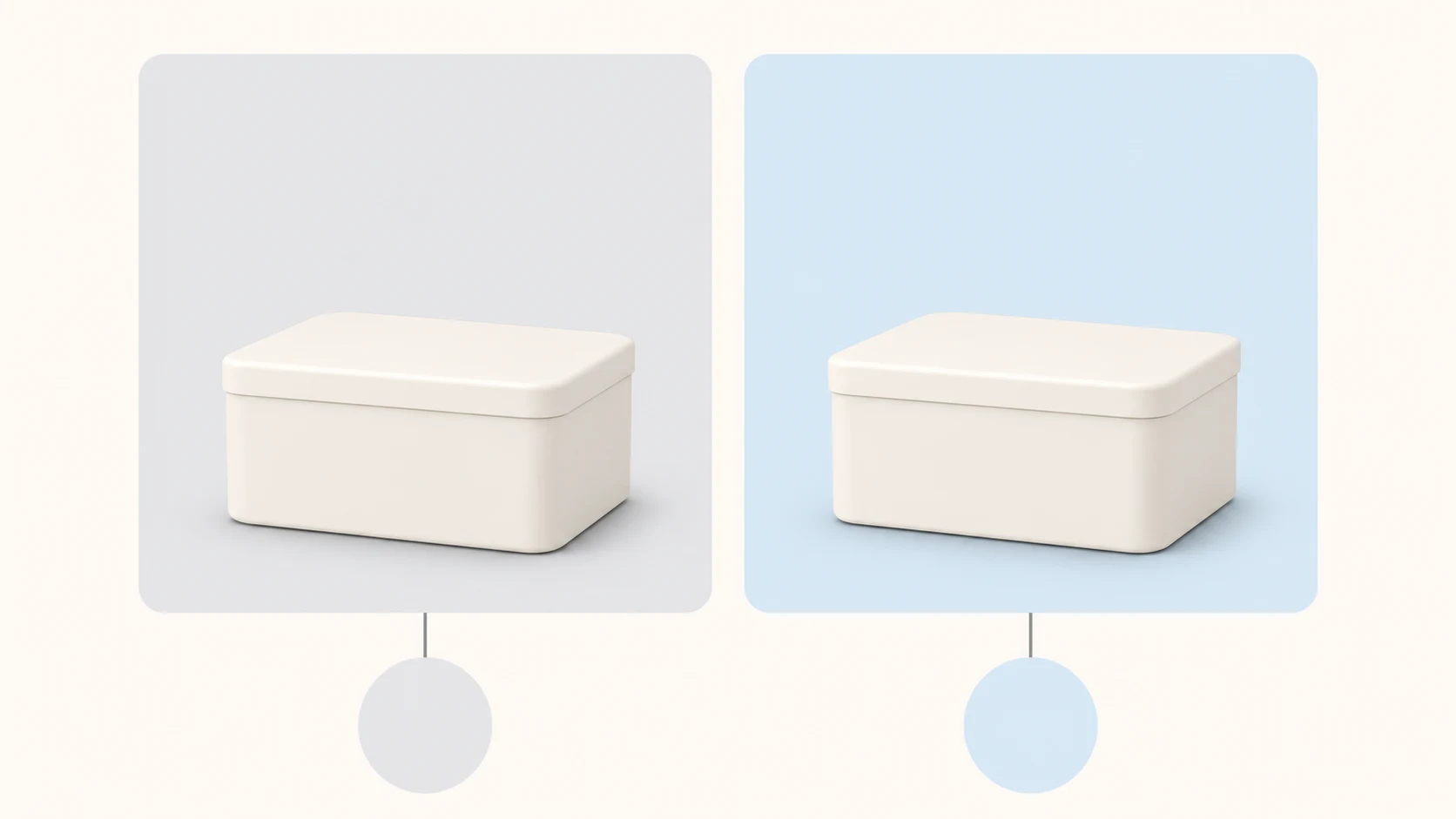
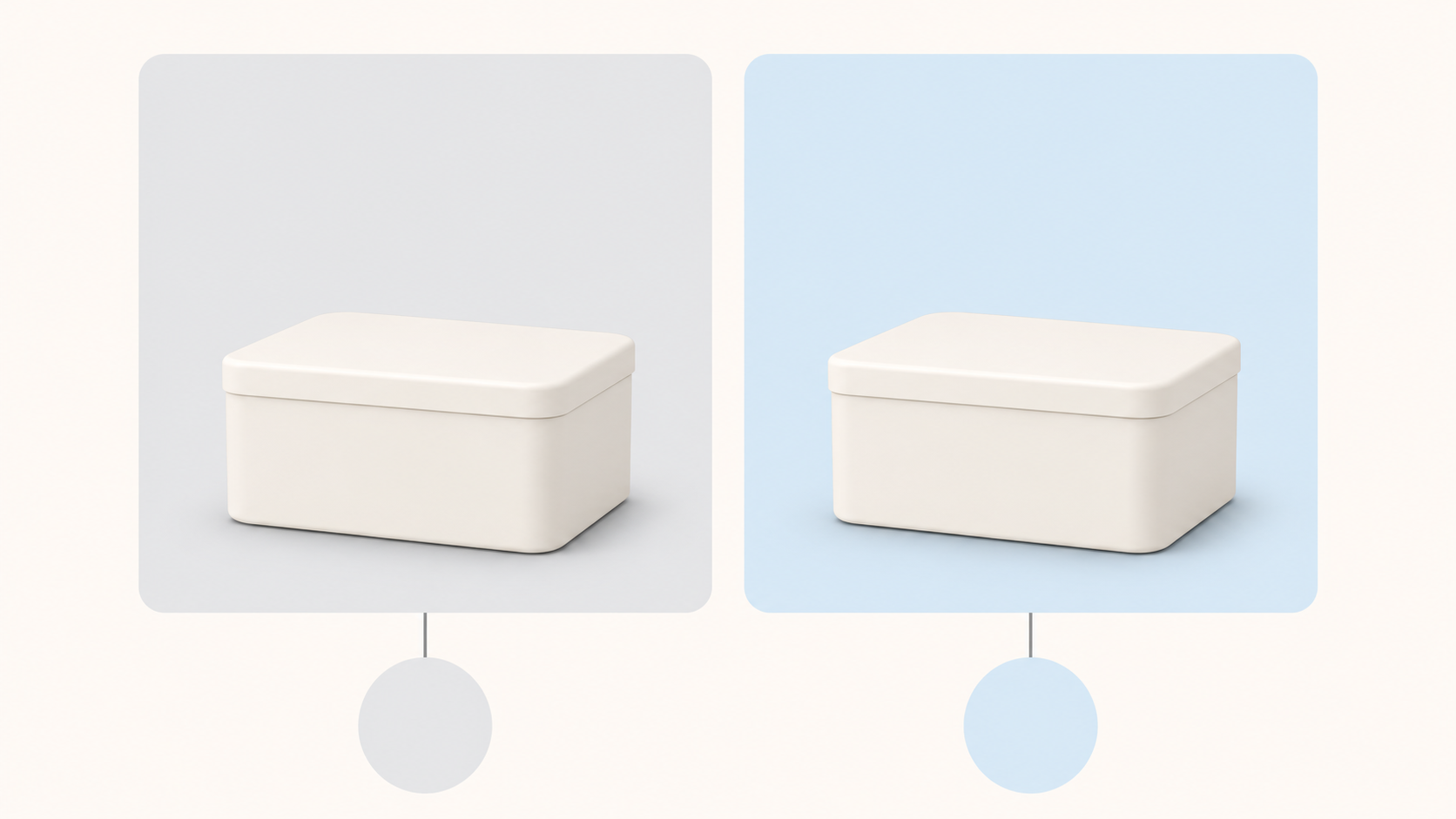
Two ads can look different without giving you a useful comparison. In ai ad creative testing, the important question is not how many images you can make. It is what you will be able to explain when the comparison is over.
Consider a hypothetical storage-box ad. A small team wants to know whether a pale blue background performs better than a pale gray one on a purchase-conversion metric chosen in advance. This is a test-design example, not a campaign report. No ads have run, and there are no CTR, ROAS or winner claims.
Did the background change—or did the whole ad change?
Suppose the blue version also has a larger product, a closer camera angle and a new promotional line. Better results would not tell you that the background caused the difference.
Comparing complete creative concepts can still be useful. It answers a different question: which package worked better under these conditions? It does not isolate which detail made the difference. That distinction determines what you can reasonably reuse in the next campaign.
For this background example, define the production boundaries before making images:
| Element | Agreement for this comparison | A change that requires rework |
|---|---|---|
| Background | Pale gray versus pale blue: the only deliberate change | Added props, textures or a new setting |
| Product | Same model, color, viewing angle and share of the frame | Different lid, structure, apparent size or color |
| Composition and light | Same position, crop and shadow direction | Noticeable changes in framing, empty space or lighting |
| Copy and offer | Identical wording and placement | Different claim, price, button or promotion |
These are constraints for this example, not universal rules for advertising. A comparison of two usage scenes would need a different definition of what may change.
Make a small set, then inspect what actually changed
Grower's article on creative testing makes a useful distinction: faster production does not remove the need for sufficient test data. A practical production approach for a small team is to start with a baseline and one alternative, inspect them, and then decide whether more candidates are needed. That is a workflow suggestion, not a statistical sample-size rule.
Write the shared constraints once, then describe the background change separately. Resist adding a new camera angle, prop or offer just to make the alternative feel more compelling.
To create new candidates, use InkRoom's image generation page to enter a prompt and select a currently configured model. Availability, parameters and fees depend on the current interface and account configuration. This step prepares images; it does not launch ads, assign experiment groups or measure performance.
Identical prompt constraints do not guarantee a single-variable output. Compare the generated files side by side. If product shape, shadows or layout also changed, revise or remake the candidate rather than treating it as a clean background comparison. Freeze the approved file version so a last-minute replacement does not silently change what goes live.
A convincing product image is not automatically ready to run
Compare each candidate with reliable product references. A more attractive image must not change how the box opens, which accessories it includes or what its capacity label says. If a detail cannot be confirmed, do not present it as a product fact.
Review packaging text, logos and advertising copy separately. Check wording character by character, confirm brand elements remain accurate, and look for implied claims such as waterproofing or load capacity that have not been substantiated. Review goes beyond spotting garbled text.
For rights, return to the inputs and applicable terms. Establish whether reference images, fonts, trademarks and likenesses may be used in this commercial ad, including the intended market and channel. If permission is unclear, obtain the missing documentation or replace the material. Successful generation is not evidence of commercial-use permission.
Record who approved the final asset and which version they approved. Later edits need a review of the affected content, not automatic reliance on the previous approval.
Record the ad that ran, not just the apparent winner
Approved images are preparation, not an experiment configuration. Test settings differ by platform and test type. The Meta A/B and Google Ads asset-testing documentation has not been verified for this draft, so this article does not prescribe either platform's click paths, sample thresholds or test duration.
Before launch, record the question, deliberate variable, primary metric, metric definition and stopping conditions. Then document the experiment settings actually supported by the platform you use. Do not rewrite the decision rule because one image takes an early lead.
Connect each version ID to the final file, prompt and model record, manual edits, approval record, and the actual asset or ad identifier in the platform. Keep the test dates, audience, budget, placements, enhancement settings and known interruptions beside the results. If the platform modifies the creative, document what may actually be shown—not only the file you uploaded.
These records help explain the comparison's limits; they do not establish validity on their own. Different settings, mid-test asset changes or insufficient evidence may leave the original question unanswered. In that case, record an inconclusive result and its reason. The next round can address a specific uncertainty instead of merely producing another batch of images.
Related articles and cases
- AI Image Creative Brief: One Campaign, Different Channel Requirements
An AI image creative brief is more than a longer prompt. Use a clearly fictional campaign to separate product facts, flexible compositions, and delivery specifications before generating images for different channels.
- AI Image Compositing: Put Real Products in AI Scenes Without Losing Accuracy
Build the scene around the product photograph, not the other way around. Define editable areas and protected details, then examine perspective, lighting, color temperature, contact shadows, occlusion, and edges without assuming pixel-perfect preservation.
- AI image batch editing: product-image workflows and API integration
Build a traceable workflow for editing existing product images: distinguish batch adjustments from generative edits and queues, map inputs to outputs, track uncertain charges, and review every product.
- AI Image Generative Fill: Selections, Prompts, and Product-Image Checks
Plan local edits to an existing product image, distinguish removal from replacement and canvas extension, and compare results without losing track of the original. These are editing recommendations, not a tool test.