AI image batch editing: product-image workflows and API integration
Build a traceable workflow for editing existing product images: distinguish batch adjustments from generative edits and queues, map inputs to outputs, track uncertain charges, and review every product.
·
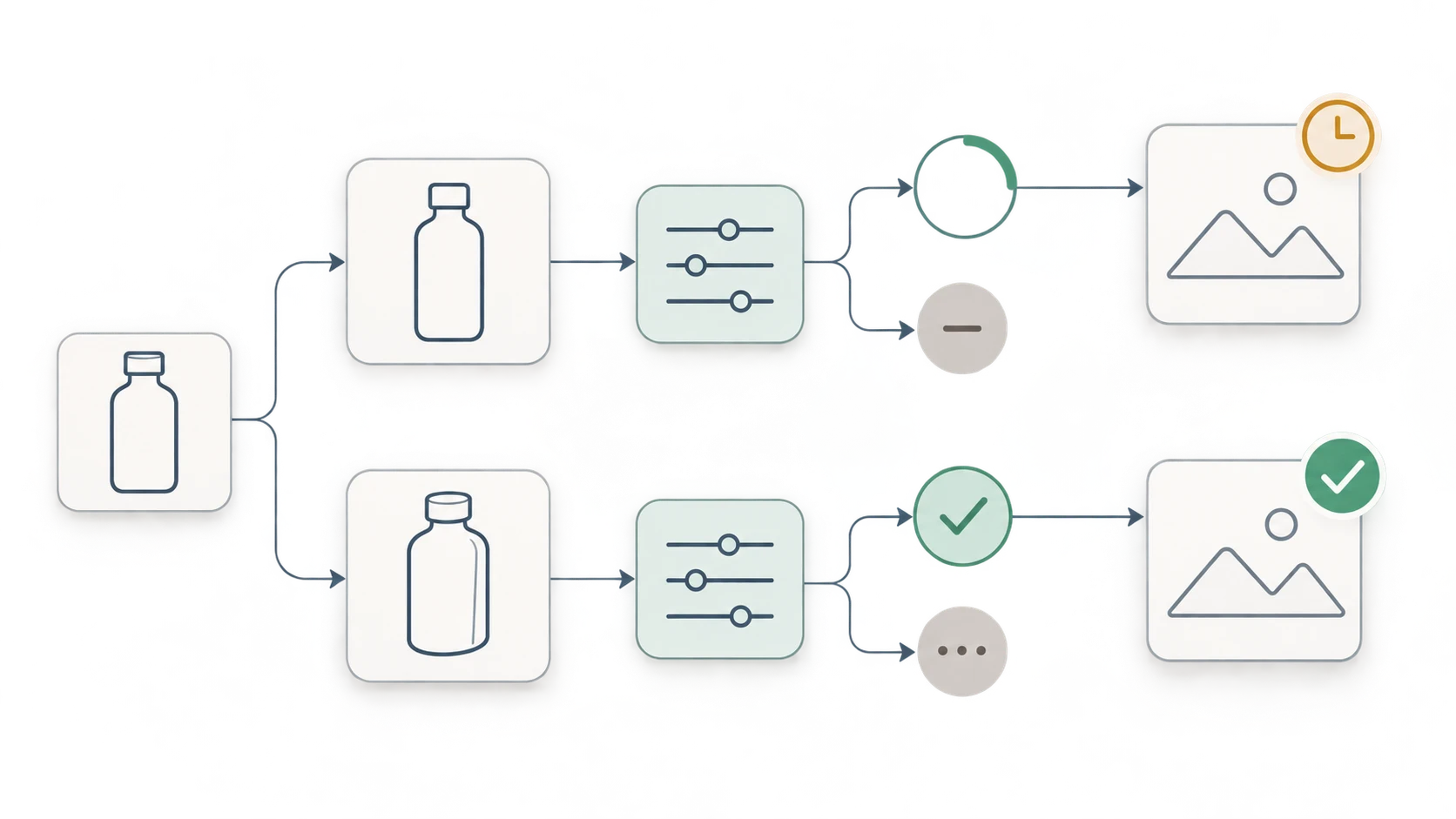
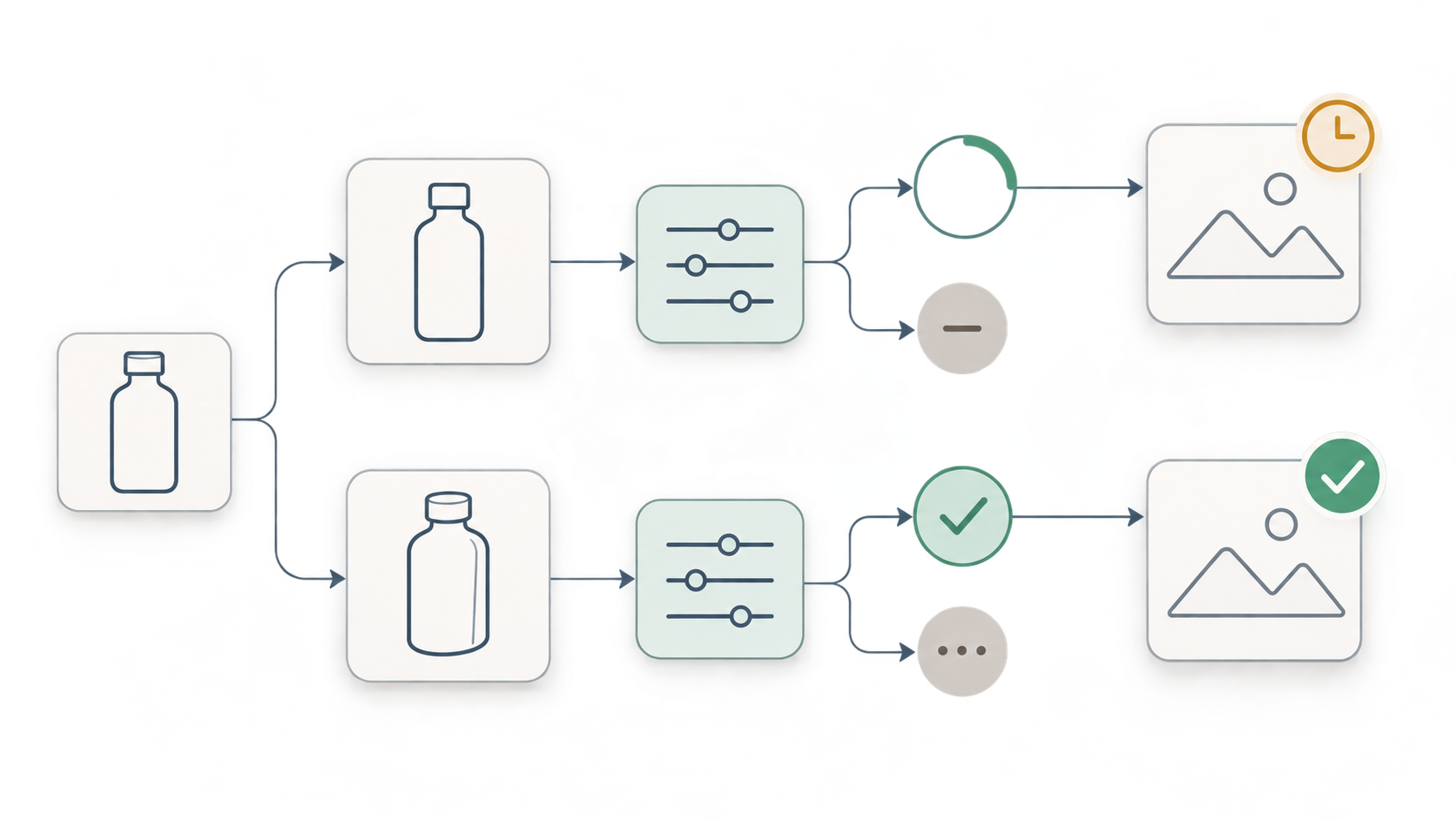
A batch finishes and a folder fills with images. Can you tell which SKU each file belongs to, which instructions produced it, and whether it is ready to publish? Those questions matter more than the number of images you can submit at once.
AI image batch editing is about processing existing images, not generating a collection of similar-looking new ones. For teams integrating editing into a business system, start with a traceable task manifest, then choose the editing operation and submission method. The workflow below is a design recommendation, not a product test or an API implementation guide.
“Batch” can mean different things
| Type | What it does | What it does not establish |
|---|---|---|
| Shared batch adjustments | Applies the same dimensions, export settings, or adjustments to multiple images | That every image suits the same crop or adjustment strength |
| Per-image generative editing | Produces a result for each source image and editing instruction | That identical instructions preserve every detail or produce consistent results |
| A queue | Tracks pending, running, and finished jobs | That the queue edits images or the provider offers a native batch-editing endpoint |
A manifest can contain several operations without treating them as one indivisible request. Record background replacement and export dimensions separately, for example, so you can distinguish an editing defect from an export problem.
The reference overview also notes that image-specific changes, including cropping and object removal, may still need individual review. Its tool rankings, speed claims, prices, and correction-rate examples are not used here as evidence of what your workflow will achieve.
Separate the product, the source image, and each attempt
A SKU identifies a product, not necessarily an image. One SKU can have front, back, packaging, and detail shots; one source image can also go through several edits.
Use three levels: SKU → source_id → task_id. A source_id identifies a fixed original asset. A task_id identifies an editing task and its instruction version. Give every submission a separate attempt_id. Changed requirements create a new task; retries create new attempts rather than overwriting earlier results.
| Record group | Suggested fields | Purpose |
|---|---|---|
| Product and source | SKU, source_id, view, original location, file checksum | Distinguish views and detect replaced source files |
| Editing task | task_id, instruction version, permitted changes, protected details, output specification | Define what this edit should do |
| Execution attempt | attempt_id, provider request ID, submission time, status, error, output location | Connect each attempt to its result |
| Billing and review | Billing status, amount and currency, billing evidence, review decision, correction reason | Separate completion, confirmed charges, and publication approval |
“Replace the background; preserve the bottle, cap, label text, and liquid color” is easier to review than “make it premium.” It is still a requirement, not a guarantee that a model will comply.
Resolve uncertain jobs before resubmitting
Programmatic integration lets a system pass source images and instructions, collect results, and retain their relationships. It does not establish support for multi-image editing, idempotent submission, or automatic retries.
Before integration, verify whether the intended operation accepts existing images, its supported inputs and outputs, how to query job status, what happens after a timeout, and how failed attempts are billed. If that documentation is unavailable, block deployment of the affected operation rather than infer behavior from its name.
A client timeout does not prove that the server did no work. Mark the attempt as unresolved and use a provider request ID to query or reconcile it where supported. Create another attempt only after establishing when resubmission is appropriate. Set concurrency, retry intervals, and stop conditions from actual service limits—not from the existence of an API.
Track billing independently. Without billing evidence, record a charge as pending confirmation, not zero. Include only reconciled amounts with known currencies in confirmed-cost totals; list unresolved items separately.
Teams with an explicit programmatic or system-integration need can consult the InkRoom image API introduction and check the required editing operation and integration conditions. The approved information establishes an API introduction and integration entry point, not a dedicated batch-editing endpoint, queue, or automatic retry service. Editing several images manually is not, by itself, a reason to adopt an API.
The supplied material does not include the current MCP tool documentation, so the parameters and behavior of batch_generate and derive_image remain unverified here. No invocation code is provided, and batch_generate is not presented as an endpoint for editing a batch of existing images. That implementation remains blocked pending documentation checks.
A completed job is not an approved image
Keep execution and review statuses separate: a file can be “completed / awaiting review.” One success flag should not imply both a returned result and publication approval.
Compare every output with its source. Check silhouette, component count, label text, texture, transparent areas, reflections, and color. A cleaner background does not compensate for an inaccurate product. Mark unreadable details as unresolved rather than approving them from a thumbnail.
Then assess the collection: subject scale within comparable views, margins, backgrounds, shadow direction, and export specifications. A contact sheet helps reveal differences across the batch, but cannot replace detailed per-image review. Consistency does not mean stretching different products to the same width.
Attach correction reasons to the relevant task_id, retain the rejected output and original, and route the image for manual correction or a clearly scoped new edit. Review the corrected result again. Publish the approved output that traces back to its source and instruction version—not simply the newest file in the folder.
Related articles and cases
- AI Image Generative Fill: Selections, Prompts, and Product-Image Checks
Plan local edits to an existing product image, distinguish removal from replacement and canvas extension, and compare results without losing track of the original. These are editing recommendations, not a tool test.
- AI Image Generator for Email Marketing: From Brief to Review
Plan visuals for welcome emails, promotions, and product updates without inventing product details. Build a focused brief, then check the image inside the email—not just as a standalone file.
- Using an AI Image Generator for Blog Posts: Briefs, Crops, and Credits
Turn a blog argument into an image brief, then handle aspect ratios, attribution, rights, and alt text. A hypothetical cable-management example shows where an illustration helps—and where real evidence is needed.
- AI Image Generator for Educational Materials: From Learning Goals to Diagram Review
Use a worked design example about equivalent fractions to turn a learning goal into visual requirements, then review proportions, labels and alternative text before classroom use.