AI Image-to-Video Workflow: First Frame, Motion and Review
Plan bounded motion from a clear first frame, then review subject continuity, the timeline, loops and delivery requirements.
·
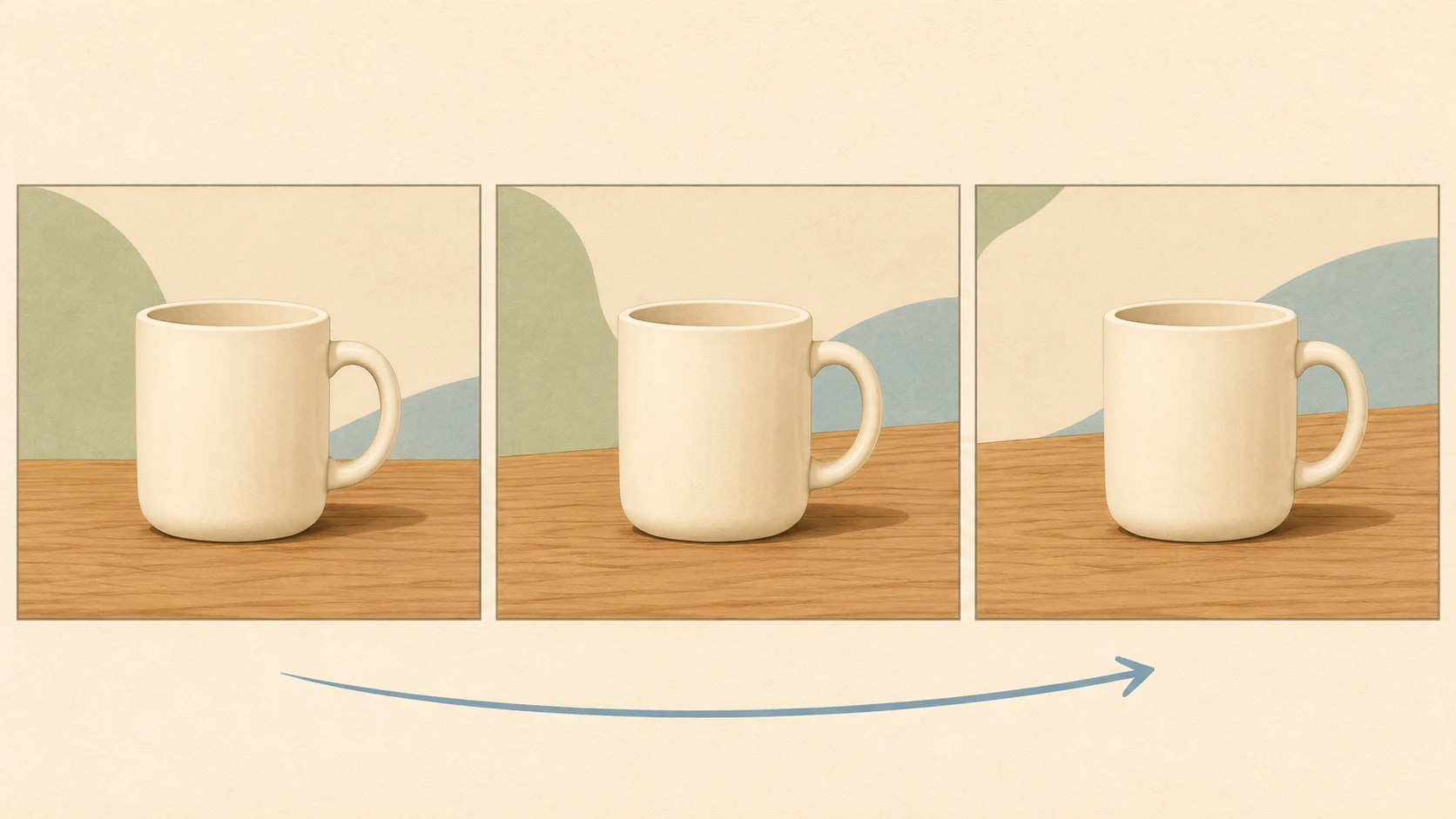
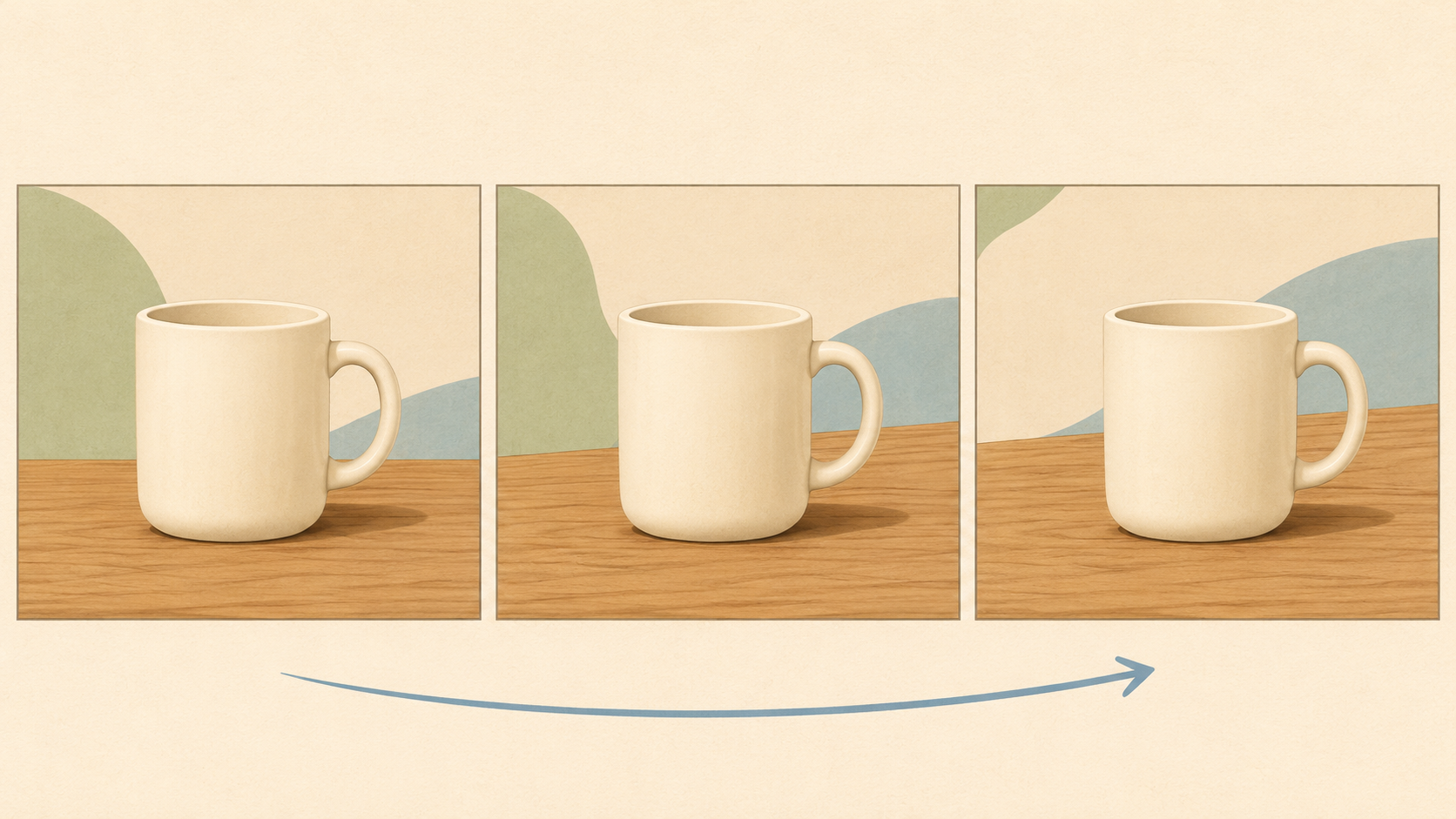
Before turning a still image into a clip, decide what may move and what must remain stable. The first frame establishes the subject and composition; the motion brief describes the change. A strong still does not resolve a contradiction between those two inputs.
The product example below is a planning exercise, not an executed test. Check the chosen service for available models, durations and export options. Sources were reviewed on 29 November 2026. Google’s current video documentation identifies the old Veo 3.1 Preview as shut down and points to current alternatives. An old tutorial’s model identifier is therefore not sufficient evidence that its request still works.
Prepare a first frame that explains the subject
Suppose the goal is a social clip of an unbranded ceramic mug. Choose an image with the rim, handle and base clearly visible, with some room around the subject. Avoid cutting off the details that must remain consistent or hiding the main outline behind strong reflections. For people, confirm permission to use the photograph and exclude unrelated faces or private information.
Keep the original file and record its aspect ratio, dimensions and intended use. Choose horizontal or vertical composition for the destination. If cropping is necessary, check the subject edges and the space needed for captions before generation. A reference frame is a visual constraint, not proof that the resulting product has physically accurate dimensions or materials.
Start with one main movement
An unexecuted brief might read:
> A cream ceramic mug rests on a wooden table. The camera slowly moves closer while soft tree shadows shift outside the window. Keep the handle direction, rim shape, color and table position unchanged. Add no people, text or new objects. Aim for a quiet clip of about six seconds, using a duration the selected tool actually supports.
Begin with one main motion, such as a push-in or a small orbit. Asking for product rotation, camera travel, a new background and pouring liquid at once makes it harder to identify why a result fails. If the required duration or control is unavailable, revise the brief or choose a suitable tool; a prompt cannot create a missing interface capability.
Review the timeline, not just the poster frame
| Part of the clip | What to inspect | A useful revision |
|---|---|---|
| Opening | Subject and proportions match the reference | Recrop or simplify motion |
| Middle | Handle, edges and shadows remain coherent | Reduce change and name fixed elements |
| Ending | No sudden deformation or hard transition | Adjust the final state or motion range |
| Whole clip | No stray text, flicker or unexpected object | Separate complex requirements |
Sample frames help, but also watch the clip at normal speed. A sharp frame does not establish natural motion, and a correct handle in the opening does not establish continuity. If a seamless loop is required, compare the beginning and ending positions, lighting and motion direction separately. A file that repeats is not automatically seamless.
Keep versions before preparing delivery
For each candidate, retain the first frame, brief, actual model and specifications, output file and review notes. If the service reports a failure or an uncertain result, reconcile the original task before submitting another paid request. Add captions, sound and layout after selecting a usable clip, then inspect both silent and sound-on viewing.
GIF, a video file and the image-to-video process are different things. A GIF may provide a looping preview but does not replace the destination’s video delivery requirements. Check the aspect ratio, codec, file size and audio settings. Store the finished delivery separately from the original generation and record any edits.
This approach works for adding bounded motion to a still composition. For several shots, precise product actions or continuity between people, split the plan into shots and review each part before assembling it. One generation is a candidate, not an entire production process.
Related articles and cases
- Batch AI Image Generation: From an Approved Sample to SKUs and Scenes
Turn an approved sample into explicit requirements, expand only the combinations you need, and separate job completion from image acceptance. Add an asynchronous API workflow only when programmatic scaling is actually needed.
- GPT Image 2.6 SVG: API Boundaries and Asset Review
Understand GPT Image 2.6 SVG API boundaries, separate provider parameters, and review vector files for display, editing and delivery.
- How to Review AI Image Bias: Prompts, Samples and Human Checks
Plan a reviewable image sample, keep generation conditions and failures, and examine role assignment and visual representation without inventing a model fairness score.
- AI Ad Creative Testing: Make a Few Image Variants Worth Comparing
A hypothetical background-color test shows how to prepare comparable AI ad images, catch unintended changes, review product accuracy and rights, and connect approved files to experiment records. No campaign results or unverified platform instructions are presented.