Jewelry Product Photography: Reflections, Detail, and Wearing Scale
Plan photographs around what buyers need to verify, then capture rings, necklaces, and earrings with clear structure, useful scale, and a practical reshoot-or-edit decision.
·
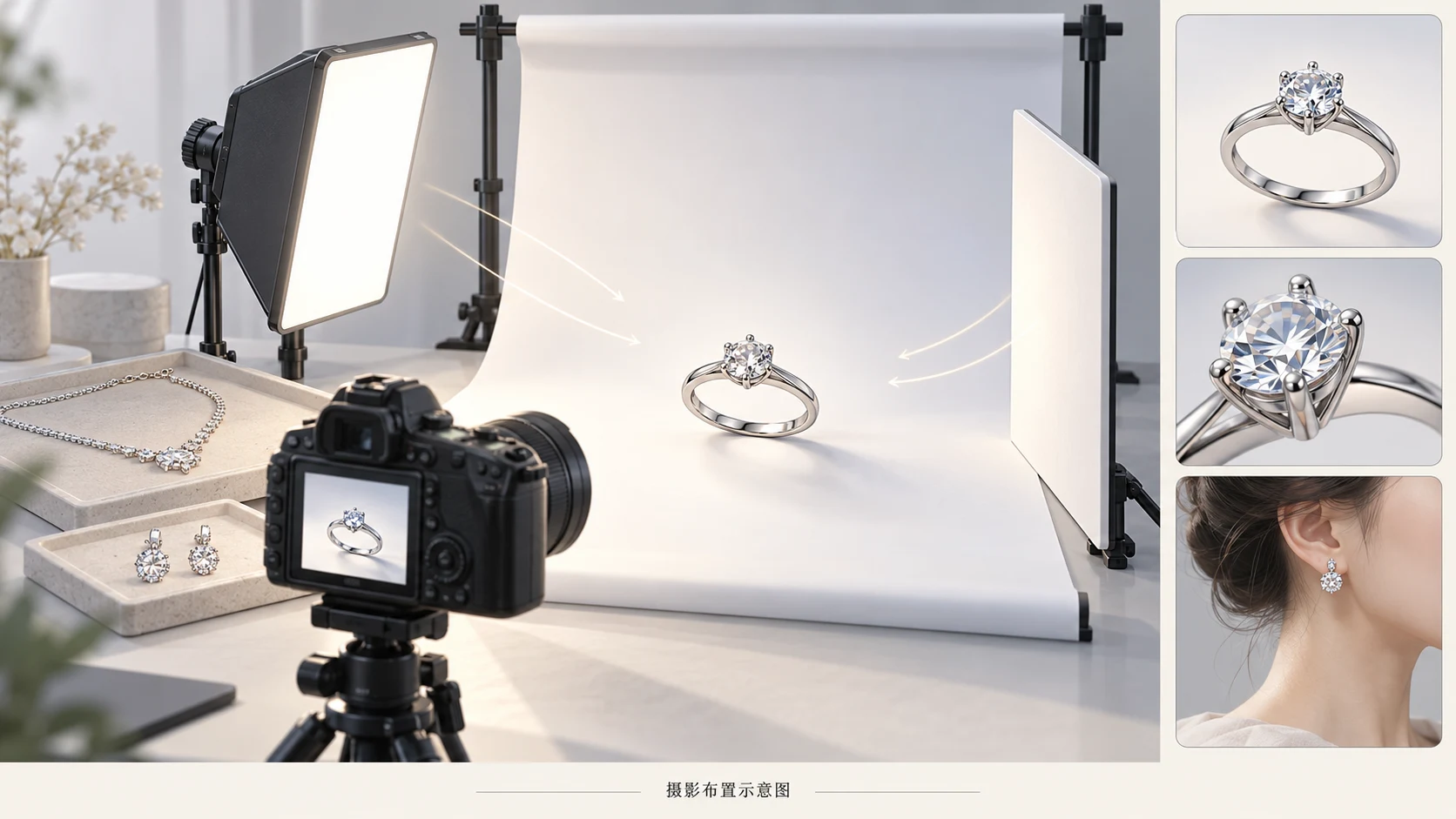
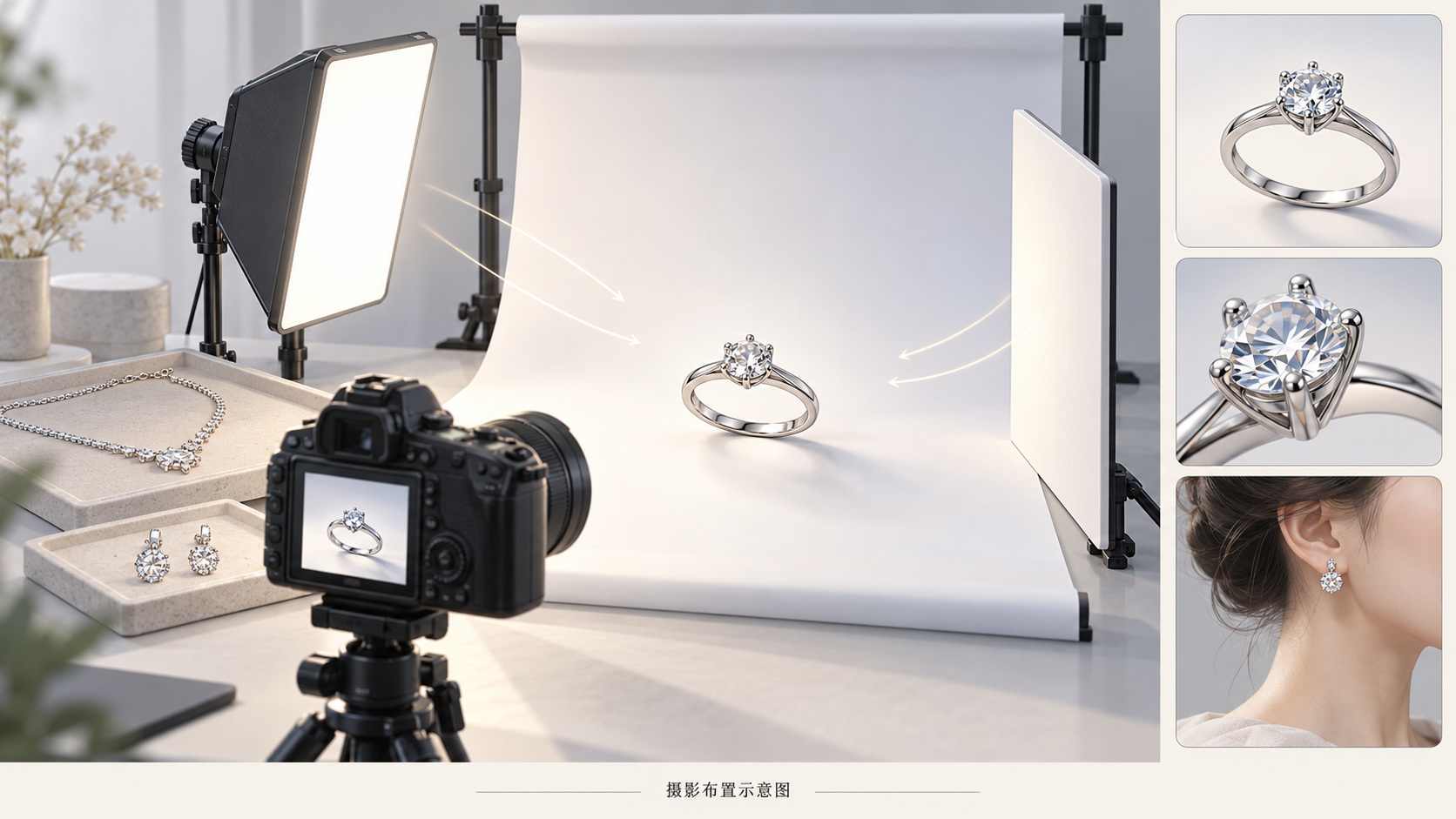
Good jewelry product photography should help buyers understand what they will receive—not simply make metal brighter or gemstones more dazzling. Overall appearance, construction details, and wearing scale need different photographs. One dramatic close-up rarely communicates all of them.
This is a source-informed shooting and inspection workflow, not an equipment test or an AI-editing case study.
Give each photograph a job
Separate product facts from image tasks before setting up. Verified measurements and product records supply specifications; photographs illustrate them rather than prove material composition, gemstone identity, or exact dimensions.
| Buyer question | Useful photograph | What it cannot establish on its own |
|---|---|---|
| What does the whole piece look like? | An unobstructed overall view on a clean background | Actual size from the amount of frame it fills |
| How are the parts connected? | Close views of prongs, links, clasps, or posts | The condition of details hidden by glare |
| How large does it look when worn? | A view with the relevant body area visible | The same fit or appearance on every wearer |
Clipping Magic’s jewelry photography guide notes that size is not always apparent in photographs and recommends a worn image or another reference object. The workflow here turns that concern into separate deliverables for appearance, construction, and scale.
Prepare a reference for each piece
Keep an unedited identification photograph with the item identifier and useful front, back, and connection views. It is a comparison reference, not necessarily a listing image. Follow the seller’s material-specific care instructions before cleaning. The source recommends keeping a microfiber cloth handy, but that is not proof that rubbing, chemicals, or soaking are safe for every gemstone or finish.
Rings: Inspect the face, band, and visible inner surfaces. Keep supports away from the silhouette and prongs. Add a side view when the face-on photograph does not explain the setting’s height. Retain verified sizing records separately; do not estimate ring size from the photograph.
Necklaces: Check for knots, twisted links, and a hidden pendant connection. Capture the complete arrangement, then the clasp, links, and pendant attachment. Do not force a symmetrical layout that misrepresents how the chain connects. For worn views, record the actual chain length and any extender used.
Earrings: Confirm the pair and orientation before photographing them together. Add views of posts, hooks, or closures as appropriate, without letting supports hide the connections. A worn view needs enough of the ear to communicate scale rather than an isolated, enlarged fragment.
Diagnose the image before adding more light
A large dark patch on polished metal may be a reflection of the camera opening, a dark room surface, or a nearby object. Try changing the camera angle, white-board position, or diffusion coverage. Change one variable at a time and check whether the shape becomes easier to read. Removing every tonal transition can also make a curved surface difficult to understand.
A gemstone without an obvious sparkle does not automatically need a brighter exposure. The source suggests soft lighting with an additional direct light for gemstones and warns against mixing light-source color temperatures. Treat this as a starting point for test frames: compare versions with and without the direct light, checking whether facets and prongs remain visible. More sparkle is not evidence of more accurate color or construction.
For blurred details, check the camera’s focusing distance and the position of focus before moving closer. A macro lens can be an option for small details, as the source explains, but a purchase should follow a demonstrated gap in the final image—not the word “macro” on an accessory listing.
Capture distinct overall, detail, and worn views
White-background images identify the whole piece. Preserve the complete outline and useful margins before refining the background. Fine chains, posts, and pale gemstone edges deserve particular attention: a cleaner white must not come at the cost of missing product parts. Check the destination marketplace separately for its current background and crop requirements.
Detail images answer construction questions. Choose a specific subject for each frame, such as a ring’s prongs, a pendant’s connecting ring, or an earring closure. If glare covers that subject, change the angle or lighting. Generating a replacement detail is not a substitute for photographing it.
Worn images explain relative size. Include enough of the relevant body area to show chain drop, earring length, or the ring face in context. Supply actual dimensions from measurement records. Perspective, distance, and cropping affect appearance, so do not reverse-engineer millimeters from an image.
Decide whether to reshoot before editing
Inspect construction at the original resolution, then check readability at the intended display size. These are suggested editorial checks, not a tested automated inspection system.
- Missing construction: An obscured link, out-of-focus prong, or invisible closure calls for another angle or a reshoot. A generated reconstruction is not product evidence.
- Questionable color: Revisit mixed lighting and white balance, then compare against the physical item. Higher saturation does not establish accuracy, and viewing devices can differ.
- Unclear scale: Add a worn view and verify the measurement record. Do not stretch the product to fit a layout.
- Background or framing issues: If the original contains clear, complete product information, post-production may be appropriate. Recheck fine links, prongs, and posts against that original afterward.
Optional AI-assisted editing comes after capture
If you already have a suitable photograph and want to try a background or composition change, the InkRoom image editor accepts an existing image and an editing description. Available models and parameters depend on the current interface. The entry point does not guarantee subject fidelity, text accuracy, or unchanged structure and dimensions.
Keep the original and save the edited version separately. Compare chain connections, prong count and placement, gemstone color, and wearing proportions. Even a background-only request requires a new inspection of the product. Reject a result that changes the merchandise, returning to the original or reshooting when necessary.
No actual inputs or edited outputs were supplied for this article, so no editing outcome is claimed. The final deliverable is a set of photographs buyers can relate to the real item and its specifications—not merely the brightest frame.
Related articles and cases
- Perfume Product Photography: Glass, Metal Caps, and Readable Labels
Plan perfume product photography around accurate product details, then build the mood. Use material-specific lighting checks, a repeatable test process, and careful post-production comparisons instead of relying on a universal camera setup.