Ideogram 4.6: precise editing, 4K output and API pricing
Ideogram’s model page lists November 19, 2026 as the release date for version 4.6. Here is how Generate differs from Precise Edit, what references and masks do, and how to read the published API prices without confusing them with app credits.
·
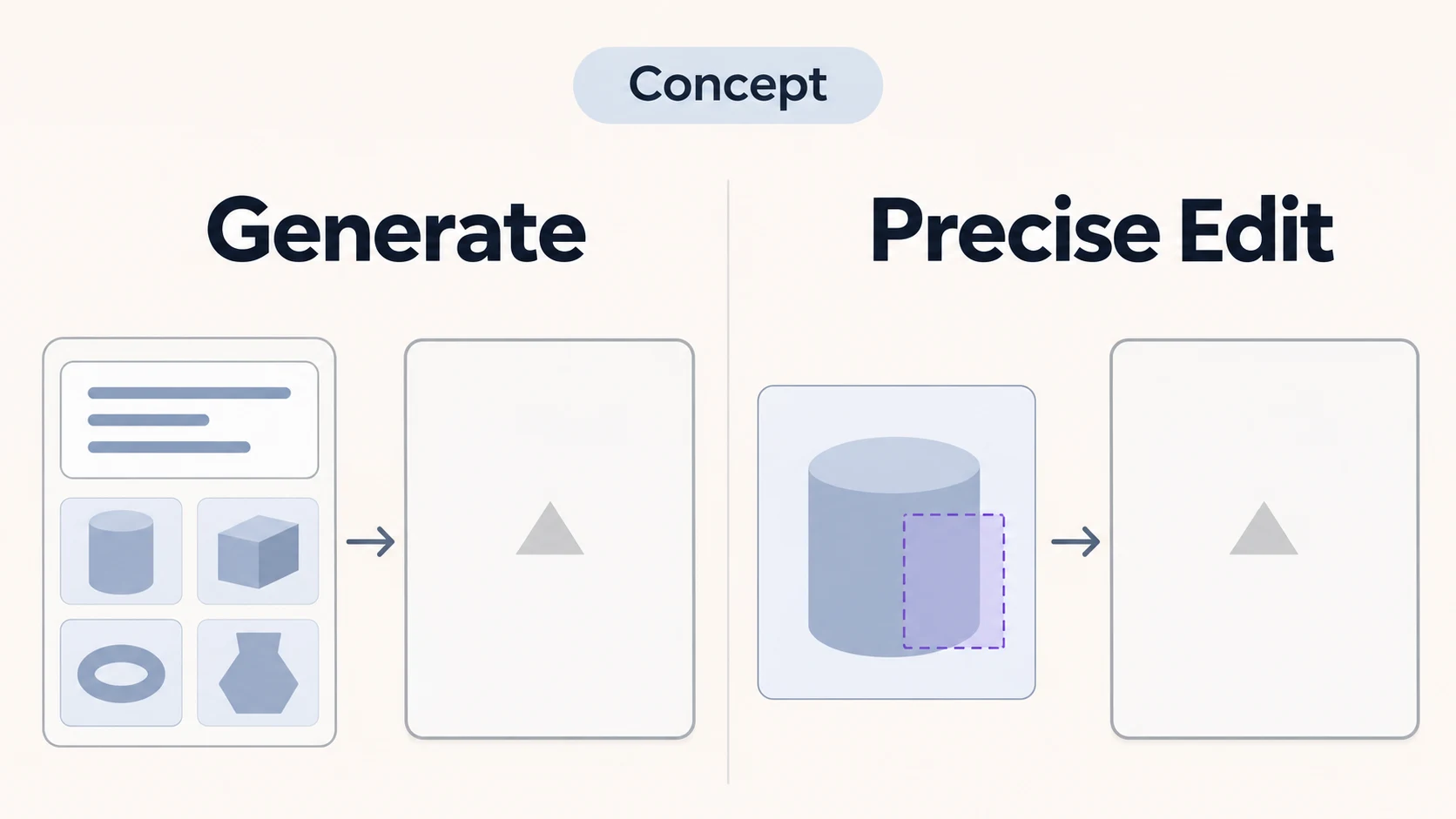
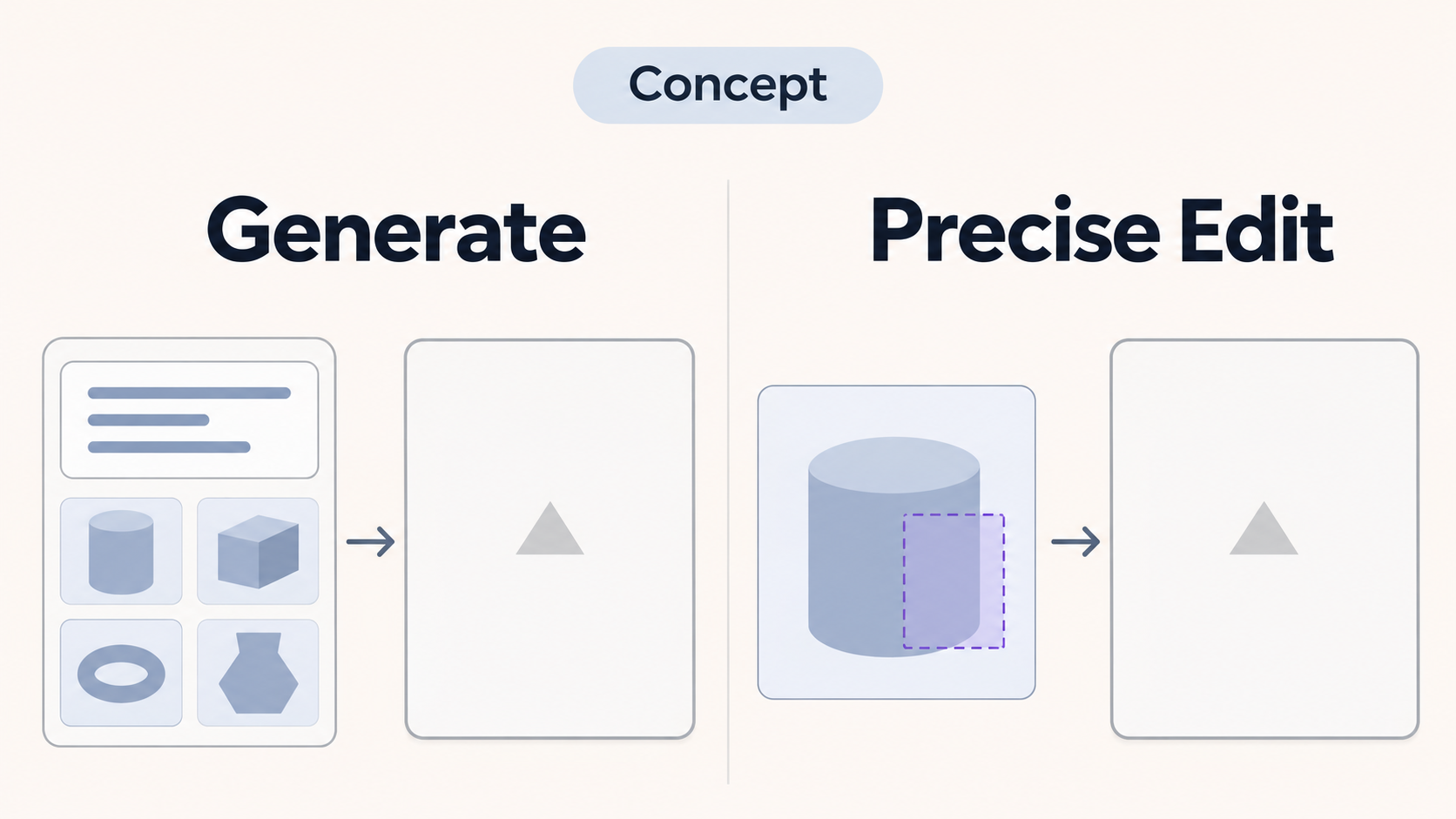
Ideogram 4.6 is about more than making a new image. Its focus is continuing to change an image you already have. According to the official model page, it was released on November 19, 2026, offers Generate and Precise Edit API endpoints, and supports output up to 4K.
For creators working with product images, portraits or brand assets, the useful starting question is more specific: does this request need visual references, or a defined area to edit? The answer affects both endpoint selection and billing.
This article is based on the supplied, readable official model page. The specified developer documentation has not been cross-checked, and this is not a hands-on test or an independent performance evaluation.
Generate also edits; Precise Edit adds an optional mask
Generate handles both prompt-based creation and requests with reference images. The model page says it accepts up to five attached images. When images are supplied, it edits the first image using the request and references. That limit does not mean five output images, nor does it establish the same attachment limit for Precise Edit.
Precise Edit is for a focused change to an existing image, with an optional mask. A mask defines the area to change. Without one, you can still describe the change in text. References and masks serve different purposes: one supplies visual guidance; the other defines a spatial region. Using a mask is not a reason to skip checking surrounding details.
The model page lists these paths:
- Generate:
POST /v2/image/generate/ideogram-4-6 - Precise Edit:
POST /v2/image/precise-edit/ideogram-4-6
These paths come from the model page’s API section. Request fields, file requirements and error handling still need checking against developer documentation before implementation.
Up to 4K does not mean every edit enlarges its source
The four quality modes are Very low, Low, Medium and High. Very low supports up to 2K. The page describes the 4K billing tier as covering outputs up to 4096 × 4096 pixels, with anything at 2K or below billed at the 2K rate.
The same page also says Precise Edit preserves the source image’s dimensions. Do not interpret model-level 4K support as a promise that Precise Edit will upscale a small source to 4K. If delivery dimensions are fixed, check the source size, endpoint and available parameters first.
Budget for the task, not just the endpoint name
The table below reorganizes the model page’s published USD prices per image by task. These have not been separately verified against developer documentation and are not app-credit prices.
| Task and output tier | Very low | Low | Medium | High |
|---|---|---|---|---|
| Generate, no references, 2K or below | $0.008 | $0.03 | $0.06 | $0.10 |
| Generate, no references, 4K | Not supported | $0.06 | $0.12 | $0.20 |
| Editing, 2K or below | $0.008 | $0.03 | $0.06 | $0.22 |
| Editing, 4K | Not supported | $0.06 | $0.20 | $0.60 |
“Editing” includes both Precise Edit and Generate with reference images. A request can use Generate and still belong in the editing price category.
For example, suppose three consecutive requests each qualify for the 4K High editing tier and each produces one billable image. At the listed rate, the image charges would be 3 × $0.60 = $1.80. This is a conditional calculation, not an observed bill. Retries or additional output images increase the number of billable images. In the app, check the credit quote on the Generate button instead of treating an API dollar amount as a credit amount.
If you specifically need image processing inside an application or business system, you can separately consult the InkRoom image API integration page. It is an independent integration resource—not confirmation of Ideogram 4.6 availability, compatible parameters or matching prices.
For brand-color edits, specify what must stay unchanged
The following is a suggested evaluation method, not a workflow tested for this article.
Start with a saved original and the required brand color value. In the first request, change only the product’s color and name the elements to preserve, such as the logo, packaging text, shape and background. Use a Precise Edit mask when the region needs to be explicitly defined; consider Generate’s reference-image route when the request depends on other visual material.
Before feeding the result into another edit, check two separate things: did the intended color change work, and did anything outside that change move or degrade? On a reflective, shaded or textured object, expecting every surface pixel to equal one hex value is not a useful acceptance rule. Brand-critical color still needs an appropriate color-verification process.
Only then use the accepted result as the next source, with material or background changes handled separately. If a round damages lettering or changes the silhouette, return to the last acceptable version rather than building on the damaged output. Saving each prompt, source, quality setting and result makes the origin of a problem easier to trace.
If you already have an image and want a separate general-purpose tool option, visit the InkRoom editing entry point and check whether the current page and account configuration suit your task. This does not imply that InkRoom offers Ideogram 4.6, its reference-image support, masks or 4K output.
Read the benchmark as a scoped claim, not your success rate
The official page reproduces a Rapidata Multi-step Image Edit leaderboard snapshot dated November 17, 2026. It lists Ideogram 4.6 first at 1,892 ±32, evaluated using Precise Edit at High quality. This is the vendor page’s account of a particular evaluation and configuration. The underlying leaderboard has not been independently checked here, and the result should not be extended to every endpoint, quality mode or editing task.
The page also reports 83% for 4.6 versus 46% for 4.5 on its “Exact color” task. Those are task-specific figures presented by the vendor—not an 83% probability of success on your brand assets or a guarantee of pixel-exact color. They are also separate from the leaderboard score. Source and evaluation context
If you already use 4.5, compare the models on the same source image and requested change. Record unintended changes as well as the number of requests needed for an acceptable output. That gives you a workflow-specific basis for migration rather than a decision based on leaderboard position alone.
Related articles and cases
- AI Image Generation Energy Consumption: What Counts as One Image?
A useful energy comparison starts with a shared measurement boundary and a clear definition of the output. Separate training from inference, GPU readings from facility energy, and generation cost from electricity use before comparing models.
- Seedream 5.5 announced: 100-edit demo, native RGBA and the future Pro version
ByteDance Seed’s November 9, 2026 announcement describes more stable editing, native transparency and improved text rendering. Here is what the company reports, what its evaluations do not establish, and why access and API availability remain unverified in the supplied material.
- AI Image Generation API Comparison: Versions, Billing, and Reproducible Evaluation
A request, an output, and an accepted deliverable are different units. Use a traceable configuration and billing record to compare image APIs without confusing advertised prices with delivery costs.
- Canva Craft AI Image Model: Reported Launch, Capabilities and API Status
Third-party reporting dates Canva Craft’s launch to October 22, 2026, and describes composition planning, up to 2K output, Dream Lab access and a preview API. Here is what that report says—and which access conditions still need official verification.