AI Image Generation Privacy: Check Uploads, Retention, Training and Deletion Separately
Review input photos, generated images, prompts and metadata as separate data objects. Use human approval points for portraits and client product images, and leave unsupported provider policies marked as unknown.
·
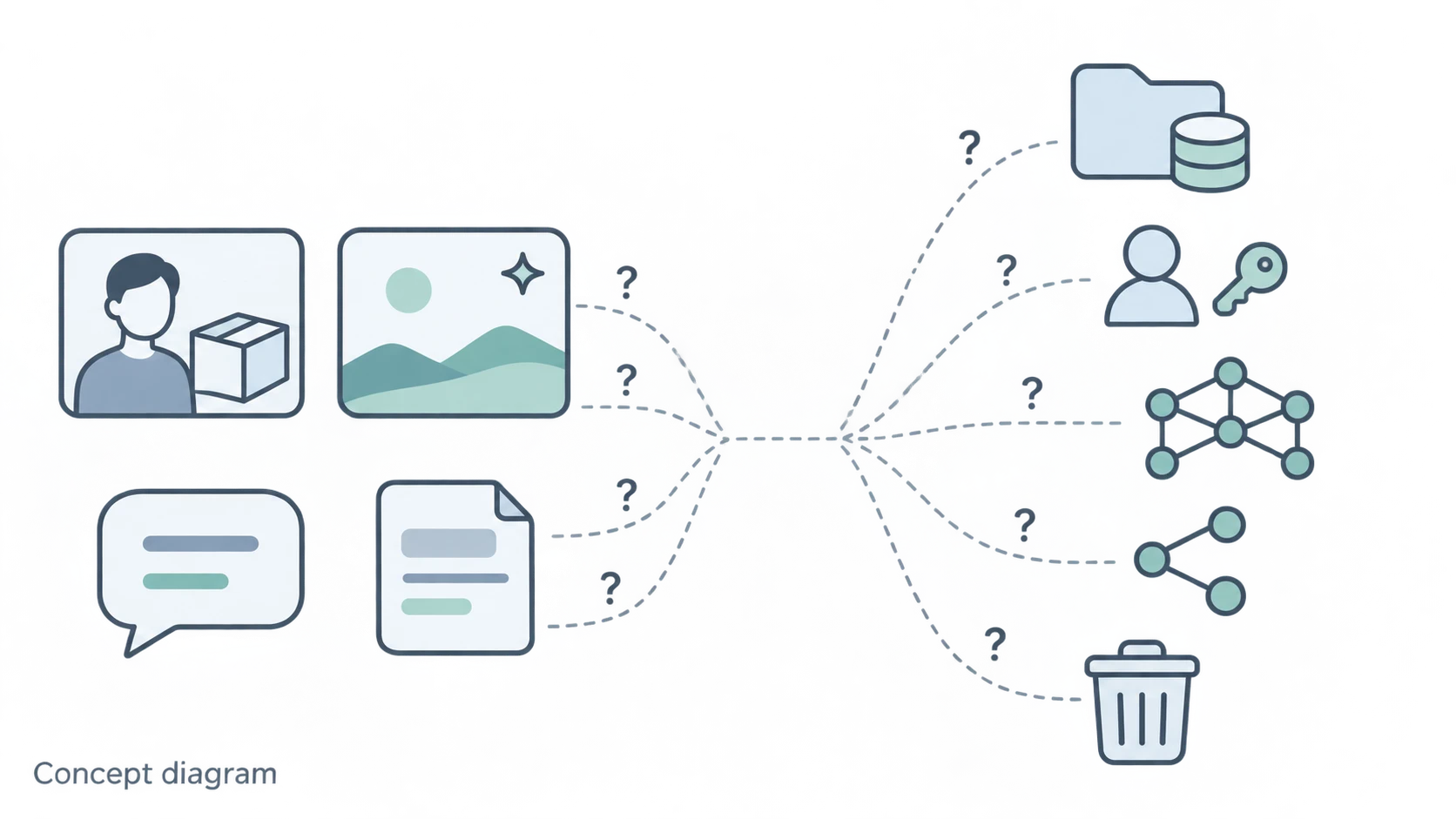
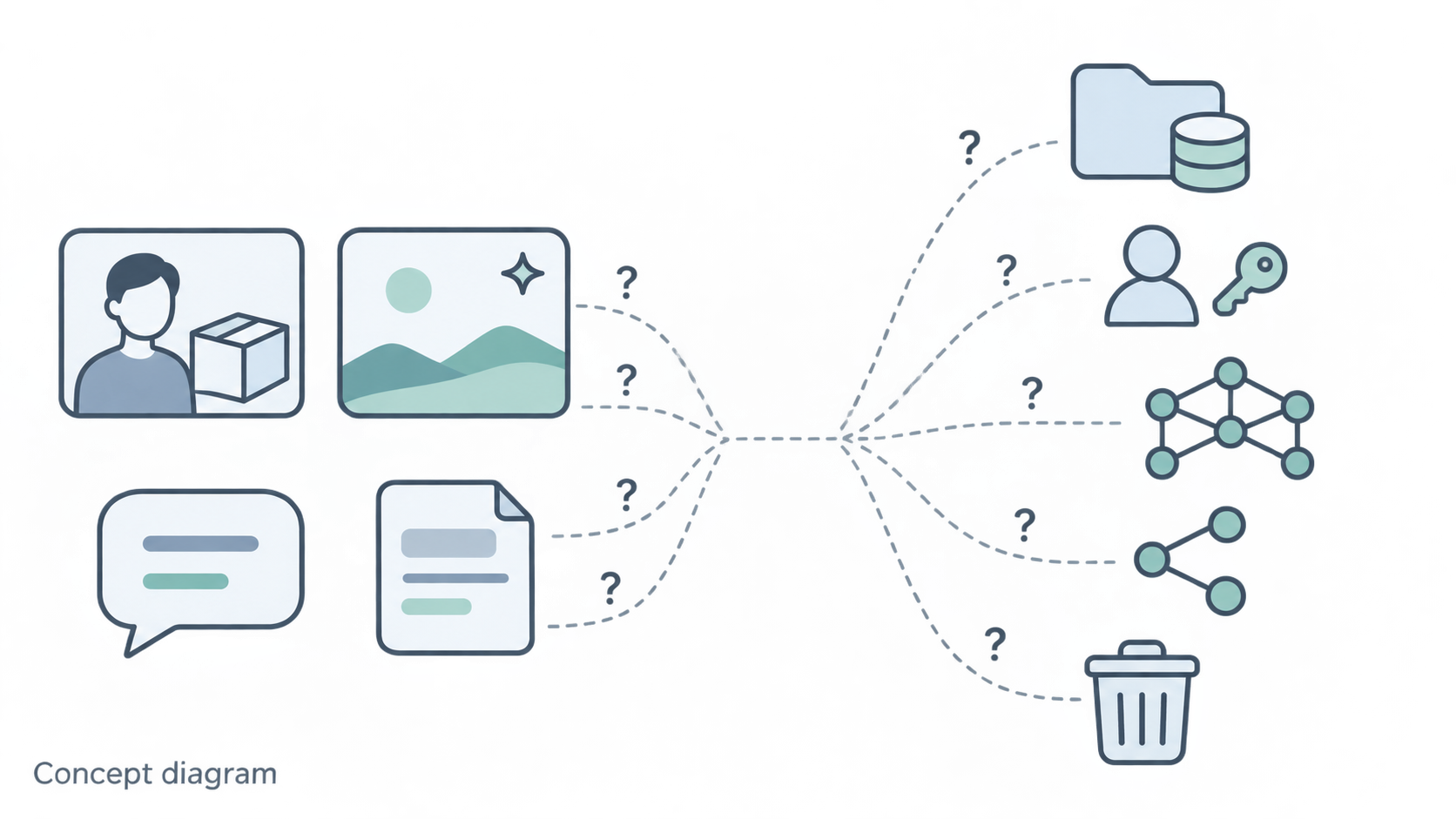
Whether you can upload a portrait to an AI image generator is not answered by a single “not used for training” statement. You still need to establish how long files are kept, who can access them, whether outputs are shared, and what deletion actually covers.
encorp.ai’s discussion of image-generator privacy raises the question of what happens after an image is uploaded. That is a useful starting point, not a substitute for a provider’s current official terms. This article offers a review method, not a privacy assessment of a particular tool. The available evidence does not establish any provider’s current retention, training, sharing or deletion rules; those details remain unknown.
Separate the task into four data objects
“Is this image safe to upload?” is too broad to capture everything submitted or created during a task. Use the following table to frame questions for official documentation. These are questions to investigate, not claims about how a platform operates.
| Data object | What to inspect before submission | What official terms need to establish |
|---|---|---|
| Input photos | People, client information, identifying backgrounds and unreleased products | Whether originals are retained, for how long, who can access them, training use and deletion options |
| Generated images | Remaining identity clues or confidential client information | Default visibility, shared workspaces, and any separate retention or deletion rules |
| Prompts | Names, project codes, contact details and confidential instructions | Separate logging, training use, and whether deleting a task also deletes its prompt |
| Metadata | Location, capture time or device fields in the actual file | Whether those fields are received, retained or included in exports; whether task records separately contain account or request information |
Do not assume every photo contains location data, or that a tool removes it. Inspect the actual file. Removing file metadata also does not remove an address, badge or shipping label visible in the image; the picture needs its own review.
Match each policy statement to the account you will use
A useful record identifies the product, account type, web or API access, applicable agreement, and the person who checked the official text. Record the verification date separately from the policy’s stated update date. Fetching a page does not establish when its policy changed.
If you find a “not used for training” statement, check whether it covers images, prompts and outputs, whether it depends on an account setting, and whether it applies to your access method. Do not translate it into “nothing is stored” or “deletion immediately removes every copy.” Training use, retention, sharing and deletion scope require separate answers.
For each answer, keep the official URL, scope, a short supporting excerpt, the policy date, the actual verification date, an owner and a status. If the text does not answer the question, write “unknown—provider confirmation needed,” not “no risk found.” No current official policy text is available in the supplied evidence, so this article does not invent completed records or a same-day verification date.
If a help page and a contract appear to conflict, establish which applies to your account before uploading. When an unresolved question is essential to the task, the recommended action is to pause submission of real material. If you only need to explore composition, consider substitute material without real people, client data or confidential details.
Portraits and client product images need different approvals
For a portrait, ask the responsible person to confirm whether the subject understands the proposed use, whether the team has authorization covering that use and processing by an external tool, and who may receive or publish the result. Having a photo is not evidence of permission to send it to an outside service. This is a recommendation for internal approval, not a legal determination for any jurisdiction.
Then review whether the image and prompt actually need a real name, workplace, badge or other identity clues. A lighting or composition task may not require them. Reducing unnecessary information is a precaution, not proof that every privacy requirement has been met.
For client product images, the sensitive material may be unreleased packaging, sample identifiers, order labels or confidential project names. Permission to edit an image should not be treated as permission to submit it to any third-party tool. Ask the project owner to approve the tool, permitted material, output use and responsibility for deletion.
For both scenarios, distinguish internal permission to upload from the provider’s processing practices. Neither establishes the other, and a provider setting does not replace client authorization.
Map the copies before requesting deletion
For an API or automated workflow, investigate your own servers, intermediaries, logs and output storage. For a browser workflow, investigate downloads, sharing links and team workspaces. These are possible review points, not a description of any particular system.
Record what each location holds, who controls it, how deletion can be requested, and whether the request covers inputs, outputs and associated records. A provider-side deletion action is not evidence that local downloads or team copies were also removed. Turning off public sharing is not the same as deleting the source file.
The useful handoff is not “this tool is safe.” It is a task-specific record with a defined scope, traceable evidence and an accountable owner. If a critical answer remains unknown, keep that status visible rather than turning missing evidence into a privacy assurance.
Related articles and cases
- AI Images for Presentations: From Slide Argument to Readable Visual
Write image briefs for concept illustrations, imagined scenes, and backgrounds. Keep generated visuals separate from evidence, then check cropping, projection readability, and source notes.
- AI Image Text Translation: From OCR to a Publishable Layout
Translating an image takes more than replacing words. Separate OCR, translation, background work, and typesetting, then check a promotional graphic for errors in names, prices, dates, and fonts.
- AI Color Palette Generator: Extract Colors for a Consistent Image Series
Turn colors from an AI image into a working palette: record HEX/RGB values, assign roles, check actual contrast pairs, and reuse the palette in edits or new images without treating one picture as a brand standard.
- AI Brand Mascot Generator: From Character Brief to Channel Assets
Define what must stay recognizable before expanding a mascot into expressions, poses, and layouts. Use a front-view reference and actual placement checks to turn a promising image into a manageable set of brand assets.