AI Virtual Staging: Preserve the Room and Review the Changes
Plan furnishings from a room photograph, check fixed structure and circulation, and deliver the original alongside clearly described virtual changes.
·
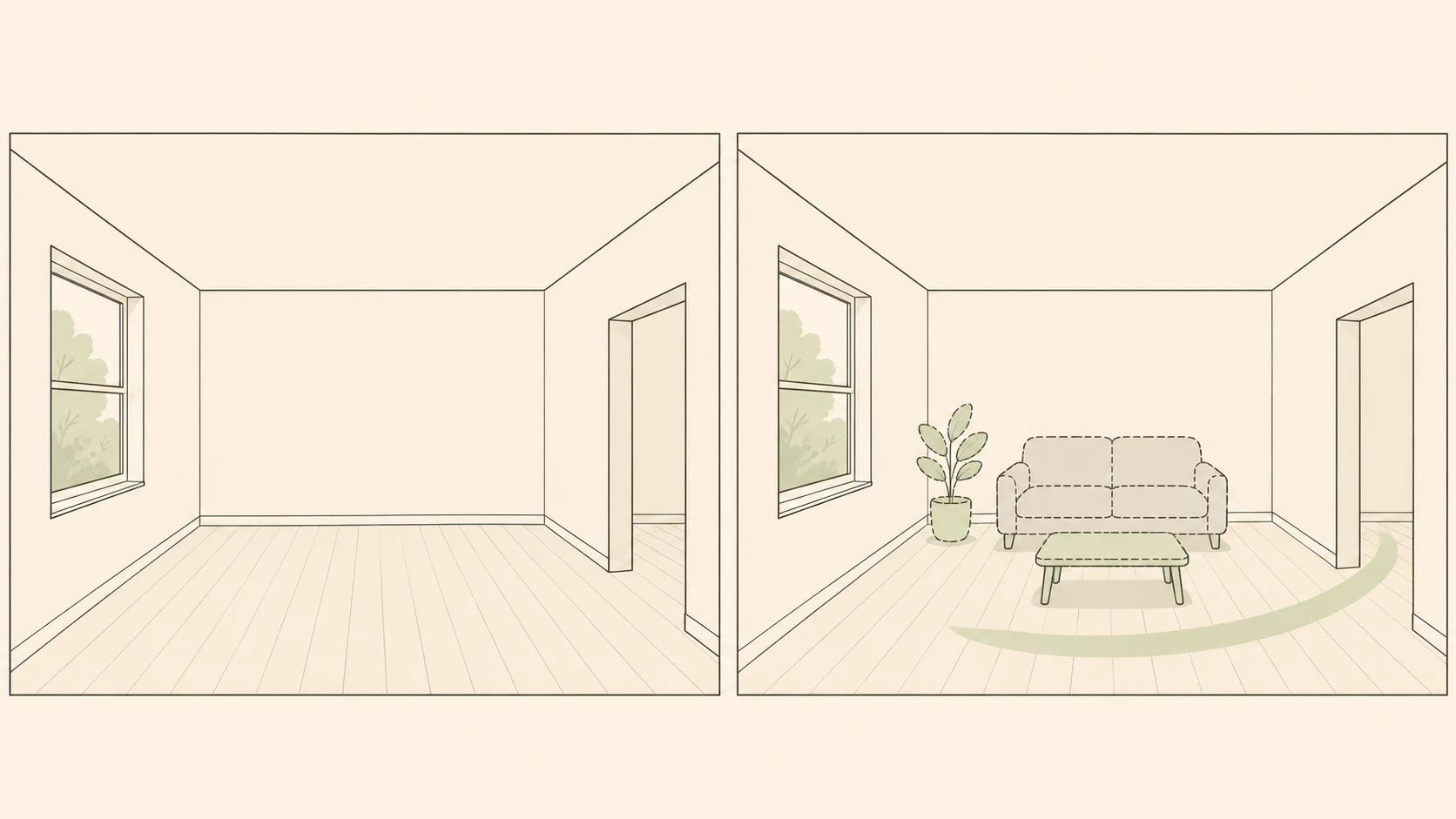
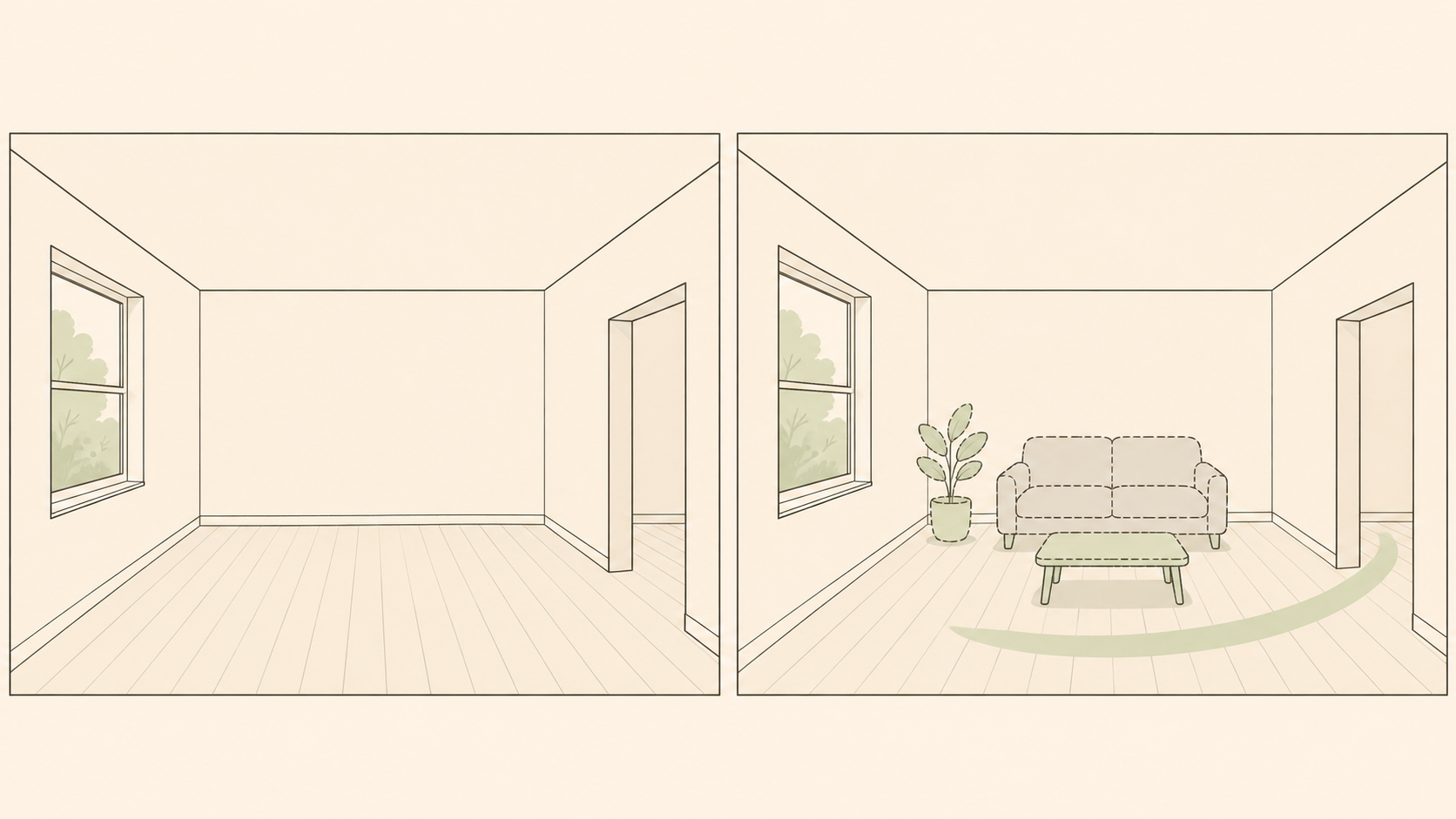
AI virtual staging can help viewers understand how an empty room might be furnished and used. Reliable delivery connects the proposed furnishings to the room that was actually photographed, so a viewer can inspect the changes rather than receiving only an attractive interior image.
Sources were reviewed on 29 November 2026. MyArchitectAI’s virtual-staging overview describes adding or changing furniture, decoration and lighting in interior photographs. This article uses that task definition and offers an unexecuted review method. It does not reproduce the source’s vendor rankings, prices, turnaround claims or business-outcome claims.
Record the fixed room conditions first
Start with a clear photograph without excessive wide-angle distortion and retain the untouched file. Note the viewpoint, main doors and windows, built-in cabinets, steps, columns, radiators and visible defects. Include the actual locations of mirrors and passageways. Without measurements, do not infer a precise floor area from a perspective photograph.
Handle unnecessary people, addresses, keys, documents and personal photographs appropriately after confirming permission to use the material. Do not remove a structural feature or an issue requiring disclosure simply because the image would look tidier. Furnishing proposals can vary; property facts need separate verification.
Write a brief that can be checked
An unexecuted living-room example:
> Preserve the left window, right door, wall corners, floor and baseboards in their original positions. Add a small light-gray sofa, a low coffee table and a potted plant. Keep a usable route from the door toward the window. Do not add a fireplace, floor-to-ceiling window, balcony or new built-in cabinetry. Keep the light direction consistent with the original.
A small furnishing set is easier to inspect than a room filled with accessories. To compare styles, hold the room conditions and intended use constant and change only a named furnishing direction. The brief is a requirement, not a guarantee that the tool preserves every feature; return to the original during review.
Compare the proposal beside the photograph
| Check | What to compare | Reasons to return for revision |
|---|---|---|
| Fixed structure | Doors, windows, corners, stairs and fixtures | Real structure added, moved or removed |
| Furniture and circulation | Scale, floor contact and door clearance | Blocked access, floating legs or implausible routes |
| Occlusion | Areas hidden behind furniture | A defect or important fixture becomes concealed |
| Lighting and reflections | Light direction, reflections and contact shadows | Mirrors invent space or objects |
| Traceability | Original, versions and change list | Only a final image remains with no explanation |
Review the overall layout at a small size, then enlarge window frames, furniture edges and reflections. For multiple views, check whether architecture and furnishing placement can correspond across images. Approval of one view does not establish multi-view consistency.
Explain what was generated
Retain the original photograph and list added furniture, decoration and other changes in the handoff. Check the actual listing platform, client requirements and applicable local rules for permitted alterations, visible labels and presentation of the original. A tool’s compliance marketing is not permission for every publication channel.
A practical delivery package contains the original, approved staged version, change description, intended placement and unresolved questions. If it is a visual concept, identify it as virtual furnishing so viewers do not assume that the furniture is included or that an imagined renovation already exists.
The final review asks whether room information remains checkable and whether the proposal helps someone understand its use. Keep matters requiring measurements, an on-site check or platform guidance unresolved until confirmed. A generated image does not replace a survey, inspection or an accurate property record.
Related articles and cases
- AI Product Photography API: Routes, Batches and Reconciliation
Separate standard model requests, optional asynchronous batches and MCP, then reconcile product items, usable outputs and actual settlements.
- Creating an AI Album Cover: From Musical Brief to Delivery File
Turn the music’s mood and artist identity into a cover brief, inspect typography and thumbnails, and prepare a delivery file against the intended platform’s requirements.
- GPT-Image-2.6 Flare and Sunburst: Choose by Task, Not Release Claims
Use official release and model documentation to distinguish Flare and Sunburst, then compare revision effort, requested settings, output constraints and actual bills.
- Choosing an AI Image Generator in 2026: Start with the Workflow
Compare conversational creation, design delivery, API production and self-hosting separately, then assess current versions, billing units and the work needed to finish an asset.