AI Product Photography API: Routes, Batches and Reconciliation
Separate standard model requests, optional asynchronous batches and MCP, then reconcile product items, usable outputs and actual settlements.
·
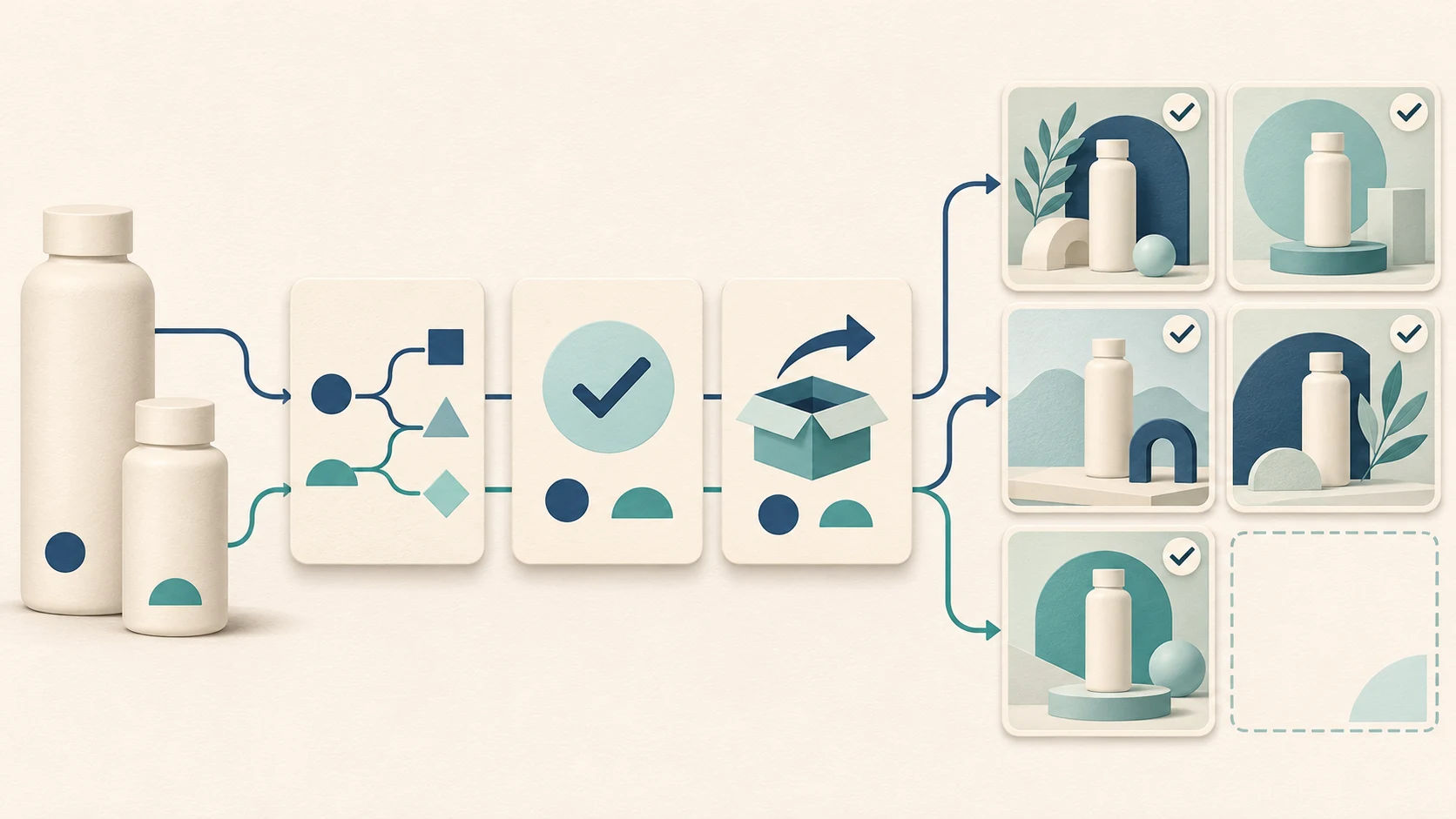
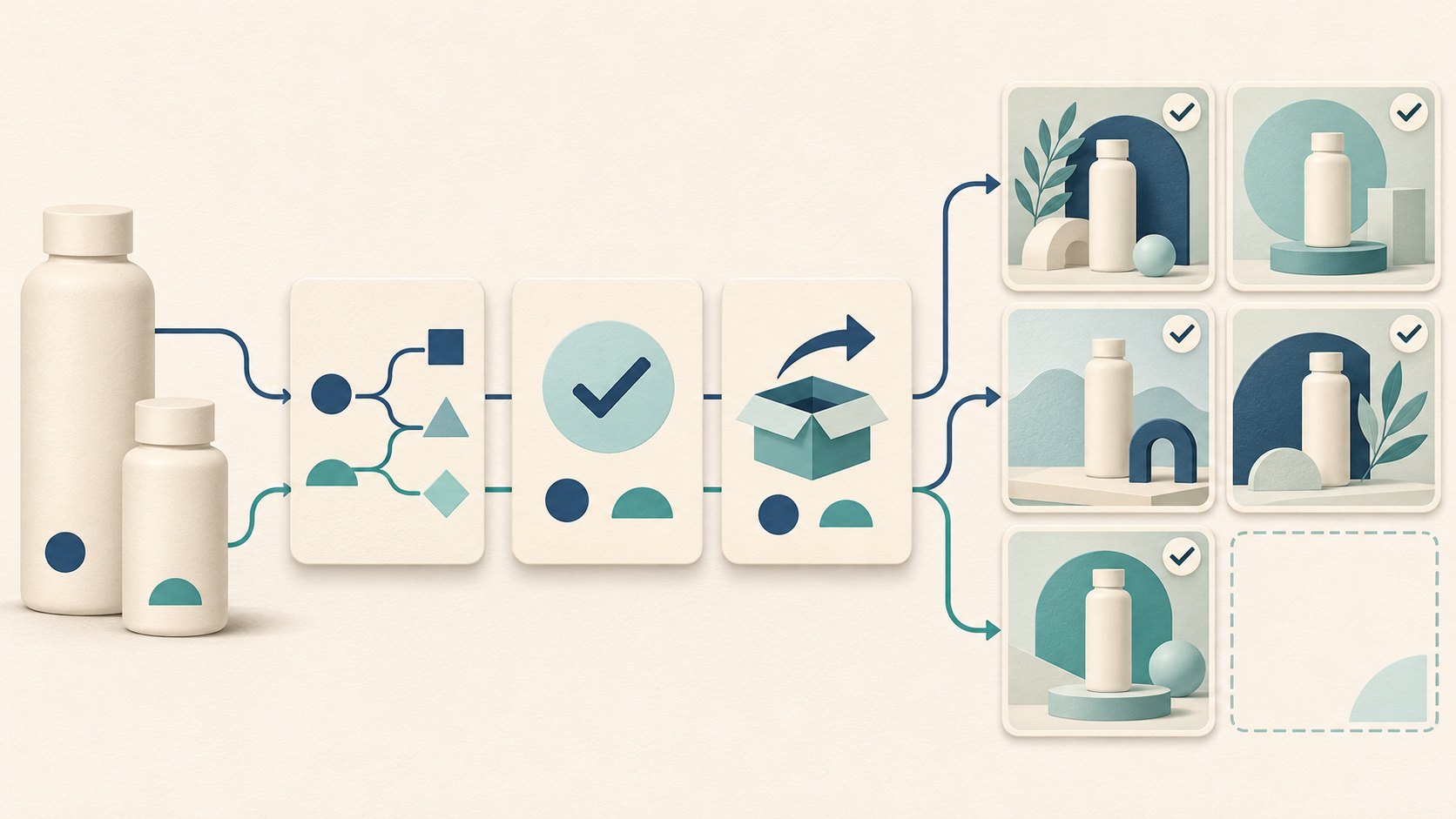
Integrating AI product imagery into a business system means separating product requirements, the calling protocol and result reconciliation. An endpoint returning an image does not establish an accurate product appearance or a fully delivered batch. First decide whether you need a new marketing concept or an edit based on a real product reference.
InkRoom’s public documentation was checked on 29 November 2026. This is an integration plan with unexecuted examples, not a live quote, generation test or billing acceptance. Account permissions, specifications and charges follow the actual configuration and receipts.
Choose the interface explicitly
| Route | Credential and protocol | Result handling |
|---|---|---|
| Standard model interface | API Key; the relevant /v1 or /v1beta protocol | Interpret its response without inventing batch polling |
| Optional asynchronous batch | API Key; /api/async/image-batches extension | Preview and confirm, then query the batch ID |
| MCP tools | A separate MCP Token; discovered tool schemas | Follow that tool’s receipt rather than copying REST requests |
Standard /v1/images/generations requests do not require a quoteId first. The asynchronous extension is an explicit choice. For edits, check model support and reference formats for /v1/images/edits. Do not interchange MCP Tokens and API Keys or mix background-batch receipts with interactive image-tool receipts.
Keep your own product-to-item mapping
Suppose two fictional, unbranded storage bottles need different backgrounds. Store the product identifier, reference version, permitted background changes and fixed bottle shape and color in your system, then map those requirements to submitted items. Do not assume the service accepts an arbitrary SKU field; the caller can retain the mapping between its identifiers and item positions.
Text-only generation can explore concepts but cannot guarantee reconstruction of a real product. When appearance must be preserved, use authorized references with an actually supported editing or batch-reference workflow. Inspect the opening, label, accessories and package count. Do not invent certifications, benefits or promotional prices.
For asynchronous work: preview, confirm, query
The asynchronous batch reference starts with GET /api/async/image-batches/options to check availability, models and limits. Submit requirements to POST /api/async/image-batches/preview; previewing is not task creation.
Retain the returned quoteId, expiresAt and estimatedChargeMillis. After accepting the quoted scope and cost, create through POST /api/async/image-batches with that quote, a stable requestId for the same logical submission, and confirmed: true. An expired quote requires another preview, not a patched request that reuses it.
After receiving the job ID, query GET /api/async/image-batches/{id} for actual state. Zero values in documentation examples are field illustrations, not a promise of free generation. Construct endpoint URLs from the documented API origin rather than confusing the website address with the API base.
Reconcile usable assets and money separately
HTTP 200 may only mean the request was handled normally. Track accepted, successful, failed, cancelled and unfinished items separately, and check archive readiness before downloading. For an interrupted or uncertain result, reconcile the original job and submission before creating another paid task.
Human review must still examine appearance, scene plausibility, text, composition and a decodable file. Record technical success separately from business usability. Reconcile actual settlements rather than inferring refunds from a success rate or treating the estimate as the final charge. That makes it possible to locate a problem in request handling, delivery or image quality without hiding the differences behind a single success flag.
Related articles and cases
- AI Virtual Staging: Preserve the Room and Review the Changes
Plan furnishings from a room photograph, check fixed structure and circulation, and deliver the original alongside clearly described virtual changes.
- Creating an AI Album Cover: From Musical Brief to Delivery File
Turn the music’s mood and artist identity into a cover brief, inspect typography and thumbnails, and prepare a delivery file against the intended platform’s requirements.
- GPT-Image-2.6 Flare and Sunburst: Choose by Task, Not Release Claims
Use official release and model documentation to distinguish Flare and Sunburst, then compare revision effort, requested settings, output constraints and actual bills.
- Choosing an AI Image Generator in 2026: Start with the Workflow
Compare conversational creation, design delivery, API production and self-hosting separately, then assess current versions, billing units and the work needed to finish an asset.