AI Image Generation for Automotive Marketing: Vehicle Accuracy Before Approval
Separate concept campaigns from actual inventory photography, then review vehicle identity, paint, trim, reflections, plates, and permissions against a traceable source.
·
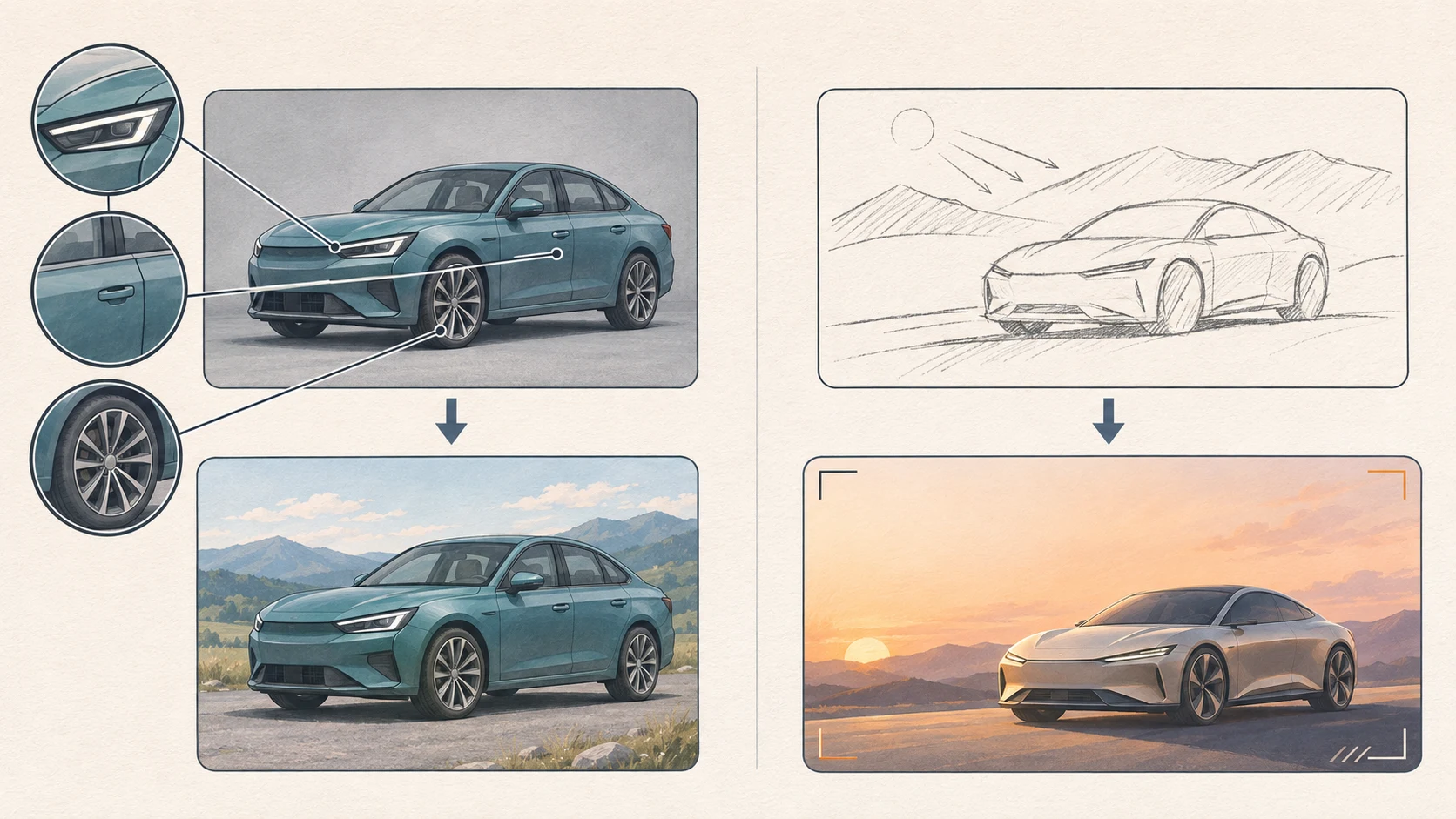
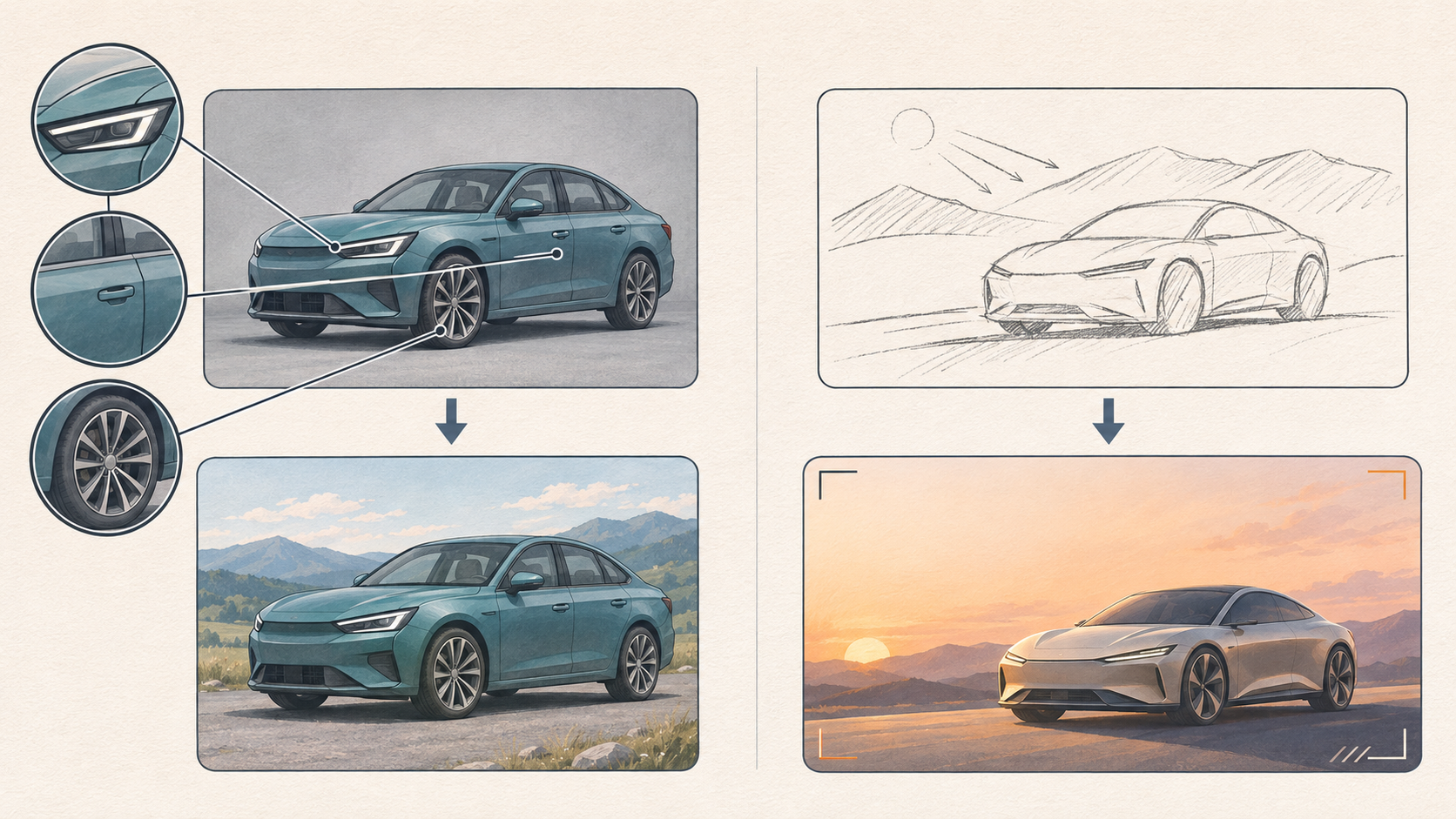
A car can look convincing in a beautiful showroom and still be wrong for the advertisement. The important question is what the image is supposed to represent: a creative idea, or the condition and specification of a particular vehicle for sale?
AI image generation for automotive marketing can help explore campaign settings and compositions. It should not replace original photographs and confirmed vehicle records when shoppers need evidence about an actual car. The approach below is a proposed production method, not a tested customer case.
What is the image claiming?
Car Photo Booth’s automotive imaging article discusses background replacement, tool selection, and marketing uses. Those topics help explain the search intent. Its cost, conversion, and licensing claims are not independently established by the evidence available here.
Choose the production route by the relationship between the picture and the vehicle facts—not simply by how realistic the output looks.
| Intended use | Evidence to start with | Creative scope | What must not be misrepresented |
|---|---|---|---|
| A specific inventory vehicle | Original photos and confirmed records for that vehicle | Background or layout changes that do not conceal condition | Damage, wear, paint, wheels, and installed equipment |
| A concept ad for a named model | Authorized references and confirmed specifications | Setting, mood, composition, and copy space | Model year, trim, unavailable features, or unapproved brand associations |
| An unbranded creative study | Creative brief and permitted source material | Vehicle design and scene exploration | A fictional design presented as a real product for sale |
Calling something a concept does not fix a mismatch with the model being advertised. A named-model campaign still needs an accurate vehicle.
Inventory photos: change the setting, not the condition
Preserve the originals before editing. Define which areas may change and which vehicle details require protection: bodywork, glass, wheels, visible interior, and existing damage. Removing a distracting background should not become an opportunity to erase scratches or invent better equipment.
Teams working from existing photographs can visit InkRoom’s image-editing entry and confirm whether the current interface offers the operation they need. An editing entry point is not a guarantee of automatic vehicle-detail preservation or advertising compliance.
Compare the result with the original at detail level, not just as a thumbnail. Examine window and mirror edges, tire contact with the ground, and reflections across paint and glass. If new lighting makes a dent or scratch disappear, return the image for correction. When the actual condition cannot be verified, use the original photograph or reshoot.
Concept campaigns: establish the facts before describing the atmosphere
Give references separate jobs. Model documentation establishes identity; authorized photographs explain appearance; scene references communicate mood. Treating them all as a single style reference makes factual requirements easier to miss.
Write the brief in two parts: confirmed vehicle facts, followed by creative choices such as setting, lighting, viewpoint, and copy space. Mark an unknown trim or paint specification as unresolved rather than asking generation to fill it in.
For example, this is an illustrative brief for a fictional vehicle, not a real listing:
> Create an advertising concept sketch of a fictional electric crossover in a city plaza after rain. Stationary vehicle, soft side lighting, space for copy on the right. No brand marks, promotional text, or identifiable license plate. For composition discussion only, not inventory photography.
Once the brief is settled, InkRoom’s image-generation entry allows you to enter a prompt and choose a configured model. Availability, parameters, and fees depend on the current interface and account configuration. Prompt restrictions are instructions, not accuracy guarantees. If the campaign later names a real model, review the vehicle against authorized references before approval.
Review the vehicle, not just the composition
Separate visual appeal from factual approval. A polished image can still have the wrong wheels, an invented badge, or no permission for the intended use.
| Review area | Compare against | Reasons to return the image |
|---|---|---|
| Model, year, and badges | Confirmed model documentation and authorized references | Mixed model-year lights or grille, distorted or misspelled badge |
| Paint and materials | Confirmed paint information and multiple original photos | Scene tint mistaken for a different paint color; matte finish becoming gloss. A screen impression is not a paint-code check |
| Equipment | Records for the advertised vehicle | Added wheel design, roof feature, exhaust, or interior equipment |
| Reflections and grounding | Originals and the scene’s light sources | Duplicate bodywork in glass, inconsistent reflections, floating tires |
| Plates and text | Privacy plan and approved advertising copy | Exposed information, an invented plausible plate, unsupported certification or offer |
| Brand and asset permissions | Permission records and permitted scope | Viewable references mistaken for commercial permission, implied unapproved partnership |
Keep an unaltered original under appropriate access controls when handling plates. Confirm the applicable requirements and privacy treatment for the public version; do not invent a realistic replacement number. Badge accuracy and permission to use the badge are separate questions.
Keep a record that explains the final image
Retain source files or reference URLs, the vehicle-record version, prompts, the model and parameters actually used, candidates, revision notes, reviewer, and final export. Mark missing production information as unknown rather than reconstructing it from memory. Link inventory assets to an internal vehicle identifier without unnecessarily publishing that identifier.
A useful revision note might read: “Version 02: background and right-side copy space changed; bodywork changes not approved; wheels checked against original; paint review pending.” This is a suggested record format, not evidence that production or review has occurred.
Image approval is also different from placement approval. Current official advertising-platform documentation was not supplied for this article. Placement dimensions, AI-disclosure requirements, and other platform-specific rules remain unverified. Identify the platform and placement, consult its current official documentation, and record the URL and check date before marking the asset ready to run.
Related articles and cases
- AI Image Color Grading: Correct a Cast or Create a Look?
Separate color correction from creative grading before you edit. Record the original, the reference and what must stay unchanged, then compare skin, whites, shadows and product colors without assuming AI can restore exact real-world color.
- AI Pet Portrait Generator: Change the Style, Not the Pet
Build a portrait around the markings, coat colors, and ear shapes that make your pet recognizable. Learn how to choose a reference, write a focused editing prompt, and check the likeness and final file.
- AI Image Generation Privacy: Check Uploads, Retention, Training and Deletion Separately
Review input photos, generated images, prompts and metadata as separate data objects. Use human approval points for portraits and client product images, and leave unsupported provider policies marked as unknown.
- AI Images for Presentations: From Slide Argument to Readable Visual
Write image briefs for concept illustrations, imagined scenes, and backgrounds. Keep generated visuals separate from evidence, then check cropping, projection readability, and source notes.