C2PA and AI Images: What Content Credentials Can—and Cannot—Tell You
Content Credentials concern provenance and editing history, not a blanket verdict on truth or permission to publish. Separate those questions from AI-image detection, and keep review notes tied to the specific files you receive and edit.
·
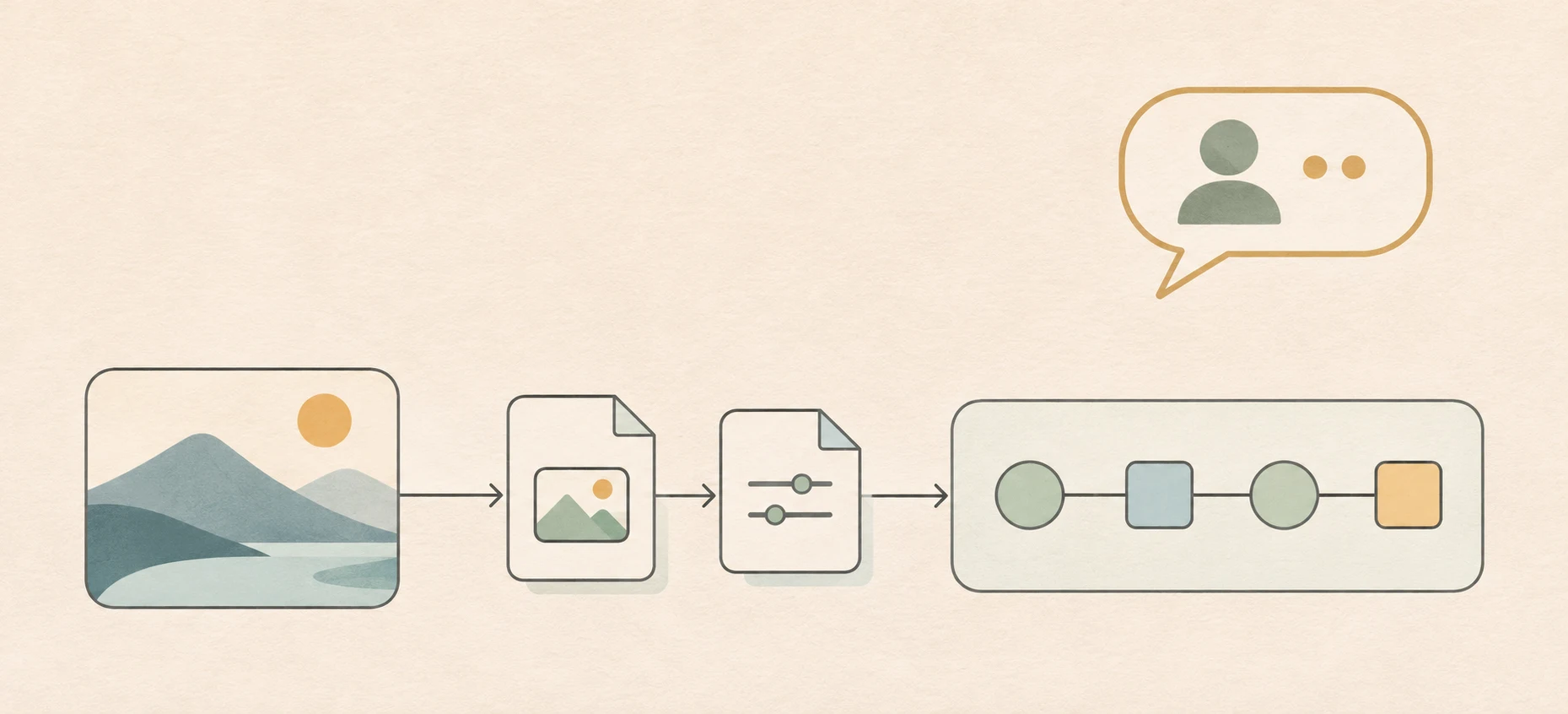
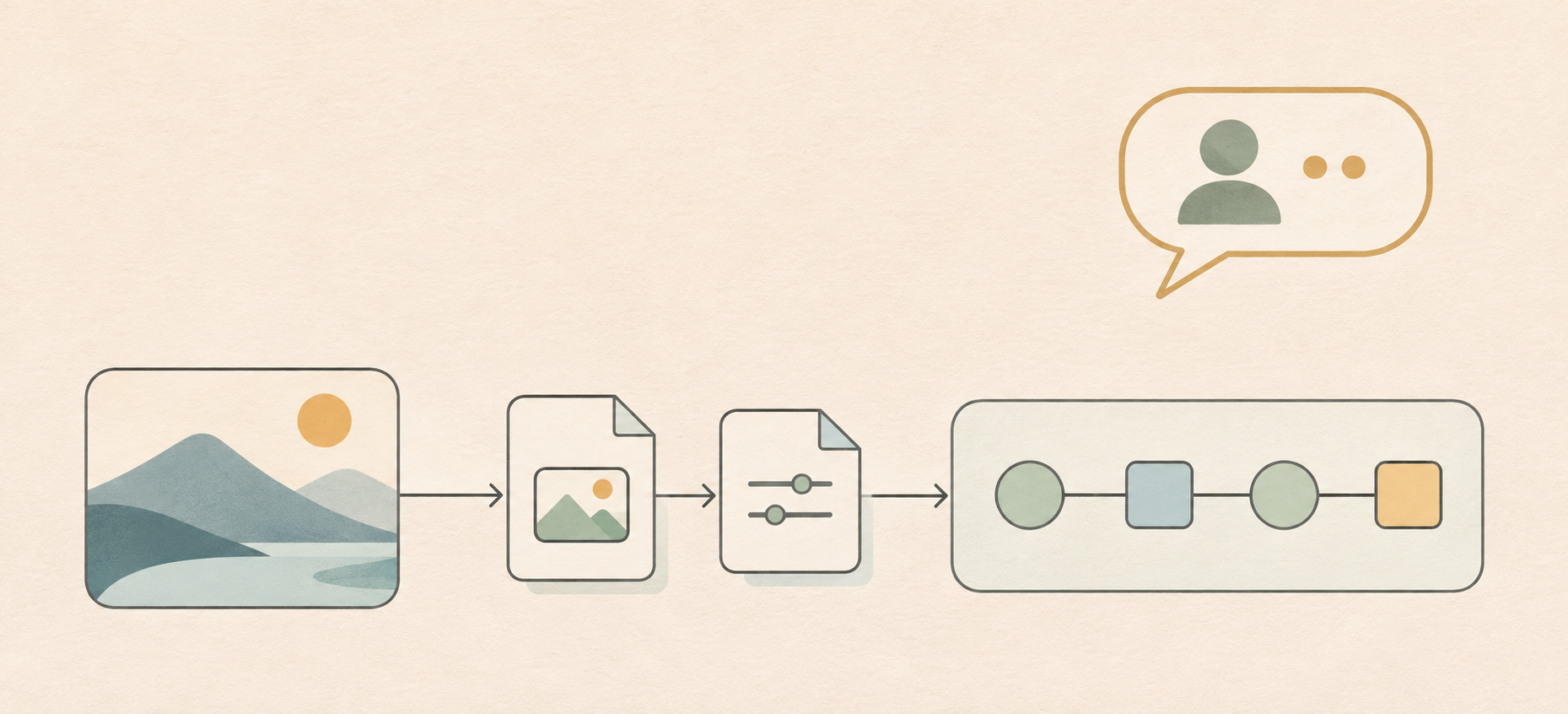
Where an image came from and whether it depicts a real event are different questions. Even when provenance information is available, a publisher still needs to check whether the image fits the event, caption, and intended use.
For C2PA and AI images, that distinction matters: Content Credentials can inform a provenance review, but they cannot, by themselves, settle factual accuracy, usage rights, or context.
What C2PA is concerned with
The C2PA introduction describes an open technical standard for publishers, creators, and consumers to establish the origin and edits of digital content. It calls the associated credentials Content Credentials.
The starting question is therefore not “Does this look AI-generated?” but “What provenance information accompanies this content?” In a review, separate the information you can read, what that information describes, and the conclusions you draw from it. A record mentioning an edit does not establish that you have the entire history of the image.
Likewise, seeing a credential indicator is not enough to write “signature verified.” Displayed information and a completed validation are different claims. Specific signature mechanisms and validation states need to be checked against official technical documentation and the documentation for the inspection tool in use. No file-level signature validation was performed for this article.
Provenance and AI-image detection ask different questions
The distinction is useful at the level of the review task: provenance concerns recorded origin and processing, while AI-image detection concerns whether an image may have been generated by AI. This is a comparison of questions, not a claim about any tool’s accuracy.
| Review question | Evidence to examine | What does not automatically follow |
|---|---|---|
| What origin or editing information accompanies this file? | Readable credentials and their explanations | The depicted event is real |
| Could this image be AI-generated? | Evidence concerning how it was made; any detector’s applicable conditions | A detection judgment establishes complete provenance |
| Can we publish it in this context? | Permissions, people and event context, caption, and intended use | Credentials provide a usage license |
Do not turn “provenance information found” into “proven not to be AI-generated.” Equally, “credentials not found” is not proof of fabrication. It describes the outcome of a particular inspection, not how the image was made.
Keep the review attached to a specific file
The following is an editorial recordkeeping method, not a tested demonstration or a claim about a particular product’s features.
Preserve the received file before making a working copy. Record the delivery channel, receipt time, and filename. If you receive a screenshot or a platform download, describe it that way rather than calling it a camera original. The original file you received is not necessarily the original file created by its author.
Record what you actually inspected. Before choosing an inspection tool, check its documentation for supported files and checks. Record the tool, inspection time, target file, and the information actually displayed. Do not collapse a blank display, an absent record, and an explicit validation failure into a single “fake” result. If you cannot interpret a status, leave the conclusion unresolved.
Link each edit’s input and output. For a crop, text overlay, screenshot, export, or format conversion, record the operation and resulting file. Do not assume that a processed file retains the same credential information as its input. Inspect each version when needed and document observed differences. This is a conservative review practice, not a claim that every screenshot or conversion handles metadata in the same way.
The aim is to let another reviewer identify which file a conclusion concerns and what remains unchecked—not to create an apparently complete history where none has been established.
Write a finding more precise than “real” or “fake”
A suggested record can look like this. Brackets are fields to fill in, not results from an inspection:
> Reviewed [filename], received through [channel]. Inspection with [tool and version] displayed [observed information or exact status text]. This review did not establish [outstanding provenance, event-context, or permission questions]. A subsequent [editing operation] produced [new filename]; that file’s credentials are [separately inspected / not yet inspected].
This wording separates observation from inference. When information is readable, record what it says. When you find none, keep the conclusion that narrow. Factual accuracy, permission to use the image, and a potentially misleading caption remain separate review questions.
Related articles and cases
- Is AI Generated Image Detection Reliable? Scores, False Positives, and Human Review
An AI image detection score is a review signal, not proof of origin. Learn what pixel classifiers measure, why false positives matter, and how to review compressed, cropped, or partly edited images.